Our picks are based on each maker's official specifications, read on 24 November 2026, and on what matters most for running AI models locally: how much memory you get, how fast that memory is, how much power the card needs and how well the software supports it.
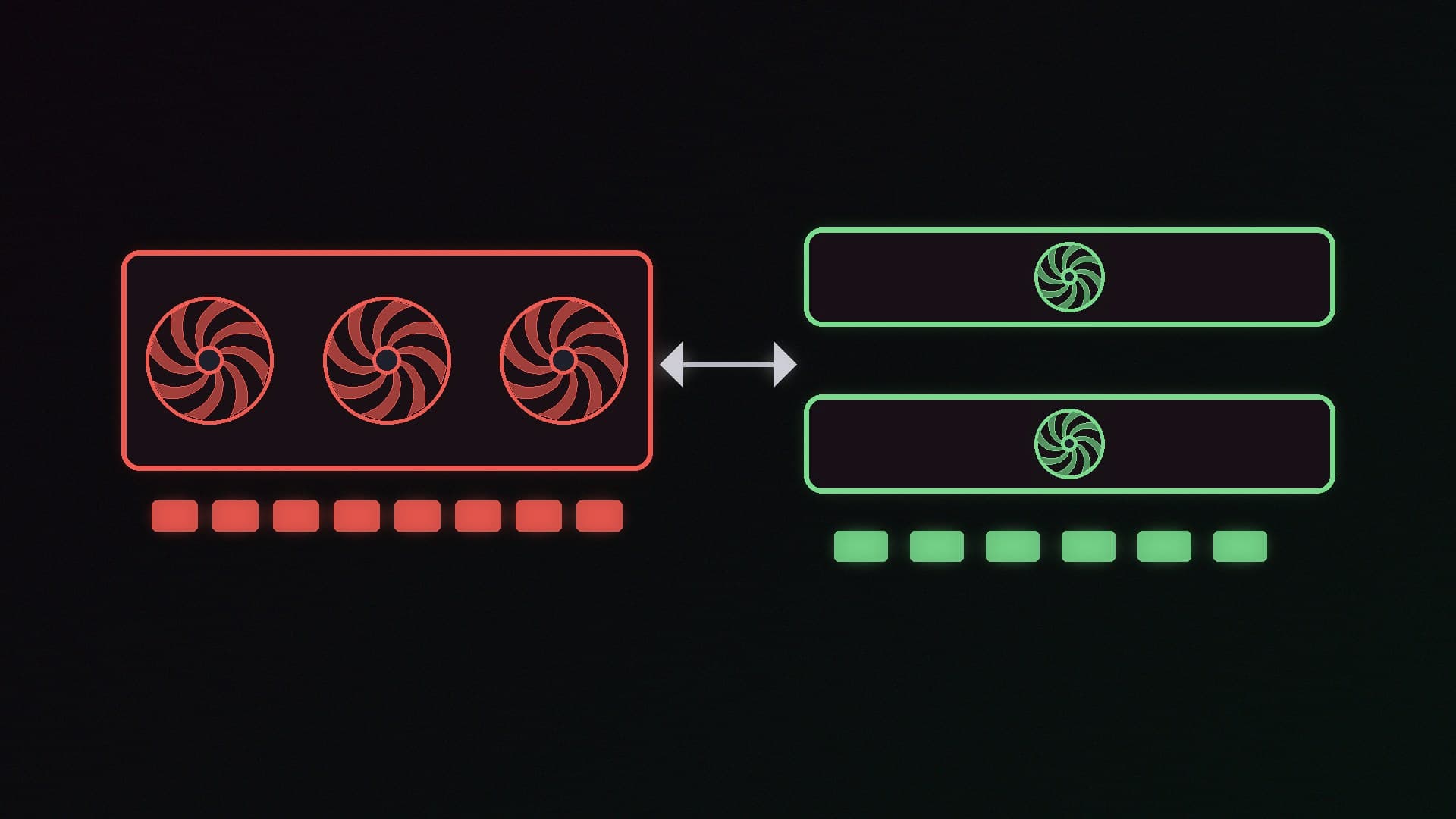
Workstation (or "pro") graphics cards cost more than gaming cards with similar chips, so why buy one for AI? Three reasons. First, memory: the pro cards on this list offer 16GB to 96GB, and several put 24GB or 32GB on a card that draws far less power than a gaming card with the same VRAM. Second, error-correcting (ECC) memory, which several of these cards support. Third, physical design: single-slot and small low-power cards make it much easier to fit two or more GPUs in one PC, which our guide to running a local LLM on two GPUs explains.
If you just want the most VRAM for your money in a gaming card, see our best GPU for local LLMs and best 32GB graphics card for local AI guides instead. Not sure how much memory you need? Start with how much VRAM you need in 2026.
Quick picks
Pick | Card | Memory | Bandwidth | Max power |
|---|
Best overall (no-compromise) | NVIDIA RTX PRO 6000 Blackwell Workstation Edition | 96GB GDDR7 with ECC | 1,792GB/s | 600W |
Best 32GB card | AMD Radeon AI PRO R9700 | 32GB GDDR6 | 640GB/s | 300W |
Best single-slot NVIDIA card | NVIDIA RTX PRO 4000 Blackwell | 24GB GDDR7 with ECC | 672GB/s | 145W |
Best budget 24GB | Intel Arc Pro B60 | 24GB GDDR6 | 456GB/s | 120-200W (varies by partner) |
Best low-power NVIDIA card | NVIDIA RTX PRO 2000 Blackwell | 16GB GDDR7 with ECC | 288GB/s | 70W |
Best low-power budget card | Intel Arc Pro B50 | 16GB GDDR6, ECC supported | 224GB/s | 70W |
All figures are from NVIDIA, AMD and Intel's official product pages and datasheets, read on 24 November 2026. We haven't listed UK prices: pro cards are often sold through business resellers or listed as "call for price", so check current quotes from UK specialists such as Scan before you decide.
Best overall: NVIDIA RTX PRO 6000 Blackwell Workstation Edition
Why it's here: 96GB of GDDR7 with ECC on a single card is the most memory you can get in one desktop graphics card on this list, and NVIDIA lists 1,792GB/s of memory bandwidth.
NVIDIA's page lists 4,000 AI TOPS (a theoretical FP4 figure using sparsity), four ninth-generation NVENC encoders and a 600W maximum power consumption. For one person running models at home, the main attraction is simply that 96GB lets you load models that would otherwise need several cards or a lot of CPU offloading.
Choose it if: you need the largest models on one GPU, work in CUDA-only tools, and can justify a professional price and a power supply and case built for a 600W card. Our RTX PRO 6000 vs RTX 5090 for local AI comparison covers when the gaming flagship is the better buy.
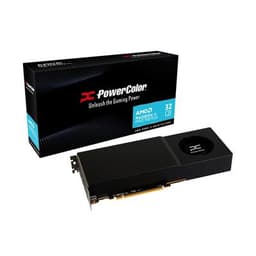
Best 32GB card: AMD Radeon AI PRO R9700
Why it's here: 32GB of GDDR6 on a 256-bit bus with 640GB/s of bandwidth, the same capacity as a GeForce RTX 5090, on a 300W card.
AMD lists 64 compute units with 128 AI accelerators, 383 TOPS of INT8 matrix performance (766 with structured sparsity), 64MB of Infinity Cache, PCIe 5.0 x16 and a single 12V-2x6 power connector. AMD recommends at least a 750W power supply. ECC memory is supported, but AMD's page says that's on Linux only. The card supports Windows 10 and 11 as well as 64-bit Linux, but if you want AMD's ROCm compute stack, check AMD's ROCm compatibility tables for your operating system first; our guide to installing ROCm on Ubuntu walks through the Linux setup.
Choose it if: you want 32GB per card for large quantised language models or image and video generation, and you're happy to work with ROCm or Vulkan rather than CUDA. Our Radeon AI PRO R9700 vs RTX 5090 and Arc Pro B60 vs Radeon AI PRO R9700 comparisons go into more detail.
Best single-slot NVIDIA card: NVIDIA RTX PRO 4000 Blackwell
Why it's here: 24GB of GDDR7 with ECC and 672GB/s of bandwidth on a single-slot card that NVIDIA rates at 145W maximum power consumption.
NVIDIA lists the RTX PRO 4000 Blackwell at 1,290 AI TOPS (theoretical FP4 with sparsity), with fifth-generation Tensor Cores, four DisplayPort 2.1 outputs, PCIe Gen 5 and a 4.4in x 9.5in single-slot form factor. That single-slot width is the big deal for AI builders: on a motherboard with suitably spaced slots, you can fit two of these where one thick gaming card would block a neighbouring slot, giving 48GB across two cards at a combined 290W maximum. Check your motherboard's lane layout first, using our best motherboard for dual-GPU local AI guide.
Choose it if: you want CUDA, ECC and 24GB per card in a compact, efficient design, or plan to build a multi-GPU workstation. See RTX PRO 4000 Blackwell vs RTX 5070 Ti for how it compares with a gaming card.
Best budget 24GB: Intel Arc Pro B60
Why it's here: Intel's datasheet lists 24GB of GDDR6 on a 192-bit bus with up to 456GB/s of bandwidth, plus 160 XMX AI engines rated at 197 TOPS (INT8) peak.
Total board power is 120W to 200W depending on the partner card, and the card uses PCIe 5.0. Intel's software stack for its Arc Pro cards centres on OpenVINO and oneAPI (Intel lists both, plus Intel Extension for PyTorch, on its Arc Pro B50 specification page). It's a less trodden path than CUDA, so read our guide to running local AI on an Intel Arc GPU before you buy.
Choose it if: 24GB per card matters more to you than CUDA compatibility. Compare it with the RTX 5060 Ti in Arc Pro B60 vs RTX 5060 Ti 16GB.
Best low-power NVIDIA card: NVIDIA RTX PRO 2000 Blackwell
Why it's here: 16GB of GDDR7 with ECC in a 70W, 2.7in x 6.6in dual-slot card, with 545 AI TOPS according to NVIDIA.
Its 288GB/s of memory bandwidth is modest, which limits how fast it can generate text with larger models, but 70W means it can go in small-form-factor workstations and machines with modest power supplies. NVIDIA lists four Mini DisplayPort 2.1b outputs and PCIe Gen 5.
Choose it if: you need CUDA in a compact or quiet machine, such as a small office AI server. Our RTX PRO 2000 Blackwell vs RTX 5060 Ti 16GB explains what you give up against a 180W gaming card.
Best low-power budget card: Intel Arc Pro B50
Why it's here: 16GB of GDDR6 with ECC support, 170 TOPS (INT8) and a 70W board power that needs no power connector, according to Intel.
Intel's reference card is a 6.6in x 2.7in two-slot design with four DisplayPort 2.1 outputs, PCIe 5.0 x8 and a three-year warranty, and Intel quotes a 280W minimum power supply. Bandwidth is the lowest here at 224GB/s, so expect it to suit smaller models and lighter workloads best.
Choose it if: you want 16GB of VRAM in a small, low-power PC without a PCIe power cable. See Arc Pro B50 vs RTX 5060 Ti 16GB.
What to check before buying a workstation GPU for AI
Memory first. Model size decides whether something runs at all. Our guide to how much VRAM you need covers sizing.
Memory bandwidth for speed. Once a model fits, bandwidth has a big effect on text-generation speed (our memory bandwidth and LLM speed explainer shows why), which is why a 96GB card with 1,792GB/s sits in a different class from a 16GB card with 224GB/s.
Software support. CUDA has the broadest app support. AMD relies on ROCm or Vulkan and Intel on OpenVINO, oneAPI or Vulkan. Our CUDA vs ROCm vs Vulkan explainer covers the trade-offs.
Cooling and case. Cards packed side by side run hotter, so think about cooler design and case airflow before building a multi-GPU workstation. Our blower vs open-air GPU for local AI guide explains the difference.
Power. Add up every card's maximum power before choosing a PSU; see how to choose a PSU for a local AI PC.
Our verdict
The NVIDIA RTX PRO 6000 Blackwell Workstation Edition is the best workstation GPU for AI if budget allows, because 96GB of ECC GDDR7 and 1,792GB/s of bandwidth let one card hold models that would otherwise need several. For most home and small-office AI builders, the AMD Radeon AI PRO R9700 is the more sensible high-memory choice, with 32GB at 300W, as long as you're comfortable with ROCm or Vulkan. If you want to stay with CUDA, the single-slot, 145W RTX PRO 4000 Blackwell with 24GB is the best building block for a multi-GPU workstation. On a tighter budget, Intel's Arc Pro B60 offers 24GB per card, and the 70W RTX PRO 2000 Blackwell and Arc Pro B50 suit compact, low-power machines. Get current UK quotes before buying, because pro-card pricing varies widely between resellers.