Most PC desks end up with an extension lead behind them powering the tower, a monitor or two, speakers and a router. Swapping a basic lead for a surge-protected one is one of the cheapest upgrades you can make to that setup. Our picks are based on Belkin's and Masterplug's official UK product and support pages, linked in the sources.
We haven't included prices because accessory pricing is moving daily in the run-up to Black Friday (Friday 27 November 2026). Our guide on how to check Black Friday PC deals explains how to spot a genuine discount.
Our picks at a glance
| Best basic 4-way | Best for more sockets | Best with USB-C |
|---|
Model | Belkin BSV400af2M | Belkin BSV604 | Masterplug SRGUAC106210N-MP |
UK sockets | 4 | 6 | 6 |
USB charging | None | 2 x USB-A | USB-A and USB-C (10.5W) |
Joule rating | Up to 525 joules | Up to 650 joules | Not listed |
Cable | 2m | Check listing | 2m |
Connected equipment warranty | Up to £20,000 (UK) | Varies by model | 3 years, up to £1,000 |
Figures are from Belkin's UK product page and support article and Masterplug's UK product page. Belkin says the connected equipment warranty amount varies by model, so check the listing for the exact BSV604 version you buy.
What a surge protector does, and doesn't do
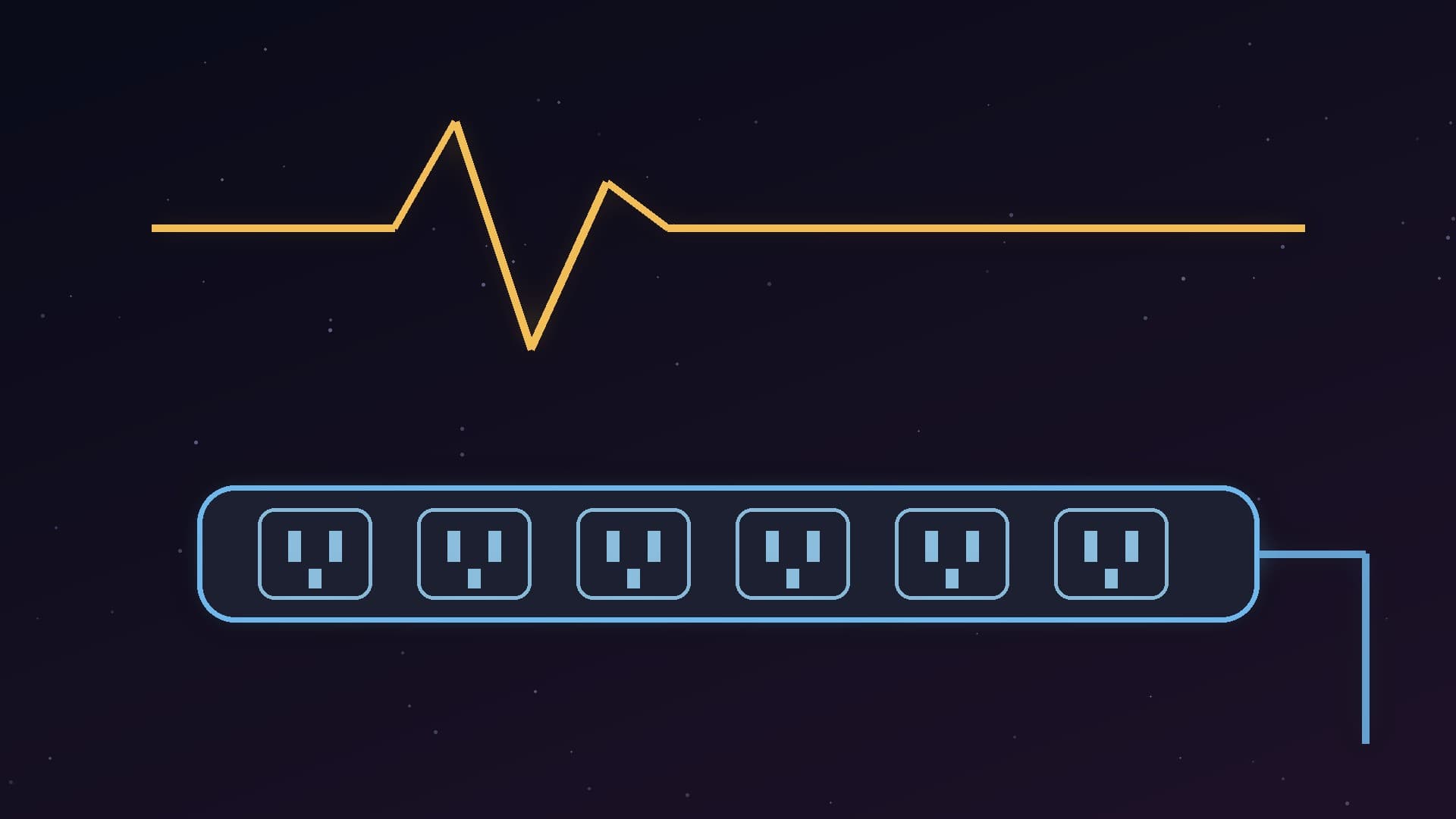
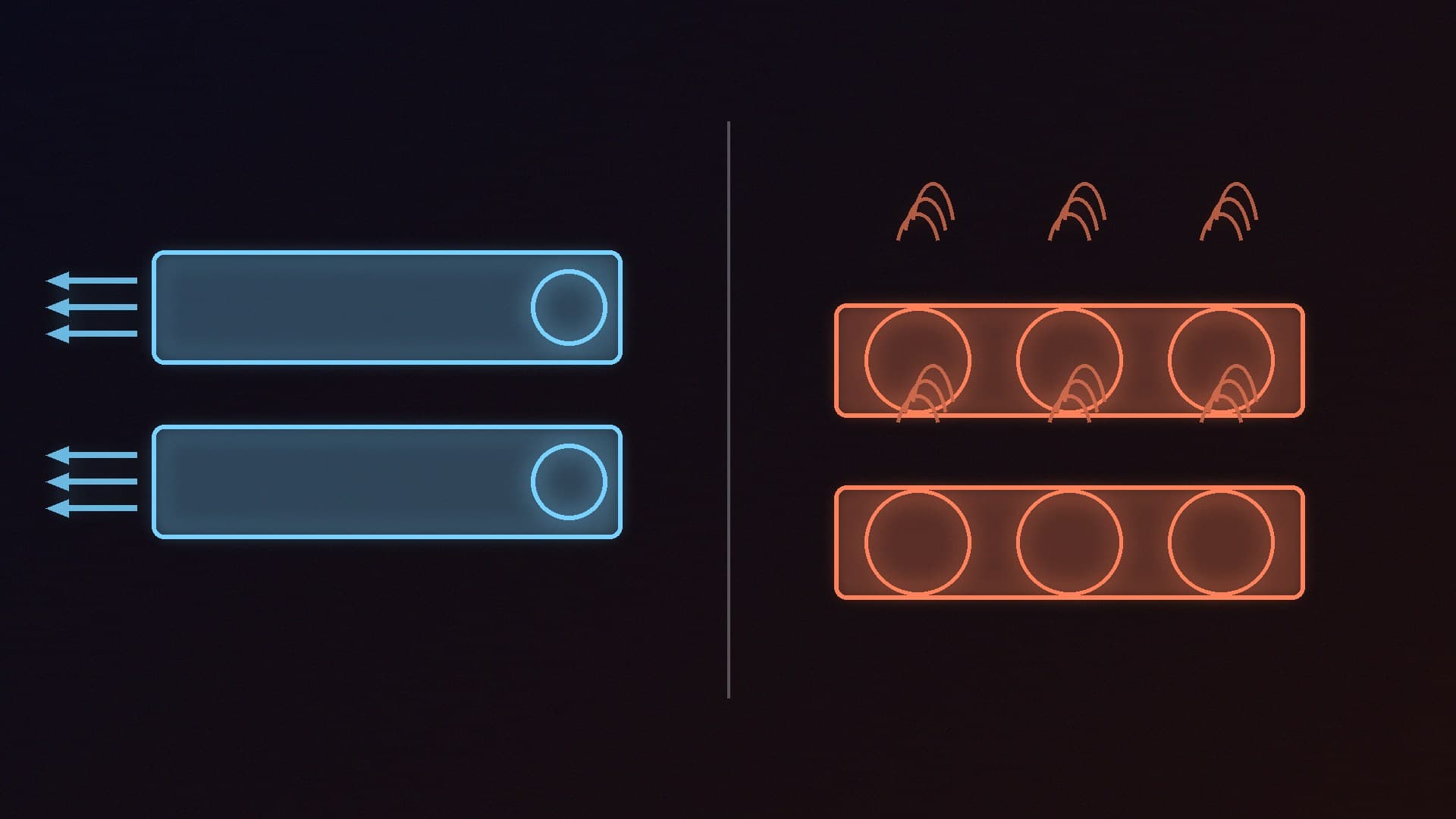
A surge protector is an extension lead with components that absorb short voltage spikes before they reach your devices. Belkin explains that its strips use metal oxide varistors (MOVs), which soak up excess energy and release it as heat. The joule figure is how much energy the protector is rated to absorb; a higher number means more headroom.
Those components wear out. Belkin says the protective parts eventually degrade, recommends replacing a surge protector every three years or straight after a major over-voltage event such as a thunderstorm, and advises checking the case and cable for signs of wear or heat damage.
What a surge protector won't do is keep your PC running in a power cut. If the power goes, everything plugged into it switches off, and anything unsaved is lost. For that you need a UPS (uninterruptible power supply) with a battery. Our best UPS for PC guide covers those, and line-interactive vs online UPS explains the main types.
1. Belkin BSV400af2M: best basic 4-way
Belkin's BSV400af2M is a plain four-socket strip with a UK plug and a 2m cord, which is enough for a PC, a monitor, speakers and a router. Belkin rates it at up to 525 joules and says it provides three-line protection, guarding against surges between the live (hot), neutral and earth (ground) lines.
Belkin's support article for the range lists 3680W maximum power capacity, 6000V spike protection with a response time of under one nanosecond, EMI/RFI noise filtering, a protection indicator light and a recessed power switch. It also says fibreglass covers over the MOVs help contain or smother a fire if a large surge makes them ignite. On the UK product page, Belkin says the connected equipment warranty covers repair or replacement of damaged connected equipment up to £20,000 in the United Kingdom.
Choose it if: you just need four protected sockets for a desktop setup and don't need USB charging.
2. Belkin BSV604: best for more sockets
If four sockets isn't enough (two monitors, a PC, speakers, a router and a lamp soon adds up), Belkin's six-outlet BSV604 steps up to up to 650 joules and adds two built-in USB-A ports for charging a phone or controller. According to Belkin's support article it belongs to the same range as the BSV400, with the same three-line protection, 3680W capacity, 6000V spike protection, noise filtering and protection indicator. Belkin also lists a six-outlet BSV603 at up to 650 joules and an eight-outlet BSV804 at up to 900 joules if you need even more sockets.
Choose it if: you have a crowded desk and want USB-A charging without using a socket for a plug-in charger.
3. Masterplug SRGUAC106210N-MP: best with USB-C
Masterplug's SRGUAC106210N-MP is a six-socket, 2m surge-protected lead with both a USB-A and a USB-C port. Masterplug rates the USB charging at 10.5W and says the ports switch to standby once a device is fully charged. It has safety-shuttered sockets, LED power and surge indicators so you can see the sockets are protected, and fixing points for wall mounting, which is handy for keeping it off the floor behind a desk.
Masterplug lists a three-year connected equipment warranty covering up to £1,000 against surge damage, plus a one-year product warranty. It doesn't publish a joule rating on the product page, so if that figure matters to you, the Belkin models are easier to compare.
Choose it if: you want USB-C on the lead itself and a wall-mountable design. Bear in mind 10.5W is modest, so don't expect it to charge a laptop.
How to choose
Count your plugs, then add one or two. It's better to buy a six-way lead now than to add a second lead later.
Never daisy-chain. Electrical Safety First advises using only one extension lead per wall socket and never plugging one extension lead into another.
Stay under the rating. Electrical Safety First says extension leads are rated at 13A (some older ones at 10A) and warns against plugging in appliances that together exceed the maximum current rating. Electrical Safety First's socket overload calculator helps you check whether your devices together are likely to exceed that.
Look for a recognised UK plug and fuse, and buy from a reputable retailer. Electrical Safety First recommends a standard UK three-pin plug with a fuse, buying from reputable retailers rather than third-party sellers, and registering the product so you can be contacted about recalls.
Read the warranty terms. Connected equipment warranties have conditions and limits, and the amount varies by model.
Replace it periodically. Follow Belkin's advice to replace a surge protector every three years or after a major surge.
If you're adding battery backup as well, our UPS auto-shutdown guide explains how to make your PC shut down safely when the power goes.
Our verdict
For most PC desks, Belkin's BSV400af2M is the simplest choice: four sockets, a 525-joule rating, three-line protection and a large UK connected equipment warranty. Step up to the six-outlet BSV604 if you need more sockets and USB-A charging, or choose Masterplug's SRGUAC106210N-MP if you want USB-C and wall mounting. Whichever you buy, don't daisy-chain it, keep it under 13A and remember it won't keep your PC on in a power cut; that's a UPS's job.