The picks are based on NVIDIA's and Intel's official specifications and Ollama's hardware support documentation, all read on 24 November 2026.
Most local AI advice points you towards big, power-hungry graphics cards. That makes sense if you want the fastest possible responses, but it isn't the only way to do it. If you want a small AI server that runs all day in a cupboard, an upgrade for a compact office PC, or simply a machine that's cheaper to run, a low-power card can be a better fit.
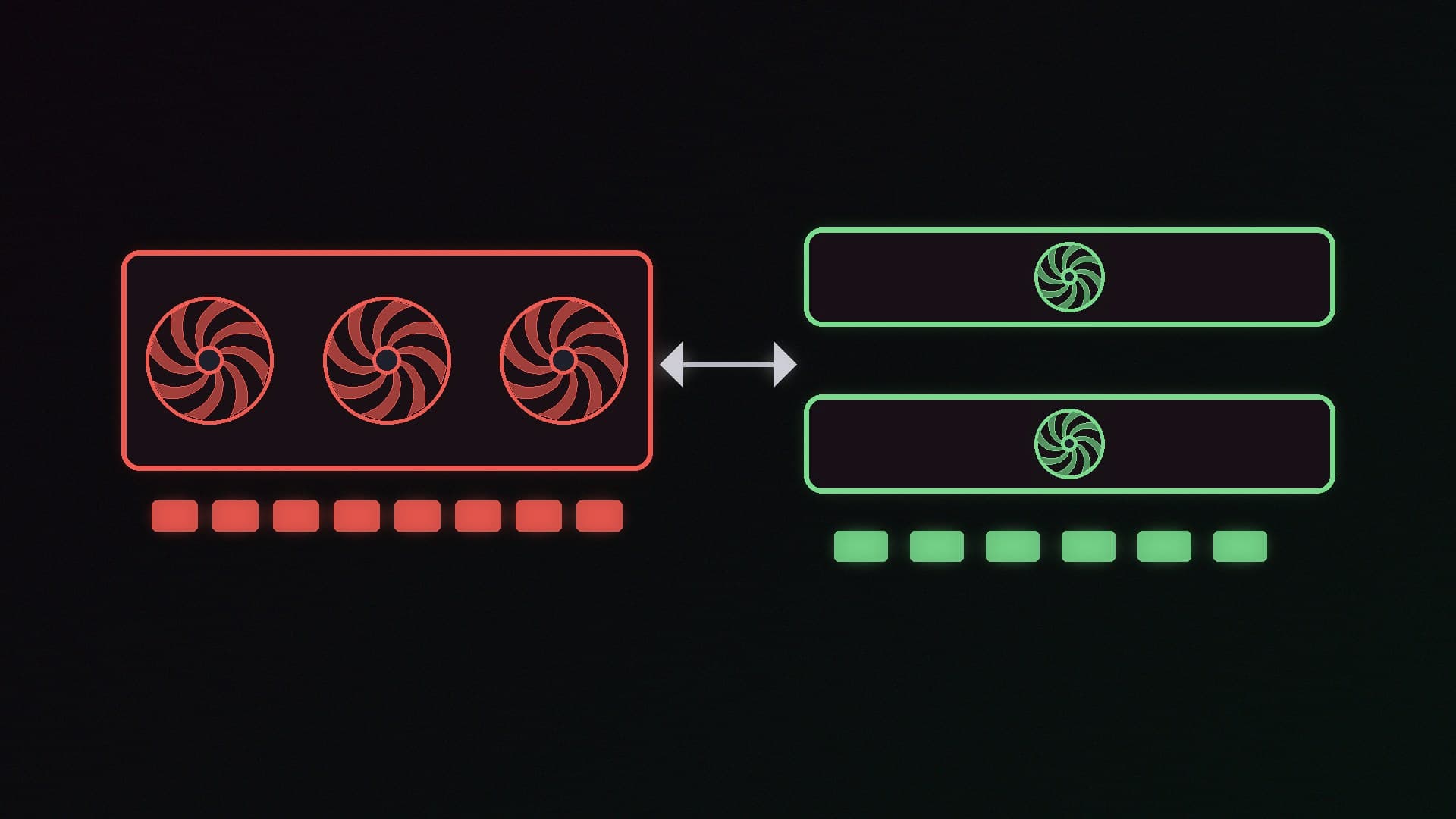
Every card in this guide is rated at 70W, according to its maker. For comparison, NVIDIA rates the GeForce RTX 5060 Ti at 180W total graphics power. Lower power means less heat to deal with, a smaller power supply and lower running costs if the machine is on around the clock. Our guide to working out the electricity cost of local AI shows how to estimate that for your own setup.
What matters most in a low-power AI card
Memory capacity comes first. For running large language models (LLMs) locally, the amount of graphics memory decides which models fit on the card. If a model doesn't fit, part of it spills into system RAM and slows down sharply. Our guide to how much VRAM you need explains the sizes in more detail.
Memory bandwidth affects speed. Where their makers list it, the cards in this guide have between 224GB/s and 432GB/s of memory bandwidth, and bandwidth has a big effect on how quickly a model generates text. Our explainer on memory bandwidth and local LLM speed covers why.
Software support matters. Check that the apps you want to use support your card. Ollama, for example, supports NVIDIA cards through CUDA and lists additional GPU support through Vulkan on Windows and Linux.
Best overall: NVIDIA RTX PRO 4000 Blackwell SFF Edition
Why it stands out: 24GB of memory at 70W.
NVIDIA's RTX PRO 4000 Blackwell SFF Edition is the pick if memory capacity is your priority. NVIDIA lists:
24GB of GDDR7 memory with error-correcting code (ECC)
432GB/s memory bandwidth
770 AI TOPS
70W maximum power consumption
2.7in tall by 6.6in long, dual-slot, with active cooling
Four DisplayPort 2.1b outputs
24GB gives you room for bigger models or longer context windows than a 16GB card. It is a professional workstation card, and NVIDIA directs buyers to the NVIDIA Marketplace or an NVIDIA partner. Our guide to the best 24GB graphics cards for local AI covers the full-size alternatives.
Best for a compact build: NVIDIA RTX PRO 2000 Blackwell
Why it stands out: 16GB of GDDR7 and NVIDIA's latest architecture at 70W.
The RTX PRO 2000 Blackwell is the smaller sibling, with the same 70W rating and the same 2.7in by 6.6in dual-slot size. NVIDIA's datasheet lists:
4,352 CUDA cores
16GB of GDDR7 memory with ECC
128-bit memory interface and 288GB/s bandwidth
545 AI TOPS (NVIDIA's footnote says this is effective FP4 TOPS with sparsity)
PCIe Gen 5
Four Mini DisplayPort 2.1b outputs
NVIDIA's datasheet says the card can run Nemotron Nano-class reasoning models and lightweight agents on the desktop. Its 288GB/s bandwidth is lower than the RTX PRO 4000 SFF's, so expect it to be slower on the same model.
Best non-NVIDIA option: Intel Arc Pro B50
Why it stands out: 16GB with no power cable needed.
Intel's Arc Pro B50 is another 70W, 16GB card. Intel's specifications list:
16 Xe-cores and 128 XMX engines
170 peak INT8 TOPS
16GB of GDDR6 with ECC support
128-bit memory interface and 224GB/s bandwidth
PCIe 5.0 x8
70W total board power
Reference card size of 6.6in by 2.7in, two slots, 330g
No power connector required, and a minimum power supply of 280W
The "no power connector" detail makes it easier to add to a PC whose power supply has no spare PCIe power cables. Intel lists support for OpenVINO and the Intel Extension for PyTorch, and Ollama lists additional GPU support through Vulkan. Its bandwidth is the lowest of the 16GB cards here. Our guide to running local AI on an Intel Arc GPU explains your software options, and we've compared it with a GeForce card in Arc Pro B50 vs RTX 5060 Ti 16GB for local AI.
Also consider: NVIDIA RTX 4000 SFF Ada Generation
Why it stands out: 20GB at 70W, from the previous generation.
The RTX 4000 SFF Ada Generation is the older version of NVIDIA's compact 70W card. NVIDIA lists:
20GB of GDDR6 with ECC
70W maximum power consumption
PCIe Gen 4 x16
2.7in by 6.6in, dual-slot, with active cooling
Four mini DisplayPort 1.4a outputs
With 20GB, it sits between the 16GB and 24GB cards in this guide. NVIDIA says it's built on the Ada Lovelace architecture rather than Blackwell.
Also consider: NVIDIA RTX A2000 12GB
Why it stands out: an older 70W card with 12GB.
The RTX A2000 comes in 6GB and 12GB versions. NVIDIA lists 6GB or 12GB of GDDR6 with ECC, 70W maximum power consumption, PCIe Gen 4 x16 and the same 2.7in by 6.6in dual-slot size. Ollama lists the RTX A2000 at compute capability 8.6, so it's supported for GPU acceleration. If you're considering one, make sure you're getting the 12GB version: 6GB leaves very little room for LLMs.
Budget GeForce option: NVIDIA GeForce RTX 3050 6GB
Why it stands out: a mainstream GeForce card at 70W.
NVIDIA lists the GeForce RTX 3050 6GB with 2,304 CUDA cores, 6GB of GDDR6 on a 96-bit interface, 70W graphics card power and a 300W required system power. Unlike the 8GB RTX 3050, NVIDIA lists no supplementary power connector for it. Ollama lists the RTX 3050 at compute capability 8.6.
6GB is a real limit for local AI, so this is a card for small models and experiments rather than a serious AI server. Our guide to running a local LLM on 8GB of VRAM covers the kind of small models that suit limited memory.
Tips for an always-on, low-power AI box
Check the physical fit. The NVIDIA RTX PRO, RTX 4000 SFF and RTX A2000 cards are 2.7in tall and dual-slot. Check the clearance in your case before buying. Our best low-profile graphics cards guide covers cards for slim cases.
Cap power on bigger cards. If you already own a larger NVIDIA card, you can lower its power limit instead. See how to set a GPU power limit with nvidia-smi.
Consider a mini PC. If you don't need a graphics card slot at all, our best mini PCs for local AI guide covers compact alternatives.
Our verdict
For a compact, low-power local AI machine, the NVIDIA RTX PRO 4000 Blackwell SFF Edition is the best choice, with 24GB of ECC memory and 432GB/s of bandwidth at 70W. The RTX PRO 2000 Blackwell offers 16GB of GDDR7 in the same compact size, while the Intel Arc Pro B50 gives you 16GB with no power connector needed, at the cost of lower bandwidth. The older RTX 4000 SFF Ada (20GB) and RTX A2000 12GB are also worth a look, and the GeForce RTX 3050 6GB is only for small models.