It's based on each project's official GitHub repository, README, release notes and documentation, all read on 24 November 2026.
If you've looked into generating AI images on your own PC, you'll have met both names. AUTOMATIC1111's Stable Diffusion web UI (usually shortened to A1111) was the default way to run Stable Diffusion locally for years, and countless tutorials still use it. ComfyUI, with its node-based graph interface, has since become the tool most new model releases target first. Both are free, open source and run on your own graphics card, but in late 2026 they're in very different states. Here's what that means for you.
At a glance
| ComfyUI | AUTOMATIC1111 web UI |
|---|
Interface | Node graph (plus App Mode for simple front ends) | Traditional tabs and forms (txt2img, img2img, Extras) |
Latest release (24 Nov 2026) | v0.46.0, 18 November 2026 | v1.10.1, 9 February 2025 |
Release activity | New releases every week or two in November 2026 | No release since v1.10.1; latest master-branch commit July 2024 |
Model support listed | SD 1.5, SDXL, SD3.5, Flux.1, Flux.2, Qwen Image and many more, plus video, audio and 3D models | Stable Diffusion 1.x/2.0, SDXL-era features; SD3 support added in v1.10.0 |
Video, audio, 3D | Yes (Wan, LTX-Video, HunyuanVideo and others listed) | Not listed as features |
Installers | Comfy Desktop (Windows and macOS), Windows Portable, comfy-cli, manual | Windows release package, scripts for Windows and Linux, manual |
Extensions | Custom nodes via ComfyUI-Manager | Extensions and custom scripts |
GPU support listed | NVIDIA, AMD ROCm (Linux and Windows), Intel Arc, Apple Silicon and others | NVIDIA (recommended), AMD; Intel via an external OpenVINO fork |
Release dates are from each project's GitHub releases page; feature lists are from each project's README and release notes.
Development: one is moving fast, the other has stalled
This is the single biggest difference. ComfyUI's GitHub releases page shows v0.44.0 on 4 November, v0.45.0 on 10 November and v0.46.0 on 18 November 2026, and the repository had new commits on 24 November. The project now sits under the Comfy-Org organisation, which also offers Comfy Desktop, a cloud service and developer tools.
AUTOMATIC1111's web UI hasn't had a release since v1.10.1, published on GitHub on 9 February 2025, and the latest commit on its default (master) branch dates from July 2024. Its dev branch has seen occasional maintenance merges, most recently in March 2026, but no new features have shipped in a release. The project still works for the models it supports, but you shouldn't expect support for new model families.
That matters because local image generation moves quickly. A tool that isn't updated won't pick up new model architectures, new memory-saving techniques or fixes for newer Python and PyTorch versions. The A1111 README itself warns that newer Python versions don't support the version of torch it expects on Windows, and tells you to install Python 3.10.6 (or 3.10/3.11 on newer Linux distributions).
Model support
ComfyUI's README lists native support for a long list of image models, including Stable Diffusion 1.5, SDXL, SD3.5, Flux.1, Flux.2, Qwen Image, HiDream and Chroma, plus image-editing models such as Flux Kontext and Qwen Image Edit. It also lists video models (Wan 2.1 and 2.2, LTX-Video 2 and 2.3, HunyuanVideo 1.5), audio models, 3D models and even text models.
A1111's README describes a feature set built around Stable Diffusion: txt2img, img2img, inpainting, outpainting, LoRAs, textual inversion, hypernetworks and upscalers, with Stable Diffusion 2.0 support and SD3 support added in v1.10.0. Flux and the newer image and video models aren't among the features listed in its README or its last release notes. If you want to try current models such as those in our SDXL vs Flux.2 Klein comparison, ComfyUI is the practical choice.
Ease of use
A1111 still has the friendlier first screen. You type a prompt, pick a sampler and press Generate, and features such as Highres Fix, X/Y/Z plots, PNG Info and a checkpoint merger sit in familiar tabs. That's why so many beginner tutorials used it.
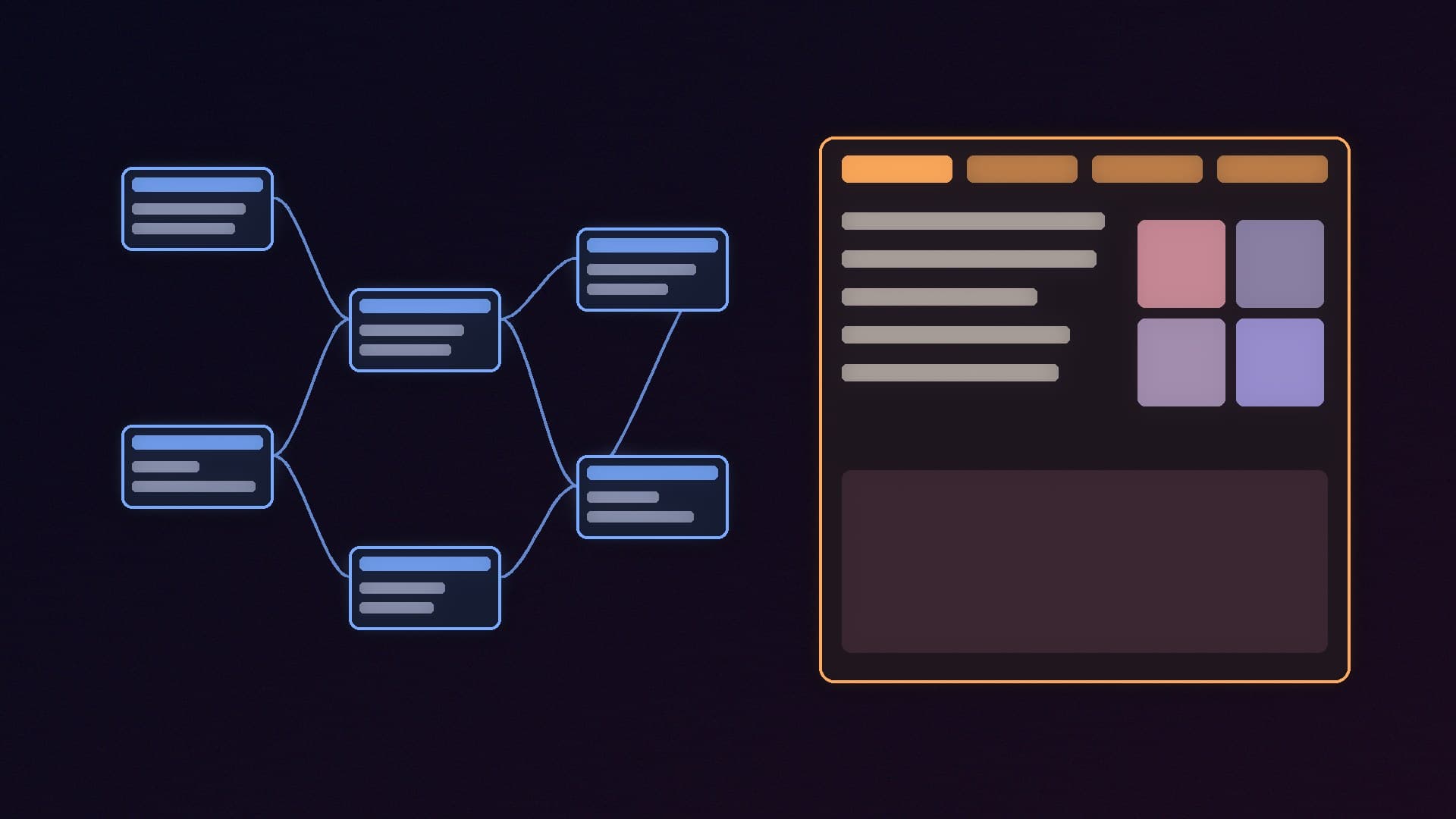
ComfyUI's node graph looks intimidating at first, because every step (load model, encode prompt, sample, decode, save) is a box you can see and rewire. But it has become much easier to start with. Comfy Desktop is a normal installer for Windows and macOS, the project maintains ready-to-run workflow templates, and App Mode can hide a complex workflow behind a simple interface. You can also drag any image made with ComfyUI back onto the canvas to recover the exact workflow and seed. Our guides to installing ComfyUI on Windows and installing ComfyUI on Linux walk through setup, and ComfyUI Desktop vs ComfyUI Portable helps you choose an installer.
Hardware and VRAM
Both apps run best on an NVIDIA card. A1111's README labels its NVIDIA install route as recommended, offers an AMD guide, and points Intel CPU and GPU users to an external OpenVINO fork. ComfyUI's installation docs cover NVIDIA, AMD ROCm on both Linux and Windows, Intel Arc, Apple Silicon and several other accelerators.
On memory, ComfyUI's README says it can run even large models on as little as 4GB of VRAM and 8GB of system RAM using asynchronous weight streaming, alongside model offloading and support for quantised models. A1111's README mentions 4GB video card support for the Stable Diffusion models it targets. Either way, more VRAM means fewer compromises; see our low-VRAM ComfyUI guide and how much VRAM you need in 2026.
Extensions and workflows
A1111's extension ecosystem was huge, and many extensions still work with v1.10. But extensions that depend on newer libraries may break, and you're relying on third parties to maintain them for an app that isn't moving.
ComfyUI's equivalent is custom nodes, installed and updated through ComfyUI-Manager (see how to install custom nodes with ComfyUI Manager). Workflows save as JSON files you can share, and there's a local API for scripting. The downside is that heavy custom-node setups can break after updates; ComfyUI's own troubleshooting advice is to try disabling custom nodes first.
What about the alternatives?
If you like A1111's layout but want something maintained, there are other options. Our ComfyUI vs Forge WebUI, ComfyUI vs SwarmUI and ComfyUI vs InvokeAI comparisons cover the most popular ones, and Stability Matrix can install and manage several of them side by side. Our best local AI image generator guide ranks them.
Which should you use?
Choose ComfyUI if: - You're starting fresh in 2026 and want to run current models such as Flux.2, Qwen Image or video models. - You want an actively maintained app with regular releases and an official Windows installer. - You use an AMD Radeon or Intel Arc GPU and want an officially documented route.
Stick with AUTOMATIC1111 if: - You already have a working A1111 install with SD 1.5 or SDXL checkpoints, LoRAs and extensions you rely on, and you don't need newer models. - You're following an older tutorial that depends on A1111-specific features, and you're happy to keep its Python environment frozen.
Our verdict
For most people in late 2026, ComfyUI is the better choice: it's actively developed (v0.46.0 arrived on 18 November 2026), it supports far more image, video and audio models, and it now has a normal desktop installer and simple App Mode for beginners. AUTOMATIC1111's web UI still works well for Stable Diffusion 1.5 and SDXL, but it hasn't had a release since v1.10.1 in February 2025 and doesn't list newer models such as Flux, so only stick with it if you already have a setup you're happy with. If you want A1111's simpler layout with active development, look at Forge WebUI or SwarmUI instead.