If you want to generate AI images on your own graphics card rather than in the cloud, two names come up again and again: ComfyUI and Invoke, whose GitHub repository is still called InvokeAI. Both are free and open source, both run models such as SDXL and FLUX locally, and both have node-based workflows. They're aimed at quite different ways of working, though.
This comparison is based on each project's official documentation and GitHub pages. Forge PC hasn't benchmarked the two apps against each other, so we make no claims about which generates images faster.
The short answer
Choose ComfyUI if you want maximum control, the newest models and video or audio workflows. It also suits you if you're happy wiring nodes together or loading workflows other people have shared.
Choose Invoke if you think like an artist: you want a canvas with layers, inpainting and brush tools, a tidy gallery, and node workflows only when you need them.
At a glance
| ComfyUI | Invoke |
|---|
Main interface | Node graph | Canvas with layers, plus a workflow editor |
Licence | GPL-3.0 | Apache-2.0 (the repository also includes some model licences) |
Install | Desktop app or portable install | Official Invoke Launcher |
GPU support (per docs) | NVIDIA, AMD, Intel, Apple Silicon and Ascend via the desktop app | NVIDIA; AMD on Linux only; Intel Arc on Windows and Linux; Apple Silicon |
Offline use | Core runs fully offline unless you request a download | Local generation; optional API-backed external models |
ComfyUI: the node graph
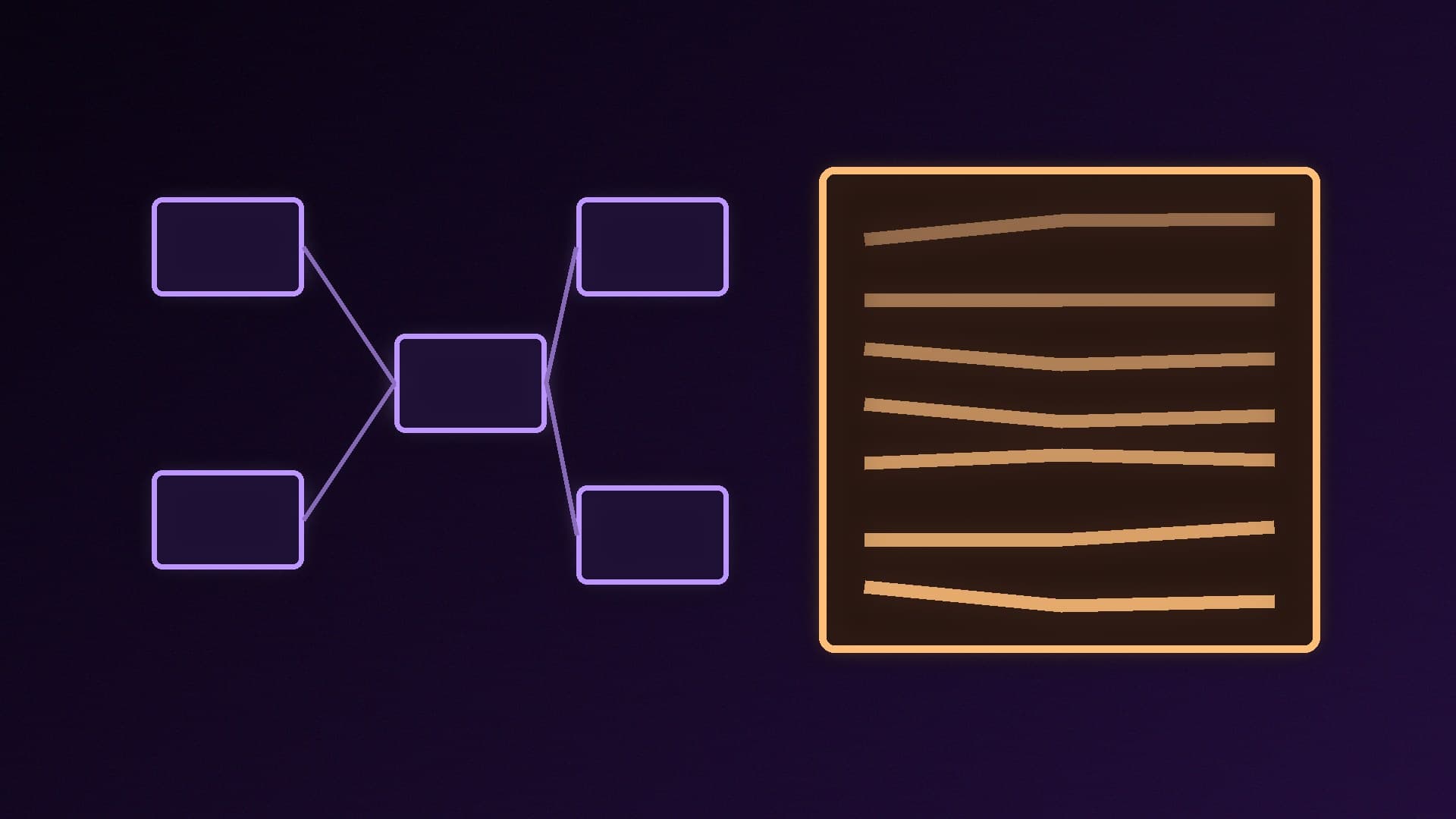
ComfyUI describes itself as a modular diffusion model GUI, API and backend with a graph/nodes interface. You build a pipeline from nodes (load model, prompt, sampler, decode, save) and can reuse it as a workflow. Its GitHub page highlights:
workflows for images, video, 3D, audio and text
reusable subgraphs, workflow templates, an App Mode and a local API
smart VRAM and RAM management, model offloading and support for quantised models
fully offline operation: the core doesn't download anything unless you request it, and an --offline flag forces built-in features to stay offline
a huge library of custom nodes
The trade-off is the learning curve. A blank node graph can be intimidating, though shared workflows and templates help. Start with our guide to installing ComfyUI on Windows, then try LoRAs and ControlNet.
Invoke: the canvas
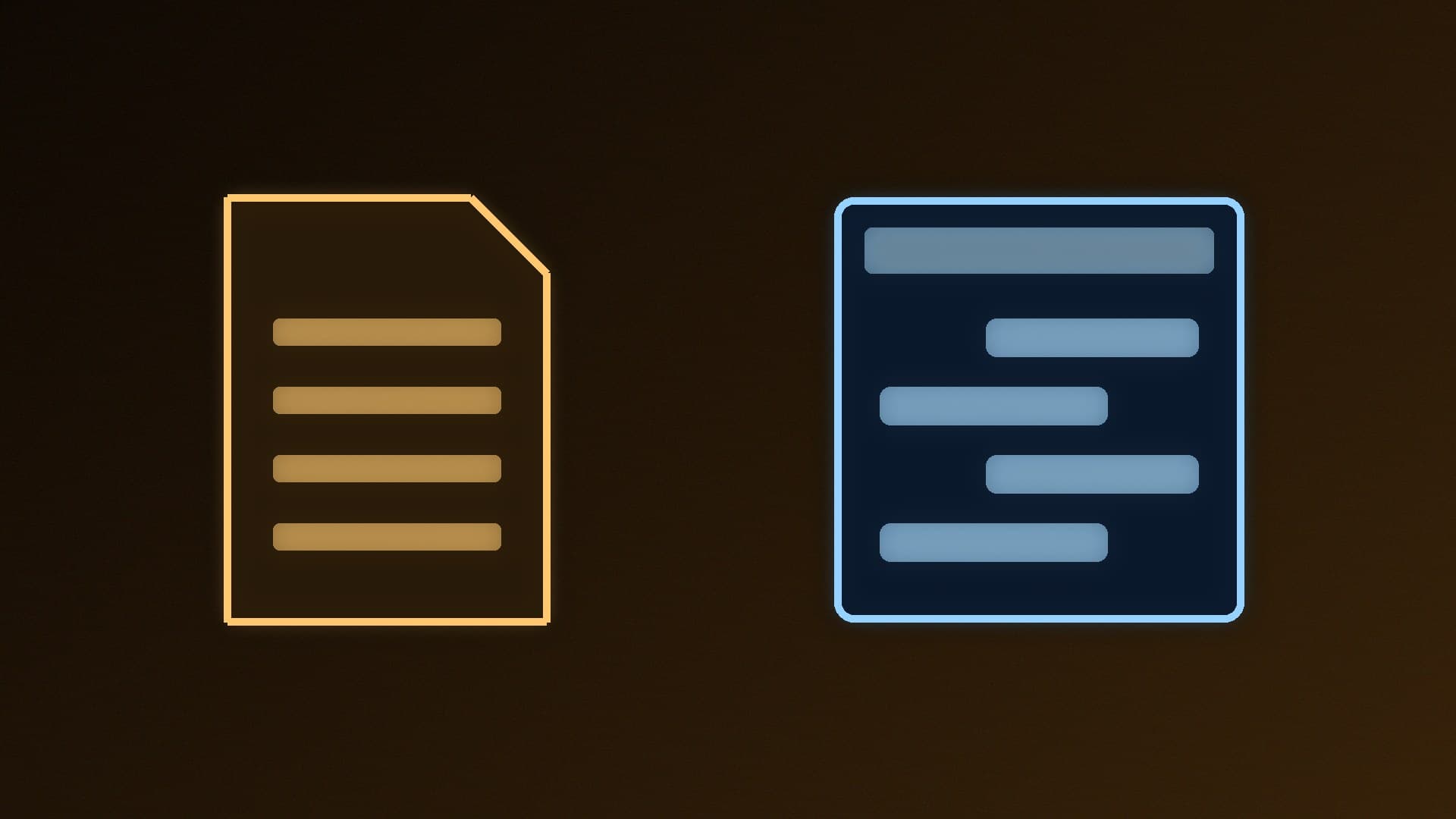
Invoke's GitHub page puts its Unified Canvas front and centre: a canvas with all the core generation tools, in-painting and out-painting, brushes and more, designed so artists can use AI as a creative collaborator. Its documentation also covers vector layers, shapes, lasso and text tools, and a gallery with boards. Images keep their metadata, so you can recall the prompt and settings later.
Invoke isn't only a canvas. It has a node-based workflow editor and a custom node manager, and its documentation includes a ComfyUI migration guide. Installation goes through the official Invoke Launcher, which installs Python for you and handles updates.
Hardware: check before you choose
Invoke publishes a hardware table by model. As a rough guide, it lists FLUX.1 at 1024x1024 as needing an NVIDIA RTX 20-series or newer card with 10GB of VRAM and 32GB of system RAM. Invoke says cards with less VRAM usually still work, just more slowly. On AMD, Invoke supports Radeon GPUs on Linux only. Intel Arc (Alchemist, Battlemage and newer) is supported on Windows and Linux.
ComfyUI's desktop app supports NVIDIA, AMD, Intel, Apple Silicon and Ascend hardware, according to its GitHub page. That makes it the more flexible choice if you're running a Radeon card on Windows. For low-VRAM cards, see running ComfyUI on low VRAM and how much VRAM you need.
Other options
If neither appeals, our guides compare ComfyUI with Forge WebUI and ComfyUI with Amuse, and our best local AI image generators round-up covers the wider field.
Our verdict
ComfyUI is the more powerful and flexible tool. Its node graph, offline-first design and broad GPU support (including Radeon on Windows via the desktop app) make it the pick for tinkerers and anyone chasing the newest models. Invoke is the friendlier choice for artists, with a layered canvas, inpainting tools, a gallery and node workflows when you need them. Check Invoke's hardware table first, though, as it supports AMD cards only on Linux. Both are free, so it's worth trying each with the same model.