Video memory (VRAM) has become the most argued-about spec on a graphics card. NVIDIA and AMD both sell the same mid-range GPUs with either 8GB or 16GB of memory, and the price gap between them has grown with this year's memory price rises. So does the extra memory matter?
The short answer from the testing we've seen is yes, more than it used to, and in specific ways. This guide explains what VRAM does, what happens when you run out, and how much to buy.
Forge PC has not run its own VRAM tests. Performance figures come from TechSpot and Tom's Hardware, and are credited. Prices are approximate lowest new UK prices on 12 November 2026.
The short version
1080p: 8GB still works, but expect to lower texture and ray tracing settings in new games. We would buy 12GB or more if the price gap is reasonable.
1440p: 12GB is the minimum we'd recommend, and 16GB is the comfortable choice.
4K: 16GB or more.
Ray tracing and frame generation use extra VRAM, so the gap between 8GB and 16GB versions of the same card is biggest there.
The cheapest UK upgrade from 8GB to 16GB on 12 November was the Radeon RX 9060 XT: about £130 more, from £450 to £580.
Don't buy a slower card just for the memory, though. Tom's Hardware argues that the 12GB Arc B580 isn't worth it over faster 8GB cards.
What VRAM does, and what happens when it runs out
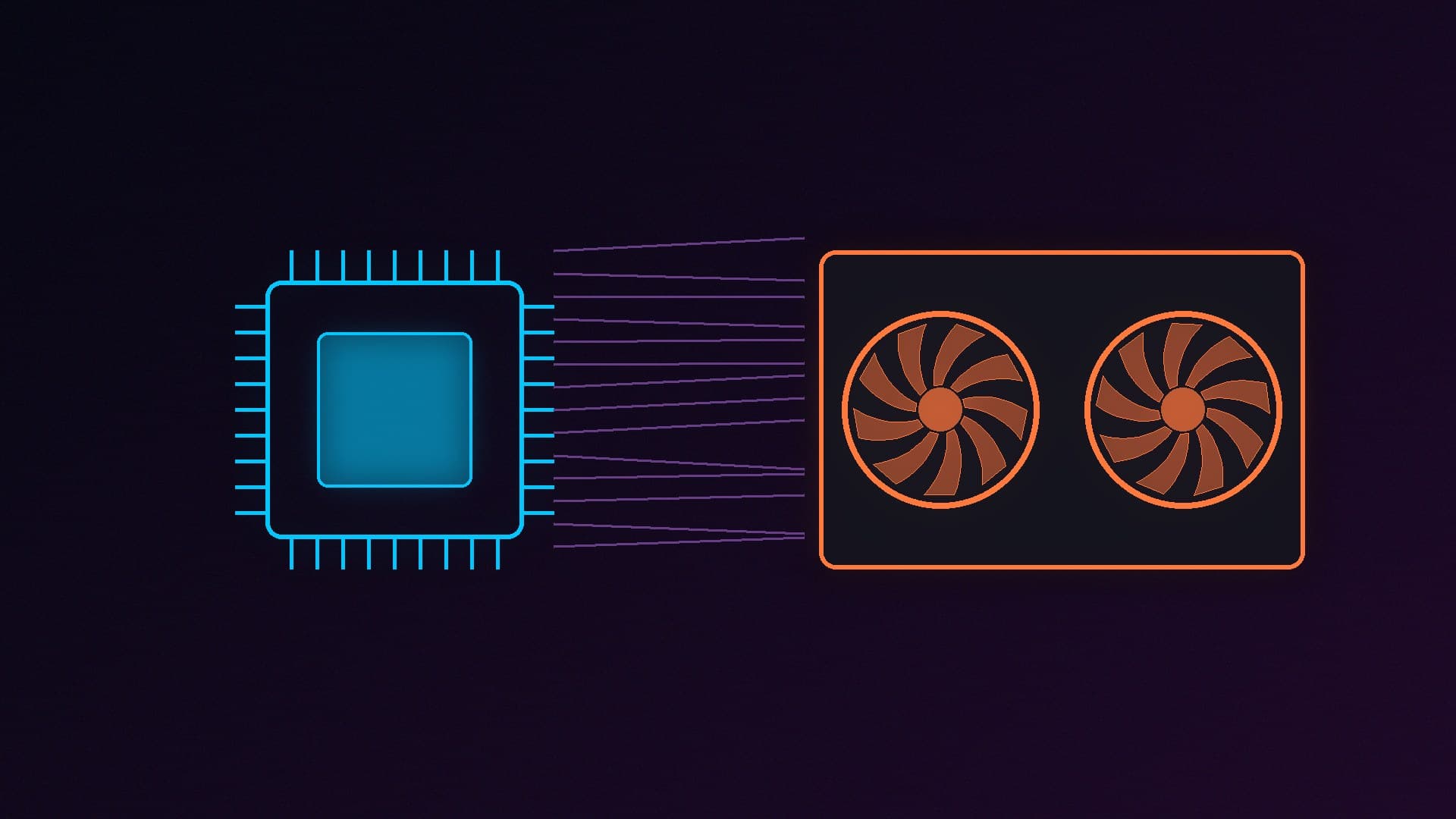
VRAM holds the textures, geometry and other data the graphics card needs to draw each frame. It is very fast. TechSpot notes that the RTX 5060 Ti's memory has a peak bandwidth of 448GB/s, compared with about 96GB/s for dual-channel DDR5-6000 system memory, and about 50GB/s for DDR4-3600.
When a game needs more VRAM than the card has, data spills over into system RAM across the PCIe bus, which is much slower. The results range from mildly lower frame rates to stutter, textures that load late or look blurry, and in the worst cases a game that's barely playable. Some games can instead lower texture quality automatically, so the frame rate looks fine but the game looks worse.
What the testing shows
TechSpot: Forza Horizon 6, 8GB vs 16GB (14 May 2026)
Steven Walton compared the 8GB and 16GB versions of the RTX 5060 Ti, the same GPU with different amounts of memory:
At 1080p with DLSS Balanced and the Extreme+RT preset, the 16GB card was 50 per cent faster (82fps against 55fps). That setting used almost 12GB of VRAM.
With DLSS Quality at the same preset, the 16GB card was 56 per cent faster on average and 67 per cent faster in 1 per cent lows.
TechSpot confirmed that the game's Ultra and Extreme presets require at least 12GB of VRAM, as does its base ray tracing preset.
System RAM makes it worse. Dropping from 32GB to 16GB of system memory cut the 8GB card's average frame rate by 9 per cent and its 1 per cent lows by 25 per cent in the Extreme+RT test.
TechSpot concluded that you need at least 12GB of VRAM to enjoy the game "in all its glory", and "ideally you'll want 16GB".
TechSpot: RTX 5060 Ti 8GB vs 16GB across PCIe versions (28 June 2025)
The 8GB card struggled in several games when it ran out of memory. In F1 25 at the high preset, the 16GB card was 114 per cent faster when both ran on PCIe 3.0, and up to 30 per cent faster on PCIe 4.0 or 5.0. TechSpot's advice was blunt: "if you intend to do anything beyond playing esports titles at 1080p, you'll want to avoid the 8GB model like the plague." Because the RTX 5060 Ti only uses eight PCIe lanes, running out of VRAM hurts more on older PCIe 3.0 boards.
TechSpot: RX 9060 XT 8GB review (6 June 2025)
In TechSpot's examples, the 16GB RX 9060 XT was 17 to 19 per cent faster than the 8GB version on average, with 15 to 27 per cent better 1 per cent lows. The review's headline verdict was "Not Good". At the time, TechSpot said not to buy any 8GB card in 2025 unless it cost under $200.
Tom's Hardware GPU hierarchy (updated 24 June 2026)
Tom's Hardware tests the 8GB and 16GB versions of both cards across its full game suite at ultra settings. The gap is small in raster games at 1080p and 1440p, but grows sharply with ray tracing and at 4K:
Tom's Hardware (fps) | RX 9060 XT 8GB | RX 9060 XT 16GB | RTX 5060 Ti 8GB | RTX 5060 Ti 16GB |
|---|
1440p raster | 62.5 | 67.3 (+8%) | 68.6 | 73.4 (+7%) |
4K raster | 29.7 | 35.2 (+19%) | 28.1 | 40.2 (+43%) |
1440p ray tracing | 20.2 | 31.0 (+53%) | 26.6 | 38.9 (+46%) |
4K ray tracing | 7.3 | 14.9 (+104%) | 7.2 | 20.6 (+186%) |
Tom's also says that for about 60fps with ray tracing at 1080p, you'll want an RTX 5060 Ti 16GB, RTX 5070 or RX 9070 GRE "without running out of VRAM". It notes that the 12GB RX 9070 GRE's memory "quickly becomes a liability at 1440p" in ray tracing compared with the 16GB RX 9070.
The counter-argument
More VRAM doesn't make a slow GPU fast. Tom's Hardware's hierarchy found the 8GB RTX 5060 24 per cent faster than the 12GB Arc B580 at 1080p, and the RX 9060 XT 8GB 30 per cent faster. It said: "We don't think the potential longevity afforded by the B580's 12GB of VRAM is worth the massive performance tradeoff versus current-gen 8GB GPUs." VRAM matters most when you compare two versions of the same GPU, or cards of similar speed.
How much VRAM should you buy?
Resolution and settings | Minimum | Recommended | Examples (lowest UK price, 12 Nov 2026) |
|---|
1080p, high settings, esports | 8GB | 8GB to 12GB | RTX 5060 8GB (£425), RX 9060 XT 8GB (£450) |
1080p, max settings and ray tracing | 12GB | 16GB | RX 9060 XT 16GB (£580), RTX 5060 Ti 16GB (£660) |
1440p | 12GB | 16GB | RX 9070 16GB (£732), RTX 5070 12GB (£815), RX 9070 XT 16GB (£820) |
4K | 16GB | 16GB or more | RTX 5070 Ti 16GB (£1,215), RTX 5080 16GB (£1,500) |
This is our recommendation, based on the testing above. It is not a hard rule: lowering texture quality and using upscaling stretches an 8GB or 12GB card further. Don't upgrade just for VRAM if your current card plays your games the way you like.
On 12 November 2026, according to SpecPrice's UK tracker:
RX 9060 XT: 8GB from £449.99, 16GB from £579.98, a £130 difference.
RTX 5060 Ti: 8GB from £479.99, 16GB from £659.99, a £180 difference.
TechSpot's Q4 pricing report calls the 16GB RX 9060 XT the cheapest way to get 16GB of VRAM, and finds it 20 to 40 per cent cheaper than the RTX 5060 Ti 16GB. If you're choosing between the 8GB RTX 5060 Ti and the 16GB RX 9060 XT, the Radeon gives you twice the memory for about £100 more. In Tom's testing it was slightly slower in raster games but faster with ray tracing at 1440p, where the 8GB card's memory is more of a limit.
Tips if you already have an 8GB card
Lower texture quality first. Texture quality is usually the setting with the biggest effect on VRAM use.
Use upscaling (DLSS, FSR or XeSS). Rendering at a lower internal resolution can reduce VRAM use.
Be careful with ray tracing on 8GB. The tests above show the biggest 8GB-versus-16GB gaps with it switched on. Frame generation also needs some memory of its own.
Have enough system RAM. TechSpot's Forza testing showed 16GB of system memory making an 8GB card's spill-over worse. Our RAM guide recommends 32GB for new builds.
Check your PCIe slot. An eight-lane card such as the RTX 5060 Ti suffers more on a PCIe 3.0 board when it runs out of VRAM, according to TechSpot's testing.
Our verdict
In 2026, VRAM is a real factor in whether a graphics card will last. 8GB is still enough for esports and many games at 1080p with sensible settings, but recent testing shows it falling short in new releases, with ray tracing, and at higher resolutions. For a new card bought today, we would aim for 12GB as a minimum and 16GB as the target for anything above 1080p. In the UK right now, the RX 9060 XT 16GB is the cheapest way to get there. Balance memory against raw speed, though: a much faster 8GB card can still beat a slower card with more VRAM. For specific card picks, see our best graphics card guide and RX 9070 vs RTX 5070.