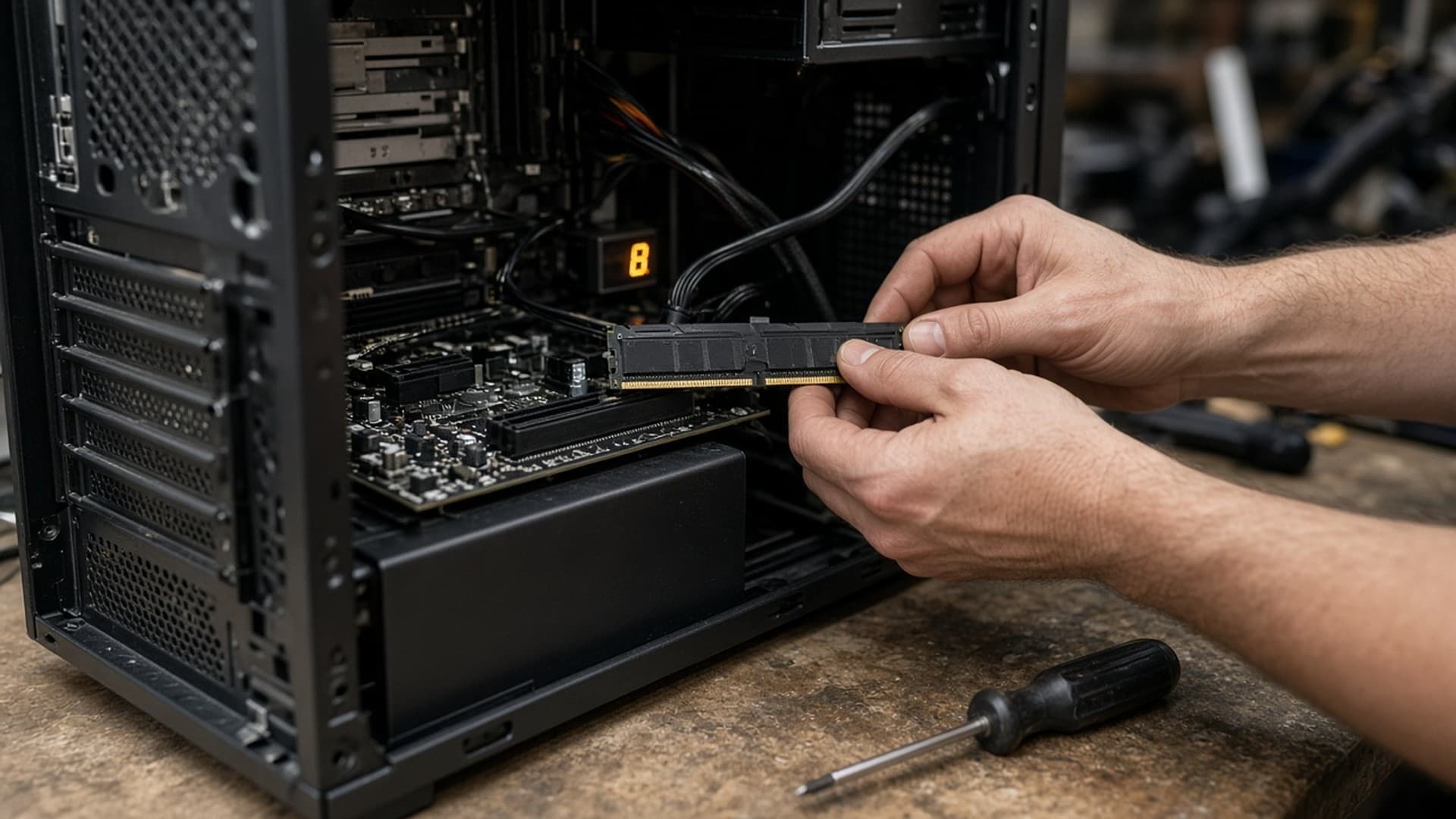
The usual advice used to be simple: buy 32GB of DDR5-6000 and stop thinking about it. That advice is still right about capacity. What has changed is cost: by ramprices.uk's index, the median 32GB DDR5 kit on Amazon.co.uk has gone from about £6.41 per gigabyte a year ago to £18.48 now.
This is an explainer, not a memory review, and Forge PC has not lab-tested kits for this piece. The figures below come from official platform specifications and from UK price indexes checked on 12 November 2026. Prices move, sometimes quickly, so treat every pound figure as approximate.
The short answer
16GB is the floor for a new gaming PC, not a comfortable place to stay. It will run games, but a browser, Discord and an overlay running alongside leave little headroom.
32GB is still the amount we would spec by default if the kit can be afforded.
64GB is for video editing, large photos, virtual machines or leaving a lot of software open alongside games — not a gaming requirement.
Speed matters less than capacity, but on AMD AM5 you should still aim for a DDR5-6000 CL30 kit if you can, in two sticks, not four.
DDR4 versus DDR5 is decided by your motherboard, not by a manifesto. If you already have a DDR4 system, upgrading that memory is often cheaper than building a new DDR5 machine in this market.
Why this question is harder than it was a year ago
DDR5 is the only memory type that new AM5 and LGA 1851 boards accept. The problem is what it now costs. ramprices.uk's UK index, which tracks Amazon.co.uk prices and was updated on 12 November 2026, put the median DDR5 kit at £18.48 per gigabyte. That is about 20 per cent higher than 90 days earlier (£15.45/GB) and about 200 per cent higher than the £6.16/GB median of a year ago. The same index put the DDR4 median at £8.22/GB.
At £18.48/GB, a median 32GB kit works out at roughly £590. A year ago, at ramprices.uk's £6.41/GB median for 32GB DDR5 kits, it was nearer £205, and Forge PC's own March build guide priced the step from 16GB to 32GB at about £40, which is badly out of date now. Cheaper kits exist if you shop carefully. PC Prowler's UK RAM Price Index (updated 12 November 2026) put the typical DDR5 desktop kit at £17.50/GB, and its cheapest DDR5 option at £11.88/GB, though that was a single 16GB DDR5-4800 stick rather than a matched kit. ramprices.uk's figure is a median, not a minimum. Even on a good deal, though, memory is now a major line item, in the same conversation as the processor and, on some builds, the graphics card.
That is why “just buy DDR5, the gap has closed” is no longer a fair summary. The gap has opened again. The right response is not to run 8GB of anything. It is to buy only the capacity you need, on the generation your board actually supports, and not to force a platform upgrade for a modest speed bump.
How much capacity you actually need
We are not going to invent per-game memory traces we have not measured. What we can say, honestly, is how we would budget the kit:
16GB (usually 2x8GB). Use this only if it is the difference between finishing a build and not finishing one. Plenty of games will still run. The trouble is everything else you keep open, plus the titles and updates that have been getting heavier. If you start at 16GB, buy two matched sticks so you can add a second pair later only as a last resort — and be aware that four DDR5 sticks are harder to run at rated speed than two. A better plan, if you think you will want 32GB, is to wait and buy 2x16GB when you can.
32GB (2x16GB). This is the default gaming kit. It gives you headroom for the game, a browser and voice chat without forcing you into 64GB pricing. 2x16GB modules are also the usual way to hit AM5's sweet-spot speeds, because they are typically single-rank and easier on the memory controller than two 32GB sticks.
48GB (2x24GB). DDR5 added these odd sizes, built from 24Gb chips. It is a useful step if 32GB feels tight and 64GB looks too dear per kit, not a new gaming standard.
64GB (2x32GB) and up. Choose this for editing, 3D work, lots of virtual machines, or a workstation that also plays games. Buy it as two sticks (2x32GB or, for 96GB, 2x48GB). AMD's official specifications for a chip such as the Ryzen 7 9850X3D list DDR5-5600 with two modules but only DDR5-3600 with four, which is the practical reason to avoid 4x16GB unless you already know your board will hold the rated profile.
If you are building a new machine and 32GB of DDR5 would unbalance the whole budget, it is more honest to start with 16GB and a better graphics card than to buy 32GB and an 8GB GPU. Games feel a poor graphics card every minute; they feel short system memory only when you have run out.
Speed and latency, without the mystique
Kits are sold by data rate (DDR5-6000 and so on) and CAS latency (CL30, CL36, CL40). Higher MT/s is more bandwidth; lower CL is fewer cycles of delay. Because a cycle is shorter at a higher data rate, you should compare true latency, not the CL number on its own. The usual first-word figure is:
latency in nanoseconds = CL × 2000 ÷ MT/s
On that measure, DDR5-6000 CL30 and DDR5-6400 CL32 both come out at 10.0ns, which is also the figure for a classic DDR4-3200 CL16 kit. A cheap JEDEC DDR5-4800 CL40 kit, by contrast, is about 16.7ns. DDR5's everyday advantage is bandwidth, not magic latency. That is why a slow, cheap DDR5 kit can feel less sharp than a good DDR4 kit in memory-sensitive work, even though the badge on the box says “newer”.
The widely recommended target on AMD AM5 (Ryzen 7000, 8000 and 9000) is DDR5-6000 CL30. Note that this is an EXPO overclock: AMD's official rating for a chip like the 9850X3D is DDR5-5600 with two modules. 6000 is popular because it is the speed most chips can run in a 1:1 ratio with the memory controller; kits much faster than about 6400 often drop to a 1:2 ratio and lose the point of the extra spend. On Intel 12th- to 14th-generation and Core Ultra boards, 6000 to 6400 is a sensible range, with diminishing returns above that. A plain 5600 kit is fine for an office PC that never needs an EXPO or XMP profile.
Enable the profile in the BIOS. EXPO is AMD's format, XMP is Intel's, and many kits carry both. Most AM5 boards can also read XMP, but the straightforward choice is an EXPO kit on AMD and an XMP kit on Intel. A kit with neither profile will run at the slower JEDEC speed.
One more label to ignore: “on-die ECC” on consumer DDR5 is not the same as real ECC memory. It corrects errors inside the chip so denser DRAM can be manufactured. It does not make a gaming kit into server memory.
Should you still buy DDR4?
Yes, if your board takes it. DDR4 and DDR5 are physically incompatible; you cannot mix them, and you cannot “upgrade a DDR4 board to DDR5” without replacing the motherboard and, on AMD, usually the processor too.
If you are on AM4, or on an LGA 1700 board that was built with DDR4, a faster DDR4 kit — or simply filling empty slots with a matched pair — is the cheap way to add capacity. DDR4 is still clearly less expensive per gigabyte in the UK: £8.22/GB at the median on ramprices.uk and £9.31/GB typical on PC Prowler, against £17.50–£18.48 for DDR5. If you are building a new PC on AM5 or LGA 1851, you do not have a choice: it will be DDR5, so budget for it at today's prices, not last year's, and do not cheap out on a 4800 CL40 kit just to say you have DDR5.
The trap is a half-upgrade: a new AM5 processor and board, then a delay on the memory, then surprise at the till. Price the kit on the same day as the CPU.
A simple buying order
Confirm the board takes DDR5 desktop DIMMs or DDR4, and that you are buying the matching sticks. Laptop SO-DIMMs are a different product.
Choose capacity as two modules: 2x16GB for most gaming PCs, 2x8GB only if the budget is desperate, 2x32GB for heavy work.
Set a speed floor: DDR5-6000 CL30 (or 6400 CL32) for AM5 gaming, 5600 for a quiet office machine, and a decent DDR4-3200 or 3600 kit on older platforms.
Sort listings by price, not by RGB. At the same speed and latency, most kits perform alike; you are shopping for a fair £/GB and a retailer that will honour a dead-on-arrival swap.
Check the date on the price. An old “was” price or a guide written before this year's rises is not a guide to what a fair kit costs now.
Memory is the part of a 2026 build that has quietly become painful. Buy enough of it, in two sticks, at a sensible speed, and do not let a marketing slide talk you into a full platform change you cannot fund.