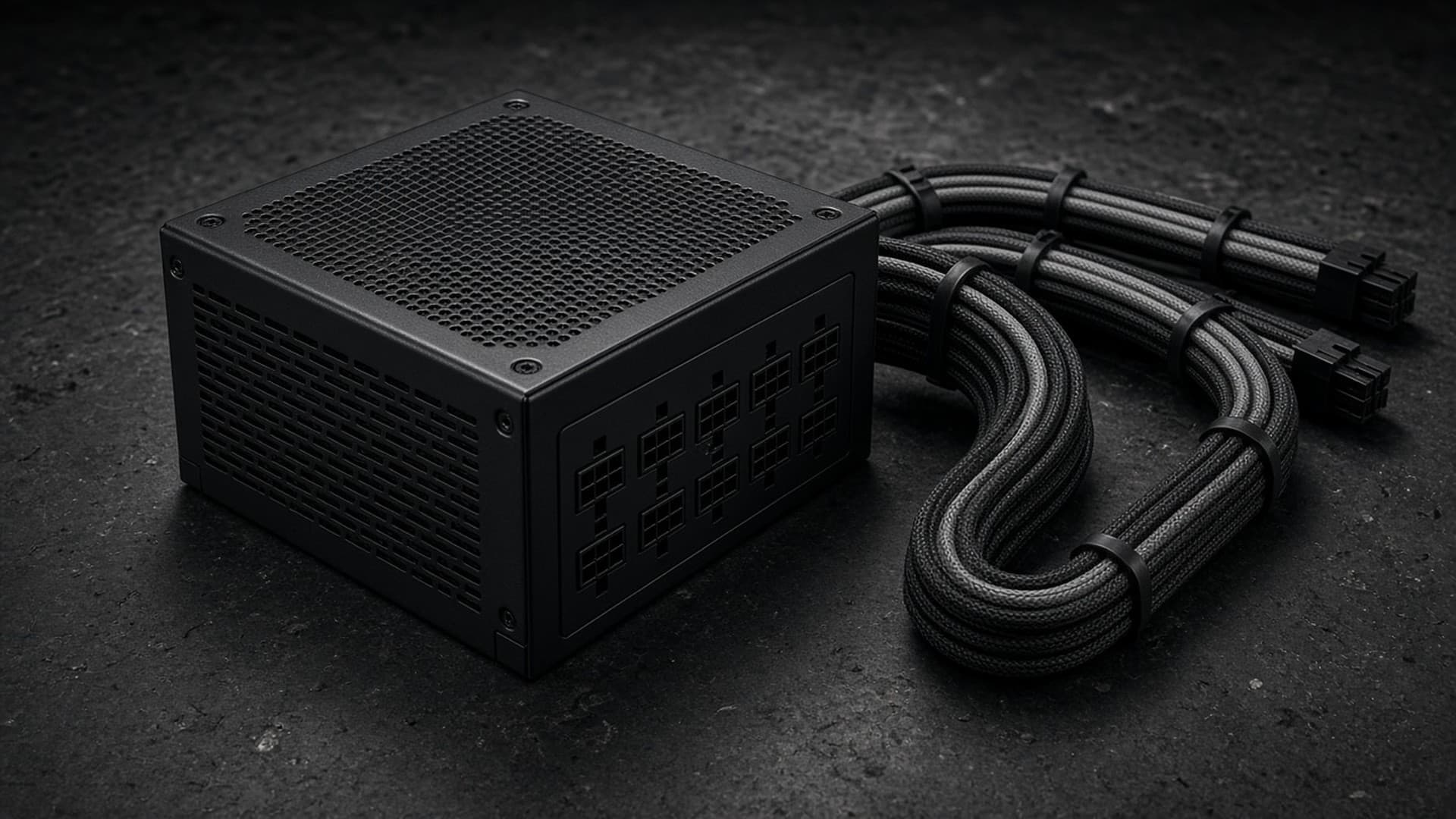
The power supply (PSU) is the part most likely to be bought as an afterthought, and the one you least want to fail. A good one will last through several upgrades. A poor one can stop you upgrading your graphics card, or worse.
This guide uses NVIDIA's and AMD's official power figures and explains the newer standards you'll see on PSU boxes. Forge PC hasn't tested any power supplies. Prices are approximate, from Scan listings on SpecPrice's UK tracker, checked 12 November 2026.
Step 1: Start with your graphics card
The graphics card is usually the biggest power draw in a gaming PC. NVIDIA and AMD both publish a recommended minimum PSU for their reference designs:
Graphics card | Card power (official) | Recommended PSU (official) | Power connectors (reference design) |
|---|
GeForce RTX 5060 | 145W | 550W | 1x 8-pin or 300W+ PCIe Gen 5 cable |
GeForce RTX 5060 Ti | 180W | 600W | 1x 8-pin or 300W+ PCIe Gen 5 cable |
GeForce RTX 5070 | 250W | 650W | 2x 8-pin (adapter in box) or 300W+ PCIe Gen 5 cable |
GeForce RTX 5070 Ti | 300W | 750W | 2x 8-pin (adapter in box) or 300W+ PCIe Gen 5 cable |
GeForce RTX 5080 | 360W | 850W | 3x 8-pin (adapter in box) or 450W+ PCIe Gen 5 cable |
GeForce RTX 5090 | 575W | 1,000W | 4x 8-pin (adapter in box) or 600W PCIe Gen 5 cable |
Radeon RX 9060 XT | 160W | 450W | 1x 8-pin |
Radeon RX 9070 | 220W | 650W | 2x 8-pin |
Radeon RX 9070 XT | 304W | 750W | 2x 8-pin |
Radeon AI PRO R9700 | 300W | 750W | 12V-2x6 |
NVIDIA's figures are "Total Graphics Power" and "Required System Power". NVIDIA says its minimums are based on a PC with a Ryzen 9 9950X and recommends a PCIe CEM 5.1-compliant PSU. AMD's figures are "Typical Board Power" (total board power for the R9700) and "Minimum PSU Recommendation". Both companies note that partner cards vary: a factory-overclocked card may draw more and use different connectors, so check the exact model you're buying.
One oddity: NVIDIA's RTX 5090 page lists 1,000W in its specification table but 850W in its "prepare your system" checklist for the Founders Edition. We'd follow the higher figure.
Step 2: Account for your processor
The processor is the next biggest load. AMD rates the Ryzen 7 9850X3D at a 120W default TDP. Intel lists the Core Ultra 7 270K Plus at 125W base power and 250W maximum turbo power. A high-power Intel chip under a heavy all-core load can draw considerably more than a gaming-focused AMD X3D chip.
NVIDIA's and AMD's recommendations already assume a capable processor, so for a typical gaming PC with one graphics card, the GPU maker's figure is a sensible minimum.
Step 3: Add headroom
We'd buy a little above the official minimum, for three reasons:
Upgrades. A 750W unit leaves room to move from an RTX 5060 Ti to an RTX 5070 Ti later.
Partner cards. Many cards ship with higher power limits than the reference design.
Noise. A PSU that isn't working near its limit usually runs its fan more slowly.
As a rough guide, which is our recommendation rather than an official one:
Build | Sensible PSU |
|---|
RTX 5060 / RX 9060 XT gaming PC | 550–650W |
RTX 5060 Ti / RTX 5070 / RX 9070 | 650–750W |
RTX 5070 Ti / RX 9070 XT | 750–850W |
RTX 5080 | 850–1,000W |
RTX 5090 | 1,000W or more |
Step 4: Check the connectors
Recent high-end cards often use a single 16-pin connector. The current version is called 12V-2x6 and is part of the ATX 3.1 standard. Corsair explains that it has longer power terminals and shorter sense pins than the older 12VHPWR design, so the card can shut off if the connector works loose, and that it can still deliver up to 600W.
What to check:
If your card uses 8-pin connectors, make sure the PSU has enough separate 8-pin PCIe cables. NVIDIA's adapters need multiple 8-pin cables.
If your card uses 12V-2x6, a PSU with a native 12V-2x6 cable is the tidiest option. Push it in fully and avoid sharp bends near the plug.
Corsair notes ATX 3.1 also shortens the required hold-up time from 17ms to 12ms. That's a small detail, but it shows ATX 3.1 is a revised standard, not just a new connector.
Step 5: Look past the 80 Plus badge
Efficiency badges tell you how much power is wasted as heat. Cybenetics is an independent certification lab that rates efficiency (its ETA ratings) and noise (LAMBDA ratings). It says its tests run at over 30°C ambient, try more than 1,450 load combinations, and measure noise in a hemi-anechoic chamber. Many current PSUs list a Cybenetics rating on the box or in retailer listings.
Efficiency matters, but quality and protection matter more. Buy from an established brand, and avoid unbranded or very old units, especially for a new high-end graphics card.
Step 6: Modular or not?
Fully modular PSUs let you attach only the cables you need, which makes building and airflow easier, especially in small cases. Non-modular units are cheaper. Either is fine if the quality is good.
Examples at UK prices (12 November 2026)
These are examples of current ATX 3.1 units from one well-known range, listed with SpecPrice's lowest Scan price. They're illustrations, not test results:
PSU | Retailer listing details | Approx. price |
|---|
Corsair RM650e | 650W, fully modular, Cybenetics Gold, ATX 3.1 | £80 |
Corsair RM750x | 750W, fully modular, Cybenetics Gold, ATX 3.1 | £125 |
Corsair RM850x | 850W, fully modular, Cybenetics Gold, ATX 3.1 | £140 |
Corsair RM1000x | 1,000W, fully modular, Cybenetics Gold, ATX 3.1 | £165 |
Our verdict
Start with the official PSU figure for your graphics card, then add some headroom: about 650–750W suits most RTX 5060 Ti, RTX 5070 and RX 9070 builds, and 750–850W suits an RTX 5070 Ti or RX 9070 XT. Buy an ATX 3.1 unit from an established brand, check it has the right connectors for your card, and use an independent rating such as Cybenetics as a guide to efficiency and noise. A good PSU is cheap insurance for an expensive graphics card. For the rest of the build, see our beginner's build guide, upgrade guide and best graphics card guide.