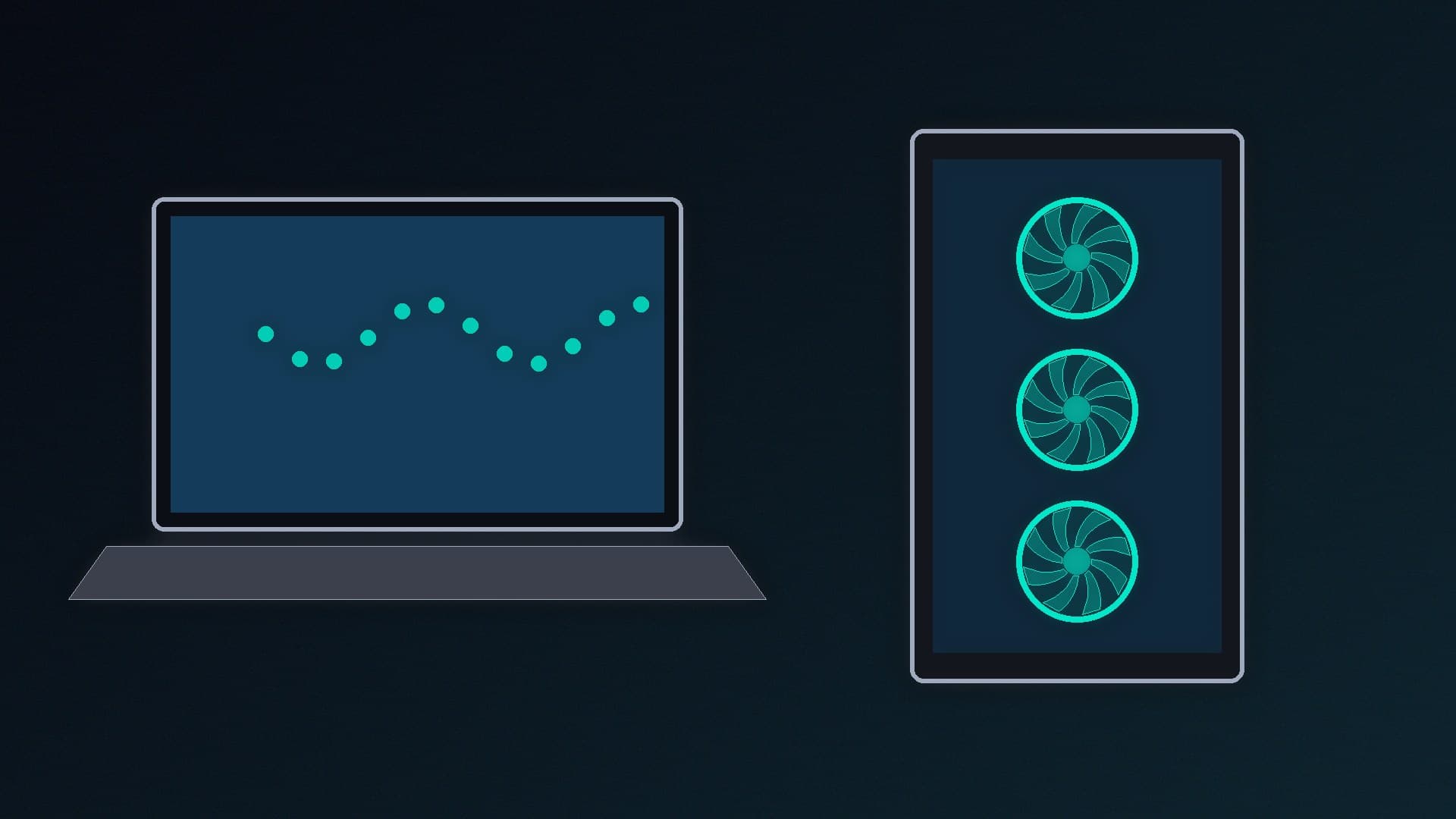
If you want to run AI chatbots and image generators on your own hardware, the most important number is how much video memory (VRAM) your graphics chip has. Both gaming laptops and desktop PCs can do the job, but they give you very different amounts of VRAM for your money.
This comparison is based on NVIDIA's laptop GPU specifications and UK prices from SpecPrice's tracker, checked on 13 November 2026, with the figures credited at the end. Forge PC hasn't tested any of these systems for AI performance. Prices are approximate and change often, especially around Black Friday.
Why VRAM decides everything
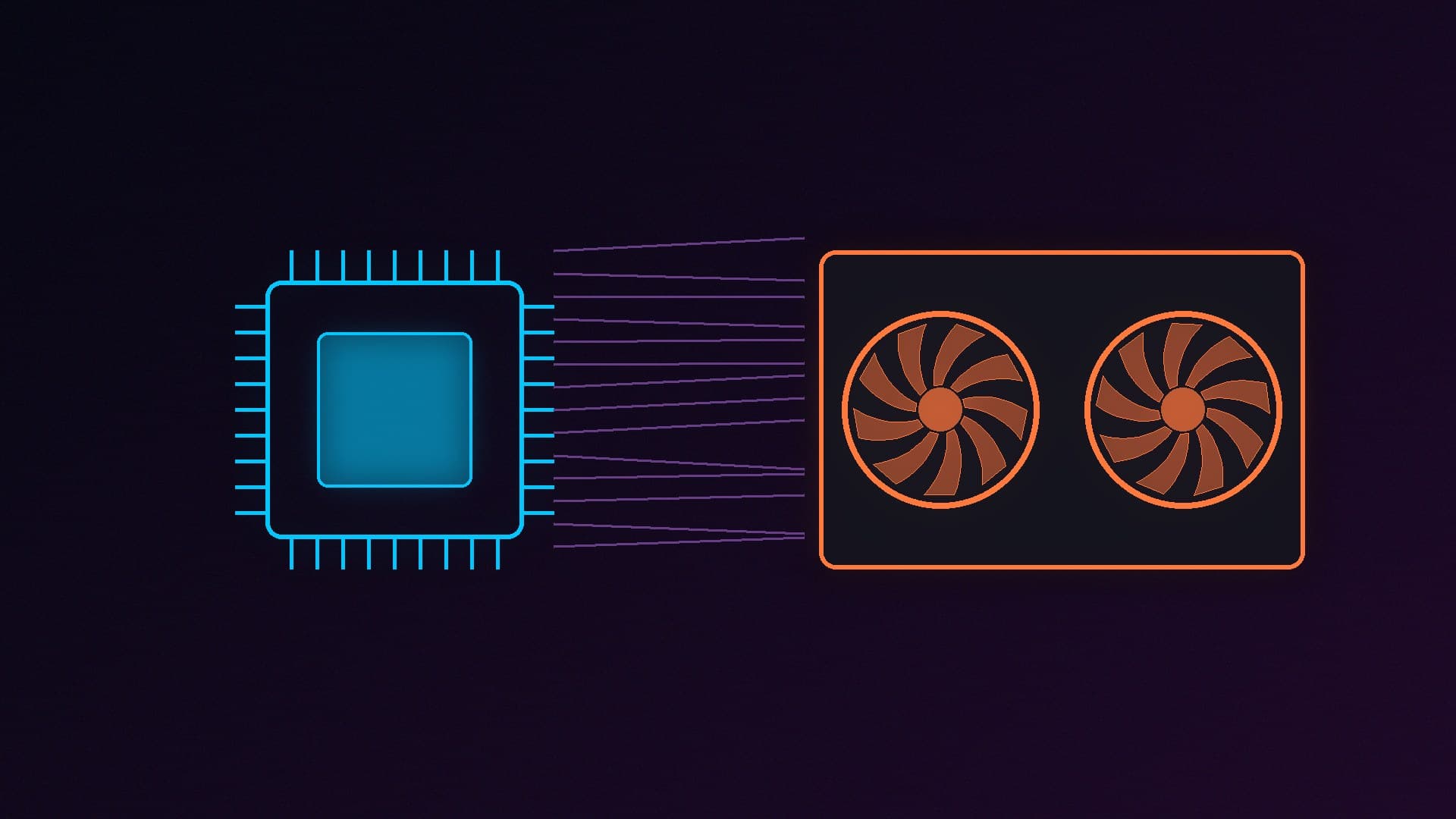
AI models run fastest when the whole model fits in the graphics chip's memory. If it doesn't fit, apps such as Ollama split it between VRAM and system memory, and it runs much more slowly. As a rough guide, llamaperf's VRAM guide says a 16GB card holds a dense model of up to about 16 billion parameters at the common Q4_K_M compression level, with 8K of context. Our best GPU for local LLMs guide explains this in more detail.
Laptop graphics: what you get
NVIDIA's specifications for its RTX 50-series laptop GPUs:
Laptop GPU | VRAM | Memory bandwidth | Cheapest new laptop on SpecPrice (13 Nov 2026) |
|---|
RTX 5060 Laptop | 8GB GDDR7 | 384GB/s | About £1,000 |
RTX 5070 Ti Laptop | 12GB GDDR7 | 672GB/s | About £1,900 |
RTX 5080 Laptop | 16GB GDDR7 | 896GB/s | About £2,560 |
RTX 5090 Laptop | 24GB GDDR7 | 896GB/s | About £3,100 |
The cheapest RTX 5060 and RTX 5080 laptops were both listed at Scan, and the cheapest RTX 5090 laptop was at Box. The RTX 5070 Ti price is from a listing at a shop where SpecPrice hadn't checked stock.
One thing to note: laptop GPUs share names with desktop cards but aren't the same chips, and they run at much lower power. NVIDIA lists the power range for each laptop GPU, and each laptop maker chooses where in that range its model runs. Two laptops with the same GPU can therefore perform differently. Check the manufacturer's stated GPU power for any laptop you're considering.
Desktop graphics: what you get
On the desktop, 16GB of VRAM is much cheaper. On 13 November 2026, the cheapest Radeon RX 9060 XT 16GB on SpecPrice cost about £580, and the cheapest RTX 5060 Ti 16GB about £660. Our best gaming PC under £1,200 guide builds a complete PC around the RX 9060 XT 16GB for about £1,128, which is less than half the price of the cheapest RTX 5080 laptop with the same amount of VRAM.
Desktops also scale further. For 32GB of VRAM on one card, AMD's Radeon AI PRO R9700 is the cheapest new option, as we explain in our local LLM guide. No laptop GPU currently has more than 24GB.
Other differences
| Gaming laptop | Desktop PC |
|---|
VRAM for the money | Expensive. 16GB means an RTX 5080 laptop | Much cheaper. 16GB cards cost under £700 |
Maximum VRAM | 24GB (RTX 5090 Laptop) | 32GB on one card, and more with two cards |
Upgrades | Graphics can't be upgraded | Swap the graphics card or add memory later |
Portability | Use AI anywhere, offline | Stays at home, though you can connect remotely |
System memory | Check before buying, as it can't always be upgraded | Easy to add more |
What about NPUs and AI PCs?
Many new laptops are sold as "AI PCs" with a neural processing unit (NPU). These are designed for low-power AI features in Windows, not for running large chatbots quickly. Our NPU explainer covers what they do. For running LLMs locally, the graphics chip and its memory matter much more.
Systems with large shared memory pools are another option. NVIDIA's RTX Spark desktops and AMD's Ryzen AI Max chips let the graphics side use a big pool of system memory, which suits large models. However, they're bought as complete systems, and their graphics can't be upgraded.
Which should you choose?
Buy a desktop if you mainly use AI at home. You'll get far more VRAM for your money, and you can upgrade the graphics card as models grow. A 16GB card is a good starting point, and a 32GB card lets you run larger models.
Buy a laptop if you need to run models while travelling, or work offline in different places. Aim for an RTX 5080 Laptop GPU with 16GB if you can. An 8GB laptop GPU will only run smaller models comfortably.
Our verdict
For local AI, a desktop gives you much more VRAM for your money. A complete desktop with a 16GB graphics card costs less than half as much as the cheapest 16GB RTX 5080 laptop on SpecPrice's tracker. Choose a laptop only if portability really matters, and if you do, prioritise VRAM over everything else.