Apps such as Ollama and LM Studio will run a large language model (LLM) on almost any modern PC, with or without a graphics card. So do you really need a GPU for local AI, or can you save money and run models on your processor and system memory instead?
The short answer is that a processor can do it, but a graphics card with enough video memory (VRAM) is much faster for chatting with a model. This explainer is based on documentation from Ollama and llamaperf and on AMD's official specifications, credited at the end. Forge PC hasn't run its own speed tests, so we don't quote tokens-per-second figures. UK prices are approximate and were checked on 13 November 2026.
Why memory bandwidth matters most
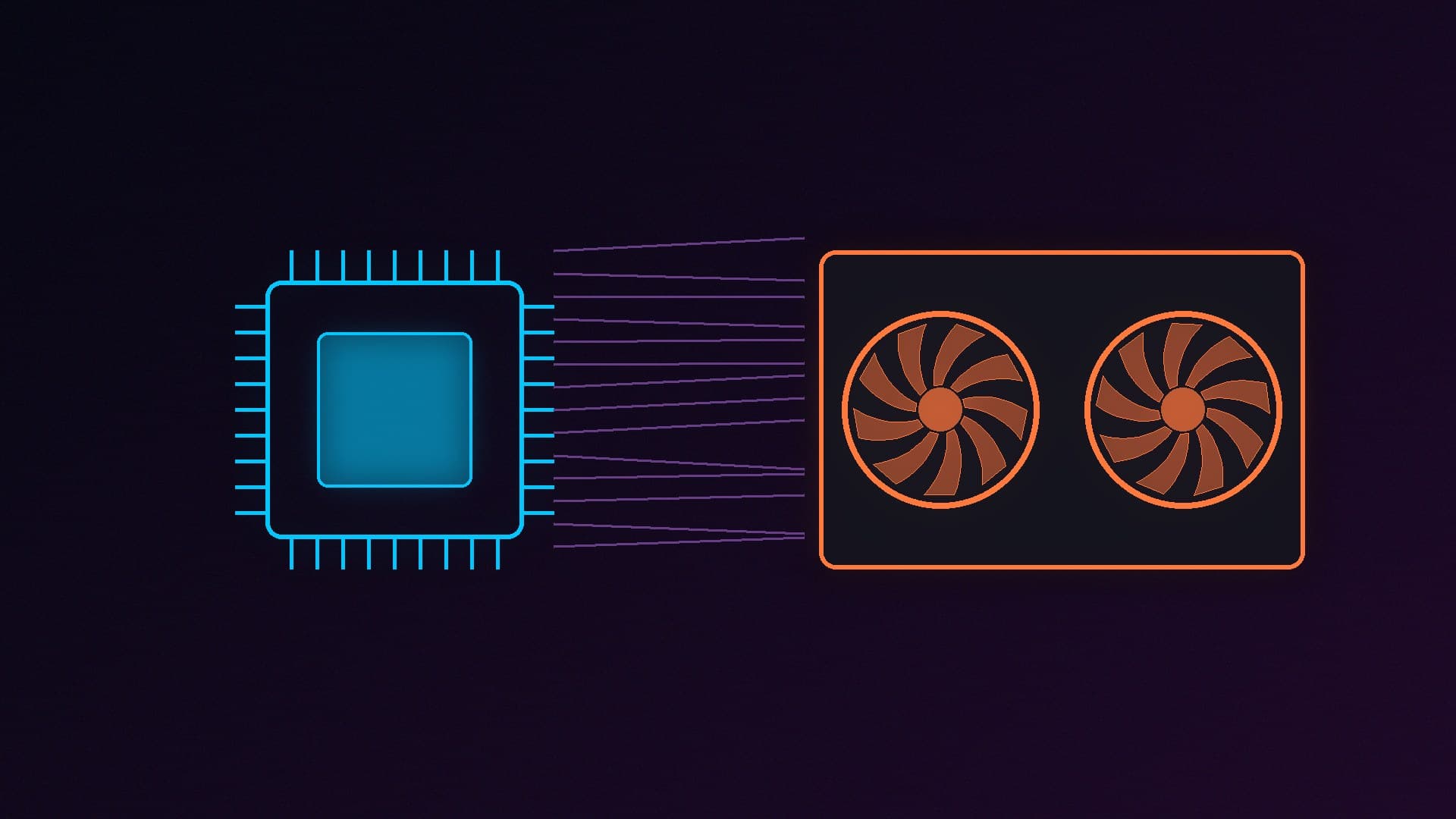
When an LLM writes a reply, it produces one token (roughly a word or part of a word) at a time. For each token, it has to read through a large part of the model's weights in memory. llamaperf's performance guide explains that for a single user, this stage is often limited by memory bandwidth, not processing power. It suggests a useful upper-bound rule of thumb: memory bandwidth divided by the amount of data moved for each token. It stresses that this isn't a universal formula, because other factors also affect speed.
That makes the gap between system memory and graphics memory the key difference:
Memory | Theoretical bandwidth |
|---|
Dual-channel DDR5-6000 (a typical gaming PC) | About 96GB/s |
AMD Ryzen AI Max+ 395 (256-bit LPDDR5x-8000) | About 256GB/s |
AMD Radeon RX 9060 XT 16GB | Up to 320GB/s |
AMD Radeon RX 9070 16GB | 640GB/s |
We calculated the first two figures from the memory type, speed and bus width: 6,000 million transfers per second across two 64-bit channels is 96GB/s. The graphics card figures are from AMD's specifications. Real-world bandwidth is lower than these theoretical numbers in every case.
Even a mid-range graphics card has several times the memory bandwidth of a desktop processor's memory, and that's the main reason why models generate text so much faster on a GPU.
Where the CPU route makes sense
Large models that won't fit in VRAM. Desktops can hold 64GB or more of system memory, much more than consumer graphics cards have. A model that's too big for a 16GB graphics card can still run from system memory, just slowly. llamaperf's VRAM guide says a 16GB card holds a dense model of up to about 16 billion parameters at Q4_K_M quantisation with 8K of context.
Small models and occasional use. Small models, with a few billion parameters, are much less demanding. If you only need to summarise the odd document or test a model, a processor may be fast enough.
Prompt processing is different. Reading a long prompt or document is more dependent on raw computing power than generating tokens. llamaperf notes that prompt processing can depend more on compute than on bandwidth, and that's another area where a graphics card's processing power helps.
The worst of both: splitting a model
If a model is slightly too big for your graphics card, Ollama and LM Studio can put part of it in VRAM and the rest in system memory. llamaperf's VRAM guide warns that "generation slows sharply as soon as part of the model leaves the card". In Ollama, you can check for this with the ollama ps command: Ollama's FAQ explains that 100% GPU means the model is fully on the graphics card, while a split such as 48%/52% CPU/GPU means it isn't.
If you see a split, a slightly smaller model or a lower-precision version that fits completely in VRAM is usually the better choice.
The middle ground: unified memory
Some newer chips share one large pool of fast memory between the processor and graphics. AMD's Ryzen AI Max+ 395 is an example. AMD's specifications list 16 processor cores, Radeon 8060S graphics with 40 compute units and support for up to 128GB of 256-bit LPDDR5x-8000 memory. That gives it more memory than any consumer graphics card, with much more bandwidth than a normal desktop, although still less than a mid-range graphics card. It isn't a socketed desktop processor, so you buy it as part of a complete system. NVIDIA's RTX Spark chip takes a similar approach, and we've covered the RTX Spark desktops coming to the UK separately.
What should you buy?
If you want to... | Our suggestion |
|---|
Try local AI on your current PC | Use what you have, and start with a small model |
Chat with models of up to about 14B to 16B parameters at a good speed | A 16GB graphics card, such as the RX 9060 XT 16GB (about £580) or RTX 5060 Ti 16GB (about £660) |
Run bigger models, of about 30B parameters | A 32GB card, such as AMD's Radeon AI PRO R9700 |
Run very large models, slowly | 64GB or more of system memory |
For more detail, read our best GPU for local LLMs guide. If you're adding memory, our RAM guide explains what to look for.
Our verdict
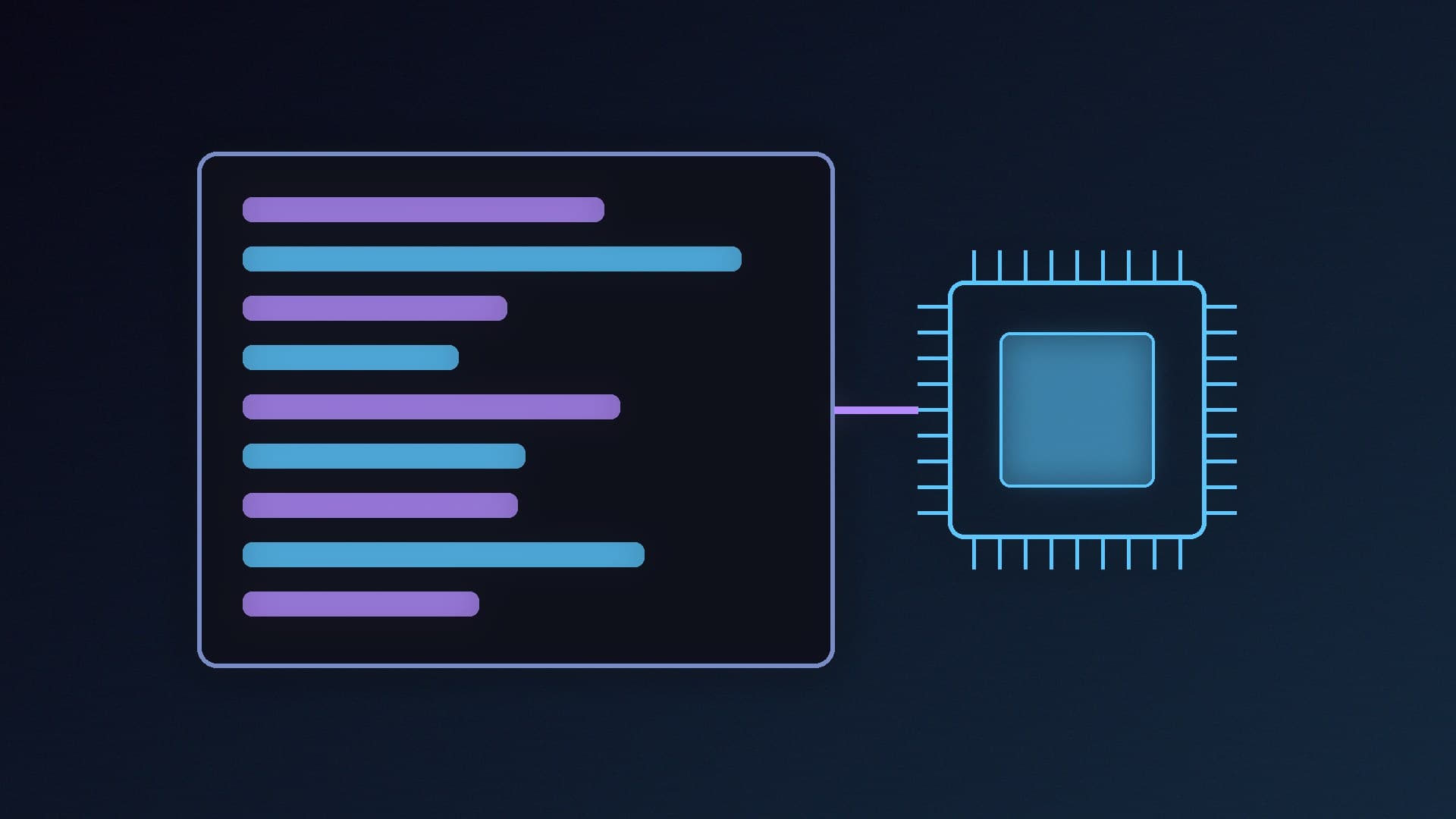
You can run local AI models on a processor alone, but they generate text far more slowly than on a graphics card, mainly because system memory has much less bandwidth than VRAM. For regular use, a 16GB graphics card is the best starting point. The CPU route makes sense only for occasional use, small models, or very large models that won't fit on any affordable graphics card.