If you're building a PC, you'll need a Windows licence, and the first decision is which edition to buy. On Microsoft's UK store, Windows 11 Home costs £119.99 and Windows 11 Pro costs £219.99 (checked 12 November 2026; prices may change, and many shops sell boxed or OEM versions at different prices).
This comparison is based on Microsoft's own documentation, credited at the end. Forge PC hasn't run any performance comparison between the editions, and Microsoft doesn't list any gaming feature as exclusive to Pro.
The short answer
For a gaming PC, Windows 11 Home is enough for most people. Pro adds business and advanced features, such as BitLocker management, Hyper-V virtual machines, Windows Sandbox and the ability to control the PC remotely using Remote Desktop. If you don't need those, save the £100 and put it towards a better graphics card or SSD.
Feature comparison
Feature | Windows 11 Home | Windows 11 Pro |
|---|
UK price (Microsoft Store, 12 Nov 2026) | £119.99 | £219.99 |
Gaming features, such as DirectX 12 Ultimate, Auto HDR and Xbox Game Bar | Yes | Yes |
Device encryption | Yes, on supported hardware | Yes |
Full BitLocker management | No | Yes |
Remote Desktop: connect to other PCs | Yes, using the client app | Yes |
Remote Desktop: let others connect to this PC | No | Yes |
Hyper-V virtual machines | No | Yes |
Windows Sandbox | No | Yes |
Maximum memory supported | 128GB | 2TB |
Gaming: no difference in features
Microsoft's comparison page lists the main Windows 11 gaming features, including DirectX 12 Ultimate, DirectStorage, Auto HDR and Xbox Game Bar, as part of Windows 11 rather than as Pro extras. We're not aware of any game that requires Windows 11 Pro.
Security: Home has device encryption, Pro has BitLocker
Encryption protects your data if your PC or drive is stolen. Microsoft says device encryption is available on Windows 11 Home on supported hardware. BitLocker, with more control over how drives are encrypted and managed, needs Pro, Enterprise or Education.
If you just want your files protected and your PC supports device encryption, Home covers it. Check Settings > Privacy & security > Device encryption on your PC.
Remote Desktop
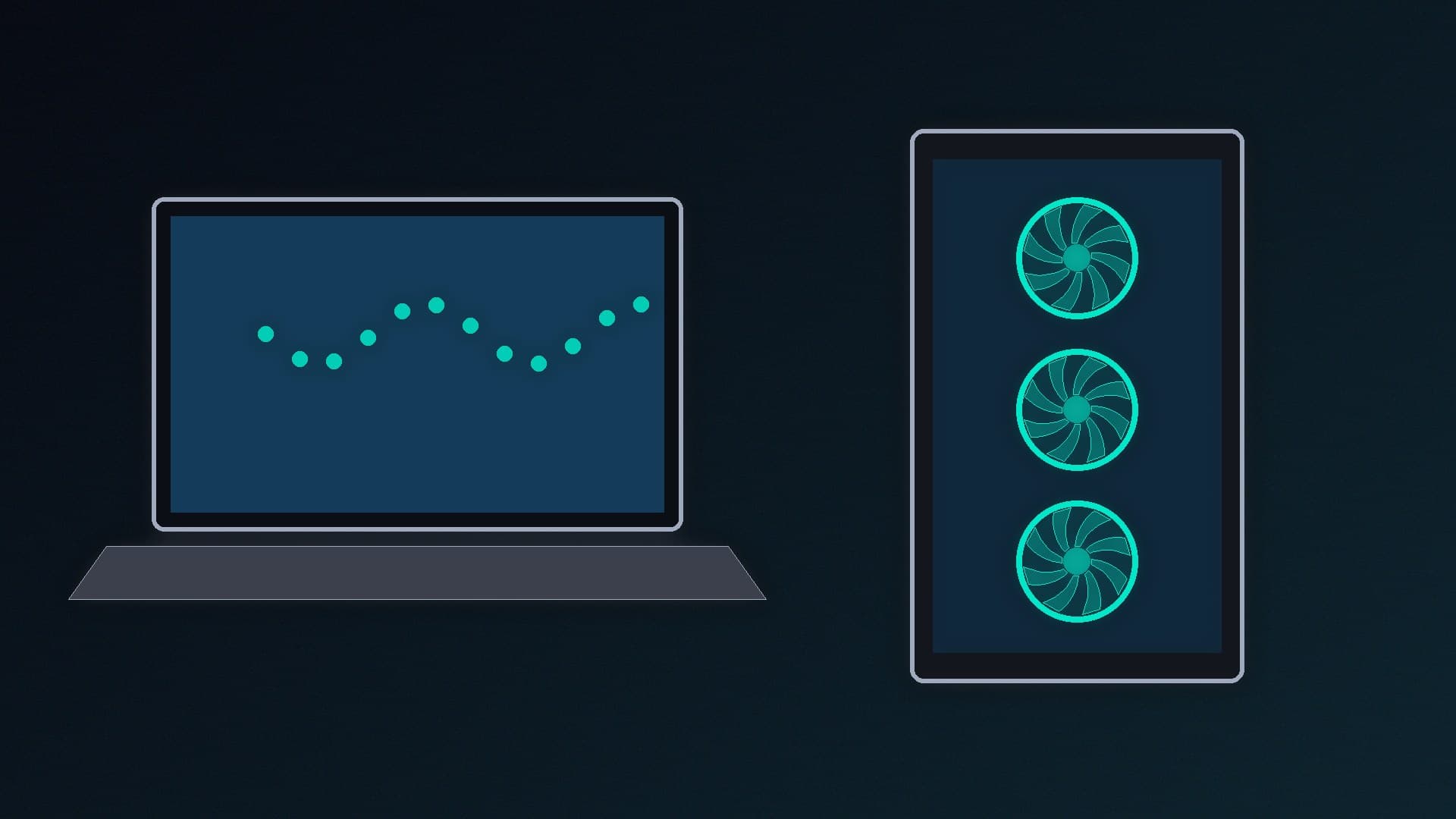
Microsoft says you can use the Remote Desktop app to connect to another PC from any edition of Windows, but the PC you connect to must be running Windows Pro, Enterprise or Education. If you want to control your gaming PC from a laptop elsewhere in the house using Microsoft's built-in tool, Pro is needed. Third-party remote-access apps are an alternative.
Virtual machines and Windows Sandbox
Hyper-V, Microsoft's virtual machine software, can't be installed on Windows 11 Home, according to Microsoft's documentation. Windows Sandbox, a disposable desktop for safely testing unknown software, also needs Pro, Enterprise or Education.
Developers and IT enthusiasts may find these useful. Third-party virtual machine software is available for Home, but Hyper-V and Sandbox are only built into Pro.
Memory limits
Microsoft's documentation lists a maximum of 128GB of memory for Windows 11 Home and 2TB for Pro. Very few gaming PCs come anywhere near 128GB. Our RAM guide explains why 32GB is enough for most gamers.
Can you upgrade later?
Yes. Microsoft explains that you can upgrade from Home to Pro through Settings > System > Activation, by buying an upgrade from the Microsoft Store or entering a Pro product key. That means you can start with Home and pay for Pro later if you find you need one of its features.
Which should you choose?
Choose Windows 11 Home if: you're building a gaming or general-use PC and don't need remote access into it, Hyper-V or full BitLocker management.
Choose Windows 11 Pro if: you work from home and your employer requires it, you want to use Remote Desktop to connect to this PC, you run virtual machines with Hyper-V, or you want BitLocker.
Once you've chosen, our beginner's build guide explains how to install Windows on a new PC.
Our verdict
For gaming, Windows 11 Home is the better buy: Microsoft doesn't lock any gaming features to Pro, and the £100 you save (£119.99 vs £219.99 on Microsoft's UK store on 12 November 2026) goes a long way towards better hardware. Pro is worth it only if you need its business and power-user features, such as hosting Remote Desktop connections, Hyper-V, Windows Sandbox or BitLocker. You can always upgrade later.