If you want to generate AI images or video on your own graphics card rather than through a paid cloud service, two free Windows apps come up again and again: ComfyUI and Amuse. Both run the latest open models, including FLUX.2, Qwen Image and Wan 2.2, and both keep your prompts and pictures on your PC. But they take opposite approaches. ComfyUI gives you a powerful node-based workspace with almost unlimited control; Amuse wraps everything in a polished, single desktop app.
Forge PC has not benchmarked either app, so we make no claims about which generates images faster. This comparison is based on the official ComfyUI documentation and GitHub page, and on TensorStack's and Amuse's official sites, all checked on 14 November 2026. Both apps change quickly, so check their release notes for the latest details.
At a glance
| ComfyUI | Amuse |
|---|
How it works | Node graph: you wire up building blocks into workflows | Desktop studio with tabs and menus; no wiring needed |
Made by | Comfy Org (open source) | TensorStack (open source) |
Platforms | Windows, macOS and Linux | Windows |
Licence | GPL-3.0 | Source Apache-2.0; app binaries under the Amuse 2.0 License |
GPU support (Windows) | NVIDIA, AMD (RDNA 2 to RDNA 4 via ROCm, manual install) and Intel Arc (manual install) | NVIDIA via CUDA 13.0 (driver 580.65+); AMD, NVIDIA and Intel via Vulkan |
What it creates | Images, video, audio, 3D | Images, video, audio, speech and local text chat |
Extras | Thousands of community custom nodes, a local API, App Mode | Built-in video editor, upscaling, frame interpolation, inpainting |
Install | Comfy Desktop installer, Portable build or manual Python install | Single installer or .zip from GitHub |
Ease of use: Amuse wins
Amuse is designed to feel like a normal Windows app. You pick a workflow such as text-to-image, choose a model from its library and type a prompt. The official Amuse site describes one-click model downloads with a queued download manager and in-app updates, plus quality presets labelled Draft (int4), Standard (fp8) and Production (bf16) that let you trade video memory for image quality. Our Amuse guide walks through setting it up.
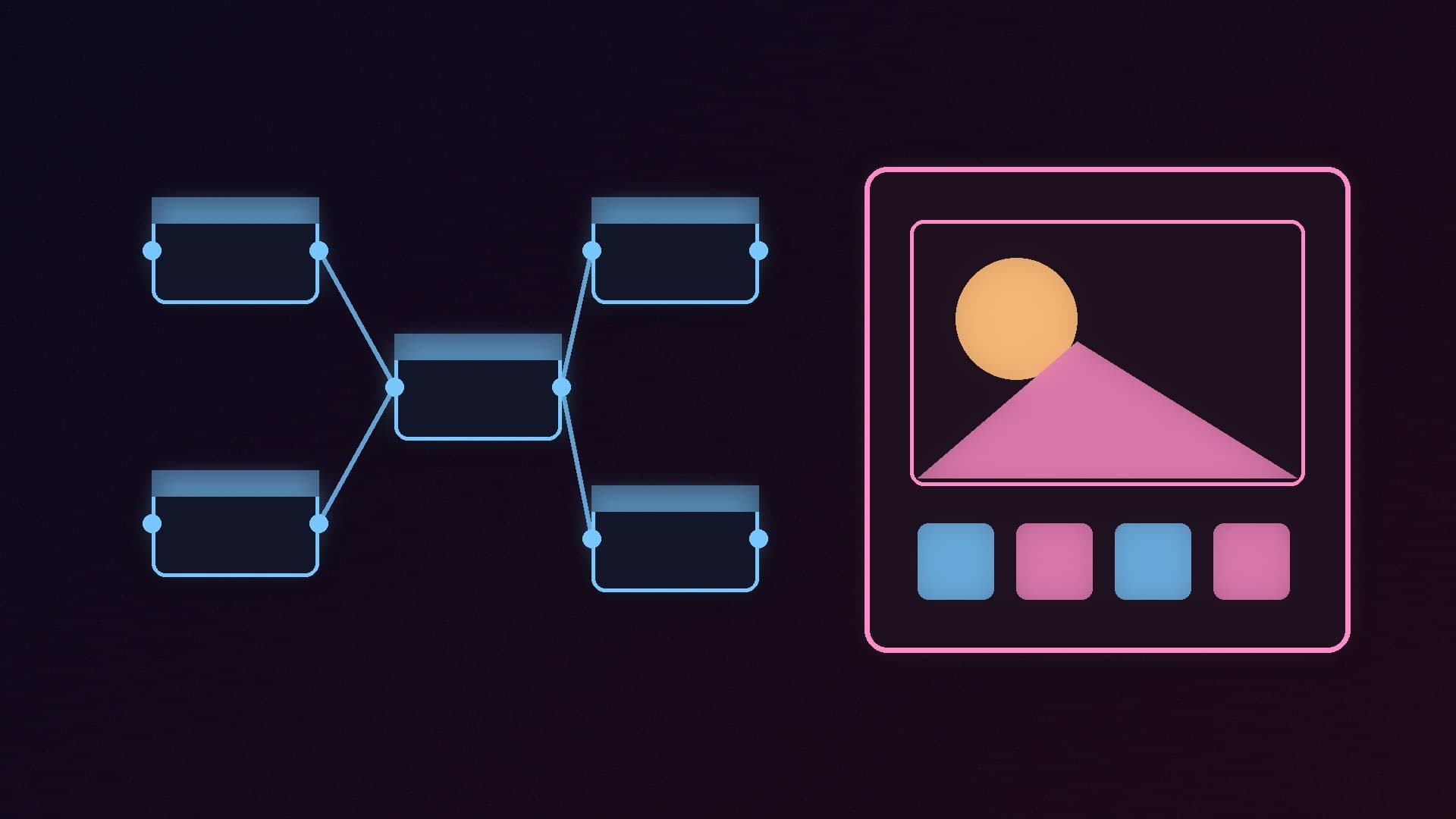
ComfyUI uses a node graph: each step, from loading a model to decoding the final image, is a box you connect with wires. Ready-made workflow templates mean you do not have to build these from scratch, and ComfyUI's GitHub page says its newer App Mode can expose complex workflows through a simpler interface. Even so, there is a real learning curve. Our ComfyUI install guide covers the three ways to install it.
Flexibility and models: ComfyUI wins
ComfyUI's strength is control. Its GitHub page lists native support for a very long list of image, editing, video, audio and 3D models, including Stable Diffusion 1.5, SDXL, SD3.5, FLUX.1, FLUX.2, Qwen Image, Z-Image, HiDream, Wan 2.1 and 2.2, LTX-Video and Hunyuan3D, and describes features such as reusable subgraphs, asynchronous queueing, partial re-execution of workflows and smart VRAM and RAM management with model offloading. A huge library of community custom nodes adds more.
ComfyUI also makes a bold claim on its GitHub page: that it can run even the biggest open-source models on as little as 4GB of VRAM and 8GB of system RAM using its weight-streaming technology. That is ComfyUI's own claim, and running large models on so little memory will be slow, but it shows the project's focus on consumer hardware.
Amuse supports a substantial but more curated set: TensorStack lists 24 image pipelines, 8 video pipelines, 4 audio pipelines and 5 text pipelines, including FLUX.2, Qwen Image, Z-Image, Wan 2.2, CogVideoX, ACE-Step and Whisper. It loads models in Safetensors, GGUF and ONNX formats, supports LoRA and ControlNet, and the Amuse site says it can offload model weights across GPU and CPU to fit bigger models on smaller cards.
GPU support: depends on your card
NVIDIA: both work well. Amuse uses CUDA 13.0 and needs NVIDIA driver 580.65 or later; ComfyUI supports NVIDIA in every install method, including the Portable build.
AMD Radeon: ComfyUI's documentation lists official ROCm support on Windows for RDNA 2, RDNA 3, RDNA 3.5 and RDNA 4 cards through AMD's PyTorch packages, using the manual install; Comfy Desktop also recommends an NVIDIA or AMD GPU. Amuse uses its cross-vendor Vulkan backend, which TensorStack says needs no CUDA or ROCm, but support depends on your GPU and its Vulkan driver. Our AMD local AI guide has more.
Intel Arc: ComfyUI supports Arc through native PyTorch support with the manual install. Amuse can use Arc through Vulkan.
Whichever app you choose, video memory is the main limit on which models run comfortably. See our guide to a PC for Stable Diffusion and FLUX and our best GPU for local AI picks.
Beyond images
Amuse is broader as an all-in-one creative studio. As well as images and video, TensorStack lists a built-in video editor, image and video upscaling, frame interpolation, voice generation, speech recognition with Whisper, and local text chat with Qwen and Gemma models.
ComfyUI also covers video, audio and 3D generation, and offers a local API for plugging workflows into other applications. It is more of an engine you build on, while Amuse is a finished app.
Updates, licences and safety
ComfyUI's Comfy Desktop checks for updates shortly after starting and every 10 minutes while running, and downloads what it finds; the docs say neither behaviour can be switched off, but you can stop updates installing automatically. ComfyUI is licensed under GPL-3.0.
Custom nodes run code. ComfyUI's flexibility comes from community extensions, so install only ones you trust.
Amuse's source code is Apache-2.0, while the compiled app is distributed under the Amuse 2.0 License because it bundles third-party software. Download it from the official GitHub releases or TensorStack's site, not old third-party links.
Models have their own licences in both apps, so check them before any commercial use.
ComfyUI also offers a paid Comfy Cloud for people without suitable hardware. Amuse is local-only.
Which should you choose?
Choose Amuse if you want to start making AI images, video and speech quickly without learning a node system, you are on Windows, or you have an AMD or Intel card and want a simple route via Vulkan.
Choose ComfyUI if you want the widest choice of models, the newest releases first, full control over every step, community extensions, or you work on macOS or Linux too. If you want ComfyUI and other tools managed for you, Stability Matrix can install it.
Many people start with Amuse and move to ComfyUI once they hit its limits; there is no reason not to install both.
Our verdict
Amuse is the easier choice: one Windows app with menus instead of node graphs, a model library, built-in editing tools and support for NVIDIA through CUDA and AMD, Intel and NVIDIA through Vulkan. ComfyUI is the more powerful one: a node-based engine with the broadest model support, community custom nodes, a local API and versions for Windows, macOS and Linux, at the cost of a steeper learning curve. Beginners should start with Amuse; enthusiasts who want control should use ComfyUI. Forge PC has not benchmarked either app; this comparison is based on the official ComfyUI documentation and GitHub page, and on TensorStack's and Amuse's official sites.