27 inches is the default size for a gaming monitor, but 32-inch 4K and OLED screens are now common, and the jump in size is bigger than the five-inch difference suggests. Whether a 32-inch screen is an upgrade depends on its resolution, how far you sit from it and what you use it for.
Forge PC hasn't tested monitors for this comparison. The screen sizes and pixel densities below are our own arithmetic from the standard 16:9 dimensions, and the viewing distances are monitor maker Japannext's guidance, checked on 17 November 2026.
The numbers
Size and resolution | Pixel density | Screen width x height (approx.) |
|---|
27-inch 1440p (2560 x 1440) | 109 PPI | 59.8 x 33.6cm |
27-inch 4K (3840 x 2160) | 163 PPI | 59.8 x 33.6cm |
32-inch 1440p (2560 x 1440) | 92 PPI | 70.8 x 39.8cm |
32-inch 4K (3840 x 2160) | 138 PPI | 70.8 x 39.8cm |
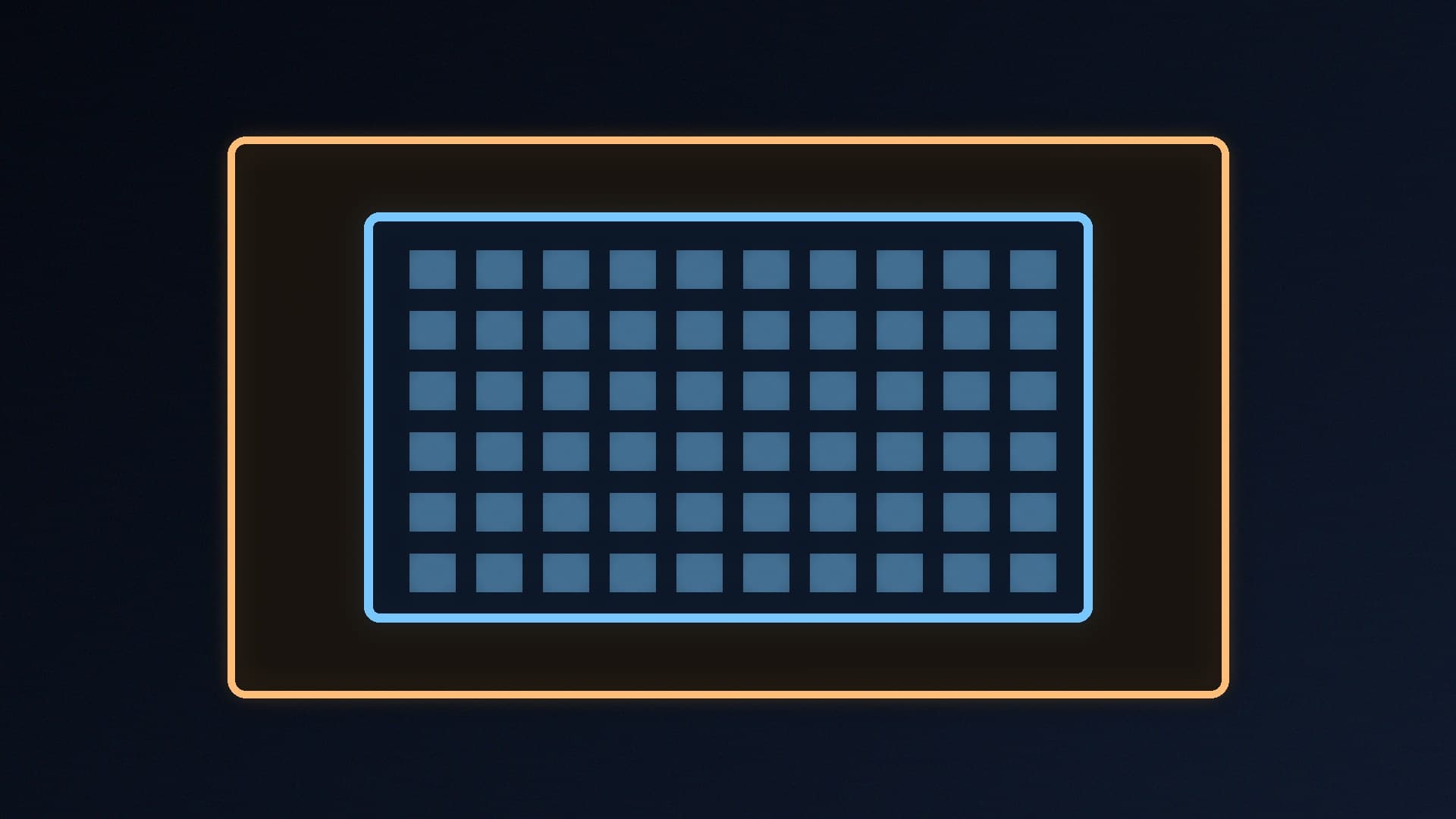
A 32-inch 16:9 screen has about 40% more area than a 27-inch one (roughly 2,820cm² against 2,010cm²). It's also about 11cm wider and 6cm taller, which matters if you have speakers or a second monitor beside it. Some monitors sold as 32-inch class, including Japannext's own 4K example, actually measure 31.5 inches.
Resolution matters more than size
Pixel density is what decides how sharp text and game detail look at a given distance. Stretching 1440p over 32 inches drops it to about 92 PPI, the same as a 24-inch 1080p screen, so text looks noticeably coarser up close than on a 27-inch 1440p monitor. At 4K, a 32-inch screen still manages about 138 PPI, which is sharper than 27-inch 1440p.
That's why the usual pairings are 27-inch for 1440p and 27 or 32-inch for 4K. Our 1080p vs 1440p vs 4K gaming guide covers how much graphics card each resolution needs.
How far will you sit?
Japannext suggests sitting about 60-80cm from a 27-inch 4K monitor and about 80-100cm from a 32-inch 4K monitor, and recommends 27-inch 4K for desks less than 80cm deep. Measure your desk before you buy: sitting too close to a big screen can mean moving your eyes or head more to take in the corners.
A monitor arm can push the screen back to gain distance; see our best monitor arm picks.
Gaming
Competitive shooters: a smaller screen keeps more of the image within your field of view at a typical desk distance. Our 144Hz vs 240Hz guide covers refresh rates.
Single-player, racing and sims: a 32-inch 4K screen is more immersive if your desk is deep enough and your graphics card can drive 4K, with upscaling if needed.
Work and creative use
Japannext says a 27-inch 4K screen is sharp enough for comfortable text work on a standard desk, while a 32-inch 4K screen's extra space suits CAD, photo editing and other creative work where you want tool palettes and a large canvas side by side. Our dual monitor setup guide covers the two-screen alternative.
Which should you buy?
Buy 27-inch for 1440p, competitive gaming or a desk shallower than about 80cm.
Buy 32-inch only at 4K, for immersive single-player games, films and productivity, with a deep desk or a monitor arm.
Avoid 32-inch 1440p if you sit close and do a lot of reading or text work.
For specific models, see our best 1440p gaming monitor and best 4K gaming monitor guides.
Our verdict
A 32-inch 16:9 monitor has about 40% more screen area than a 27-inch one, but it only looks sharp at 4K (about 138 PPI); at 1440p it drops to about 92 PPI. Buy 27-inch for 1440p, competitive gaming and desks under about 80cm deep, and 32-inch 4K for immersive games and productivity if you can sit around 80-100cm away. Forge PC hasn't tested monitors for this comparison.