The resolution you game at is a trade-off between sharpness, frame rate and how hard the graphics card has to work. A 4K panel will not make a mid-range GPU faster, and a high-refresh 1080p monitor will not add detail that is not in the image.
Forge PC has not run frame-rate tests at these resolutions. This is a buying and settings guide based on the pixel counts themselves, official GPU memory figures, and current UK card prices on 13 November 2026.
What the three resolutions actually are
Resolution | Typical label | Pixel count | Relative to 1080p |
|---|
1920 × 1080 | Full HD, 1080p | 2.07 million | 1× |
2560 × 1440 | QHD, 1440p, "2K" in some marketing | 3.69 million | about 1.8× |
3840 × 2160 | UHD, 4K | 8.29 million | 4× |
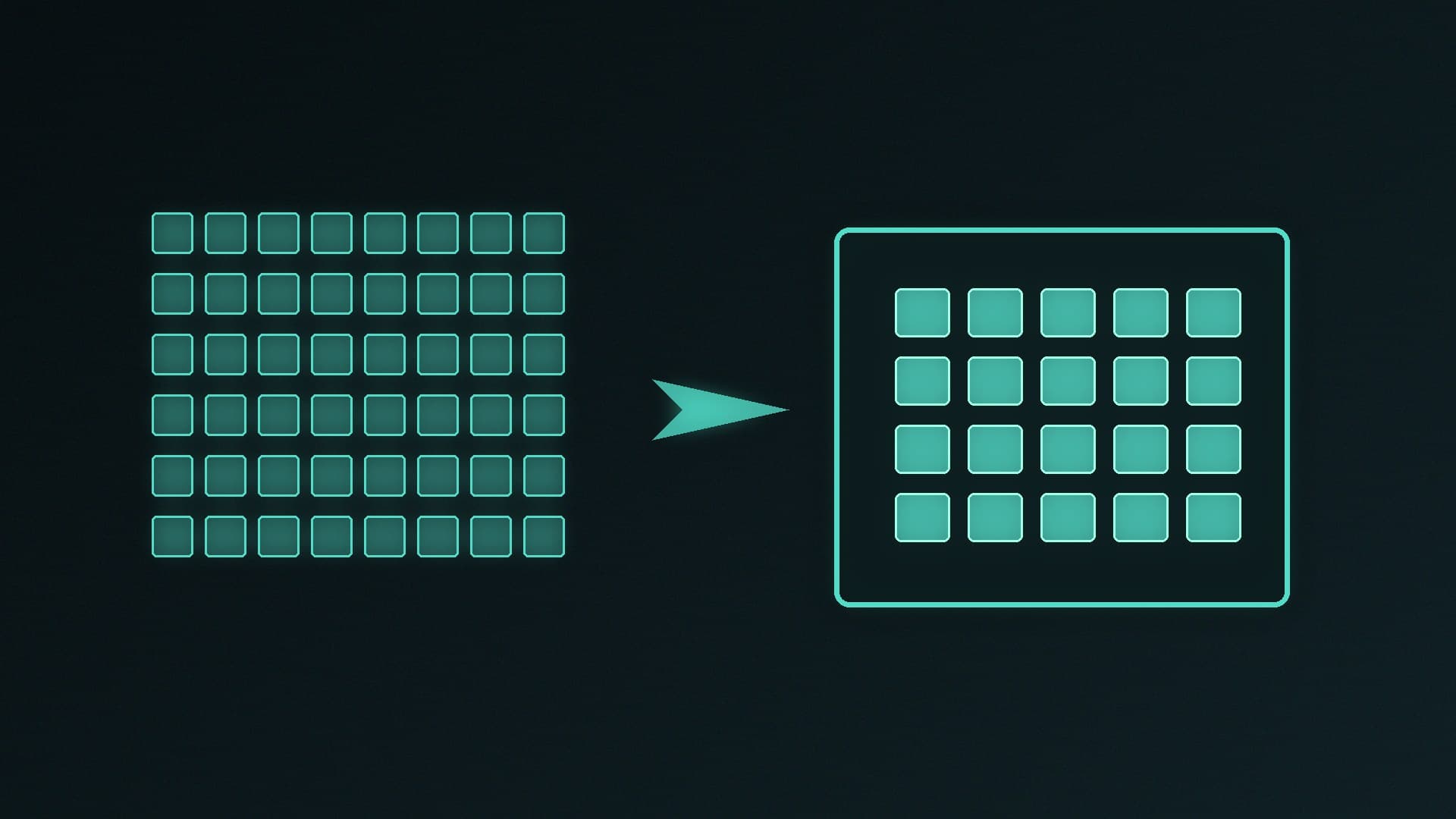
1440p therefore asks the GPU to shade almost twice as many pixels as 1080p. 4K asks for four times as many as 1080p, and about 2.25 times as many as 1440p. That is why a card that feels comfortable at 1080p can need upscaling, lower quality settings, or a slower refresh target at 4K.
"2K" is used loosely. A true 2K cinema frame is 2048 pixels across; PC 1440p is 2560 × 1440. If a monitor listing says 2K, check the exact pixel dimensions.
How this meets a graphics card
The heavier the resolution, the more you lean on GPU performance and, in modern titles, video memory. Our how much VRAM and best graphics card guides are the detailed references; the snapshot below is only to place today's UK prices next to memory size, not to invent frame rates.
Card (cheapest stock-checked new, 13 November 2026) | Memory | From |
|---|
RTX 5060 | 8GB | £424.95 at AWD-IT |
RTX 5060 Ti 8GB | 8GB | £479.99 at Scan |
RTX 5060 Ti 16GB | 16GB | £659.99 at Scan |
RTX 5070 | 12GB | £597.99 at AWD-IT |
RX 9070 | 16GB | £731.99 at AWD-IT |
RX 9070 XT | 16GB | £819.98 at Scan |
RTX 5070 Ti | 16GB | £1,215.00 at AWD-IT |
RTX 5080 | 16GB | £1,499.99 at Scan |
As a rule of thumb, not a promise: 1080p is still the least demanding target and suits mid-range 8GB cards if you are prepared to watch settings and VRAM use; 1440p is the usual sweet spot for 12GB and 16GB mid to high cards; 4K, especially with ray tracing, is where you want a strong GPU, 16GB or more, and often an upscaler. For AMD versus NVIDIA at the mid and upper mid-range, see RX 9070 vs RTX 5070 and RX 9070 XT vs RTX 5070 Ti.
If your processor is old, 1080p can also become CPU-limited — more pixels usually shift the bottleneck back toward the GPU. A platform upgrade is a separate decision; start with the best CPU guide if the graphics card is already ahead of the rest of the PC.
Monitors: refresh rate, size and upscaling
Resolution is only one monitor number. Refresh rate (Hz) caps how many frames you can display, and a 27-inch 1440p panel is a very different desktop from a 32-inch 4K or a 24-inch 1080p screen. Sit closer and 1080p on a large panel looks softer; sit further away and 4K's advantage shrinks.
In-game upscaling (DLSS, FSR and similar) renders at a lower internal resolution and reconstructs the image. That can make a 4K panel practical on a card that would struggle to render 4K natively, but it is still a setting you have to enable per game, and the quality modes are not free. Native 1440p often looks cleaner than upscaled 4K at the same performance, depending on the game and the mode — we have not measured that trade-off ourselves, so treat it as a reason to try the settings, not as a score.
You do not have to buy a new GPU and a new monitor on the same day. A 1440p high-refresh monitor will still be useful if you upgrade the card later; a 4K panel with a weak GPU will spend more time in upscaled Quality or Balanced modes.
Our verdict
Choose 1080p if you want high refresh rates on a smaller or older monitor, or you are on an 8GB-class card and would rather have smoother frames than more pixels. Choose 1440p if you are buying a new mid-range or high-end GPU in 2026 and want the usual balance of sharpness and load — it is the resolution most of those 12GB and 16GB cards are aimed at. Choose 4K if you already have, or are buying, a strong 16GB-class card and a panel you will sit close enough to for the extra pixels to matter, and you are happy to use upscaling where a game needs it. We have not bench-tested these combinations; match the pixel count to the card's memory and your monitor size, then verify the result in the titles you actually play.