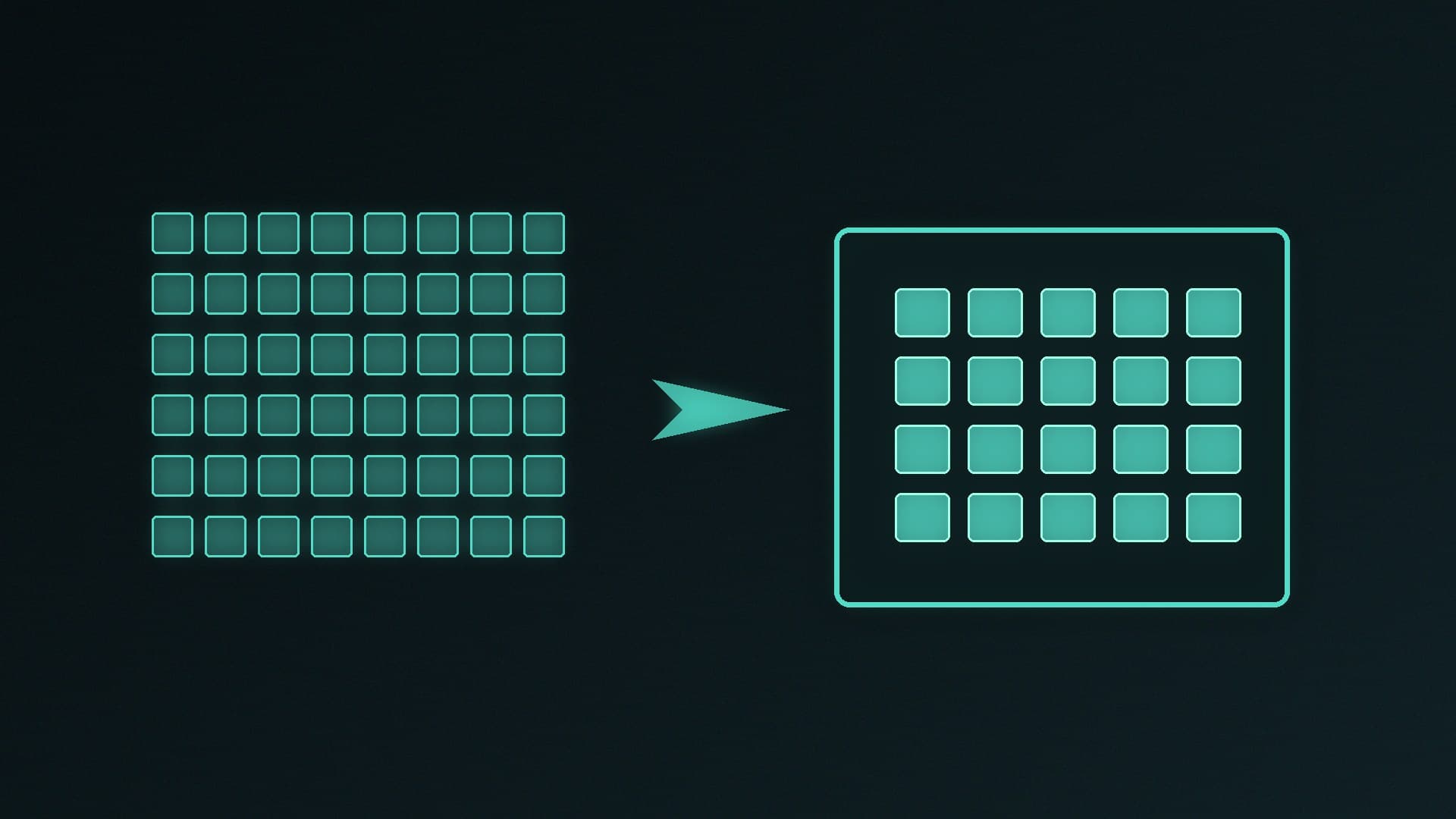
A local language model is just a large set of numbers. In full precision those weights can be tens of gigabytes; quantization stores them with fewer bits so the same model occupies less disk and less video memory, usually at some cost to accuracy.
Forge PC has not measured perplexity or tokens per second for these formats. The process and warnings below come from llama.cpp's own quantize documentation, and the memory figures are from llamaperf's published VRAM calculator, not from tests on our hardware.
What GGUF and quantization are
GGUF is the file format llama.cpp uses for models. The official llama-quantize README describes a two-step process: first convert the original model to a high-precision GGUF file (typically F32 or BF16), then quantize that file to a smaller type such as Q4_K_M.
Quantization, in that README's words, "reduces the precision of model weights (for example, from 32-bit floats to 4-bit integers), which shrinks the model's size and can speed up inference." It "may introduce some accuracy loss," which is usually measured as perplexity. The tool's worked example is:
./build/bin/llama-quantize gemma-4-E2B-it-bf16.gguf gemma-4-E2B-it-Q4_K_M.gguf Q4_K_M
That is why Q4_K_M shows up so often in guides: it is the example llama.cpp itself uses, not a format we have crowned as best. Other k-quants (Q3_K, Q5_K, Q6_K) and integer "IQ" types exist; llama.cpp's tensor-encoding wiki documents the bit packing behind them.
Two official warnings are easy to miss:
--allow-requantize lets you quantize a file that is already quantized. The README warns this "can severely reduce quality compared to quantizing from 16-bit or 32-bit." Start from a BF16 or F32 GGUF when you can.
For multimodal models, llama.cpp says the extra encoder or projector files are usually kept in a high-quality format such as BF16 or Q8, because shrinking them saves little memory and can hurt quality.
Most people do not quantize a model themselves. They download a pre-made GGUF at a stated quant from a source they trust, then load it in a llama.cpp-based app. The same format names still apply.
How much VRAM the weights need
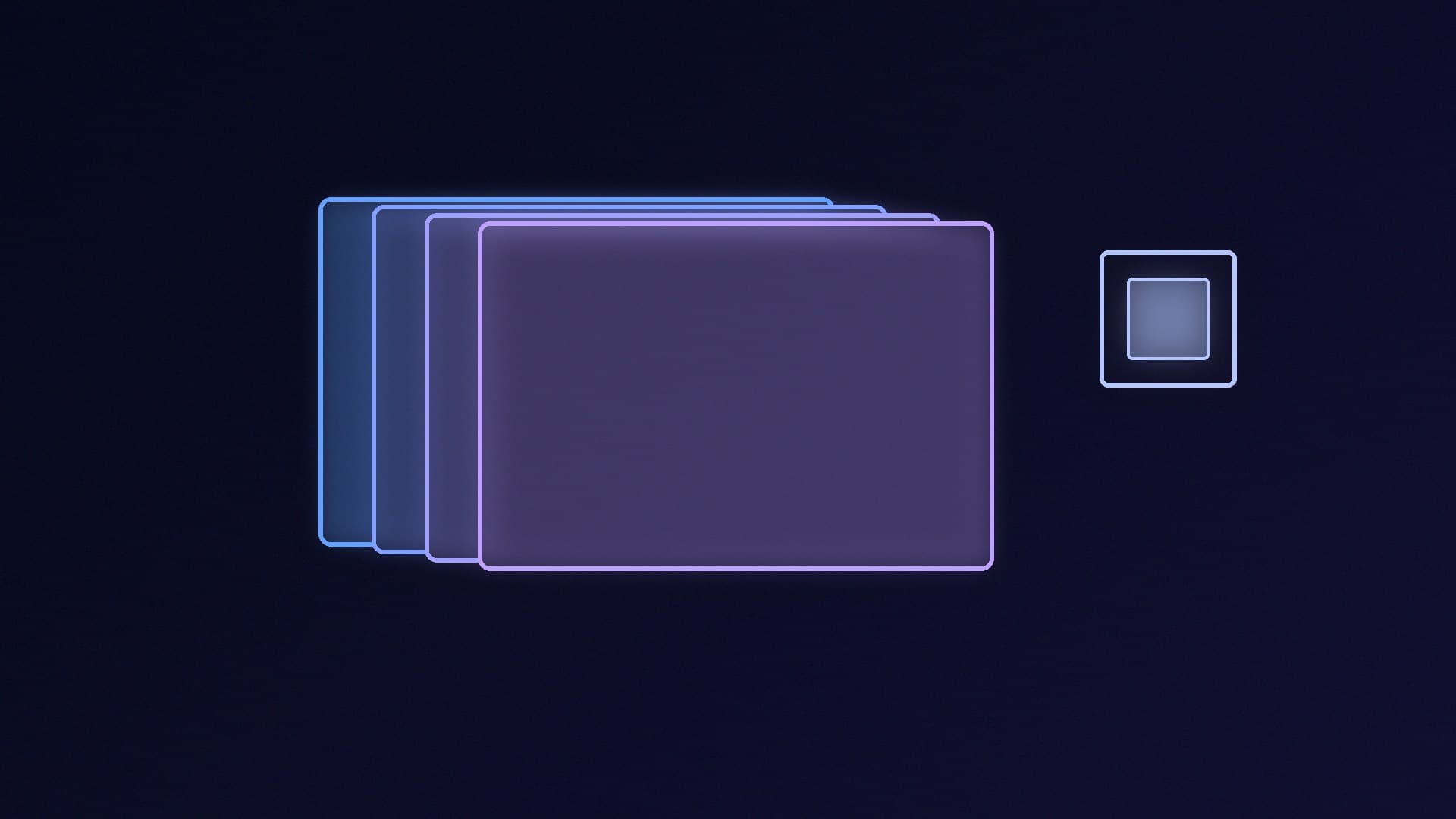
The weights are only part of the memory bill. llamaperf's VRAM guide puts it clearly: the weights are fixed once you pick a model and a quant; the KV cache "grows in a straight line" with context length, and compute buffers and runtime overhead sit on top. Doubling the context doubles the cache.
Using llamaperf's figures for dense models at 8K context (weights plus cache, buffers and overhead):
Dense model size | Q4_K_M at 8K | Q8_0 at 8K | Smallest card llamaperf calls comfortable at Q4_K_M, 8K |
|---|
7B | about 6.9GB | about 10.0GB | 12GB (an 8GB card only with a shorter context, up to 4K) |
13B | about 10.4GB | about 16.1GB | 16GB (12GB only up to about 4K) |
30B | about 20.8GB | about 33.9GB | 32GB (a 24GB card only with a shorter context, up to 4K) |
70B | about 43.9GB | about 74.5GB | 64GB |
llamaperf also says a 16GB card holds a dense model of up to about 16 billion parameters at Q4_K_M with 8K of context. Mixture-of-experts models should be sized by their total parameters in that guide, because all of the weights still need to be stored.
If the model does not fit, llama.cpp can offload some layers to system RAM and run them on the CPU. llamaperf's caveat is that "generation slows sharply as soon as part of the model leaves the card," and that for interactive use, fitting fully in VRAM is strongly preferred.
For choosing the card itself, use our best GPU for a local LLM and how much VRAM guides. Image models are a different workload; see Stable Diffusion and Flux if that is the job.
Practical choices
If you want a starting point, a Q4_K_M GGUF of a model whose weights fit your card at the context length you actually use is the path llama.cpp documents.
If quality looks poor, try a higher quant (Q5_K_M, Q6_K, Q8_0) rather than requantizing a 4-bit file.
If you are short of memory, shorten the context before you jump to an aggressive 2-bit or 3-bit quant, and remember the KV cache is often the piece that grows when a long chat starts to fail.
Do not treat Q8_0 as lossless; it is still a quantized format, just a heavier one than Q4.
Our verdict
Quantization is how local models fit on a 12GB or 16GB card. GGUF and llama.cpp's k-quants, with Q4_K_M as the documented example, are the usual path; requantizing an already-quantized file is the official way to damage quality. Size the card for the weights plus the context you want — llamaperf's 8K figures are a honest starting point — and prefer a model that fits entirely in VRAM over one that spills into system RAM. We have not run these models ourselves.