When people talk about running a chatbot or image model on their own PC, they usually mean video memory. That is the right first question, and our GPU guide for local models and VRAM explainer start there. System RAM still matters, though: it has to run Windows, the app, and anything that doesn't fit on the graphics card. In 2026 it is also one of the most expensive lines on a parts list.
Forge PC hasn't run its own memory-usage tests. The figures below come from llamaperf's published guidance and from official UK price trackers, all credited at the end. RAM prices are from ramprices.uk, updated at 06:41 GMT on 13 November 2026, and are approximate.
The short version
If the model fits in your graphics card's VRAM, 32GB of system RAM is the comfortable target for a Windows desktop that also has a browser and other apps open.
16GB can work on a GPU-based setup if you keep other software light, but it leaves little slack, and 16GB is already tight for gaming PCs too — see how much RAM you need for games.
64GB becomes useful when you offload part of a model into system memory, run several heavy apps at once, or work with large image or video projects.
If you have no useful graphics card, system RAM is the memory budget. llamaperf's estimate at Q4_K_M with an 8K context is that a dense model of about 6 billion parameters fits in 8GB with some room, about 16 billion in 16GB, and about 28 billion in 24GB — and it will be slower than the same model on a GPU.
Two different kinds of memory
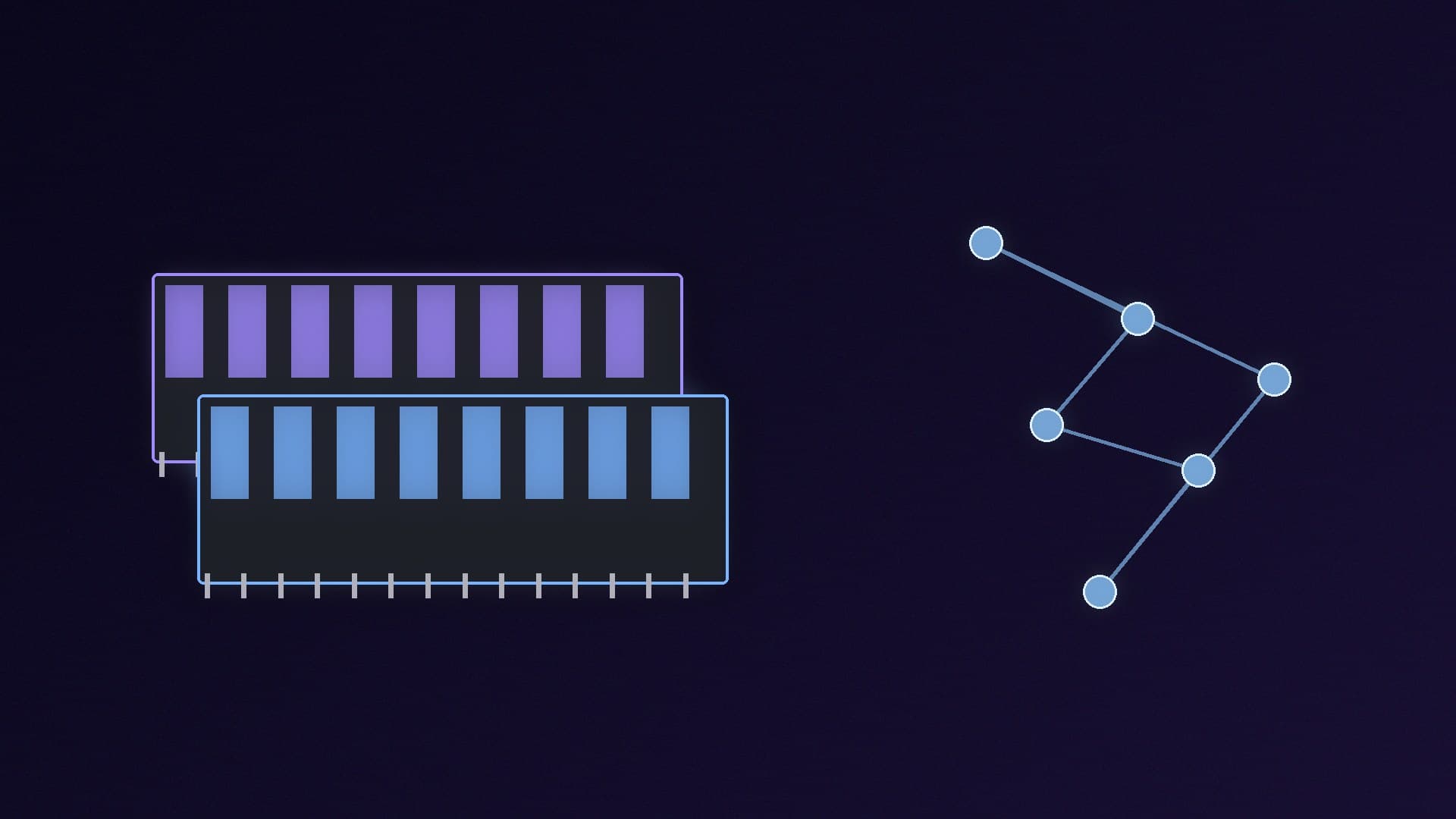
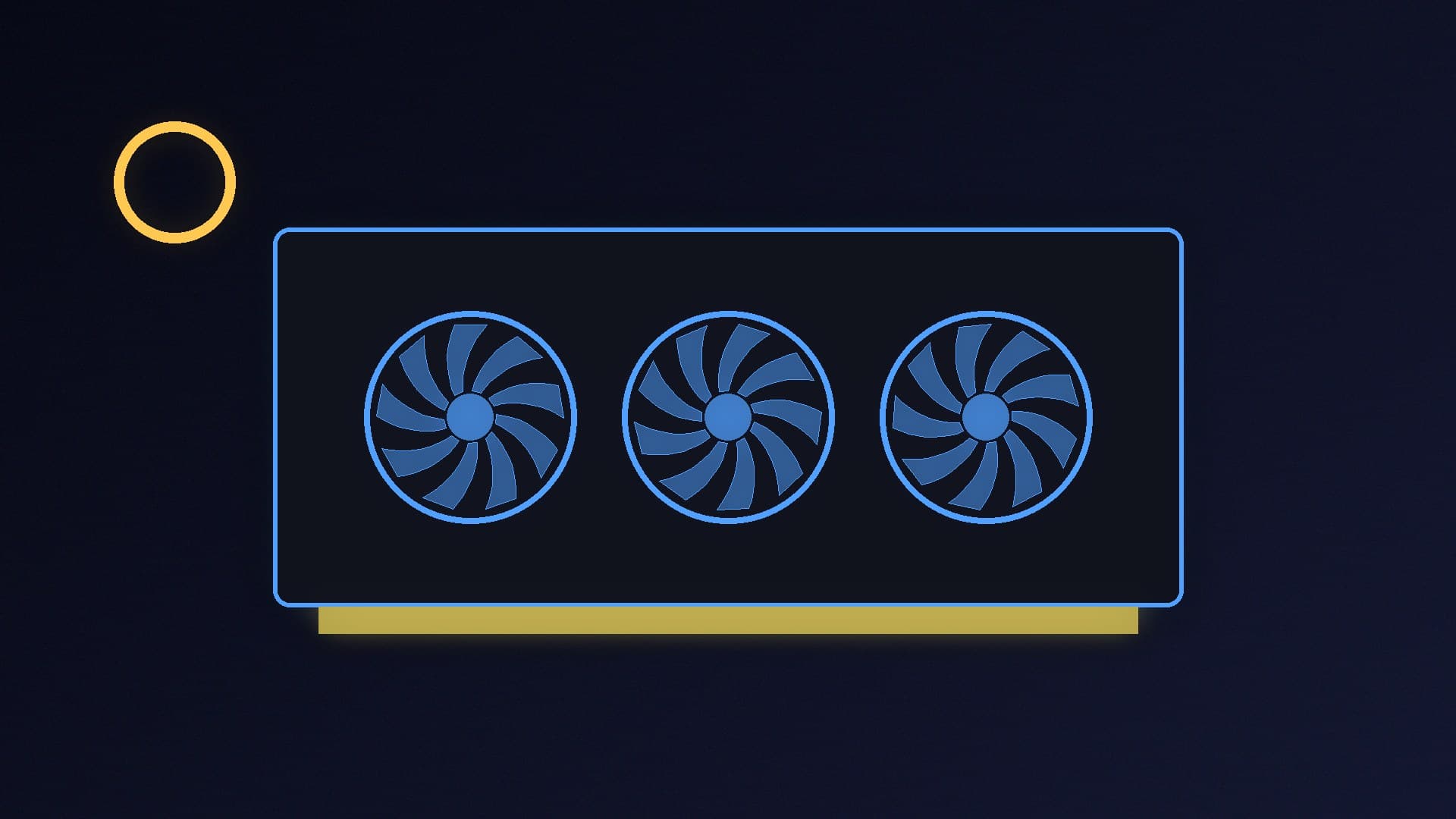
On a typical Windows PC the graphics card has its own VRAM, and the motherboard holds system RAM. A language model's weights have to sit in one or the other (or be split between them) for the whole time the model is running. llamaperf's local-LLM guide puts it simply: "Memory is the limit that matters most." On a PC with a dedicated graphics card, that usually means VRAM first.
System RAM still has a job:
Windows, the browser, Discord, your editor and the AI app itself
The bits of a model that don't fit in VRAM, if you enable CPU offload
Extra context (longer conversations) and any other models or tools you have open
Macs and some compact AI PCs, including NVIDIA's RTX Spark systems, use unified memory instead, where the same pool is shared. That is a different design; this guide is about a normal desktop with a separate graphics card. For Spark, see our RTX Spark explainer.
If you have a graphics card (the usual case)
Buy the card for VRAM first. A 16GB card is the sensible minimum for new local-AI purchases, as we set out in the local LLM GPU guide. Image models can be just as hungry; our Stable Diffusion and Flux guide uses NVIDIA's published figures to explain that.
Once the model fits on the card, system RAM is about comfort rather than whether the model will load at all. There is no official "32GB required" badge from the tool makers that covers every case, so this is a practical rule of thumb:
16GB is enough for a dedicated machine that runs a single model and not much else, but it is easy to fill once a browser, a game or an image-editor is open.
32GB is the amount we would specify in a new AM5 build that will do both gaming and local AI. It matches what we already recommend as the comfort line for games, and it leaves space for the application overhead.
64GB is for people who regularly overflow VRAM, work with large projects, or want to leave big models sitting alongside other heavy software.
llamaperf is clear about overflow: llama.cpp can offload some layers into system RAM and run them on the CPU, "but generation slows sharply as soon as part of the model leaves the card." For interactive use, llamaperf says fitting the model fully in VRAM is strongly preferred. Extra system RAM makes that overflow possible; it does not make it fast.
If you are running on the CPU only
You can run models without a dedicated GPU. llamaperf notes that it works and that "it generates text more slowly," and it publishes a CPU-only leaderboard. In that situation, use the same size estimates it gives for memory at Q4_K_M with an 8K context:
System RAM | Approximate dense-model size that fits (llamaperf, Q4_K_M, 8K context) |
|---|
8GB | Up to about 6 billion parameters, with some room |
16GB | Up to about 16 billion parameters |
24GB | Up to about 28 billion parameters |
Those are estimates, not guarantees. Longer context, less aggressive quantisation, or Windows itself will eat into the same pool. A 32GB kit is the realistic starting point if CPU-only is your plan and you want mid-sized models; 16GB keeps you in the smaller class.
What 32GB and 64GB cost today
This is the uncomfortable part. ramprices.uk's median DDR5 kit on 13 November 2026 was £18.47 per GB, 195 per cent higher than a year earlier. The cheapest 32GB DDR5 desktop kit it listed was about £455 (a Timetec 32GB 2x16GB DDR5-5600 kit at £455.19). The cheapest 64GB DDR5 desktop kit was about £802 (a G.SKILL Trident Z5 RGB 64GB 2x32GB DDR5-6000 CL30 kit at £802.11).
In other words, doubling from 32GB to 64GB can cost more than a current mid-range processor. Only pay it if you have a reason — offload, large projects, or several heavy apps at once — not as a default "for AI." If you already have a DDR4 system, see DDR5 vs DDR4 before you rip it out; faster system RAM helps CPU-only inference, but a 16GB graphics card will usually do more for load times and tokens per second than a memory-kit upgrade.
Our verdict
For a desktop that runs local AI on a graphics card, 32GB of system RAM is the amount to aim for, with 16GB as a workable minimum and 64GB only if you know you will offload models or run other heavy work at the same time. The model should still fit in VRAM if you want it to respond quickly; llamaperf says performance drops sharply when layers spill into system memory. If you have no GPU, treat system RAM as your entire budget and use llamaperf's size estimates, accepting that replies will be slower. At 13 November 2026 prices, 32GB of DDR5 already starts at about £455 and 64GB at about £802, so buy the capacity you will use, not a round number that feels safer.