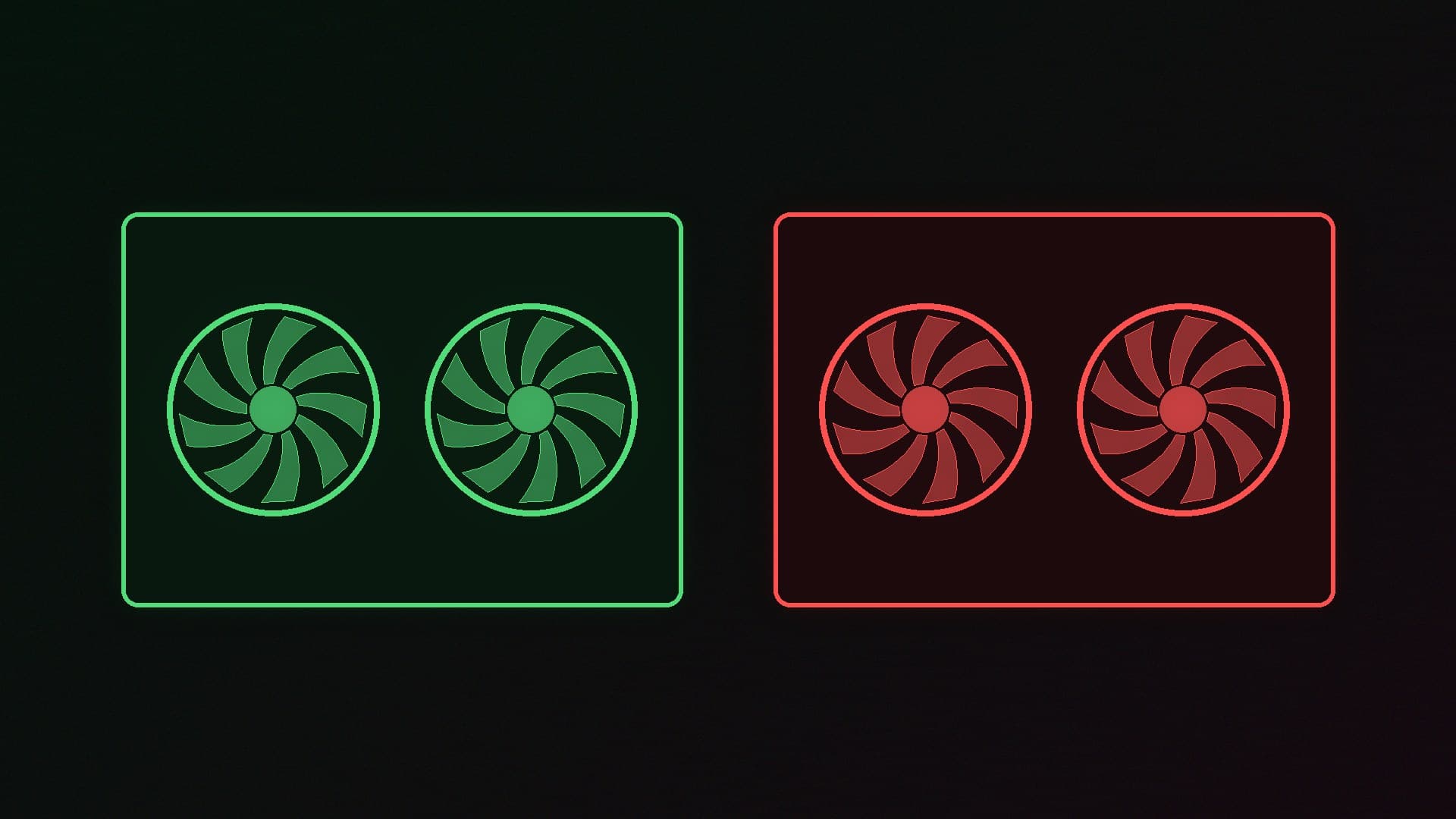
A graphics card for local AI is a software decision as well as a hardware one. NVIDIA's CUDA platform is what most tools assume. AMD's cards can be much better value for memory, especially if you want 16GB or 32GB without paying flagship prices. The right choice depends on how much friction you will put up with, and on which operating system you use.
Forge PC hasn't benchmarked AI models on these cards. Software support comes from Ollama's official hardware documentation. Memory, bandwidth and power figures come from NVIDIA and AMD specification pages. UK prices are the lowest new listings on SpecPrice, updated at 07:57 GMT on 13 November 2026, and are approximate. For model sizes and card picks by capacity, start with our best GPU for local models guide.
The short version
Choose NVIDIA if you want the least awkward software path, especially on Windows. Ollama lists the entire RTX 50 series as supported CUDA cards.
Choose AMD if you want more VRAM (or more memory bandwidth) for the money, and you are happy using Linux ROCm or Ollama's Vulkan path on Windows.
On Linux, official ROCm support in Ollama includes the RX 9070, 9070 XT, 9060 XT and the 32GB Radeon AI PRO R9700.
On Windows, Ollama's ROCm list is still the older RX 7000 and Radeon PRO W7000 cards. Extra AMD GPUs, including the RX 9000 series, can be used through Vulkan, which Ollama says is enabled by default.
Software: this is the real difference
Ollama's hardware page says it supports NVIDIA GPUs with compute capability 5.0 or newer, with driver 550 or later (or 570 or later for older compute-capability 5.0–6.2 cards). The RTX 50 series is listed under compute capability 12.0, including the RTX 5060, 5060 Ti, 5070, 5070 Ti, 5080 and 5090. That is the "it just works" path most guides assume, and it extends to a very long list of other CUDA tools beyond Ollama.
AMD support is split:
Linux, via ROCm. Ollama says it requires the AMD ROCm v7 driver, and its Linux support table includes the RX 9070 XT, 9070 GRE, 9070, 9060 XT, 9060 and the Radeon AI PRO R9700, as well as many RX 7000 cards.
Windows, via ROCm. Ollama requires "an AMD ROCm v7 / HIP7-capable driver stack," but the Windows support table is narrower: RX 7900 XTX, 7900 XT, 7900 GRE, 7800 XT, 7700 XT, 7600 XT, 7600, plus selected Radeon PRO W7000 cards. The RX 9000 series is not on that Windows ROCm list.
Vulkan, on Windows and Linux. Ollama says additional GPU support is provided through Vulkan, "enabled by default when the backend is installed," and that on Windows most vendor drivers already include Vulkan and need no extra set-up.
In practice, that means an RX 9070 or 9060 XT is a first-class ROCm card on Linux, and a Vulkan card on Windows. It will usually run in Ollama either way, but you should expect more documentation, examples and third-party tools to mention CUDA first.
Hardware: memory and bandwidth
Once the software runs, capacity and memory bandwidth matter more than the logo. Official figures, with SpecPrice's cheapest UK prices on 13 November:
Card | Official VRAM | Official memory bandwidth | Lowest UK price, 13 Nov 2026 |
|---|
Radeon RX 9060 XT 16GB | 16GB GDDR6 | Up to 320GB/s | £579.98 |
GeForce RTX 5060 Ti 16GB | 16GB GDDR7 | (16GB or 8GB GDDR7 official configs) | £659.99 |
Radeon RX 9070 | 16GB GDDR6 | Up to 640GB/s | £731.99 |
GeForce RTX 5070 | 12GB GDDR7 | 12GB official config | £597.99 at AWD-IT; £779.99 at Scan |
Radeon AI PRO R9700 | 32GB GDDR6 | 32GB official config | £1,609.99 |
GeForce RTX 5090 | 32GB GDDR7 | 32GB official config | £6,999.98 |
Where we have not quoted a bandwidth number, it is because we are only using figures we confirmed on the official pages used as sources. AMD's 16GB 9060 XT and 9070 pages state 320GB/s and 640GB/s respectively. NVIDIA's 5060 and 5070 family pages confirm the 16GB/8GB and 12GB/16GB memory configs, 180W or 145W total graphics power on the 5060 family, and 250W / 650W (RTX 5070) or 300W / 750W (RTX 5070 Ti) for total graphics power and required system power.
The pattern is the one our local LLM GPU guide already uses: AMD often gives you more VRAM, or more bandwidth per pound, while NVIDIA charges a premium for the CUDA ecosystem. The RTX 5070 is the awkward one. Even at AWD-IT's confirmed £597.99 on 13 November it has only 12GB, so a 16GB RX 9060 XT or 16GB RTX 5060 Ti is the more sensible AI card if the model has to stay in memory. The 32GB choice is stark: the Radeon AI PRO R9700 is about £1,610, the RTX 5090 about £7,000.
Image generation follows the same VRAM logic; see what PC you need for Flux.
Power and the rest of the PC
Official PSU minima are 550W for an RTX 5060, 600W for an RTX 5060 Ti, 650W for an RTX 5070 or RX 9070, 750W for an RTX 5070 Ti, and 450W for the 16GB RX 9060 XT. Our PSU guide explains how to use those figures. System RAM still matters as well, even when the model fits in VRAM.
Our verdict
Buy NVIDIA if you want tools to behave as the documentation describes, particularly on Windows, where CUDA support in Ollama covers the whole RTX 50 series. Buy AMD if you care more about gigabytes and bandwidth per pound, and you are willing to use Linux ROCm or Ollama's default Vulkan path on Windows — official Linux ROCm already includes the RX 9000 series and the 32GB R9700, while Windows ROCm does not. In today's UK prices, that usually means a 16GB RTX 5060 Ti or 16GB RX 9070 for mid-range local AI, and the R9700 rather than an RTX 5090 if you need 32GB. Don't choose the 12GB RTX 5070 for AI just because a listing looks cheap; memory capacity still comes first.