You can talk to a large AI model through a browser, or you can run a smaller one on a graphics card under your desk. Both are useful. They are not interchangeable, and the right answer often is "both," used for different jobs.
Forge PC has not run a side-by-side quality test of ChatGPT against a local GGUF, and we have not been given an official pound price for OpenAI's paid plans to cite. What follows is a practical split based on how the two approaches actually work, official product descriptions, and UK hardware prices on 13 November 2026.
What you are comparing
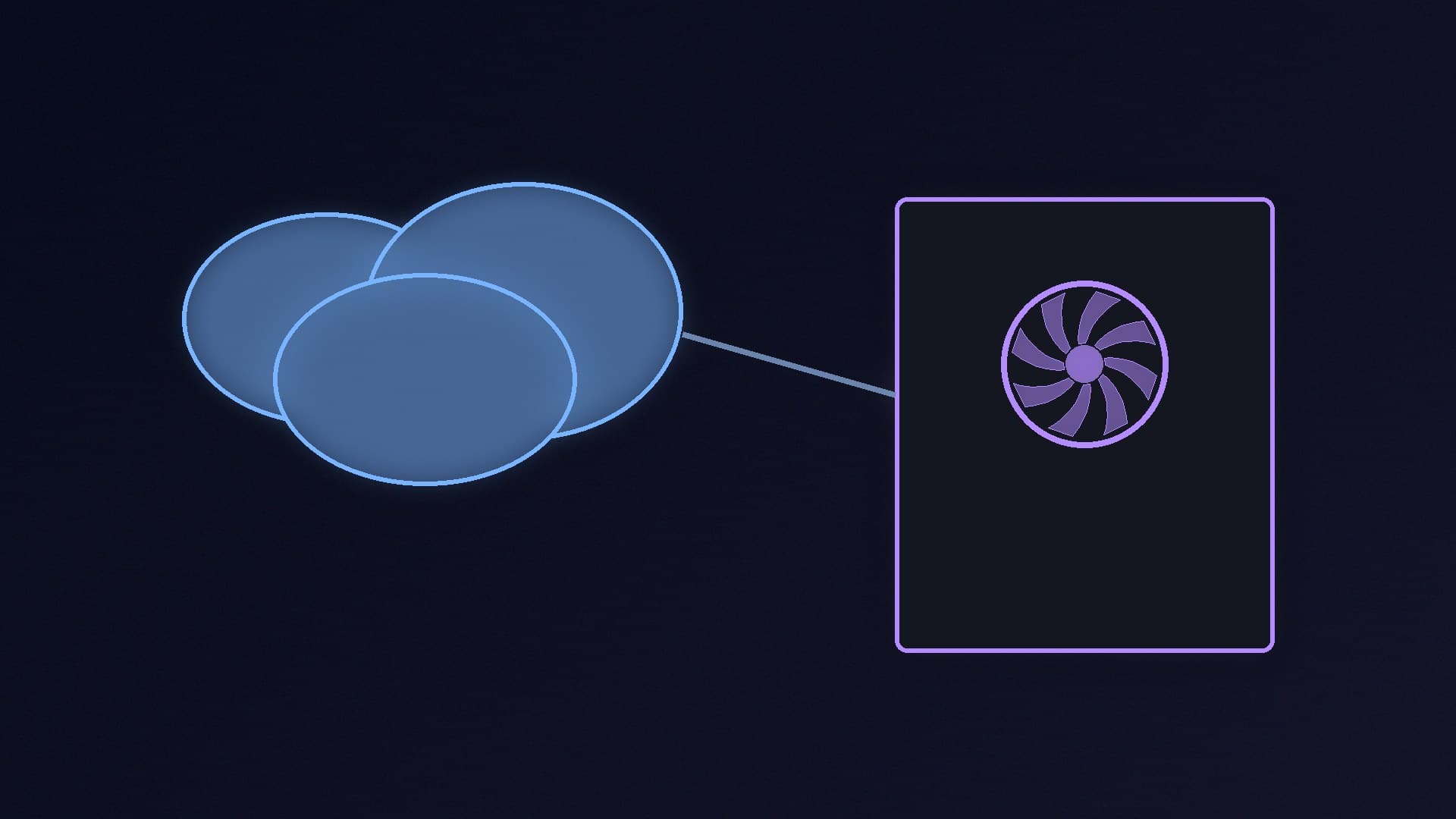
Cloud AI here means a hosted assistant or API: you send text (and sometimes files or images) to a company that runs the model in its data centre and sends a reply back. OpenAI's official ChatGPT pricing page lists Free, Go, Plus and Pro plans, billed per user per month, with different limits and model access. Other companies sell similar products. You are paying for convenience, up-to-date models and someone else's GPUs.
Local AI means the model weights live on your PC and the inference runs on your GPU or, more slowly, your CPU. You choose the model file, you keep the prompts on the machine, and you are limited by video memory, disk and the models you can legally download. Our best GPU for a local LLM guide is the hardware starting point, and compact machines such as NVIDIA's RTX Spark desktops are one official attempt to package that idea.
A Copilot+ laptop with an NPU is a third, narrower category — useful for some on-device Windows features, not a replacement for a 16GB desktop GPU. See what an NPU is if that is the device you already own.
Privacy, dependence and model choice
If the text cannot leave the building — drafts, client work, anything you would not paste into a web form — local is the straightforward answer, provided you also trust the application you use to load the model and you do not enable a cloud fallback without noticing.
If you are happy to use a vendor's terms, and you want a model that is larger or more current than anything you can fit in 16GB or 24GB of VRAM, the cloud wins. You also get the vendor's apps, file upload limits and (on paid tiers) higher allowances, in exchange for a recurring bill and an account that can change its terms or models.
Local models are only as good as the file you run and the quant you pick. You will typically run a 7B–30B-class model on a consumer card, not the frontier systems a cloud host can afford to serve. That is often good enough for summarising, drafting and coding help; it is not a like-for-like substitute for the largest hosted models.
Cloud tools need a working network. A local model still works on a train, or when the internet is down, once the file is on disk. For online games and voice chat the network path still matters — that is a different problem, covered in Wi-Fi vs Ethernet.
Cost: a subscription versus a graphics card
We are not going to invent a sterling price for ChatGPT Plus or Pro. OpenAI's official page confirms the paid plans exist and are charged per user per month; check that page for the figure that applies to you.
A local setup is mostly a one-off hardware bill. Cheapest stock-checked UK cards on 13 November 2026, from SpecPrice, include an RTX 5060 Ti 16GB from £659.99 at Scan, an RTX 5070 (12GB) from £597.99 at AWD-IT, an RX 9070 (16GB) from £731.99 at AWD-IT, and an RTX 5070 Ti from £1,215.00 at AWD-IT. You also need a PC that can house the card, enough system RAM and a fast SSD; the card is the item that decides which models load. Image-generation work has its own needs — see our Stable Diffusion and Flux guide.
A subscription can be cheaper in the first year if you would otherwise buy a high-end GPU only for chat. A local card looks better if you already needed a GPU for games, you will use the model for years, or several people in a household would otherwise each need a seat.
Electricity and wear are real but usually small next to the card's price for chat-sized models; we have not measured wall power here, so we will not guess a monthly kilowatt-hour figure.
Our verdict
Use a cloud assistant when you want the latest hosted models, you accept the vendor's privacy terms, and you would rather pay a monthly fee than size a GPU. Use a local LLM when the data should stay on the PC, you want the model to work offline, or you already have (or were buying) a 16GB-class graphics card. Many people will keep a paid or free cloud account for hard questions and a local Q4 model for everyday drafting. We have not tested quality head-to-head, and we will not invent a UK subscription price — check OpenAI's official plans, then decide whether the GPU list above is a cost you were going to pay anyway.