Going from 60Hz to 144Hz is one of the most noticeable upgrades a PC gamer can make. Going from 144Hz to 240Hz is subtler. It is real, and competitive players notice it, but it only pays off if your graphics card and CPU can produce the frame rates to match. The good news is that 240Hz no longer costs much more in the UK.
Forge PC has not tested these monitors. This comparison uses the frame-time arithmetic behind refresh rates, NVIDIA's explanation of high refresh rates and Blur Busters' work on motion blur, plus UK prices from SpecPrice checked on 15 November 2026.
The numbers
A monitor's refresh rate is how many times per second it draws a new image. Divide 1,000 by the refresh rate and you get how long each image stays on screen:
Refresh rate | Time per refresh |
|---|
60Hz | 16.7ms |
144Hz | 6.9ms |
180Hz | 5.6ms |
240Hz | 4.2ms |
The jump from 60Hz to 144Hz saves almost 10ms per refresh. The jump from 144Hz to 240Hz saves about 2.8ms. That is why the second upgrade feels smaller, even though the refresh rate rises by a similar proportion.
What 240Hz actually improves
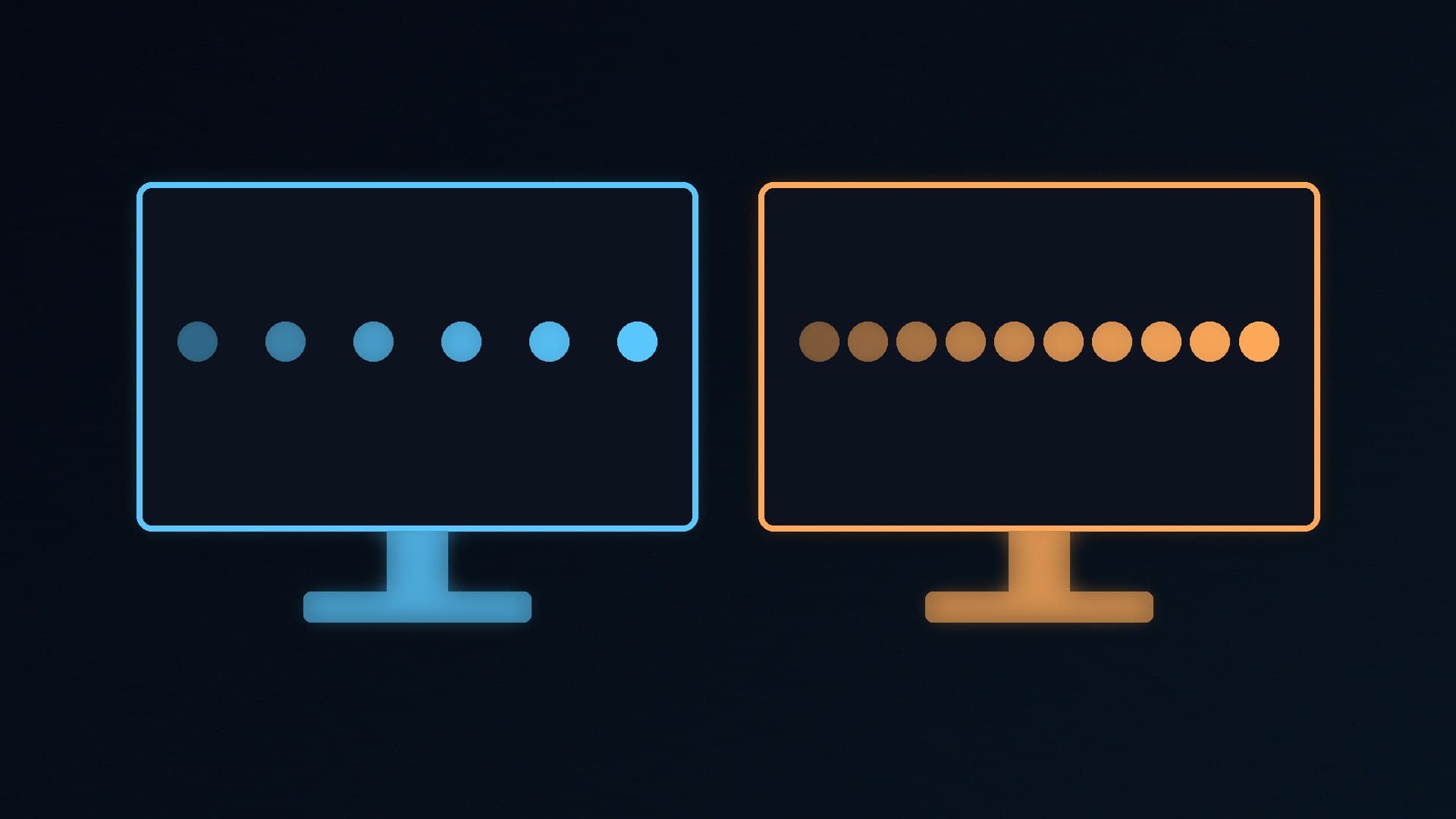
Smoother motion. NVIDIA explains that at higher frame rates and refresh rates, each step in an animation is smaller, so movement looks smoother and moving targets are easier to track. In its 60Hz versus 240Hz example, there are four steps at 240Hz for every one at 60Hz.
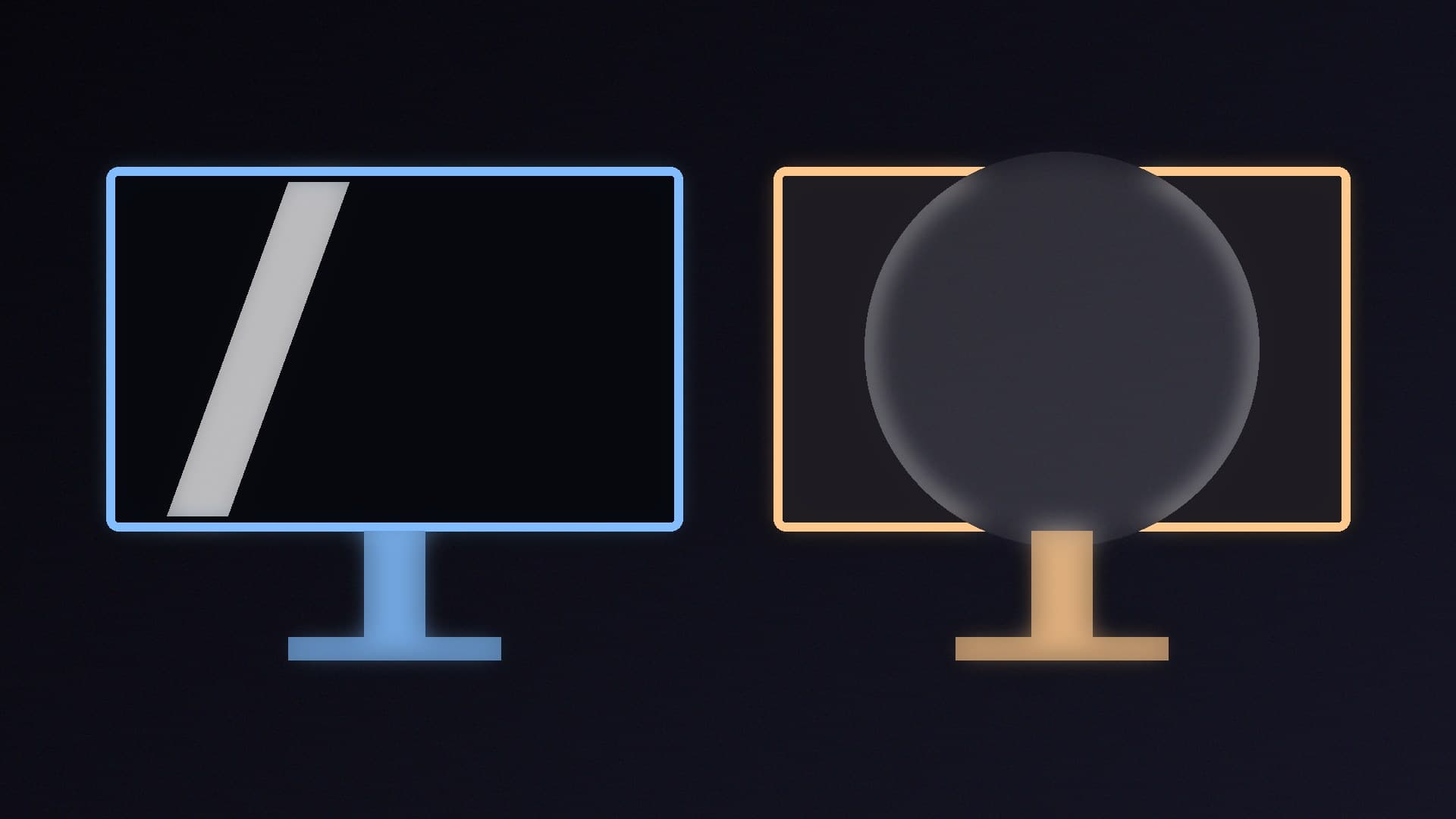
Less motion blur. On most monitors, each frame stays on screen until the next one arrives, which our eyes see as blur when we track moving objects. Blur Busters' rule of thumb is that 1ms of this "persistence" equals 1 pixel of motion blur for every 1,000 pixels per second of motion. By that rule, an ideal 144Hz screen shows about 7 pixels of blur when an object moves at 1,000 pixels per second, and an ideal 240Hz screen about 4. Real screens with slower pixels do worse than this ideal.
Lower latency. A new frame can reach the screen sooner at 240Hz, as NVIDIA notes, although the saving per refresh is only a few milliseconds.
The catch: you need the frame rate
A 240Hz monitor only shows 240 new images a second if your PC produces 240 frames a second. If a game runs at 100fps on your PC, a 240Hz screen still only gets 100 new frames a second, so it will look much like a 144Hz screen running the same game. Variable refresh rate (G-SYNC or FreeSync) keeps things smooth below the maximum, but you are paying for headroom you may not use.
Where 240Hz makes most sense is in competitive esports games, which, as NVIDIA notes, competitive players run at the highest frame rates they can. Our FPS calculator gives a rough idea of what your PC might manage, and our Windows 11 gaming settings guide covers the settings that help.
Price in the UK
On 15 November 2026, SpecPrice's UK monitor tracker listed these 27-inch 1440p IPS models at Scan:
Monitor | Refresh rate | Approx. price |
|---|
MSI PRO MP273Q E14 | 144Hz | about £109 |
MSI MAG 274QF | 180Hz | about £119 |
Acer Nitro VG272U W2 | 240Hz | about £200 |
So the cheapest 240Hz 1440p screen we found cost about £90 more than a 144Hz model and £81 more than a 180Hz one. At 1080p the gap was even smaller: SpecPrice listed the 27-inch 240Hz Acer Nitro KG270 W3 at about £100 at Scan.
Higher still, OLED monitors now push 1440p to 280Hz and beyond: SpecPrice listed the MSI MAG 271QP QD-OLED X28 (280Hz) at about £349 at Scan. OLED also has much faster pixel response, which matters for motion clarity. Our OLED vs Mini LED guide explains the differences.
Which should you buy?
Choose 144Hz to 180Hz if: - you mainly play demanding single-player games - your graphics card is mid-range or older and rarely exceeds 150fps at your resolution - you would rather spend the difference on a better graphics card
Choose 240Hz if: - you play competitive shooters and can reach 200fps or more - you are upgrading from 60Hz anyway and the price gap is small - you want headroom for a future graphics card upgrade
Remember to check your monitor actually runs at its full refresh rate after you plug it in: our refresh rate guide shows how, and our DisplayPort vs HDMI guide explains which cable to use.
Our verdict
A 240Hz monitor is smoother and shows less motion blur than a 144Hz one, but the difference is smaller than going from 60Hz to 144Hz: each refresh is 4.2ms instead of 6.9ms. It is worth it if you play competitive games and your PC can reach 200fps or more. With 1440p 240Hz screens from about £200 in the UK on 15 November 2026, about £80 to £90 more than 144Hz to 180Hz models, most other gamers are better off with a 144Hz to 180Hz screen and a stronger graphics card. Forge PC has not tested these monitors.