If you are spending serious money on a monitor this Black Friday, the choice usually comes down to two technologies: OLED and Mini LED. Both can look stunning, especially in HDR, but they get there in very different ways, and each has a weakness that matters more for some people than others.
Forge PC has not tested these monitors for this article. The comparison is based on TFTCentral's detailed OLED guide and TechSpot's long-running OLED burn-in test, and we credit their findings throughout.
How they work
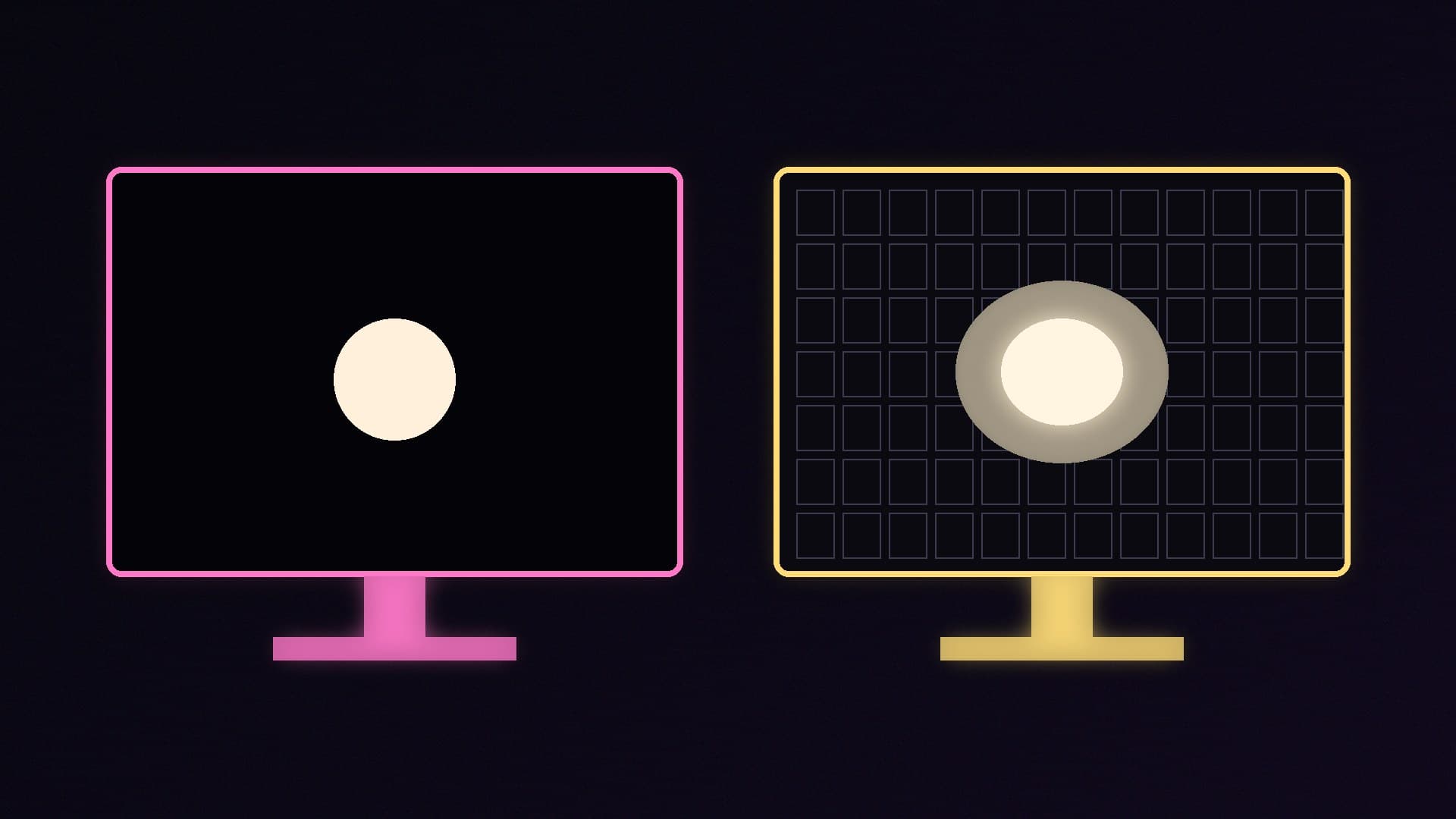
OLED panels have no backlight. Each pixel produces its own light and can switch off completely. TFTCentral calls this "per-pixel level dimming". It is why OLED blacks are truly black.
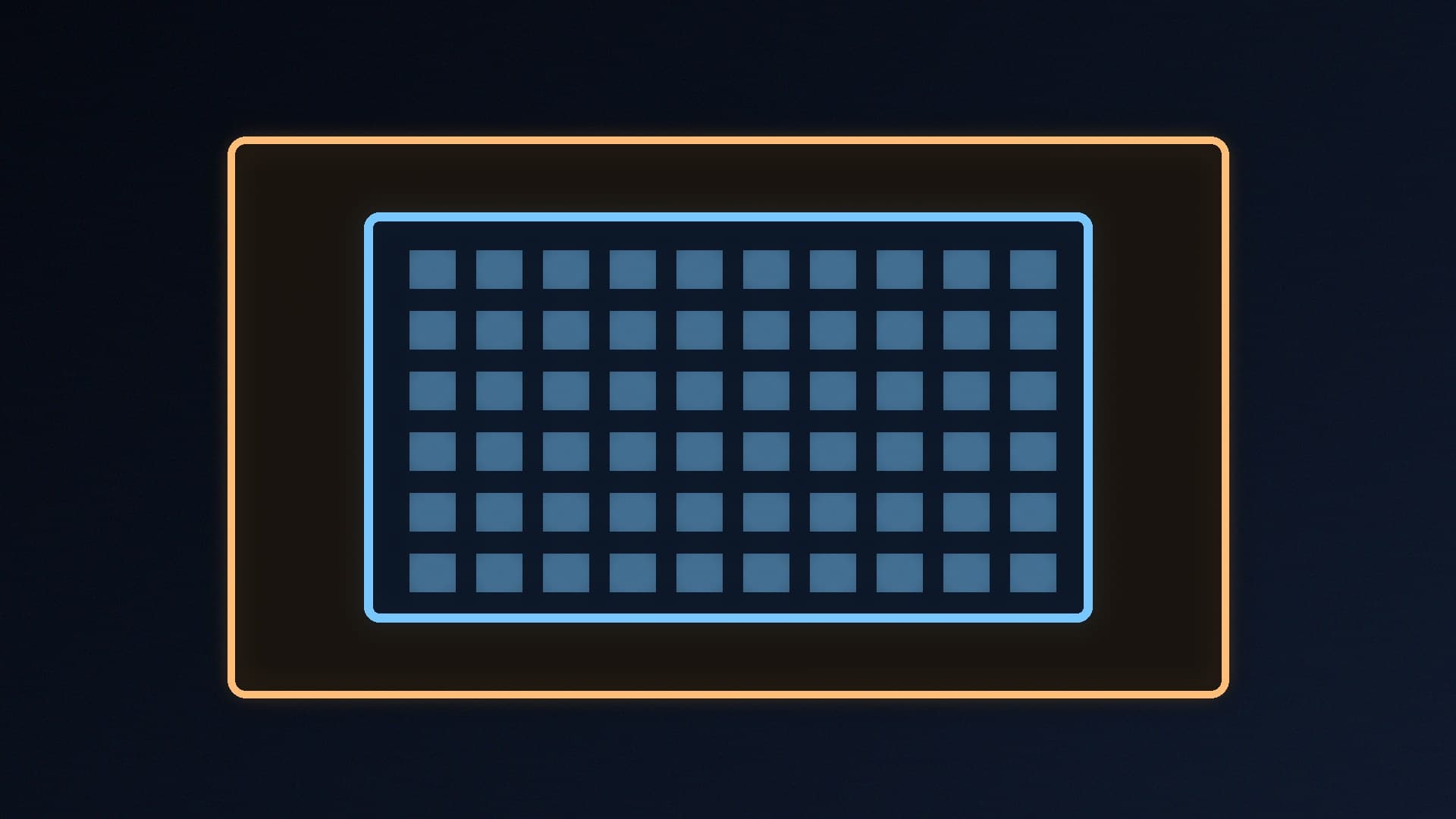
Mini LED monitors are LCDs with a backlight made of many small LEDs, grouped into local dimming zones. The backlight dims in dark areas and brightens in bright ones. More zones give finer control, but each zone still covers many pixels.
Quick comparison
| OLED | Mini LED |
|---|
Black level and contrast | Perfect blacks, per-pixel control | Very good, but limited by the number of dimming zones |
Blooming or halos | None | Possible around bright objects on dark backgrounds |
Brightness | More limited, especially full-screen | Can go much brighter, especially high-end models |
Response time | Near-instant, under 1ms grey-to-grey | Limited by the LCD panel |
Burn-in risk | Yes, with heavy static use | No (LCD technology) |
Text clarity | Can show fringing on some sub-pixel layouts | Usually standard sub-pixel layout |
Contrast and blooming: OLED wins
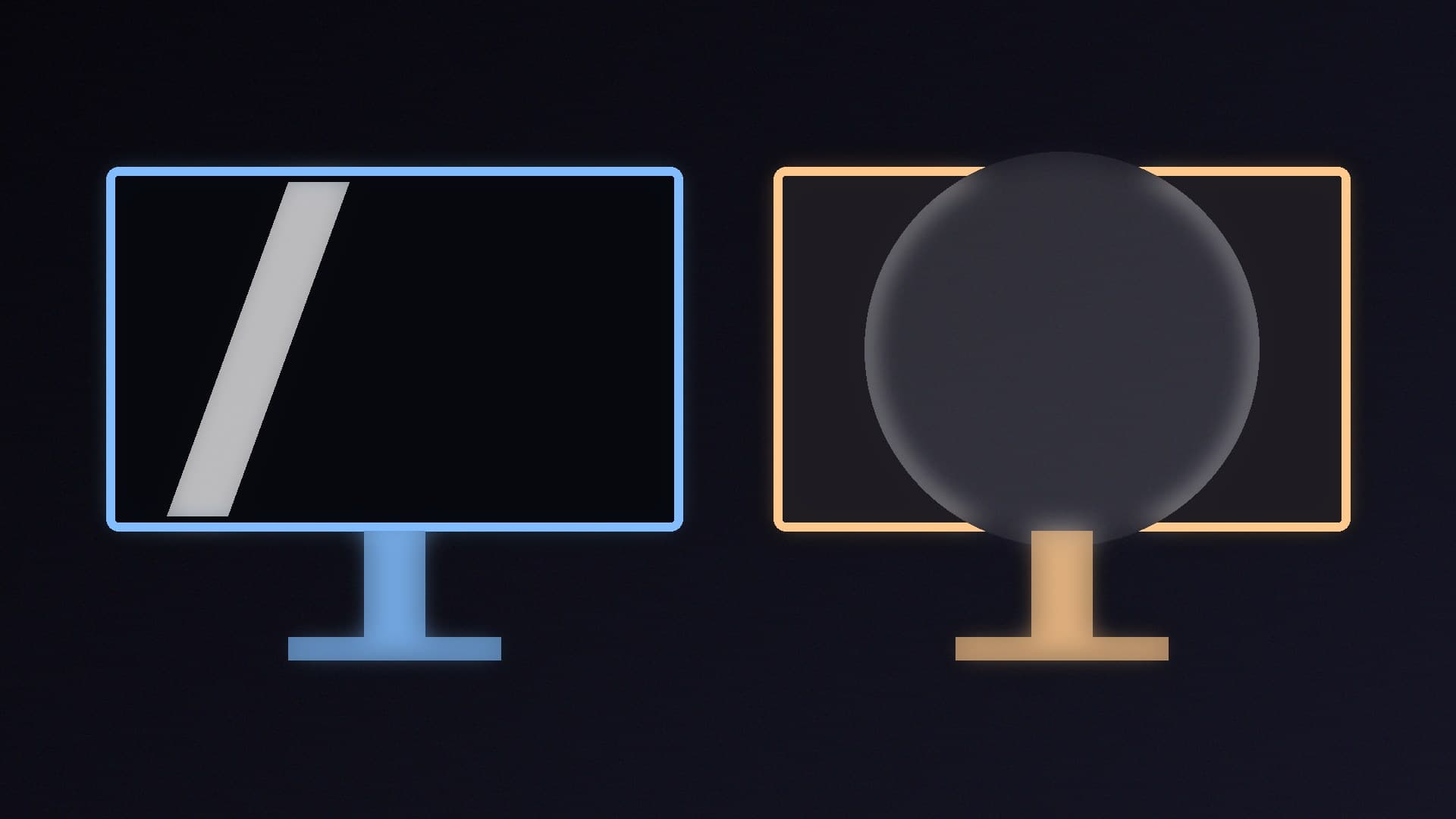
Because each OLED pixel is controlled separately, TFTCentral says you "don't need to worry about halos or blooming". On a Mini LED monitor, when a zone brightens to show a bright object, light can spill into surrounding dark areas. That shows up as a halo around white text on a black background, a cursor in a dark scene, or subtitles in a film. TFTCentral notes that even the highest number of local dimming zones cannot cover each pixel separately.
Brightness: Mini LED wins
TFTCentral says OLED's brightness is "more limited", because it is harder to make individually lit pixels as bright as an LCD with a large backlight, "especially" compared with high-end Mini LED monitors. OLED monitors also use an Automatic Brightness Limiter (ABL), which dims the screen when large bright areas are shown, mostly in HDR. If your room is very bright, or you want the most impact from HDR highlights, Mini LED has the advantage.
TFTCentral does say OLED brightness has improved, with typical SDR brightness specifications rising from around 250 nits to 300 to 350 nits, and that it is bright enough for most people.
Motion and gaming: OLED wins
TFTCentral says OLED pixels react "nearly instantly", with true sub-1ms grey-to-grey response times, which suits very high refresh rates and gives excellent motion clarity. Mini LED monitors rely on the LCD panel in front of the backlight for response times. For competitive gaming, OLED is the stronger choice. Our best 1440p gaming monitor and best 4K gaming monitor guides include OLED options.
Burn-in: the OLED catch
Burn-in is the main reason some people avoid OLED. The organic materials wear over time, and areas that show the same static image for many hours, such as a taskbar or a window border, can wear unevenly.
TechSpot has been running a deliberately harsh test on a 32-inch 4K QD-OLED monitor, using it for 8 to 10 hours a day of static productivity work at about 200 nits, with no dark mode, no hidden taskbar and no screensaver. After 30 months and about 8,000 hours, TechSpot reports:
A line down the centre of the screen, where two side-by-side windows meet, that is "clearly visible" with its enhancement filter and now faintly visible even on a full-screen white image.
Burn-in from the taskbar and its icons, which is only noticeable on full-screen content.
Peak brightness down from 243 to 231 nits, a 5% drop.
Colour temperature down from about 6,440K out of the box to 6,292K.
TechSpot says 8,000 hours is roughly four years of full-time office use. Its conclusion is still that, for most buyers, it does not think burn-in should be a major concern. It "wouldn't be particularly worried" if you mainly game or watch video, or mix gaming with light productivity. The scenario that needs caution is many hours a day of static work.
To reduce burn-in risk, TechSpot recommends using a similar brightness across apps and the taskbar, for example a universal dark mode, and letting the monitor sleep after a few minutes of inactivity. Running the monitor's pixel-refresh or compensation cycles also matters: TechSpot only ran them about half as often as recommended.
Warranty: check burn-in cover
TFTCentral says three-year warranties are now common for OLED monitors, and that many leading manufacturers include burn-in cover, typically for three years. It advises being wary of makers who do not clearly state burn-in cover. Check the warranty terms on the manufacturer's UK website before you buy.
Text clarity for work
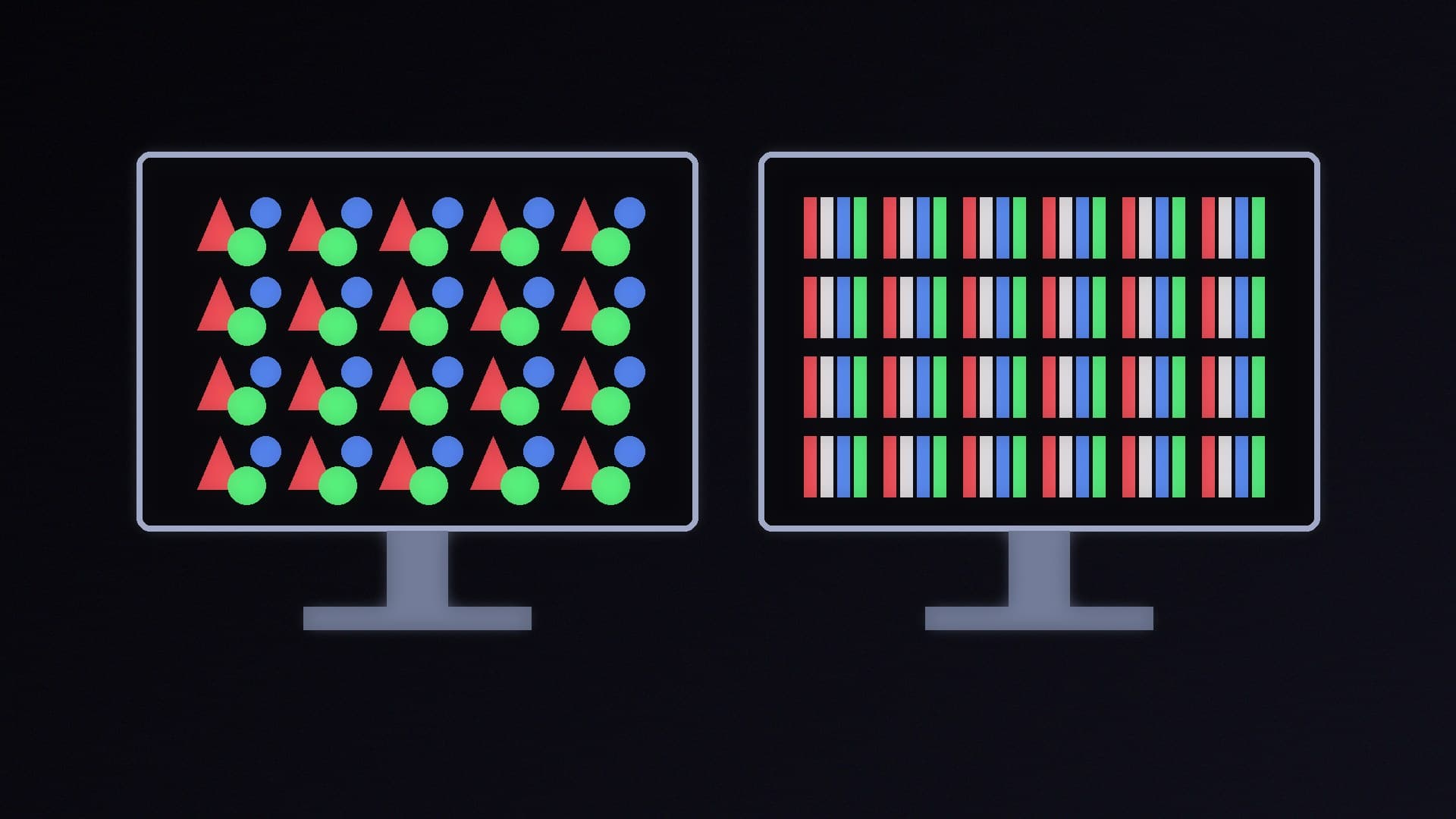
TFTCentral explains that most OLED panels use a non-standard sub-pixel layout that Windows does not expect, which can cause colour fringing on text. Higher pixel density hides it: TFTCentral says a 27-inch 1440p panel shows more fringing than a 32-inch 4K one. If you spend all day with spreadsheets and documents, a Mini LED or a high-density 4K OLED is the safer choice. Our 1080p vs 1440p vs 4K guide explains pixel density.
Which should you buy?
Choose OLED if:
You mainly game, especially fast competitive games.
You watch films in a dim room and want perfect blacks.
Your work is mixed and you are happy to use dark mode and let the screen sleep.
Examples in our database include the Alienware AW2726DM, the Alienware AW3225QF and the ASUS ROG Swift PG27AQDP.
Choose Mini LED if:
Your room is bright, or you want the brightest HDR highlights.
You spend many hours a day on static work such as spreadsheets, code or editing timelines.
You want to keep a monitor for many years without thinking about burn-in.
Prices for both types move around a lot before Black Friday. Our UK monitor price guide covers what to watch.
Our verdict
For gaming and films, OLED is the better technology: perfect blacks, no blooming and near-instant response times. Mini LED is the better choice for very bright rooms and for long days of static desktop work, because it goes brighter and cannot burn in. TechSpot's 30-month test shows burn-in is real under heavy static use, but also that most gamers and mixed users do not need to worry much, especially with dark mode and a short sleep timer. Whichever you choose, check the warranty, including burn-in cover for OLED. Forge PC has not tested these monitors; the findings come from TFTCentral and TechSpot.