Most desktop PCs use an ATX power supply, a box that has looked roughly the same for decades. Small form factor builders have another option: SFX, and its slightly longer sibling SFX-L. They power the same components through the same connectors, but in a much smaller box. Picking the wrong size is one of the easiest ways to end up with a case you can't finish building.
Forge PC hasn't tested power supplies in these sizes for this comparison. It's based on the form factor definitions published by SilverStone and Corsair, two of the main makers of small power supplies, as checked on 17 November 2026. For specific models, see our best SFX power supply guide and best power supply guide.
The sizes compared
Form factor | Width | Height | Depth | Notes |
|---|
ATX | 150mm | 86mm | 140mm standard; 160mm and 180mm common | Depth varies by model |
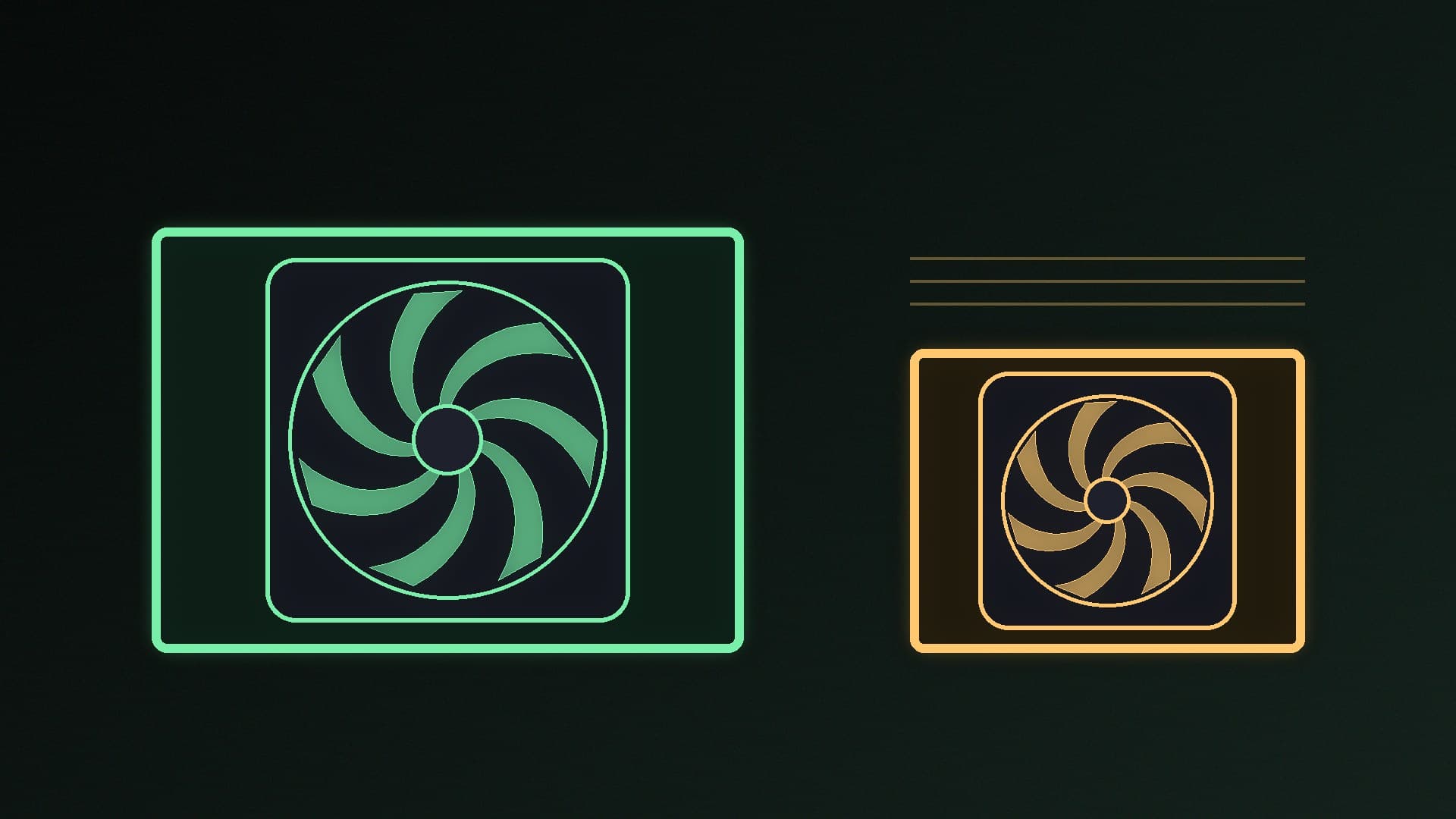
SFX | 125mm | 63.5mm | 100mm | The smallest standard consumer size, according to Corsair |
SFX-L | 125mm | 63.5mm | 130mm | Same face as SFX, 30mm longer |
SilverStone gives the standard ATX size as 150 x 86 x 140mm and notes that longer units still count as ATX. Corsair says the ATX standard fixes width and height but not length, which "tends to increase in regular increments", while SFX and SFX-L lengths are fixed because the cases that use them are so tight on space. SilverStone says it coined the term SFX-L in 2014 with its SX500-LG.
Compatibility: what fits where
Check your case first. Its specifications will say whether it takes ATX, SFX or SFX-L, and many small cases list a maximum PSU length.
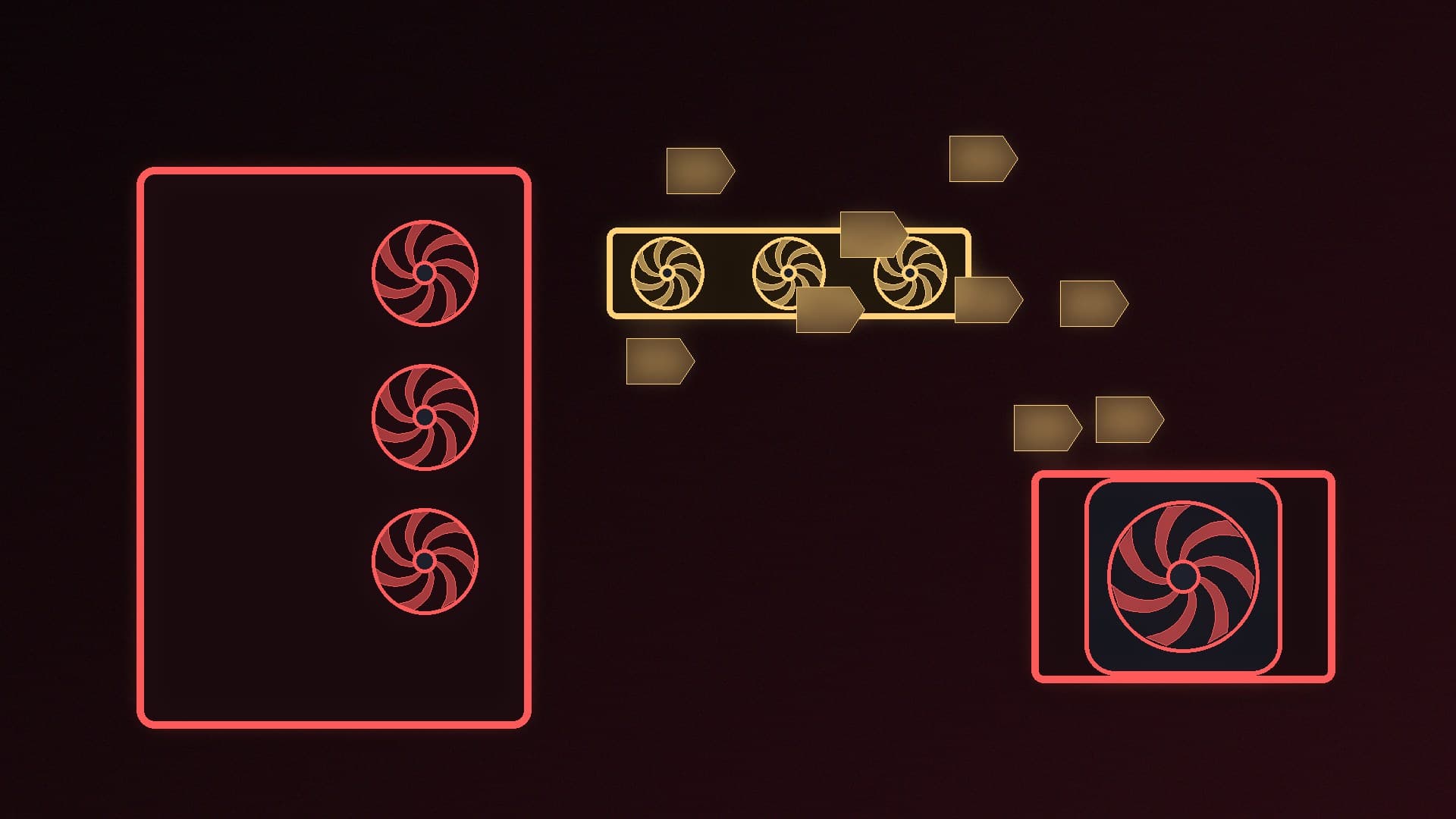
SFX in an ATX case: usually possible. SilverStone notes that because SFX is smaller than ATX in every dimension, it can fit cases designed for ATX "with simple adapters or brackets", and some retail SFX units include one. It's a useful option if you might move to a smaller case later.
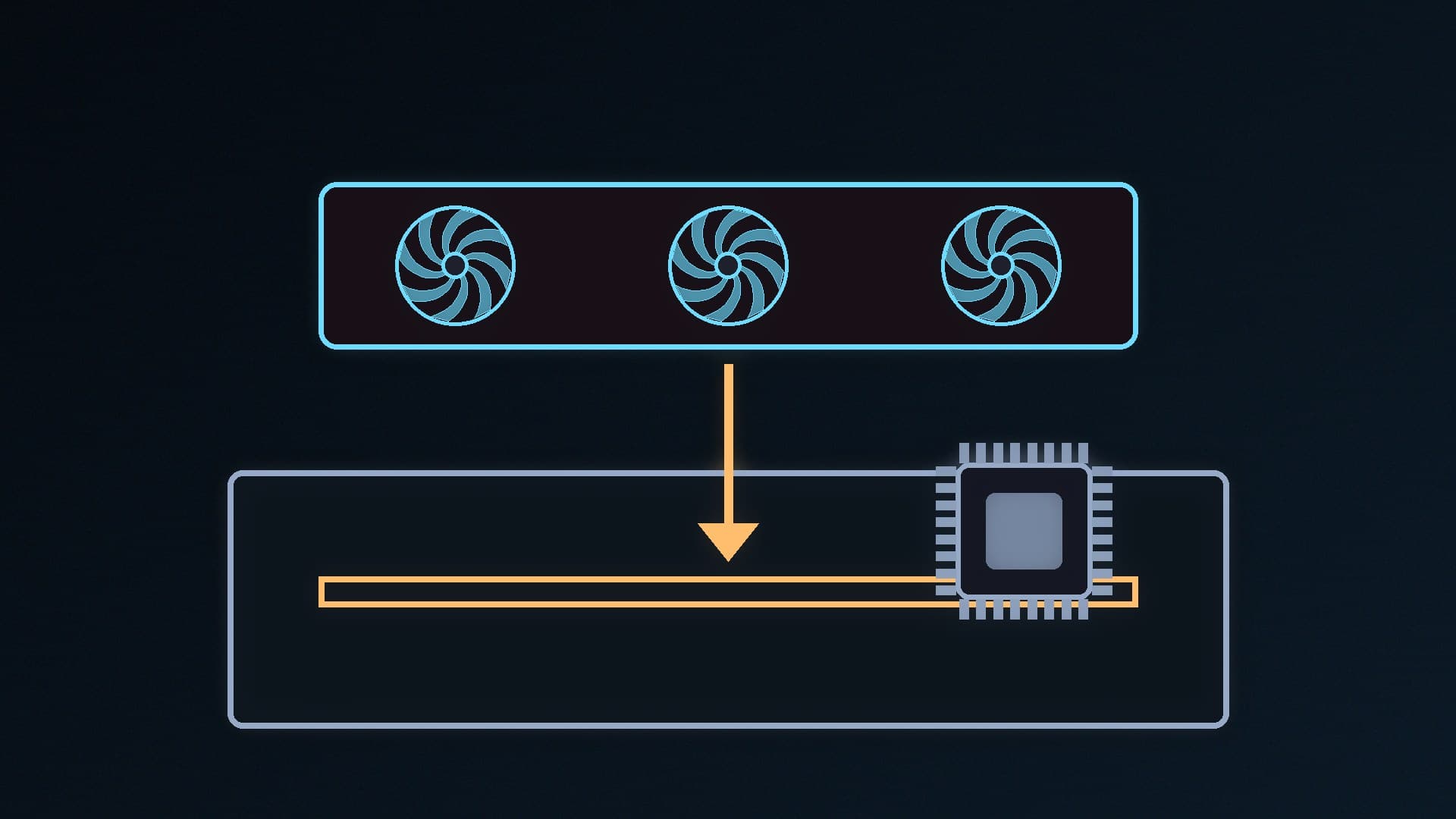
SFX-L in an SFX case: not always. The extra 30mm can block cables or collide with a front radiator or GPU, so only buy SFX-L if your case lists support for it.
ATX in an SFX-only case: no. Our mini-ITX vs micro-ATX vs ATX guide explains how case and board sizes relate.
Cables matter too. In a small case, fully modular units with short, flexible cables make building easier, and our modular vs non-modular PSU comparison covers the trade-offs.
Wattage and features
Smaller doesn't have to mean weaker. Corsair's SF850 is an SFX unit, and Corsair says it had to use SFX-L for its SF1000L "so we could make it 1000W", noting that the extra length "typically allows for a higher wattage". That said, SFX units at 850W and 1000W now exist from several brands; the Forge PC database lists SFX models such as the Corsair SF1000, Lian Li SP1000P and NZXT C850 SFX.
Whatever the size, check the same things you would for any PSU: enough wattage for your graphics card, a native 12V-2x6 connector if your GPU needs one, ATX 3.1 support and a good efficiency rating. Our guides to choosing a PSU, ATX 3.1 vs ATX 3.0 and connecting a 12V-2x6 cable safely cover the details.
The trade-offs
SFX advantages: it fits the smallest cases, frees up space in larger ones, and can move between SFX and ATX cases with a bracket.
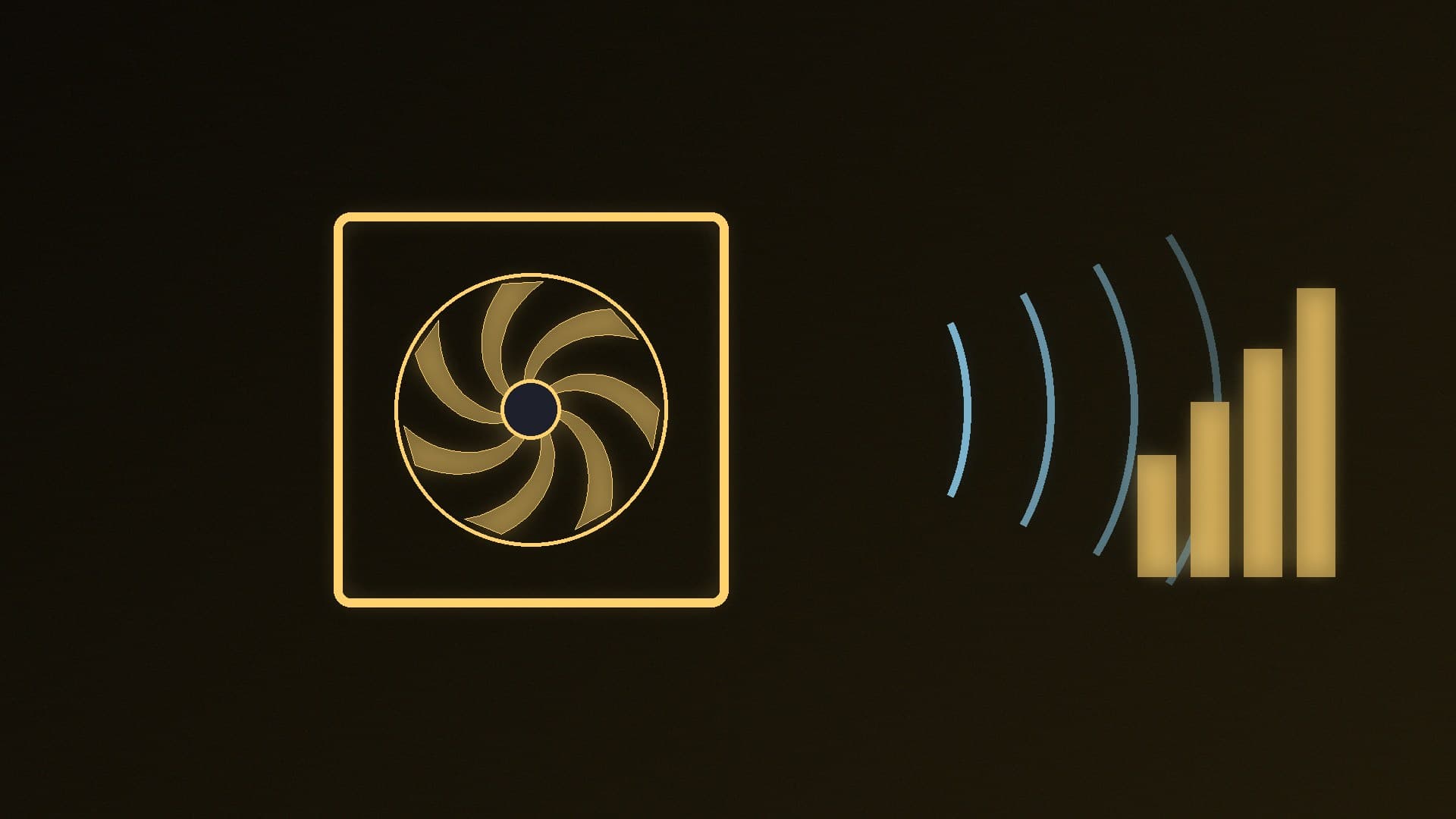
SFX disadvantages: small units squeeze the same power into less room, which leaves less space for cooling, so check independent reviews for noise if a quiet PC matters to you. Compare prices too: compact units can carry a premium over ATX models of the same wattage, and there are fewer models to choose from.
ATX advantages: the widest choice of models and price points, and more room inside for cooling.
SFX-L sits between the two: a little more room inside than SFX, but only for cases that list support.
Which should you buy?
Building in a mid-tower or full-size ATX case: buy ATX. There's more choice, and it's often the cheaper option.
Building in an SFX-only mini-ITX case: buy SFX, and check the case's length limit before considering SFX-L.
Planning to move to a small case later: an SFX unit with an ATX bracket gives you flexibility, at a price premium.
Our verdict
ATX power supplies measure 150 x 86mm with a typical depth of 140mm or more; SFX units are 125 x 63.5 x 100mm, and SFX-L is the same but 130mm deep. Buy ATX for normal towers because there's more choice and it's often cheaper, SFX for compact mini-ITX cases, and SFX-L only if your case lists support for it. An SFX unit can go into an ATX case with a bracket, but not the other way round. Forge PC hasn't tested these power supplies.