For most of the last 20 years, choosing a monitor finish wasn't really a choice: nearly every PC monitor had a matte anti-glare coating. OLED has changed that. Many QD-OLED monitors use a glossy-looking semi-glossy finish, some WOLED monitors now come with glossy panels, and some QD-OLED monitors add a matte coating on top. So which should you pick?
Forge PC hasn't tested monitor coatings itself. This comparison is based on TFT Central's detailed test of five OLED panel coatings (originally published in June 2024 and updated in August 2024), which measured reflections, image clarity and black depth under ambient light. The principles apply to LCD monitors too, but the measurements are for OLED panels.
What's the difference?
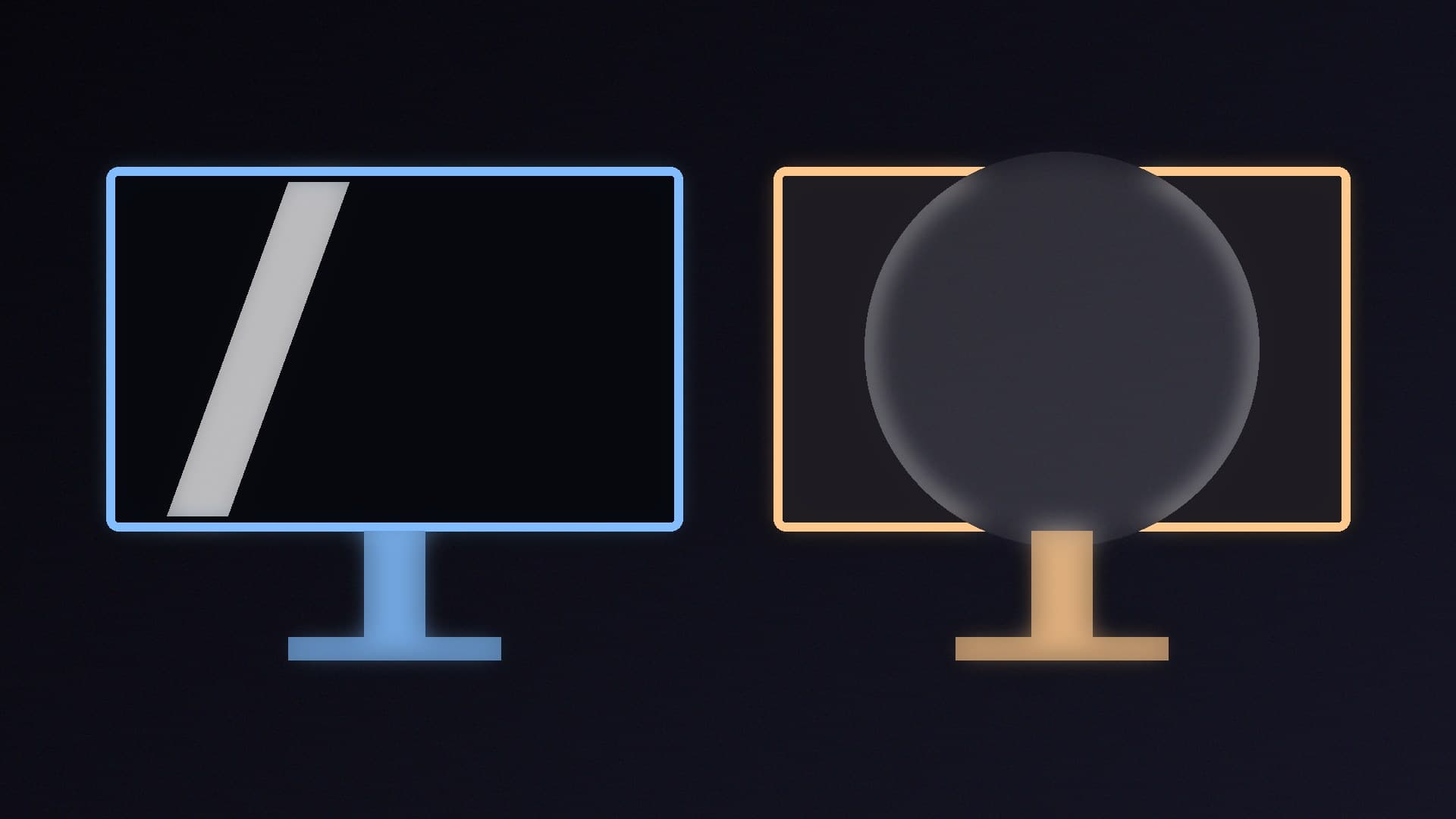
Matte (anti-glare, AG): a textured coating that diffuses reflected light, so a window or lamp becomes a soft haze instead of a sharp reflection.
Glossy: a smooth, clear surface with no diffusing layer. Reflections are sharp and mirror-like, but the image itself looks cleaner.
Semi-glossy: TFT Central's term for the standard QD-OLED finish, which looks glossy but has an anti-reflection treatment to reduce reflections.
How they compare
| Matte (AG) | Glossy / semi-glossy |
|---|
Reflections and glare | Best: lowest reflections in normal use, and bright lights are diffused | More visible reflections; semi-glossy handles them better than full glossy |
Image clarity | Can look grainy close up, depending on the coating | Cleaner, clearer image |
Black depth in a lit room | Diffused light slightly lifts blacks | Slightly better at keeping blacks deep |
Colour "pop" | Less "pop" than glossy | Colours and blacks can "pop" more |
Best room | Bright rooms, daytime use, windows behind you | Dim or controlled lighting |
What TFT Central found
Reflections: matte AG was the clear winner. TFT Central says it showed the lowest reflections in normal use, and even with a bright light shone directly at the panel, the light was diffused and reflections were kept to a minimum. The semi-glossy QD-OLED handled reflections better than the fully glossy WOLED because of its anti-reflection treatment.
Clarity and grain: glossy finishes looked cleaner. TFT Central found the standard matte coating on WOLED panels "pretty grainy", more so than modern IPS LCDs, while the matte coating Samsung added to its QD-OLED monitor looked about as clean as a modern IPS LCD.
Black depth in a lit room: the glossy WOLED monitors were around 10-15% better than the matte WOLED at keeping blacks dark as ambient light increased, because they diffuse less light across the screen. On QD-OLED, adding a matte coating made black depth about 8% worse in a very bright room, though TFT Central notes that in those conditions glare is a bigger risk.
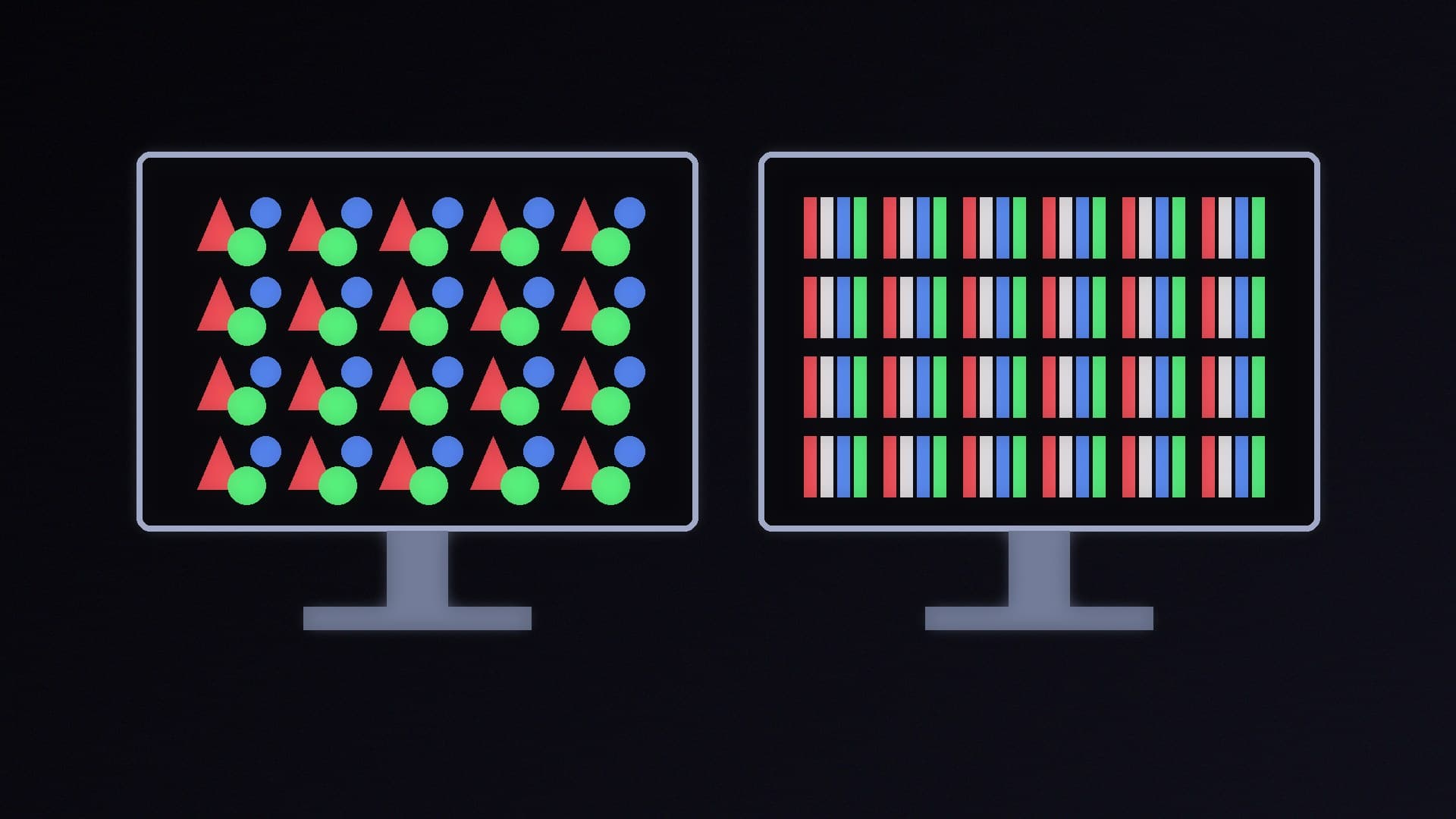
Panel type matters more than coating for blacks. TFT Central found QD-OLED panels turned greyer, with a purple tinge, under ambient light than WOLED panels, whichever coating they had, because QD-OLED lacks a polariser. A matte coating doesn't fix that. Our QD-OLED vs WOLED comparison explains the panel differences.
Which should you choose?
TFT Central makes a practical point: monitors are mostly used in the daytime, in offices and well-lit rooms, unlike TVs, which are often watched in the evening. That's why matte remains the default.
Choose matte if your desk faces a window, you can't control the lighting, or you use the monitor for long daytime work sessions. Glare is more distracting than a slight loss of black depth.
Choose glossy or semi-glossy if you game mostly in the evening or in a room where you control the light, and you want the cleanest, most vivid image, especially on an OLED. Position the monitor so there's no window or lamp directly behind you.
Whichever you pick, set the monitor up properly: see how to calibrate a monitor in Windows 11 and how to set up HDR in Windows 11. If you're shopping, our best 1440p gaming monitor guide and OLED vs Mini LED comparison are good next steps; check each model's spec sheet for its screen coating.
Our verdict
Matte anti-glare screens are the safer choice for most people: TFT Central found they handle reflections and bright lights far better, which matters in daytime and well-lit rooms. Glossy and semi-glossy screens look clearer and keep blacks slightly deeper, so they're best for evening gaming in a room where you control the lighting. On OLED, the panel type affects black depth in a lit room more than the coating does. Forge PC hasn't tested monitor coatings itself.