Shop for an OLED gaming monitor and you'll quickly notice two panel types: QD-OLED, made by Samsung Display, and WOLED, made by LG Display. Monitor brands buy panels from one or the other, so two monitors from the same brand can behave quite differently depending on which panel they use.
Forge PC hasn't measured these panels itself. This comparison is based on independent testing and analysis by TFTCentral and PC Gamer, and on LG Display's announcements reported by FlatpanelsHD.
The short answer
| QD-OLED (Samsung Display) | WOLED (LG Display) |
|---|
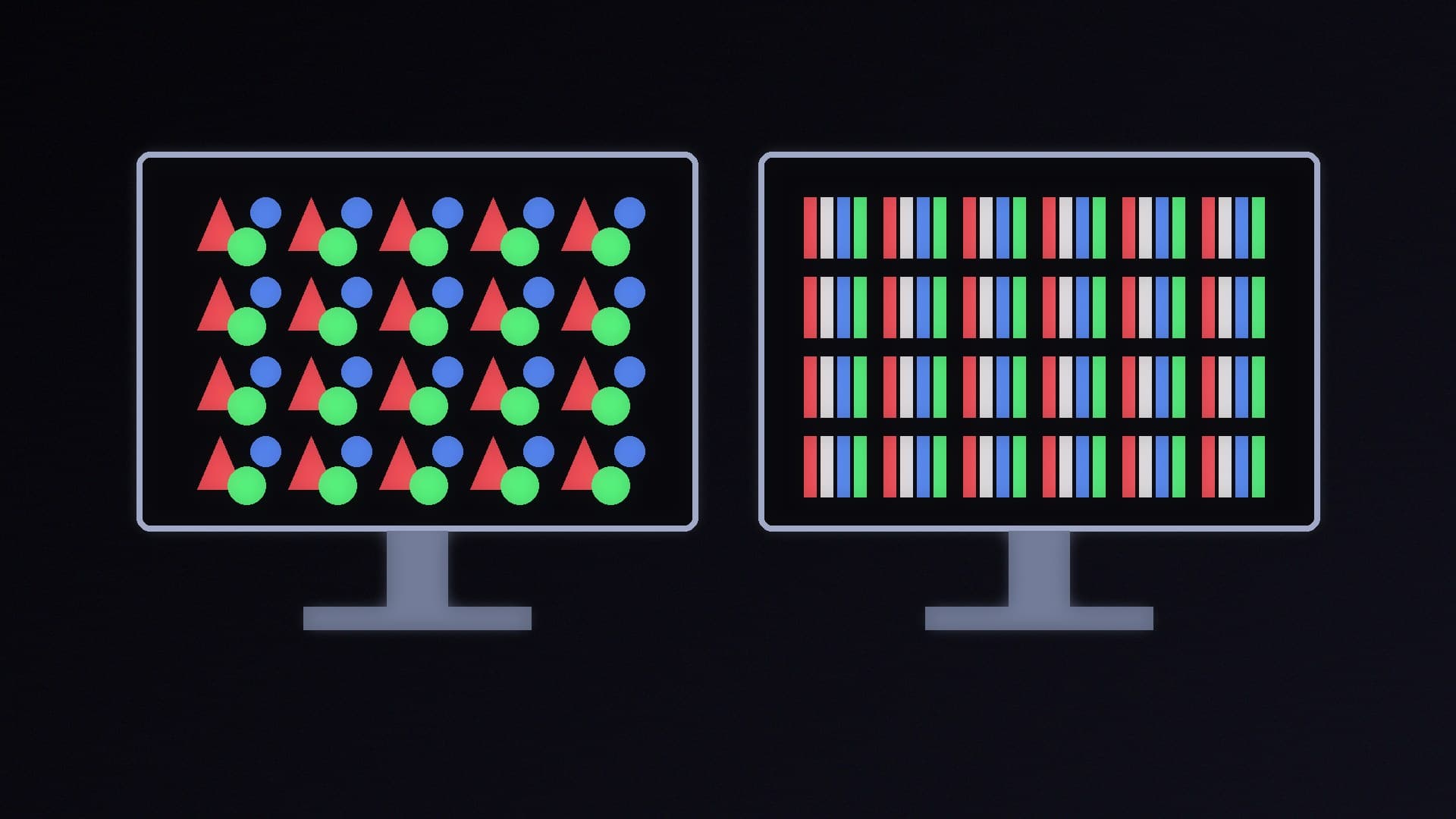
Subpixels | Red, green and blue only; traditionally a triangular layout | Traditionally red, green, blue plus a white subpixel for brightness |
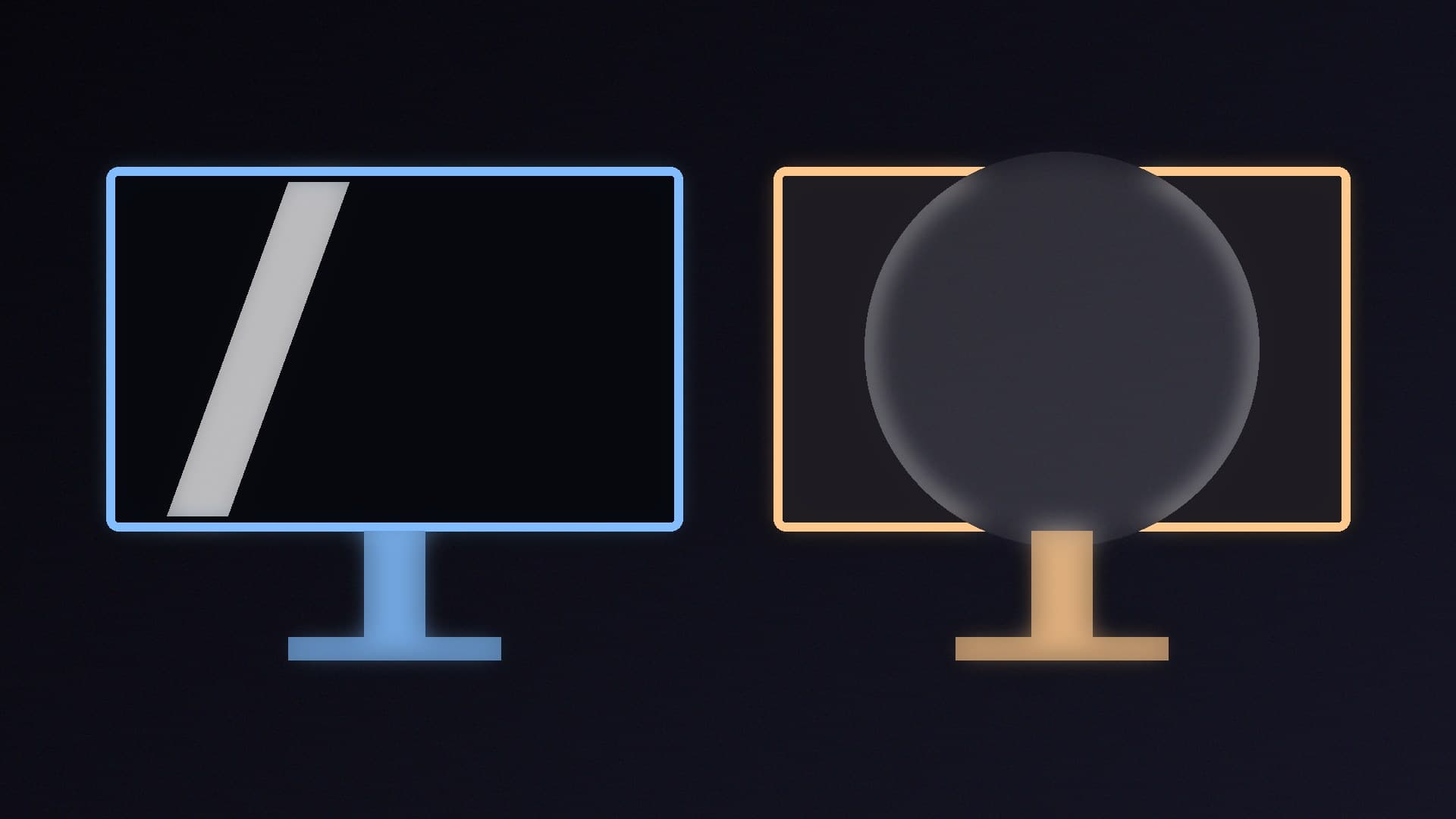
Blacks in a bright room | Rise towards grey, with a slight tint, because there's no polariser | Hold up better; depends mainly on the screen coating |
Text clarity | Fringing on lower-density panels with the triangular layout; RGB-stripe panels fix it | Fringing caused by the white subpixel; RGB-stripe panels remove it |
Colour | Wider gamut and brighter HDR colour, according to TFTCentral | White subpixel boosts brightness but can wash out colours in bright highlights |
Best for | Dim or controlled lighting, HDR and colour | Brighter rooms, or anyone who wants the deepest perceived blacks |
How they make colour
Both are OLED, so each pixel makes its own light and can switch off completely for true black. The difference is in the subpixels.
TFTCentral explains that Samsung's QD-OLED panels have always used only red, green and blue subpixels, but arranged them in a triangular pattern rather than the straight columns Windows expects. LG's WOLED panels arrange their subpixels in vertical columns, but add a fourth, white subpixel to boost brightness. Early WOLED panels used a red-white-blue-green order; from around 2024 LG Display switched to a more Windows-friendly order while keeping the white subpixel.
Blacks in a bright room
This is where the two differ most in daily use. TFTCentral measured perceived black depth under different room lighting and found that QD-OLED panels lose significantly more black depth as ambient light increases, because they lack a polariser and have a quantum dot layer. In moderately to well-lit rooms, blacks on QD-OLED start to look grey, with some colour tinting. Second-generation QD-OLED panels improved this but, TFTCentral says, it's still an issue.
WOLED panels aren't affected in the same way; their black depth in a lit room depends mainly on the screen coating. In TFTCentral's tests, matte anti-glare WOLED monitors were about twice as good at retaining black depth as even second-generation QD-OLED panels.
Newer QD-OLED panels are narrowing the gap. PC Gamer's review of an MSI monitor with Samsung's fifth-generation QD-OLED panel found the ambient light issue "mostly entirely solved", though a strong light still revealed a slight purple tinge compared with an LG WOLED panel side by side.
Text clarity and RGB-stripe panels
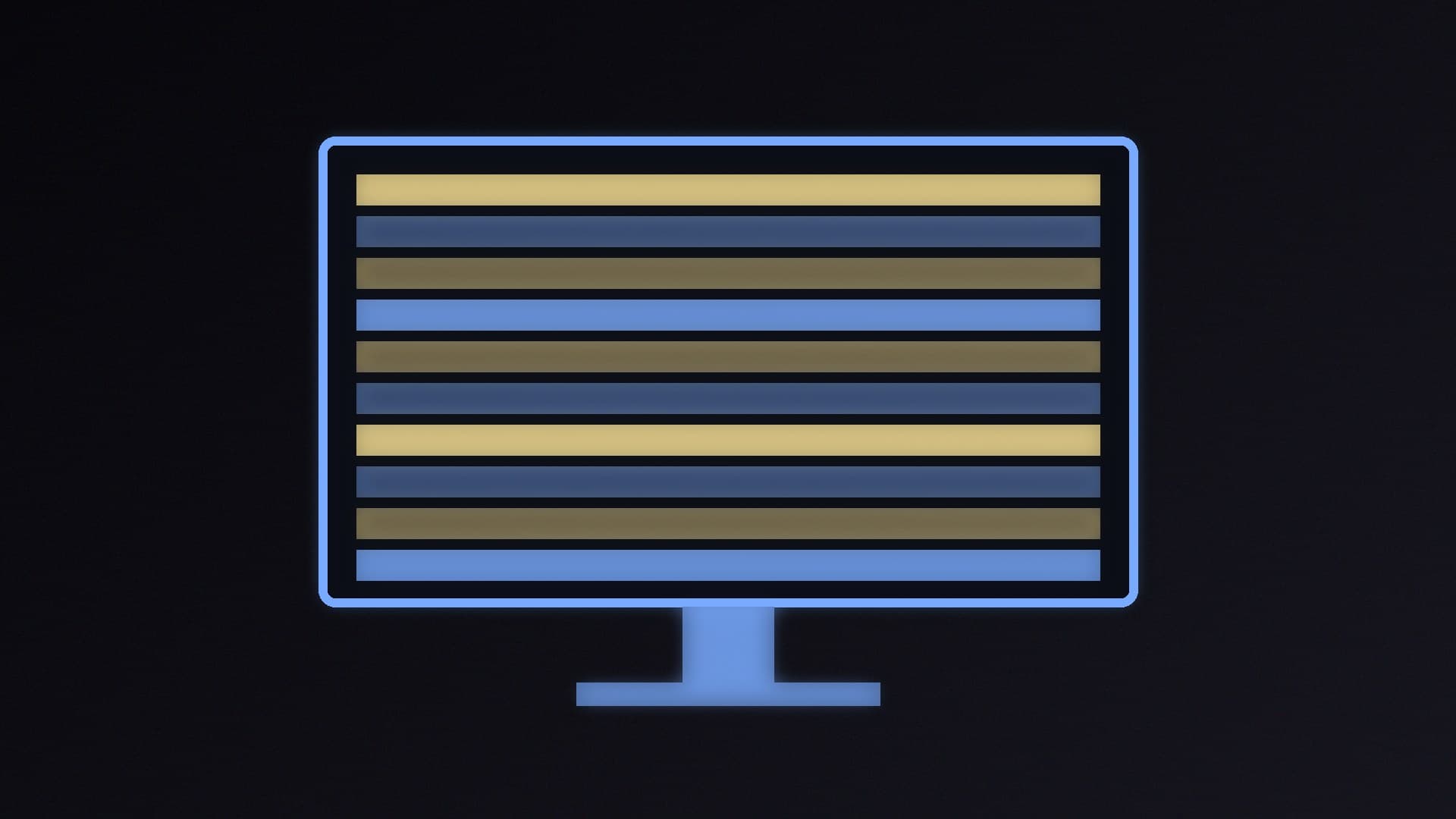
Both technologies have historically suffered from coloured fringing around text in Windows, for different reasons. TFTCentral says QD-OLED's triangular layout is the cause on lower-density panels, while on WOLED it's the extra white subpixel. Higher pixel density hides the problem: TFTCentral considers fringing a non-issue for most people on 27-inch and 32-inch 4K QD-OLED panels.
Both panel makers now offer RGB-stripe panels, with red, green and blue subpixels in straight columns:
QD-OLED: Samsung's 34-inch 3440 x 1440 fifth-generation panel was the first. PC Gamer's reviewer found the fringing issue "all but entirely removed" on it.
WOLED: LG Display began mass production of its first RGB-stripe monitor panel, a 27-inch 4K 240Hz panel that can also run at 1080p 480Hz, in 2026, according to FlatpanelsHD.
There's a trade-off on WOLED. TFTCentral reports that removing the white subpixel lowers brightness: some RGB-stripe panels drop from 335 nits in SDR to 250 nits, and from the DisplayHDR True Black 500 tier to True Black 400. In return, colour volume improves, because the white subpixel can wash out colours in the brightest highlights. On QD-OLED, which never had a white subpixel, TFTCentral doesn't expect the change to cost brightness.
Which should you buy?
Choose QD-OLED if you game or watch HDR in a dim room or with controlled lighting, and want the most vivid colour. TFTCentral notes QD-OLED monitors also tend to have a clearer coating, better text rendering than older WOLED and a brighter HDR experience overall. If you'll use it for lots of text at 1440p or ultrawide, look for an RGB-stripe or high-density 4K panel.
Choose WOLED if your desk is in a bright room or near a window and you want blacks that stay black. If text clarity matters, look for one of LG Display's new RGB-stripe panels, accepting slightly lower brightness.
Either way, OLED has trade-offs against LCD that are worth understanding first; see OLED vs Mini LED monitors, plus our best 1440p and best 4K gaming monitor guides.
Our verdict
QD-OLED panels from Samsung Display offer wider colour and brighter HDR, but their blacks turn greyish in a well-lit room because they have no polariser; TFTCentral found matte WOLED panels about twice as good at holding black depth. WOLED panels from LG Display keep blacks deeper in bright rooms but have traditionally used a white subpixel that can cause text fringing and wash out bright colours. New RGB-stripe panels from both makers fix most text fringing, at a brightness cost on WOLED. Pick QD-OLED for a dim room and WOLED for a bright one. Forge PC hasn't measured these panels itself.