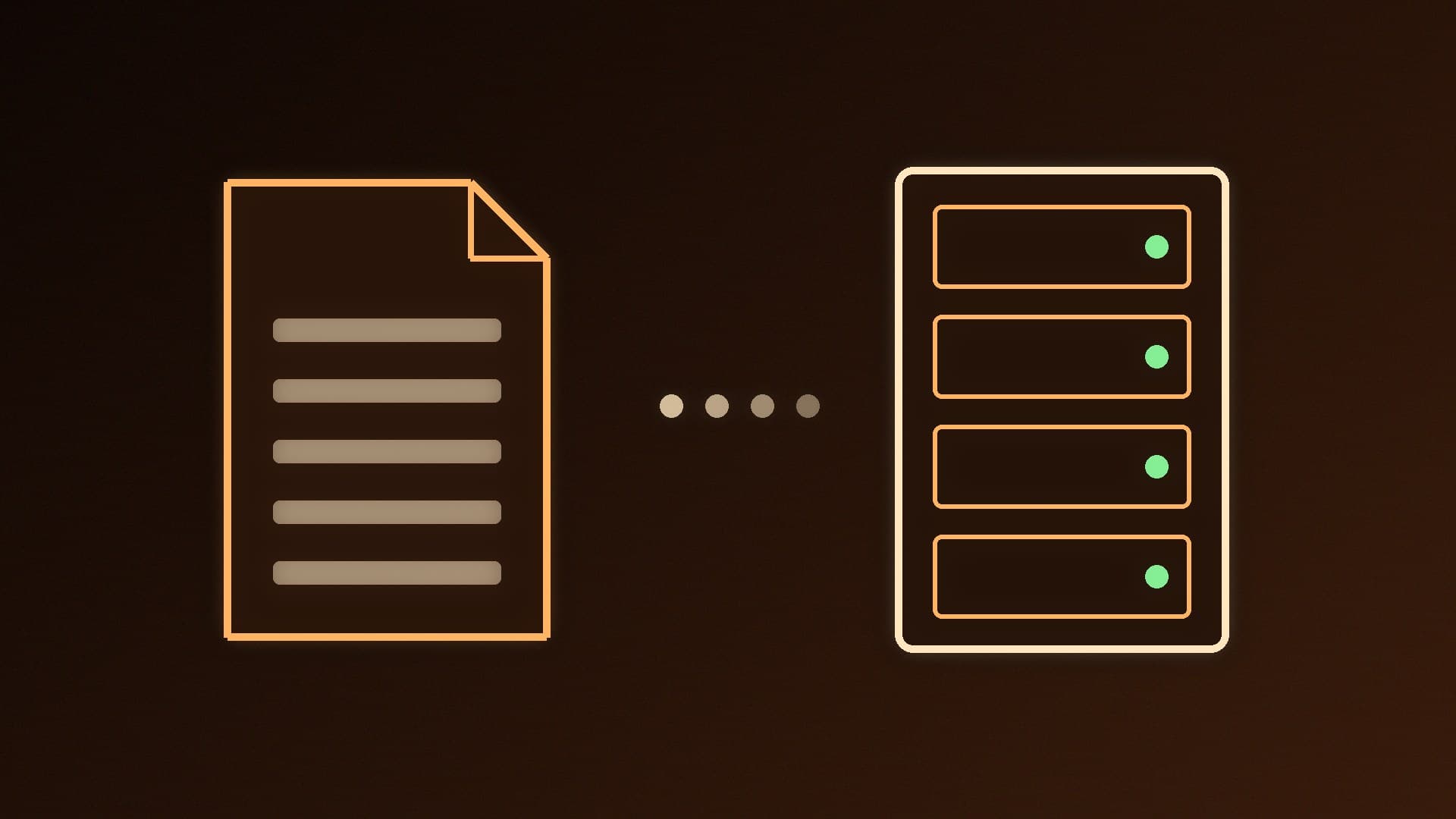
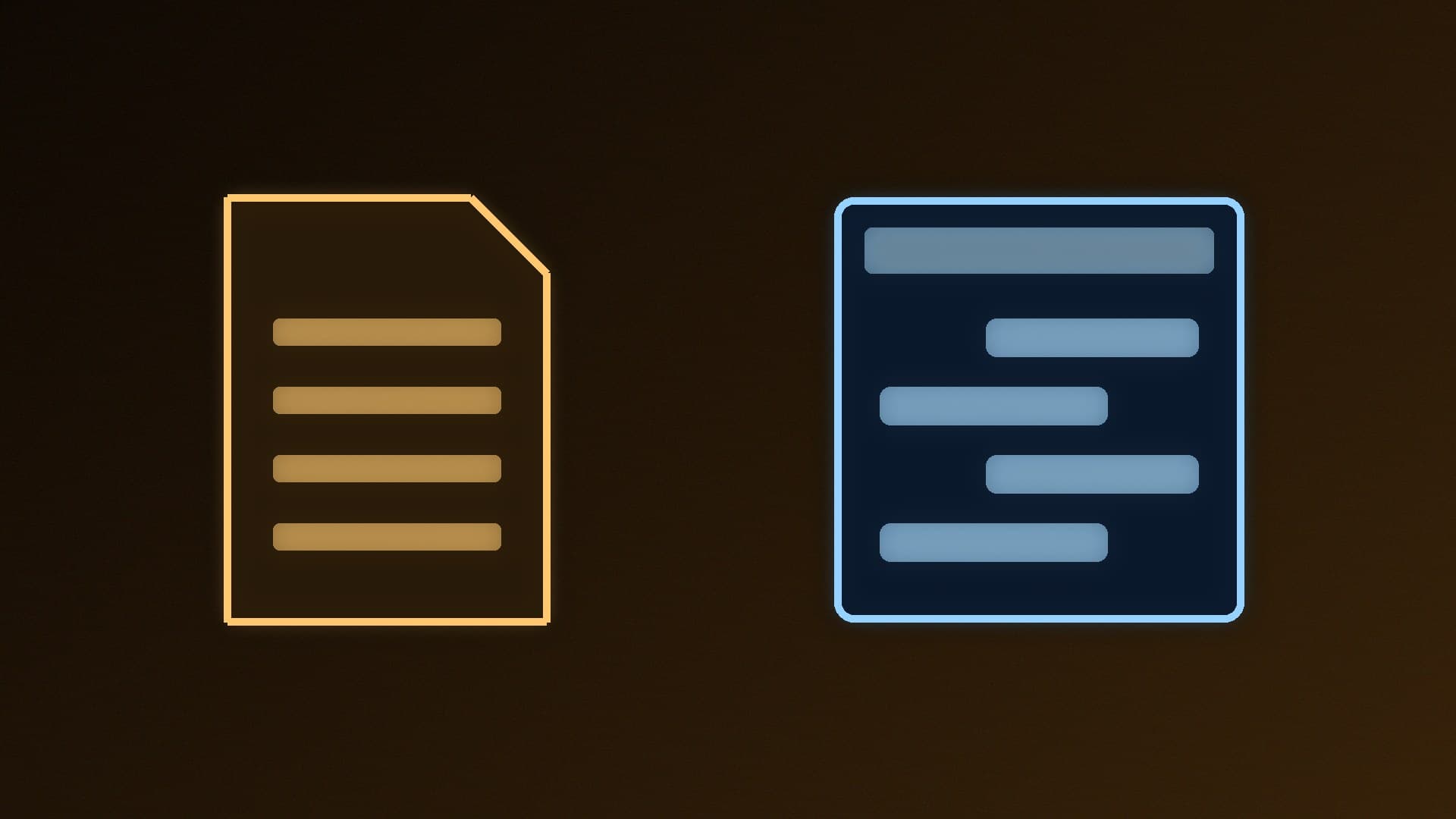
Both llamafile and Ollama let you run large language models on your own PC, and both are free and open source. They take very different approaches, though. llamafile, from Mozilla.ai, turns a model into a single file you can run without installing anything. Ollama is an app that runs in the background, downloads and manages models for you, and exposes an API other tools can use.
This comparison is based on each project's official documentation. Forge PC hasn't benchmarked them against each other, so there are no speed claims here.
The short version
| llamafile | Ollama |
|---|
What it is | A single-file executable combining llama.cpp with Cosmopolitan Libc | An installed app and background service |
Installation | None: download and run | Installer, or a one-line PowerShell command on Windows |
Getting models | Pre-built llamafiles, or point the llamafile binary at a GGUF file | ollama run <model> pulls from Ollama's library
|
Ways to use it | Command line (--cli), chat mode (--chat), local web server with a browser UI (--server) | Command line and a REST API on port 11434 |
GPUs | NVIDIA (CUDA), AMD (ROCm), Vulkan, Apple Metal | Varies by platform (see Ollama's GPU docs) |
Licence | Apache 2.0 (its llama.cpp and whisper.cpp changes are MIT) | MIT |
Extras | whisperfile for local speech-to-text | Model management, Modelfiles, wide app support |
llamafile: download, run, done
llamafile's goal is to make open models accessible by collapsing everything into one executable that runs on most operating systems and CPU architectures, with no installation. On Windows, you rename a downloaded llamafile so it ends in .exe and run it.
There's one big Windows catch. The project says only executables under 4GB can run on Windows, so any llamafile bigger than that won't work. For larger models you download the plain llamafile program from its releases page and run it with separate GGUF model weights instead. That's still easy, but it loses some of the "one file" magic.
Other points from the docs:
CPU: on x86-64 PCs, the processor must support AVX, or llamafile refuses to run. Newer instruction sets such as AVX2 and AVX-512 are used automatically when present.
GPU: llamafile supports NVIDIA through CUDA on Linux, Windows and WSL, AMD through ROCm on Linux and Windows (the library is downloaded separately and needs the ROCm runtime), and Vulkan. There's no Intel oneAPI backend, but Vulkan covers a lot of other hardware. On unsupported hardware it runs on the CPU.
Modes: --server starts llama.cpp's HTTP server and browser chat UI (port 8080 by default), --chat gives a terminal chat, and --cli answers a single prompt.
Versions: llamafile 0.10 and later use a new build system that tracks llama.cpp more closely, so newer models work, but the project warns some older features may be missing. Older versions remain on the releases page.
Ollama: the local AI service other apps expect
Ollama installs on Windows with a one-line PowerShell command or a manual download, then runs as a service. ollama run <model> downloads a model from Ollama's library and starts a chat. It also has a REST API, which Ollama's FAQ says listens on port 11434 by default. That API is why so many tools support it, including Open WebUI, Page Assist and coding assistants. See our guides to installing Open WebUI and managing Ollama models.
Ollama also makes it easy to see where a model is running. Its FAQ explains that ollama ps shows whether a model is loaded 100% on the GPU, 100% on the CPU, or split between them, which helps when you're short of VRAM. Our Ollama speed-up guide covers what to do next.
Which should you use?
Choose llamafile if: - you want to try a small model without installing anything - you want to share a model with someone as a single file - you want a portable setup on a USB drive or a locked-down PC (allowing for the 4GB Windows limit)
Choose Ollama if: - you'll run several models and want them downloaded, stored and updated for you - you want to connect chat front ends, browser extensions or coding tools through an API - you want a service that's always ready in the background
If you'd rather drive llama.cpp itself, our llama.cpp vs Ollama comparison covers that route. Whichever you pick, the hardware rules are the same: VRAM decides which models run well. See how much VRAM you need.
Our verdict
llamafile is the simplest way to try a local model: one file, no installer, with CUDA, ROCm and Vulkan GPU support and a built-in browser chat. But Windows can't run llamafiles over 4GB, so bigger models need the separate binary plus a GGUF file. Ollama takes a minute to install, then manages models for you and offers the API that most local AI apps expect. For regular use, Ollama is the better fit; for quick tests and portable setups, llamafile wins.