Skip to content

VersusRAM

Single-Rank vs Dual-Rank RAM: What 1Rx8 and 2Rx8 Mean for Your PC

A memory rank is a 64-bit block of data on a module, shown as 1Rx8 or 2Rx8. Dual-rank RAM generally performs a little better thanks to rank interleaving, says Kingston, but uses more power and loads the memory bus more. Single-rank runs cooler and is what most very fast DDR5 kits use. Pick capacity and speed first.

By , Editorial team

3 min read

Single-Rank vs Dual-Rank RAM: What 1Rx8 and 2Rx8 Mean for Your PC
Kingston Fury Renegade White XMP 32GB (2x16GB) DDR5-6400 CL32 (KF564C32RWK2-32) compared with Kingston Fury Renegade White XMP 64GB (2x32GB) DDR5-6400 CL32 (KF564C32RWK2-64)
Kingston Fury Renegade White XMP 32GB (2x16GB) DDR5-6400 CL32 (KF564C32RWK2-32)Kingston Fury Renegade White XMP 64GB (2x32GB) DDR5-6400 CL32 (KF564C32RWK2-64)
Memory TypeDDR5DDR5
Module FormatDIMMDIMM
Capacity Per Module16GB32GB
Total Kit Capacity32GB64GB
Module Count22
RankSingle RankDual Rank
Speed / Data Rate (MT/s)64006400
Base JEDEC Speed (MHz)48004800
CAS Latency3232
Timings (CL-tRCD-tRP-tRAS)32-39-3932-39-39
Voltage (V)1.41.4
XMP ProfileYesYes
Registered / UnbufferedUnbufferedUnbuffered
Heat Spreader Height (mm)39.239.2

Look closely at a memory module's label or data sheet and you'll often see a code like 1Rx8 or 2Rx8. That's the memory rank, and it's one of the few RAM specs that isn't printed on the box. This explainer uses Crucial's and Kingston's technical documentation. Forge PC hasn't benchmarked single-rank against dual-rank kits, so there are no performance figures here.

The short version

Single-rank (1R)

Dual-rank (2R)

64-bit data blocks per module

One

Two

DRAM chips (same chip density)

Fewer

More

Performance

No rank interleaving

Generally better, thanks to rank interleaving (Kingston)

Power and heat

Lower

Higher

Load on the memory bus

Lighter

Heavier

Example (Kingston FURY Renegade White data sheets)

32GB (2x16GB) kits

64GB (2x32GB) kits

What a rank actually is

Crucial explains that a rank is a 64-bit-wide block of data built from some or all of the chips on a module (72 bits on ECC server memory). A module can have one, two or four of these blocks, which makes it single-rank, dual-rank or quad-rank. The label shows this as 1Rx8, 2Rx8 and so on. Crucial says the "x4" or "x8" refers to the number of banks on each memory chip, and that's what determines the rank, not the number of chips on the board.

One common myth is that a module with chips on both sides is automatically dual-rank. Crucial says otherwise: rank depends on how the chips are engineered, not on whether the module is single- or double-sided.

Performance: dual-rank usually has the edge

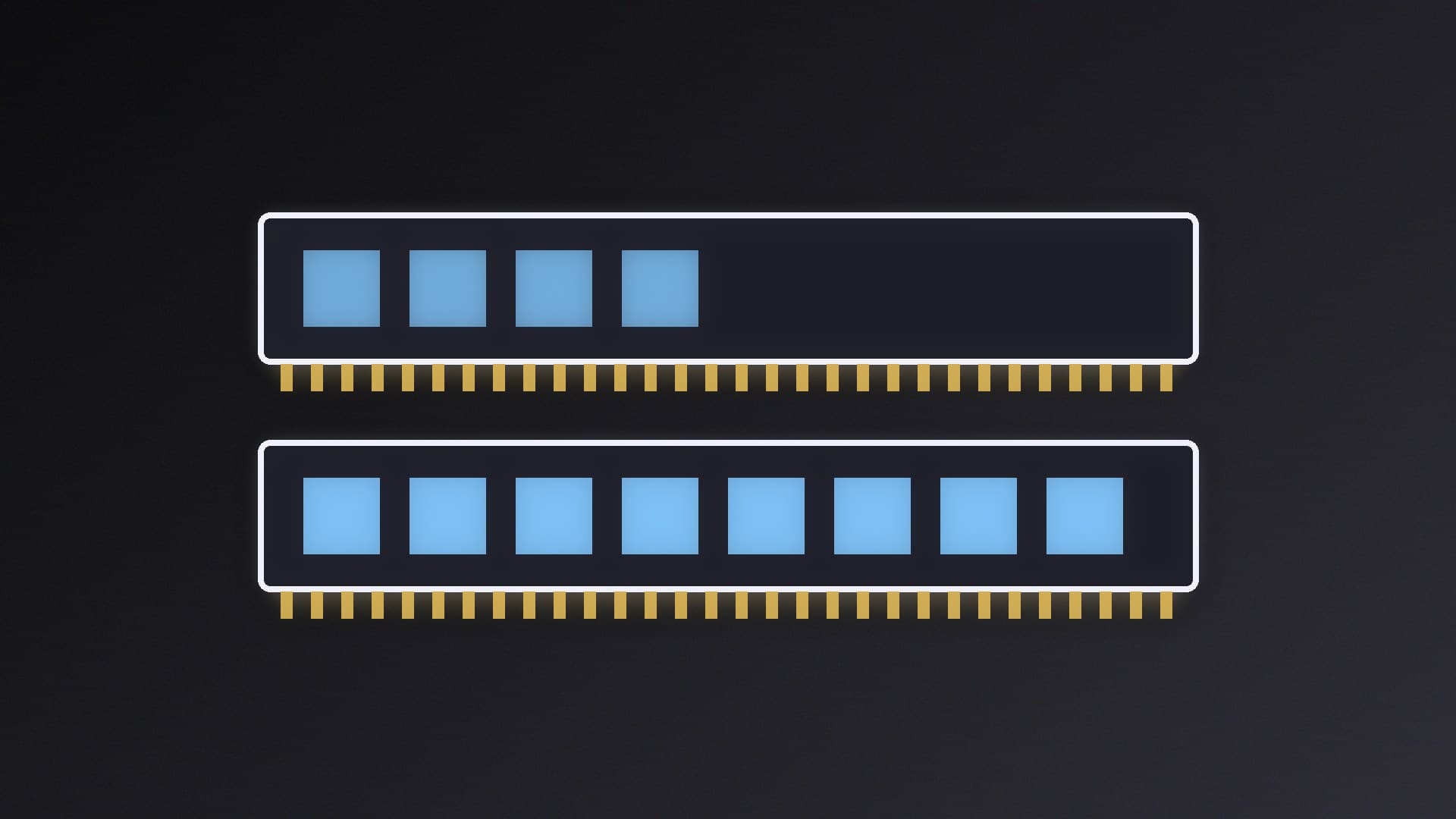
According to Kingston, dual-rank modules generally perform better than single-rank ones because of rank interleaving, which lets the memory controller queue and transfer data from one rank while the other is busy. The trade-off is that more DRAM chips draw more power.

How much difference that makes in games depends on the game and platform, and we haven't measured it. Capacity, speed and timings, and running in dual channel, matter more for most people. See single vs dual channel RAM and DDR5-6000 vs DDR5-8000 for those.

Power, heat and stability: single-rank's strengths

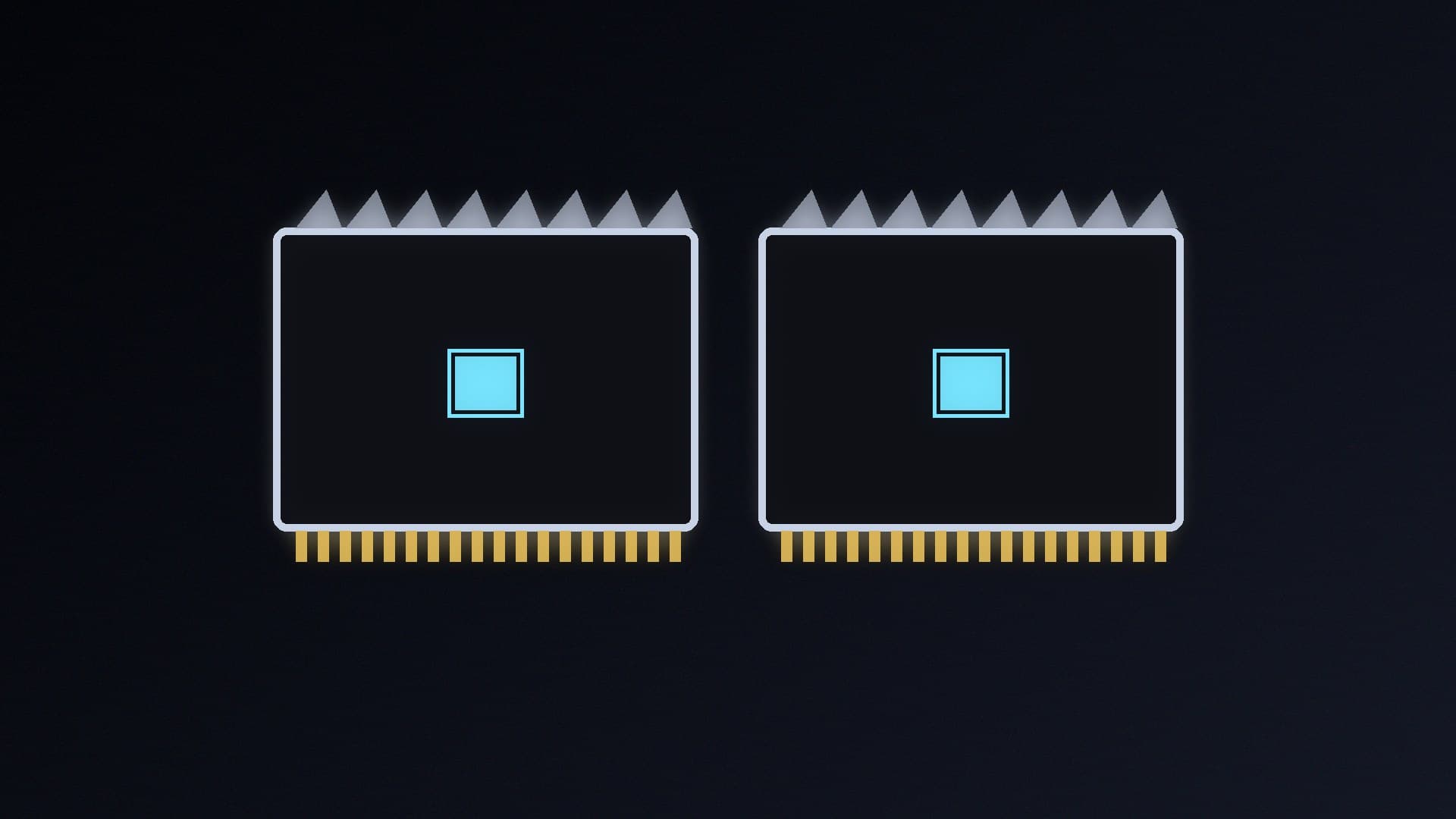
Kingston lists several benefits of single-rank DDR5: lower power use, less heat because there are fewer chips, no rank-to-rank switching, and lighter loading on the memory bus. It says that lighter load may help timing margins and stability. It recommends single-rank modules particularly for laptops, mini PCs and small form factor desktops.

Kingston's FURY Renegade White DDR5 data sheets show how rank lines up with speed in one product family. The 32GB (2x16GB) kits, including the fastest DDR5-8000 CL38 version, are 1Rx8, while the 64GB (2x32GB) kits top out at DDR5-6400 CL32 and are 2Rx8.

Compatibility

Kingston says both single-rank and dual-rank 32GB DDR5 modules are supported by the latest Intel and AMD platforms. Crucial notes that rank limits mostly matter on servers, which can only address a set number of ranks. On a desktop, whether to use two or four sticks is usually the bigger question. Our two vs four RAM sticks guide covers that.

How to check the rank of your RAM

  • Look for the 1R or 2R code on the module's sticker.

  • Check the manufacturer's data sheet. Kingston's, for example, say "1Rx8" or "2Rx8" in the description.

  • Our guide to checking RAM speed in Windows 11 shows where Windows reports your installed memory, and the part number it finds can be looked up in the data sheet.

Our verdict

Dual-rank RAM generally has a small performance edge thanks to rank interleaving, but it uses more power and loads the memory bus more heavily. Single-rank RAM runs cooler, suits laptops and small PCs, and is what Kingston uses for its fastest Renegade White kits. Don't choose a kit on rank alone: pick the capacity you need first (see how much RAM you need for gaming), then speed and timings, and treat rank as a tiebreaker.
The bottom line

Dual-rank RAM generally has a small performance edge thanks to rank interleaving, but it uses more power and loads the memory bus more heavily. Single-rank RAM runs cooler, suits laptops and small PCs, and is what Kingston uses for its fastest Renegade White kits. Don't choose a kit on rank alone: pick the capacity you need first (see how much RAM you need for gaming), then speed and timings, and treat rank as a tiebreaker.

Sources

  1. 01Crucial, What is a memory rank?
  2. 02Kingston, Single Rank (1R) vs Dual Rank (2R) DDR5: Power and Thermal Benefits
  3. 03Kingston, KF580C38RWK2-32 data sheet
  4. 04Kingston, KF564C32RWK2-64 data sheet

About the author

Forge PC Staff

Editorial team

The shared byline for articles researched, written and edited by the Forge PC editorial team. How we source, check and correct our work is set out in our editorial policy.

More from Forge PC Staff

Read next

Best CUDIMM DDR5 RAM 2026: Clocked Memory Kits for Intel Core Ultra 200S and Z890

Best Picks

Best CUDIMM DDR5 RAM 2026: Clocked Memory Kits for Intel Core Ultra 200S and Z890

Kingston's FURY Renegade CUDIMM 48GB DDR5-8400 is our pick for most Core Ultra 200S and Z890 builds, because its 8000 and 7600 XMP fallback profiles make it the most forgiving. G.SKILL's Trident Z5 CK DDR5-8200 CL40 at 1.40V is the gentlest single-profile kit, and the 8800 and 9000 kits suit enthusiasts. AMD builders should skip CUDIMMs.

Forge PC Staff4 min

How to Check Your RAM Speed in Windows 11 (and Why CPU-Z Shows Half)

How-To

How to Check Your RAM Speed in Windows 11 (and Why CPU-Z Shows Half)

Open Task Manager > Performance > Memory and read Speed for the effective data rate. PowerShell's Win32_PhysicalMemory query shows each stick's Speed and ConfiguredClockSpeed, and CPU-Z shows timings and SPD data. CPU-Z's DRAM Frequency is the real clock, half the DDR figure. If the speed is below the box rating, enable XMP or EXPO.

Forge PC Staff3 min

Best 48GB DDR5 RAM Kit 2026: 2x24GB Picks for Gaming, Creators and Local AI

Best Picks

Best 48GB DDR5 RAM Kit 2026: 2x24GB Picks for Gaming, Creators and Local AI

G.SKILL's Flare X5 48GB DDR5-6000 CL30 is our pick for most 2x24GB builds, with XMP and EXPO profiles and 33mm modules. The Ripjaws S5 48GB suits Intel, the Trident Z5 Neo RGB 48GB adds lighting and CL28 for Ryzen, Kingston's FURY Renegade 48GB is rated at 6400, and the Flare X5 CL40 kit is the value option.

Forge PC Staff4 min

Windows Shows Less Usable RAM Than Installed? How to Find the Cause and Fix It

How-To

Windows Shows Less Usable RAM Than Installed? How to Find the Cause and Fix It

A small gap between installed and usable RAM is normal hardware reservation. A big gap usually comes from integrated graphics reserving memory, a Maximum memory limit set in msconfig, or the removememory and truncatememory boot options. If installed RAM itself is too low, reseat the sticks, check the slots and BIOS, then test each stick.

Forge PC Staff4 min