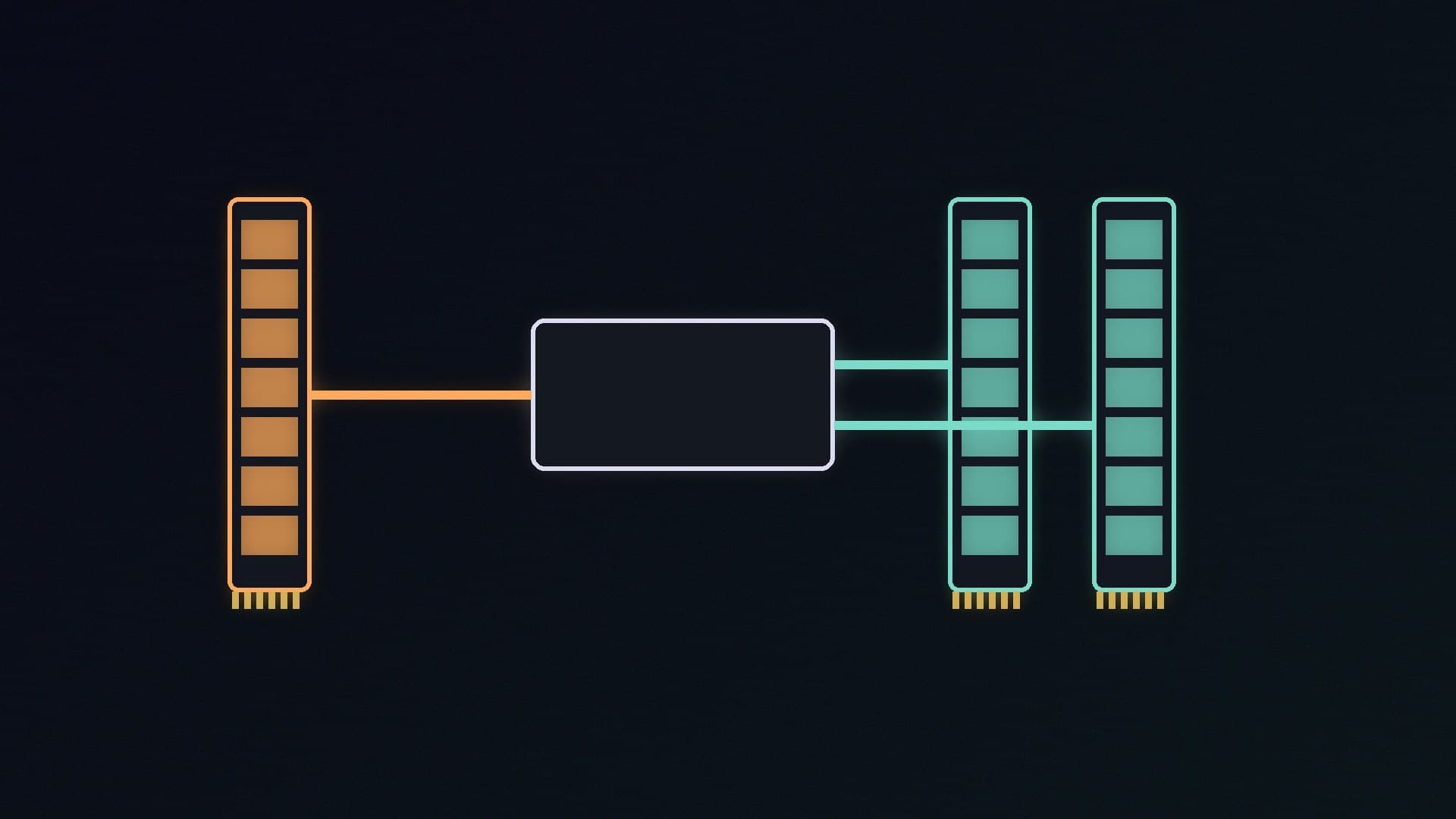
A single 32GB stick and a 2x16GB kit give you the same capacity, but they don't give you the same memory bandwidth. Mainstream desktop processors are built to use memory in pairs. Fit one module and the CPU can only use one of its two channels.
Forge PC has not run its own single-channel versus dual-channel benchmarks for this article, so we are not quoting frame-rate differences. The technical explanation and the official speed tables come from Kingston's memory population guide, which is based on AMD's and Intel's platform rules, read on 14 November 2026.
The short answer
| One module (single channel) | Two matched modules (dual channel) | Four modules (still dual channel) |
|---|
Channels used on a mainstream desktop | One of two | Both | Both, with two modules per channel |
Theoretical bandwidth | Half | Full | Full, but at the lower official speeds shown below |
Best for | Temporary or emergency use | Almost every gaming and work PC | Only when you need capacity two modules cannot give |
What dual channel actually means
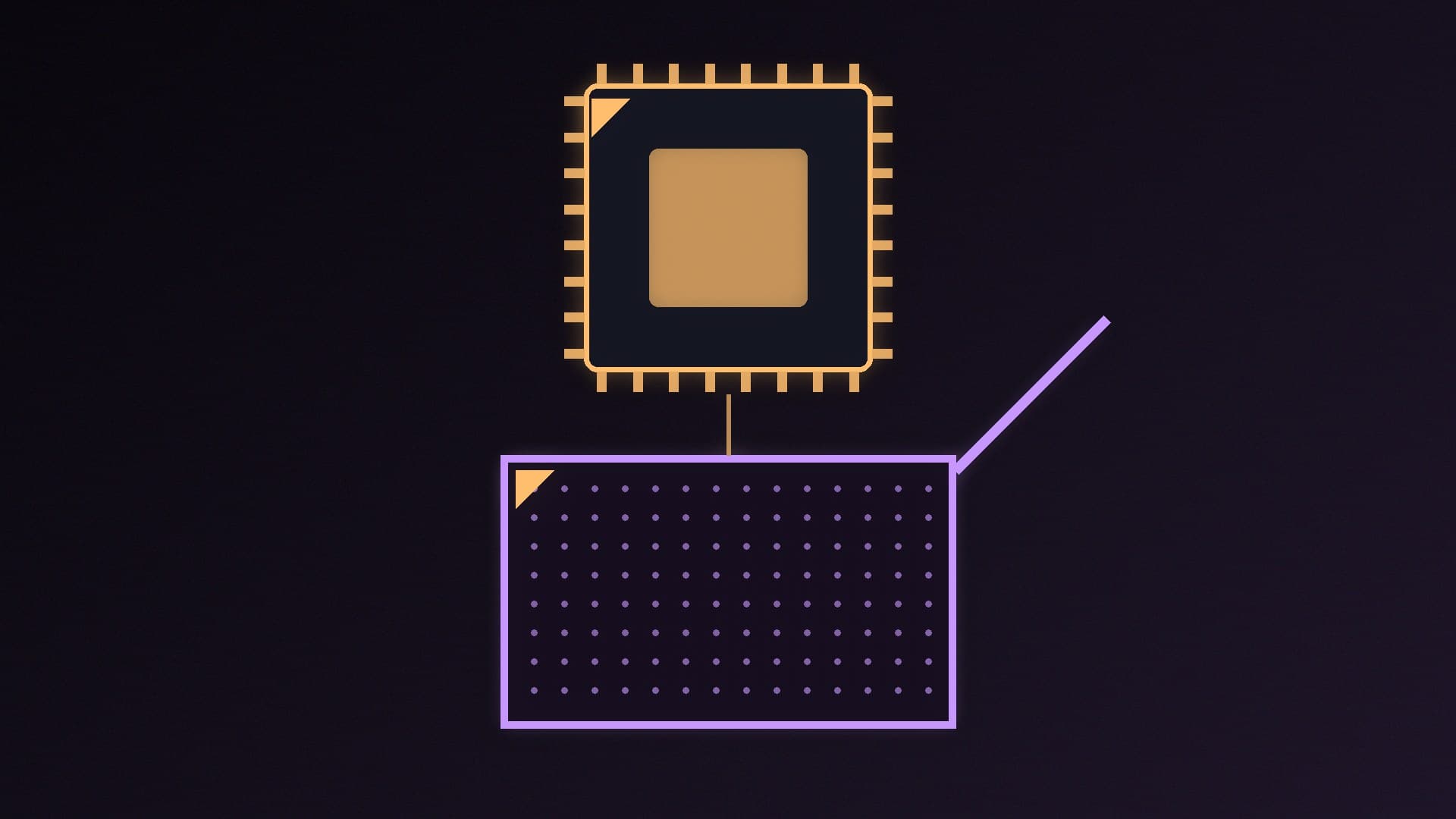
Kingston explains that nearly all computers use a multi-channel memory architecture, which lets the memory controller inside the processor access two or more modules at the same time and aggregate their bandwidth. Most mainstream DDR4 and DDR5 desktops and laptops are dual channel, designed for identical pairs of modules.
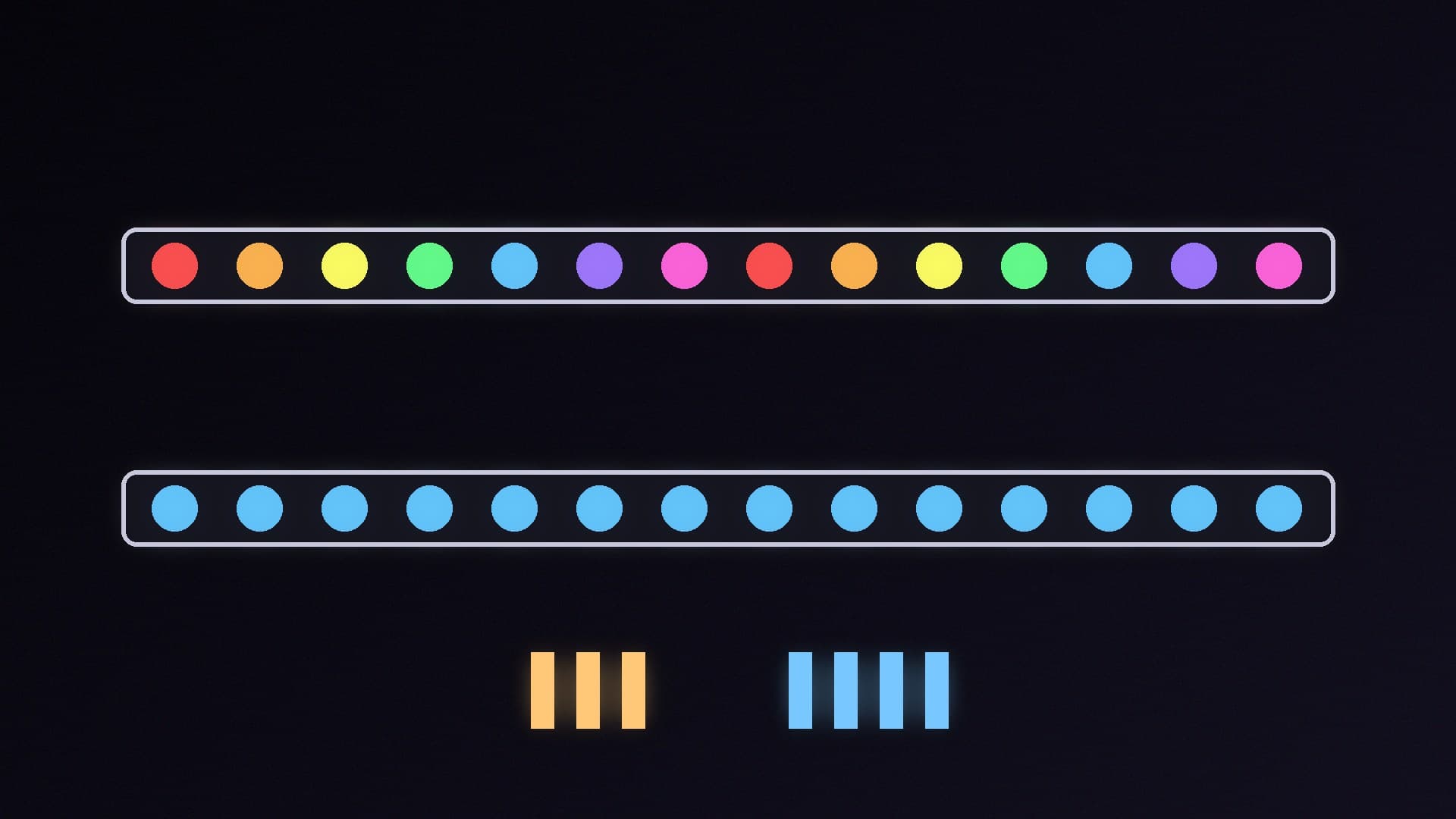
Kingston's tables put a number on each module. DDR5 running at 5600MT/s is equivalent to 44.8GB/s per module. With one module, that is the theoretical ceiling. With a matched pair on both channels, the theoretical total is about double, or 89.6GB/s by simple addition. Real-world gains are smaller than "double" in most tasks, and they depend on the job.
Where bandwidth matters most:
Integrated graphics. An APU or a laptop without a graphics card uses system RAM as video memory, so it has nothing else to fall back on.
Memory-heavy work, such as some content creation workloads and local AI models that spill out of VRAM into system RAM. Our local AI RAM guide explains when that happens.
CPU-limited games. Results vary a lot by game, so we are not quoting a figure we have not measured.
Why four sticks is not "quad channel"
Kingston calls this the most common misunderstanding: installing four modules on a dual-channel system does not give quad-channel performance. You get two modules per channel (2DPC), and Kingston says that often leads to a performance loss imposed by the processor rather than more bandwidth.
The official JEDEC speeds in Kingston's tables show why:
Platform (from Kingston's tables) | One module per channel | Two modules per channel |
|---|
AMD Ryzen 9000 on X870E/X870 (DDR5 UDIMM) | 5600MT/s | 3600MT/s |
AMD Ryzen 7000/8000 on X670/B650/A620 (DDR5 UDIMM) | 5200MT/s | 3600MT/s |
Intel Core Ultra 200S on 800-series (DDR5 UDIMM) | 5600MT/s | 4400MT/s |
These are official non-overclocked speeds. EXPO and XMP kits run faster, but ramprices.uk's DDR5 buying guide warns that with four sticks fitted, many systems will not hold a kit's rated speed. That is also why our best DDR5 RAM guide recommends a two-module kit.
How to check and fix your setup
Count your modules. In Windows 11, open Task Manager, go to Performance, select Memory and look at "Slots used". Our PC specs guide shows other ways to check.
Use the right slots. With two modules on a four-slot board, follow the motherboard manual. Kingston also says to follow the manual, because the slots to populate first can vary between boards.
Buy a matched kit. A two-module kit has been tested together. Mixing different kits can cause instability.
Turn on the profile. Dual channel and EXPO or XMP are separate things. Enable the profile with our XMP and EXPO guide.
Laptop owners should check whether the machine has one or two SO-DIMM slots, or soldered memory, before buying an upgrade.
Our verdict
Two matched modules beat one. A mainstream desktop has two memory channels, and a single stick leaves half the theoretical bandwidth unused, which hurts integrated graphics and memory-heavy work most. Four modules do not make it quad channel, and Kingston's official tables show they lower supported speeds, so buy 2x16GB or 2x32GB rather than 4x8GB or 4x16GB. If you already have one stick, the cleanest fix is a matched two-module kit. Forge PC has not benchmarked single versus dual channel; this comparison uses Kingston's official memory population guide.