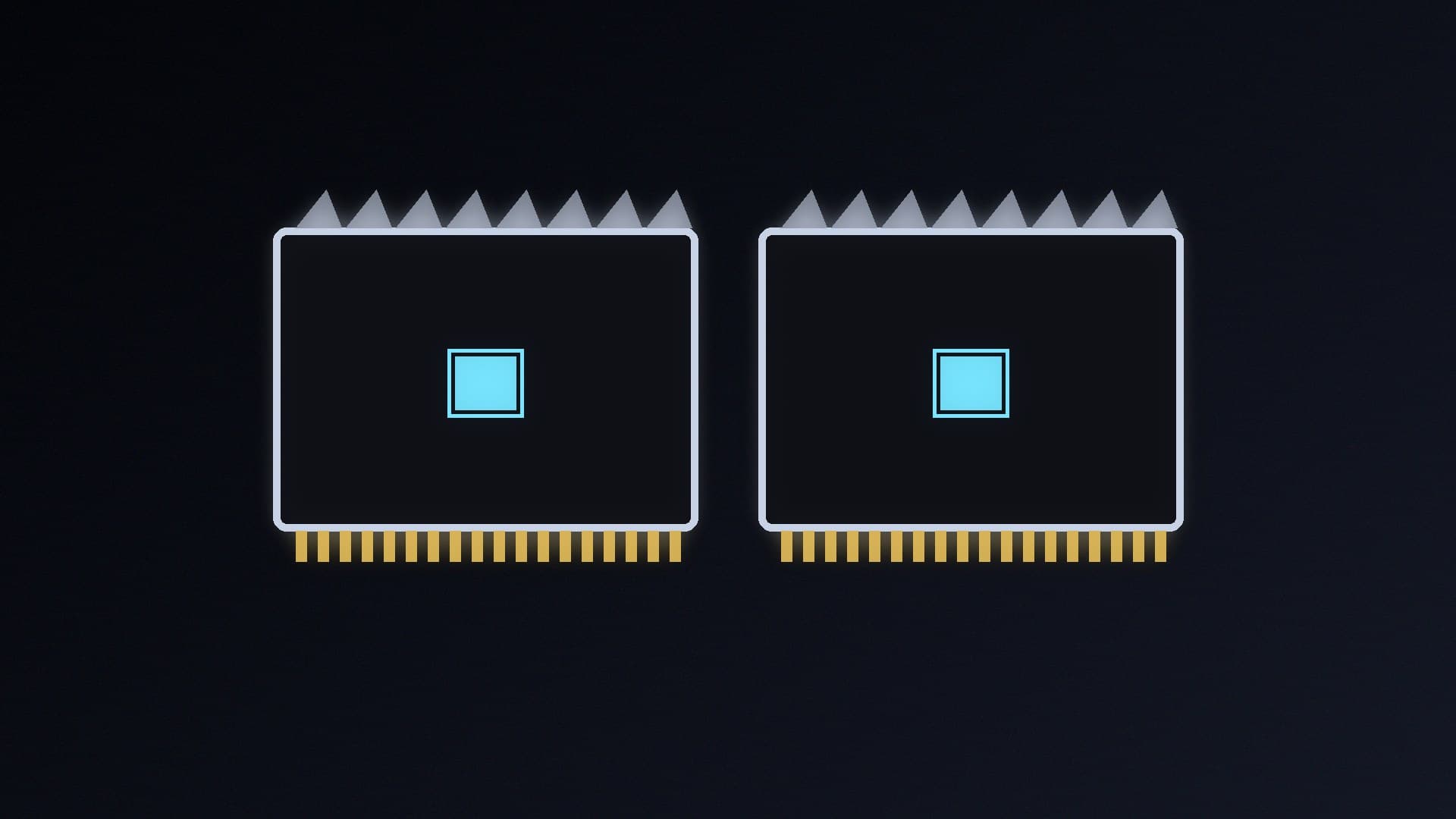
CUDIMMs (clocked unbuffered DIMMs) are DDR5 desktop modules with a clock driver (CKD) chip on each stick. The clock driver cleans up the clock signal from the memory controller, which helps very fast kits stay stable. If you're building on an Intel Core Ultra 200S processor and a Z890 motherboard and want DDR5-8000 or faster, these are the kits to look at.
Forge PC hasn't tested these kits. Our picks are based on the manufacturers' official specifications and data sheets. We've ranked them on how forgiving they are likely to be, not on benchmark results, because how fast a kit actually runs depends on your CPU's memory controller and your motherboard. If you're not sure whether you need CUDIMMs at all, start with our CUDIMM vs UDIMM explainer.
Before you buy: CUDIMMs are an Intel-only upgrade
Platform: G.SKILL says its Trident Z5 CK kits are designed only for Intel Core Ultra 200 K-series (or newer) desktop processors on compatible Z890 (or newer) motherboards.
AMD: current Ryzen systems can't use the clock driver. As our explainer covers, AM5 builds should buy normal UDIMM kits, such as those in our best 48GB DDR5 kits.
Speed isn't guaranteed: every kit here boots at its default JEDEC speed of DDR5-6400 at 1.1V. You have to enable XMP in the BIOS to reach the rated speed, and G.SKILL warns that this needs BIOS adjustment and depends on the motherboard and CPU. Check your board's memory support list (QVL) first.
Capacity: all the kits below are 48GB (2 x 24GB), which is plenty for gaming and most creative work.
Quick picks
Pick | Kit | Rated XMP speed and timings | Voltage |
|---|
Best for most | Kingston FURY Renegade CUDIMM 48GB DDR5-8400 (KF584CU40RSK2-48) | 8400 CL40-52-52, plus 8000 and 7600 profiles | 1.45V |
Easiest G.SKILL option | G.SKILL Trident Z5 CK 48GB DDR5-8200 (F5-8200C4052G24GX2-TZ5CK) | 8200 CL40-52-52-131 | 1.40V |
Step up | G.SKILL Trident Z5 CK 48GB DDR5-8400 (F5-8400C4052G24GX2-TZ5CK) | 8400 CL40-52-52-134 | 1.40V |
For enthusiasts | G.SKILL Trident Z5 CK 48GB DDR5-8800 / DDR5-9000 | 8800 CL42-55-55-140 / 9000 CL42-56-56-144 | 1.45V |
Best with RGB | G.SKILL Trident Z5 CK RGB or Kingston FURY Renegade RGB CUDIMM | Same speeds as the non-RGB kits | 1.40V to 1.45V |
Best for most: Kingston FURY Renegade CUDIMM 48GB DDR5-8400
Kingston's KF584CU40RSK2-48 is rated at DDR5-8400 CL40-52-52 at 1.45V. Its standout feature is that it carries three XMP profiles: 8400 CL40, 8000 CL38-48-48 and 7600 CL38-46-46, all at 1.45V. If your motherboard can't hold 8400, you can drop to the 8000 or 7600 profile from the BIOS menu instead of tuning timings by hand. That makes it the most forgiving kit here.
Kingston's data sheet lists the modules as single-rank (1Rx8) with a height of 39.2mm including the heat spreader. There's also an RGB version (KF584CU40RSAK2-48) with the same three profiles and a height of 45mm.
Easiest G.SKILL option: Trident Z5 CK 48GB DDR5-8200
G.SKILL's Trident Z5 CK series has a glossy piano-black finish and no lighting. The DDR5-8200 kit (F5-8200C4052G24GX2-TZ5CK) is rated at CL40-52-52-131 at 1.40V, the lowest speed and voltage in the range. That makes it the sensible G.SKILL choice if you want CUDIMM speed without chasing the limits of your board. It has a single Intel XMP 3.0 profile.
Step up: Trident Z5 CK 48GB DDR5-8400
The DDR5-8400 kit (F5-8400C4052G24GX2-TZ5CK) keeps the CL40 latency and 1.40V of the 8200 kit, with a slightly looser tRAS (134). It's worth the step only if your motherboard's QVL lists it.
For enthusiasts: Trident Z5 CK DDR5-8800 and DDR5-9000
At the top of the range, the DDR5-8800 kit (F5-8800C4255H24GX2-TZ5CK) is rated at CL42-55-55-140 and the DDR5-9000 kit (F5-9000C4256H24GX2-TZ5CK) at CL42-56-56-144, both at 1.45V. These are for overclockers with high-end boards. Expect to spend time on BIOS settings and stability testing, and don't buy them unless your exact motherboard is on the QVL at that speed.
Best with RGB
G.SKILL's Trident Z5 CK RGB kits come in the same four speeds (8200, 8400, 8800 and 9000) with the same timings and voltages as the non-RGB kits, plus customisable lighting. Kingston's FURY Renegade RGB CUDIMM (KF584CU40RSAK2-48) is the RGB option if you want the three-profile safety net.
Setting up a CUDIMM kit
Update your motherboard BIOS first. Our BIOS update guide explains how.
Install the modules in the slots your manual recommends for two sticks (see how to install RAM).
Don't panic if the first boot takes a while: as our CUDIMM explainer notes, Kingston says DDR5 memory training on first boot can take several minutes.
Enable XMP (how to enable XMP or EXPO), then confirm the speed in Windows with our RAM speed guide.
Test stability with MemTest86 before you rely on the system.
Whether 8000-plus memory is worth paying for is a separate question. Our DDR5-6000 vs DDR5-8000 comparison and B860 vs Z890 guide can help you decide.
Our verdict
For most Core Ultra 200S and Z890 builds, Kingston's FURY Renegade CUDIMM 48GB DDR5-8400 is the safest choice, because its 8000 and 7600 XMP fallback profiles give you an easy way down if 8400 isn't stable. G.SKILL's Trident Z5 CK DDR5-8200 CL40 at 1.40V is the gentlest single-profile kit, and the 8800 and 9000 kits are for enthusiasts with QVL-listed boards. AMD builders should skip CUDIMMs and buy normal DDR5.