Shop for fast DDR5 and you'll notice some kits labelled CUDIMM rather than the usual UDIMM. They look the same and fit the same slots, but they aren't quite the same thing, and whether they make sense depends on your CPU and motherboard.
Forge PC has not tested CUDIMM or UDIMM kits. This guide is based on Kingston's CUDIMM explainer and memory compatibility FAQ, Intel's and AMD's processor specifications, and Wccftech's report on AMD EXPO 1.2.
What's the difference?
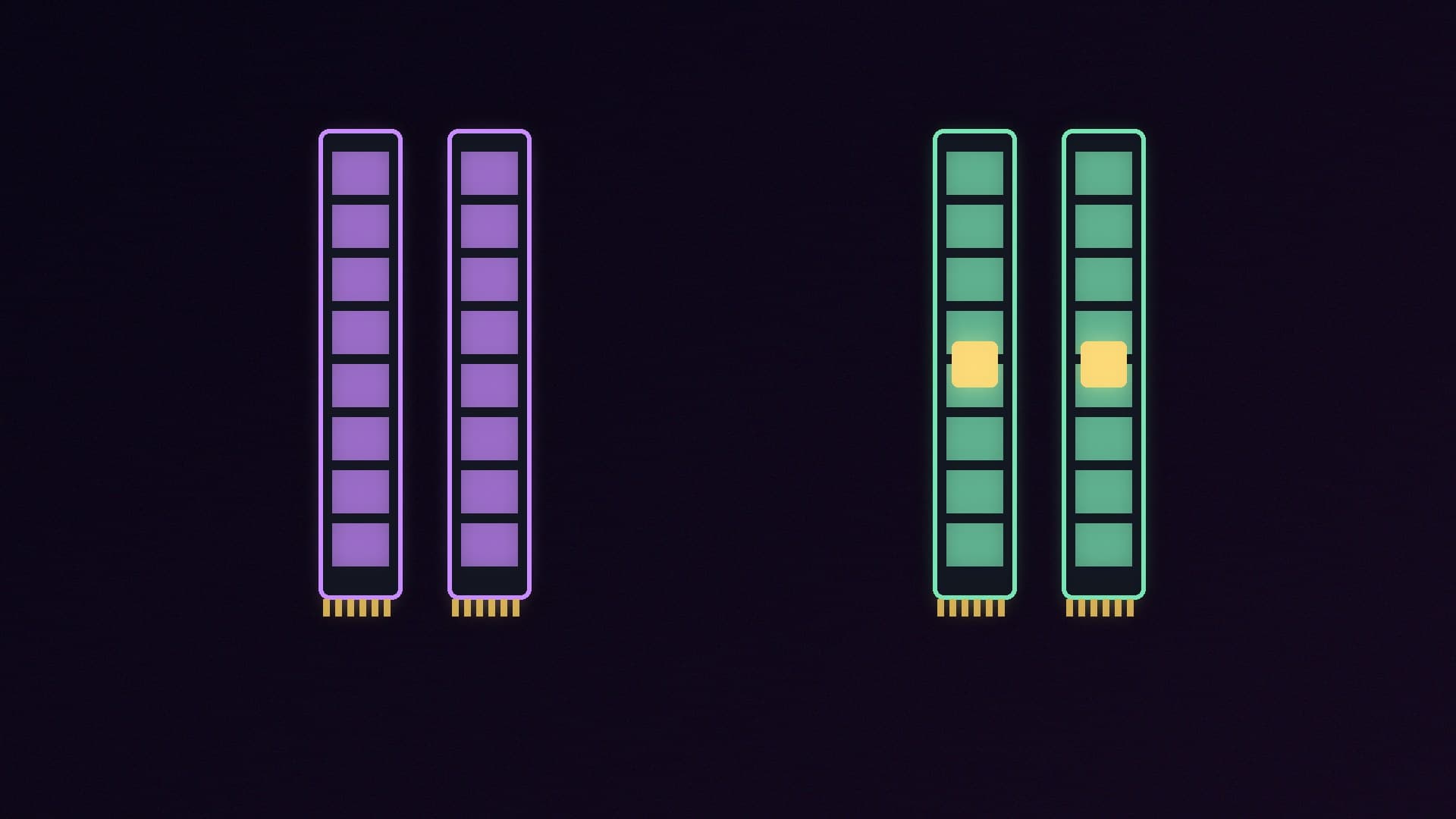
A UDIMM (unbuffered DIMM) is the standard desktop memory module. A CUDIMM, or clocked UDIMM, adds a small chip called a Client Clock Driver (CKD).
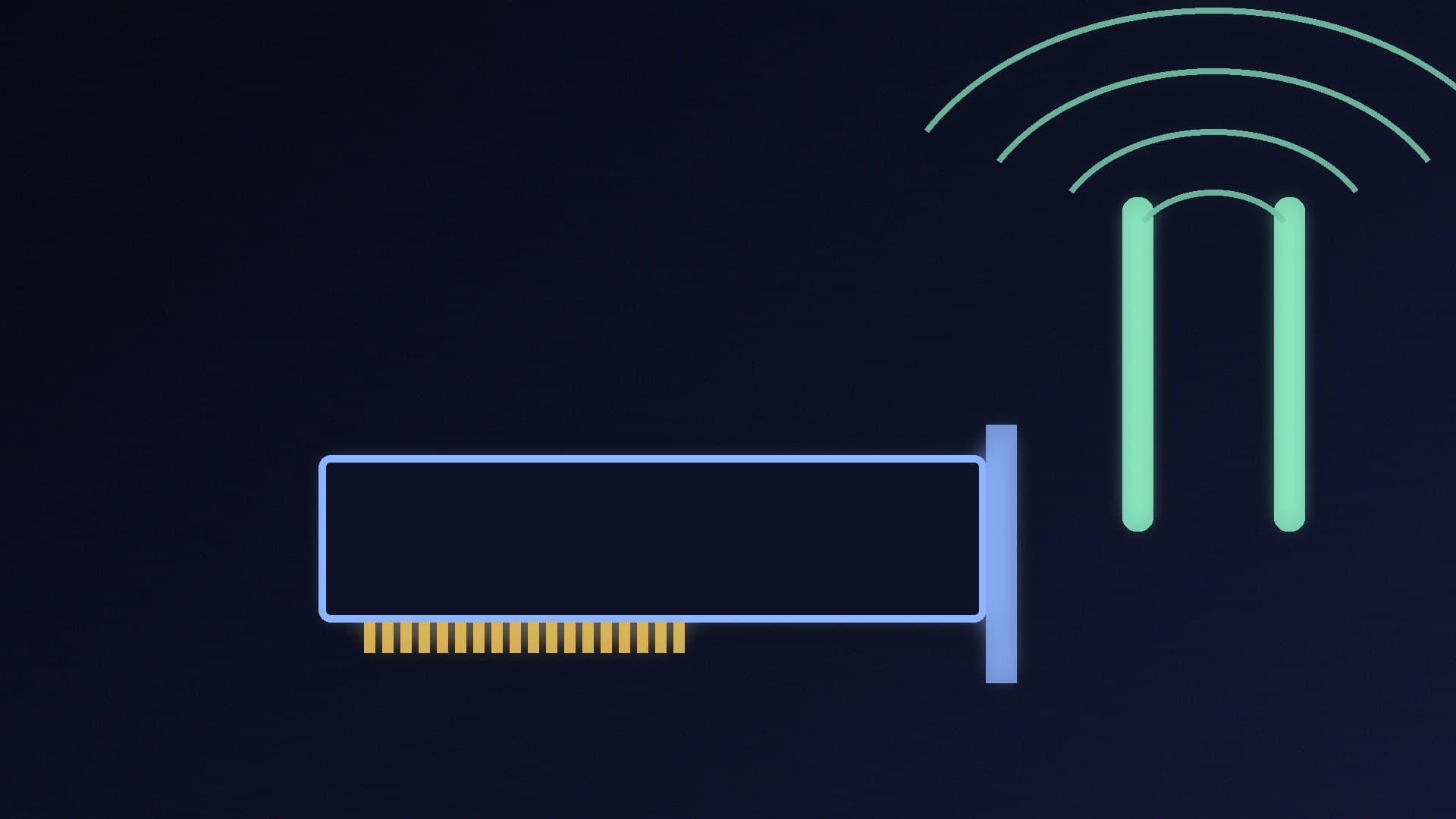
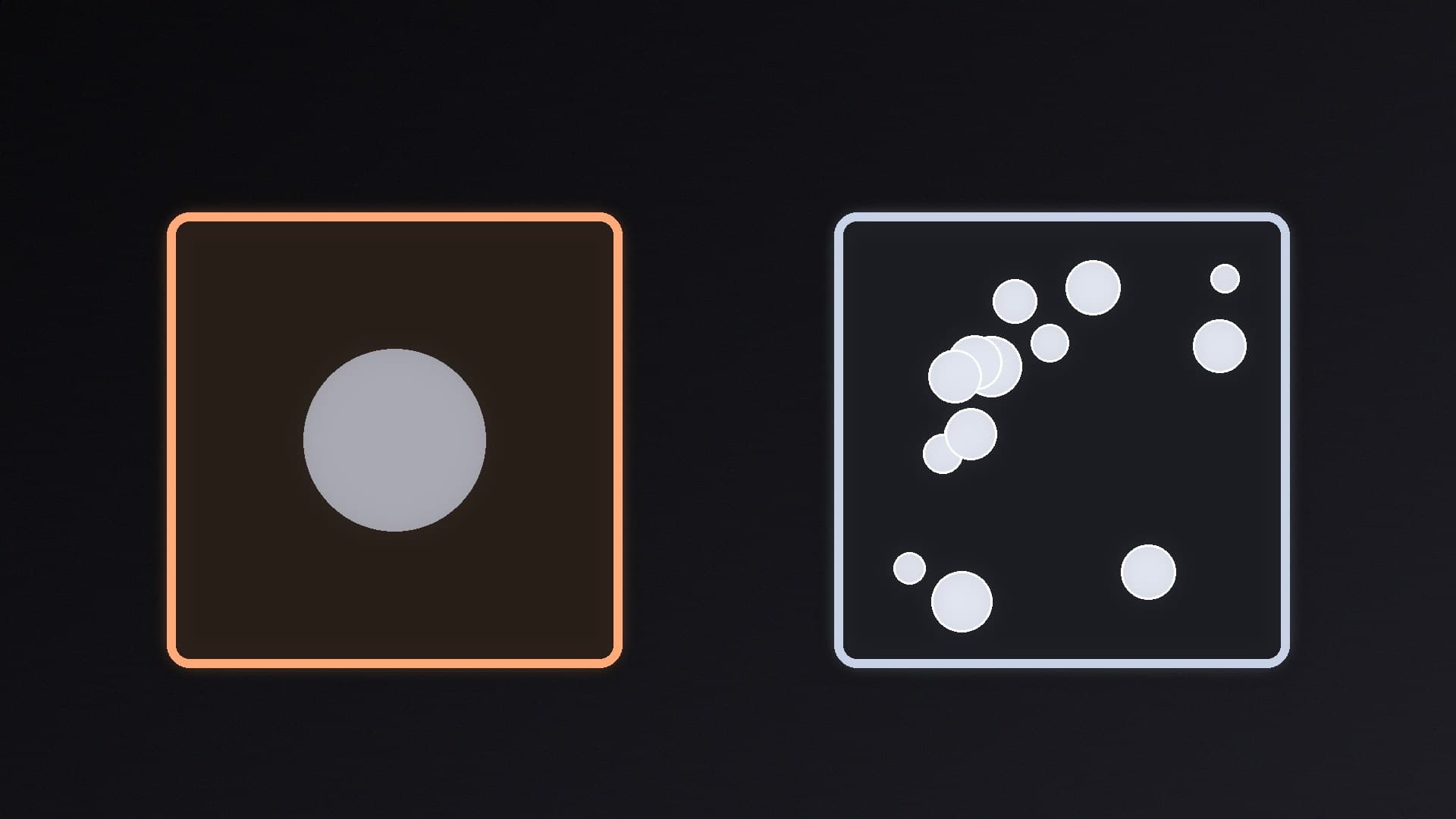
Kingston explains that JEDEC, the body that sets memory standards, decided in late 2023 that DDR5 modules running at 6400MT/s and above need a clock driver. The CKD regenerates (redrives) the clock signal on the module, reducing noise and jitter. Better signal integrity makes very high memory speeds more achievable. The same idea applies to laptop memory, where clocked modules are called CSODIMMs.
| UDIMM | CUDIMM |
|---|
Clock driver (CKD) | No | Yes |
Physical fit | 288-pin DDR5 desktop slot | Same 288-pin slot |
JEDEC standard speeds | Up to DDR5-5600 for normal kits; Kingston says there are no JEDEC-spec DDR5-6400 UDIMMs | DDR5-6400 and above |
Faster speeds | Through XMP or EXPO overclocking profiles | Through XMP profiles on supported platforms |
Intel: CUDIMM support on Core Ultra 200S
Intel's Core Ultra 200S desktop processors (Arrow Lake, LGA 1851) are the platform CUDIMMs were made for. Intel's specification for the Core Ultra 9 285K lists support for up to DDR5-6400.
According to Kingston:
Intel 800-series motherboards such as Z890 work with both CUDIMMs and normal UDIMMs
JEDEC-standard UDIMMs run at their default speed on these boards (5600MT/s, 5200MT/s, 4800MT/s or slower), and overclocked UDIMM kits can still run faster through XMP
on older Intel 600-series and 700-series boards, a CUDIMM runs in bypass mode, with the clock driver switched off. A JEDEC 6400 CUDIMM then runs at 5600MT/s or slower, and a BIOS update may be needed. There is no performance advantage on those boards
AMD: bypass mode only for now
On AMD, the story is simpler: CUDIMMs offer no benefit on current Ryzen processors. Kingston says AMD doesn't plan to support CUDIMM until a future chipset. Today:
Ryzen 9000 processors on 800-series motherboards run CUDIMMs in clock driver bypass mode, at whatever speed the processor and board support
Ryzen 8000, 7000 and 6000 processors on 600-series motherboards won't work with CUDIMMs at all, according to Kingston. The PC may report a memory error or fail to boot
Wccftech reports that AMD's upcoming EXPO 1.2 memory profile standard adds CUDIMM support, but that full support needs next-generation Ryzen processors, because the memory controller in current Ryzen CPUs can only use bypass mode.
For reference, AMD lists official memory support for the Ryzen 9 9950X3D at DDR5-5600 with two modules, or DDR5-3600 with four. Popular DDR5-6000 EXPO kits for AM5 are standard UDIMMs.
Which should you buy?
Buy normal UDIMMs if: - you have an AMD Ryzen system (all current AM5 builds) - you have an Intel 12th, 13th or 14th Gen system on a 600-series or 700-series board - you want DDR5-6000 to DDR5-6400, where plenty of UDIMM kits are available with XMP or EXPO profiles
Consider CUDIMMs if: - you have a Core Ultra 200S processor on an 800-series board - you want very fast memory at DDR5-8000 and above, and you've checked your motherboard's memory support list (QVL)
Remember that faster memory isn't automatically better value. Our DDR5-6000 vs DDR5-8000 comparison covers how much difference speed makes. Whatever you buy, enable its profile in the BIOS with our XMP and EXPO guide. Kingston also notes that DDR5 memory training on the first boot can take several minutes, so don't panic if the screen stays black for a while.
For kit recommendations, see our best DDR5 RAM guide. If you're still choosing a platform, read AM5 vs LGA 1851.
Our verdict
CUDIMMs add a clock driver that JEDEC requires for DDR5-6400 and faster, but only Intel's Core Ultra 200S processors on 800-series boards actually use it today. On AMD Ryzen and older Intel platforms, a CUDIMM either runs in bypass mode with no benefit or, on Ryzen 7000 and 8000 with 600-series boards, may not work at all. For almost every build, a normal DDR5 UDIMM kit with XMP or EXPO is the right choice; CUDIMMs are for Intel builders chasing very high memory speeds. Forge PC has not tested CUDIMM kits.