PCIe 5.0 SSDs grab the headlines, but a good PCIe 4.0 drive is still all most gaming PCs need. Gen4 drives work in almost every current motherboard, run cooler than the fastest Gen5 drives and cost less per terabyte. These picks are based on each manufacturer's published data sheet. Forge PC hasn't tested these drives, so there are no benchmark claims here. Speeds are manufacturer "up to" figures.
At a glance
Pick | Drive | Interface | Seq. read/write (up to) | DRAM cache | Endurance |
|---|
Best for most | SanDisk Optimus GX Pro 850X | PCIe 4.0 x4, NVMe 1.4 | 7,300/6,600MB/s (2TB) | Yes | 1,200TBW (2TB) |
Best for laptops and handhelds | SanDisk Optimus GX 7100 | PCIe 4.0 x4, NVMe 2.0 | 7,250/6,900MB/s (1TB, 2TB) | No (Host Memory Buffer) | 1,200TBW (2TB) |
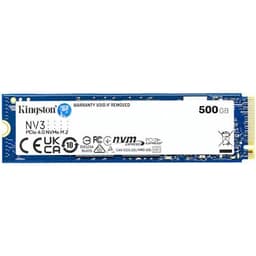
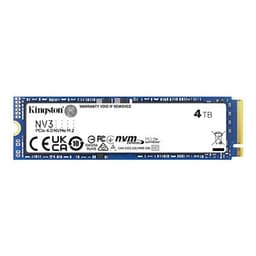
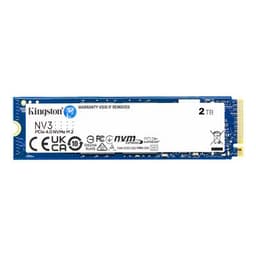
Best budget | Kingston NV3 | PCIe 4.0 x4 NVMe | 6,000/5,000MB/s (2TB, 4TB) | Not stated | 640TBW (2TB) |
Best for most: SanDisk Optimus GX Pro 850X
SanDisk's GX Pro 850X is a high-end Gen4 drive with a DRAM cache, TLC 3D NAND and SanDisk's nCache 4.0 SLC caching. SanDisk's data sheet rates the 2TB and 4TB models at up to 7,300MB/s reads and 6,600MB/s writes, with up to 1.2 million random read IOPS. Endurance is 600TBW for 1TB, 1,200TBW for 2TB, 2,400TBW for 4TB and 4,800TBW for 8TB, all backed by a five-year limited warranty.
It's also one of the clearest pre-Black Friday deals. On 19 November 2026 (16:15 UK time), SpecPrice listed the 2TB version with a heatsink at about £384.98, against a 30-day median of £594.49, and the 4TB heatsink version at about £709.99, against £1,110.98. Prices are approximate and change quickly.
The DRAM cache and high endurance make it the safest all-rounder for a desktop that holds your games, projects and operating system.
Best for laptops and handhelds: SanDisk Optimus GX 7100
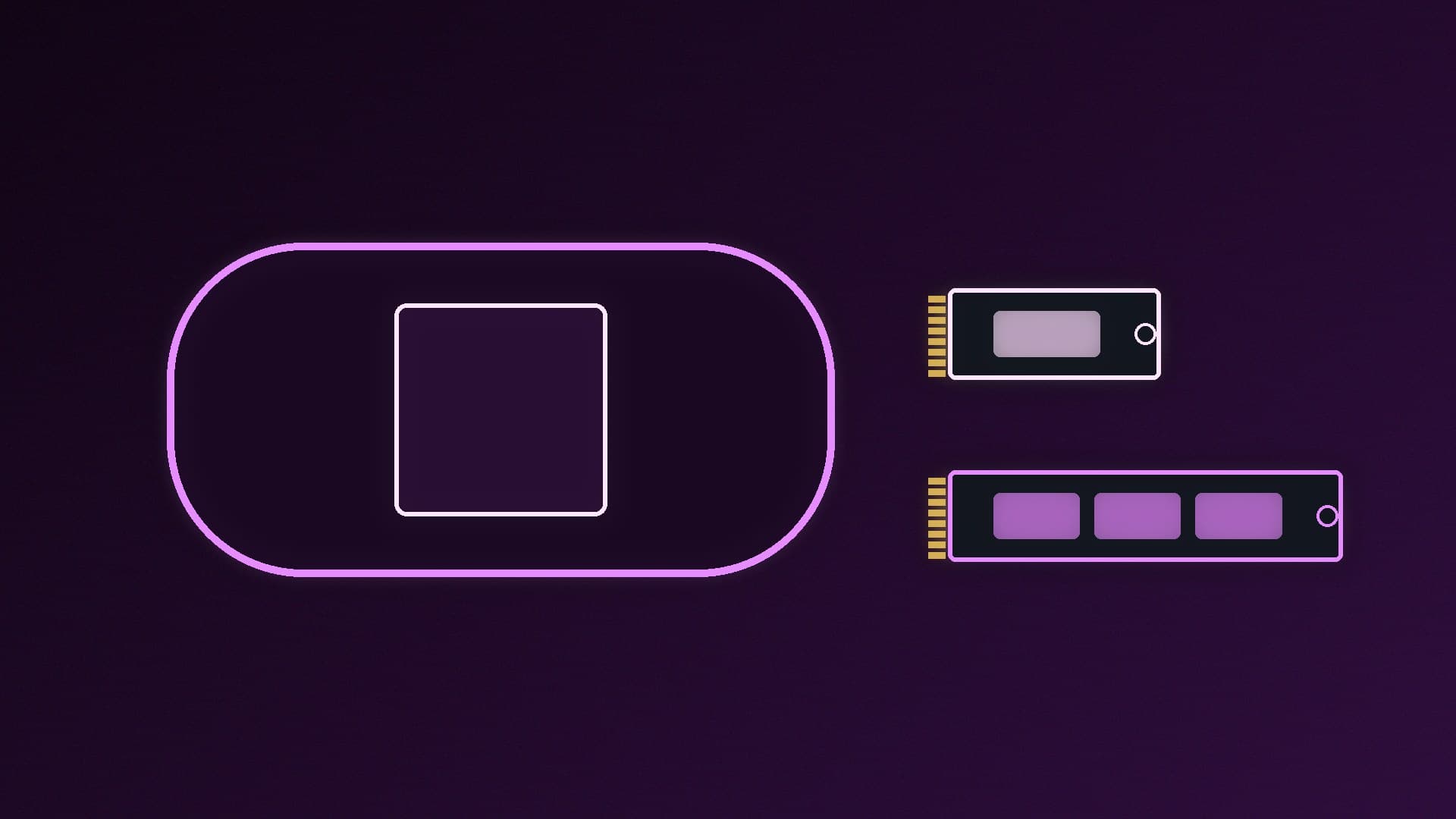
The GX 7100 is DRAM-less. It uses the Host Memory Buffer feature to borrow a little system RAM instead, but SanDisk still rates the 1TB and 2TB models at up to 7,250MB/s reads and 6,900MB/s writes. What sets it apart is efficiency: SanDisk describes a power-efficient architecture for laptops and handheld gaming consoles, and lists average active read power of 3.4W to 4.1W, depending on capacity. That's roughly half the GX Pro 850X's figures. It uses the M.2 2280-S3-M form factor (2.38mm thick), and endurance runs from 300TBW (500GB) to 2,400TBW (4TB).
SpecPrice listed the 2TB GX 7100 at about £309.98 and the 1TB at about £174.98 on 19 November 2026. If you're unsure what DRAM-less means in practice, read our DRAM vs DRAM-less SSD explainer.
Best budget: Kingston NV3
Kingston's NV3 is the value pick. Its data sheet lists up to 6,000/5,000MB/s for the 2TB and 4TB models (6,000/4,000MB/s for 1TB), 3D NAND, and endurance of 320TBW (1TB), 640TBW (2TB) or 1,280TBW (4TB), with a five-year limited warranty. It comes in M.2 2280 and M.2 2230 versions, so the same family covers a desktop or a handheld. The lower endurance than the SanDisk drives is the trade-off for the price, but it's plenty for a games library.
Do you need Gen5 instead?
For gaming, usually not. Our PCIe 4.0 vs PCIe 5.0 SSD comparison explains when the extra sequential speed matters. If you do want the fastest drives, see our best PCIe 5.0 SSDs. For a wider view by capacity, there's our best SSD, best 2TB SSD and best 4TB SSD guides, and UK SSD prices before Black Friday.
Buying tips
Check the slot. Your motherboard manual lists which M.2 slots support PCIe 4.0, so use one of those to get the drive's full rated speed.
Heatsink or not? If your motherboard already has an M.2 heatsink, you don't need the heatsink version of the drive. See SSD heatsink vs no heatsink.
Install it properly. Our guide to installing an M.2 SSD covers standoffs, screws and enabling the drive in Windows.
Our verdict
For most desktops, the SanDisk Optimus GX Pro 850X is the best PCIe 4.0 SSD: up to 7,300MB/s, a DRAM cache and 1,200TBW at 2TB, and it was about £384.98 for 2TB with a heatsink on 19 November 2026. For laptops and handhelds, the DRAM-less GX 7100 offers similar headline speeds at roughly half the power. On a tight budget, Kingston's NV3 is the one to get.