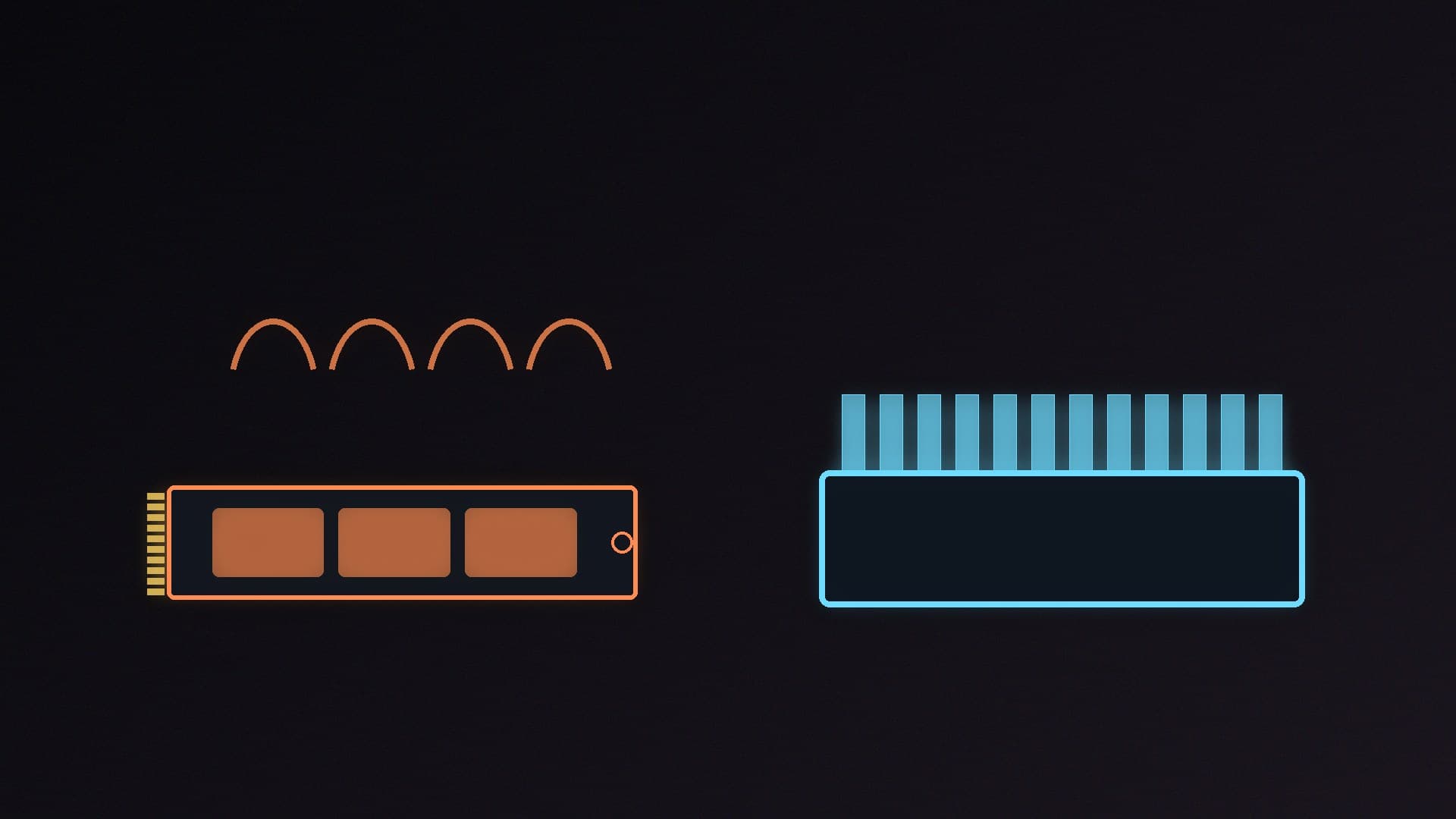
M.2 NVMe SSDs are tiny, and the fastest ones produce a surprising amount of heat. When a drive gets too hot it protects itself by slowing down, which is called thermal throttling. Many drives are sold in two versions, with and without a heatsink, and most current motherboards include M.2 heatsinks of their own. So do you need one?
Forge PC hasn't run its own thermal tests. This guide draws on Kingston's guidance on SSD cooling, Tom's Hardware's test of 20 motherboard M.2 heatsinks, and Sandisk's and Samsung's official specification sheets.
The short answer
Situation | Heatsink needed? |
|---|
SATA SSD | No. Kingston says SATA SSDs run much cooler and generally don't need dedicated cooling. |
PCIe 4.0 NVMe, gaming and everyday use, motherboard heatsink fitted | Usually not an extra one |
PCIe 5.0 NVMe | Yes. These drives run hotter and are more prone to throttling. |
Long, heavy transfers (video editing, large copies, AI models) | Yes, and make sure it actually makes contact |
No motherboard heatsink, cramped case or slot under the graphics card | Yes |
PlayStation 5 expansion | Use a heatsink version or add one |
What thermal throttling looks like
Kingston explains that NVMe SSDs are designed to operate safely within a temperature range, usually up to 70°C. Above that, the drive slows its transfers to protect itself. Throttling doesn't damage the drive, and speeds return once it cools, but it can cause noticeable performance drops during long or heavy workloads.
Tom's Hardware shows what that looks like in practice. In its testing, a drive without a heatsink throttled just after 50 seconds of a large transfer, dropping from just under 4,000MB/s to around 1,700MB/s, recovered briefly, then later fell to around 600MB/s. It notes critical temperature thresholds are typically between 70°C and 85°C. It also points out that transfers long enough to cause this are uncommon in mainstream use, which is why most gamers never notice throttling.
Drive heatsink vs motherboard heatsink
Drives with a built-in heatsink come with the cooler already fitted. Sandisk offers every capacity of the WD_BLACK SN850X with an optional heatsink, which it says helps the drive "maintain peak performance", and lists the heatsink models as compatible with the PlayStation 5. Samsung sells the 990 PRO and 9100 PRO with heatsinks too. The catches are size and warranty: the 1TB and 2TB SN850X heatsink models are about 8.9mm tall rather than 2.38mm, and Samsung says the 990 PRO with Heatsink's pre-installed heatsink must not be removed, as doing so can damage the drive and voids the warranty. That means you can't swap it for your motherboard's cover.
Motherboard M.2 heatsinks are free and match the board, but contact is the weak point. Tom's Hardware removed and refitted the primary M.2 heatsink on 20 recent AMD and Intel motherboards with a double-sided 3.8mm-thick test drive. Only six made good contact across the components. Five had very light but complete contact, and nine touched only the controller rather than everything. It found no clear pattern by brand or price, and puts the problem down to the M.2 standard allowing a range of component heights, which makes it hard to get thermal pad compression right for every drive.
How to keep your SSD cool
Use the heatsink. If your board has an M.2 heatsink, fit it, and peel off any protective film from the thermal pad first. Our guide to installing an M.2 SSD covers this.
Check contact. When you fit the cover, look along the edge to see whether the pad presses on the drive along its length.
Mind the graphics card. Kingston warns that a large GPU can create a hot pocket around the M.2 slot just above it. If you have a choice of slots, use one with more airflow.
Improve case airflow. Kingston recommends a clear intake path, slightly positive pressure and keeping cables away from the M.2 area.
Check temperatures. Tools that read SMART data show drive temperature; see how to check SSD health.
Which should you choose?
Use your motherboard's heatsink with a standard drive if you have a PCIe 4.0 drive, mostly game and browse, and your board's M.2 cover fits well. This is the right setup for most PCs. Examples in our database include the WD_BLACK SN850X 2TB.
Buy a drive with a heatsink if your board has no M.2 cooling, you're adding storage to a PS5, you regularly move very large files, or you're buying a PCIe 5.0 drive and your board's heatsink is a thin plate. Examples in our database include the Samsung 990 PRO with Heatsink 2TB, Kingston FURY Renegade 2TB with heatsink and, for PCIe 5.0, the Samsung 9100 PRO with Heatsink 2TB. Check the drive's height fits under your graphics card. For more on drive choice, see PCIe 4.0 vs PCIe 5.0 SSDs and our best PCIe 5.0 SSD guide.
Our verdict
Most PCIe 4.0 SSDs used for gaming are fine under a motherboard M.2 heatsink, and SATA drives don't need one at all. PCIe 5.0 drives, PS5 upgrades and heavy sustained workloads do need a heatsink. Tom's Hardware found only six of 20 motherboard M.2 heatsinks made good contact with its test drive, so check yours is pressing on the drive, or buy a drive with a heatsink built in, remembering that you can't remove it without voiding the warranty on some models. Forge PC hasn't run its own thermal tests.