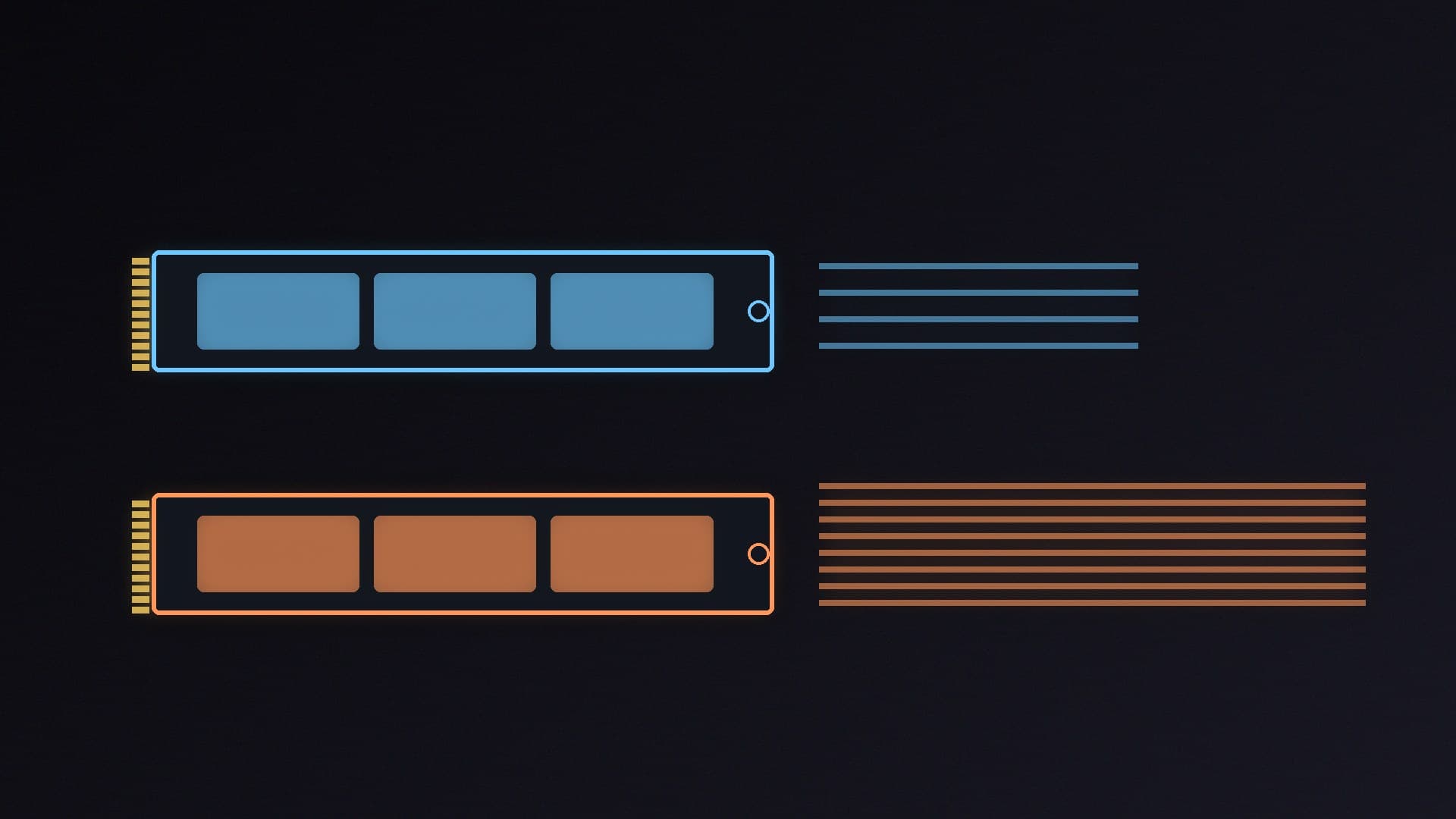
A PCIe 5.0 NVMe drive looks spectacular on the spec sheet. Samsung's 9100 PRO, a current flagship, is officially rated at up to 14,700MB/s read and 13,400MB/s write on the 2TB model. A strong PCIe 4.0 drive such as the Samsung 990 PRO is officially rated at up to 7,450MB/s read. That is roughly double the sequential speed. The question that matters for a gaming PC is whether you will see it.
Forge PC has not timed game loads or copied files on these drives. The conclusions below come from official manufacturer specifications, from TechSpot's August 2025 load-time testing, and from the motherboard limits we have already documented in our best SSD and AM5 motherboard guides.
What the official numbers mean
Both kinds of drive use the same M.2 2280 slot and the NVMe protocol. The difference is the number of transfers the PCIe link can make:
PCIe 4.0 x4 tops out at about 8GB/s of interface bandwidth, which is why the fastest Gen4 drives advertise a little over 7,000MB/s.
PCIe 5.0 x4 doubles that link, which is why flagship Gen5 drives advertise around 14,000MB/s.
Those figures are sequential reads and writes — large, tidy transfers such as copying a big video file. Games, Windows and most creative apps spend a lot of time on smaller, random reads. A SATA SSD, by comparison, is limited to around 550MB/s and a very different kind of queue; our NVMe vs SATA guide covers that older choice.
TechSpot's Tim Schiesser tested load times across PCIe 5.0, 4.0 and 3.0 drives, SATA SSDs and hard disks in a large set of games, in an article published on 12 August 2025. His conclusions, which we also use in the best SSD guide, were:
PCIe 5.0 drives "occasionally eked out a single-digit edge over PCIe 3.0 in modern DirectStorage titles, but those wins were rare and small".
In one game, the fastest PCIe 5.0 drive loaded 15 per cent faster than the slowest PCIe 3.0 drive, saving about five seconds.
That is not a reason to stay on a hard disk or a tired SATA drive. It is a reason not to pay a large Gen5 premium for games. A mid-range PCIe 4.0 NVMe SSD is already in the flat part of the curve. Even in titles that lean hard on the SSD, a mid-range NVMe drive is usually enough: Tom's Hardware's 14 November tests of Gears of War: E-Day found the RAM-saving behaviour on NVMe drives regardless of generation, not only on Gen5.
Where Gen5 can still make sense is large file copies, 4K or 8K video, and some professional workloads. It is also harmless — and sometimes cheaper per gigabyte — when a Gen5 drive happens to cost about the same as a good Gen4 model of the same size. That has happened on some 1TB and 2TB UK listings this autumn; check current numbers in the best SSD guide and our UK SSD price snapshot.
Your motherboard may not run it at full speed
A PCIe 5.0 drive still works in a PCIe 4.0 slot, but only at PCIe 4.0 speeds, so you would be paying for a feature you cannot use. A short version of the platform picture:
Platform | PCIe 5.0 M.2? |
|---|
AMD AM4 | No |
AMD AM5 with B840 | No |
AMD AM5 with B650, B850 or X870 | Usually one PCIe 5.0 x4 slot; check the board |
Intel LGA 1700 | Sometimes, on higher-end boards; check the manual |
Intel LGA 1851 | Often, but Club386 measured PCIe 5.0 reads capped at around 12,200MB/s on Arrow Lake |
Gen5 drives also tend to run hotter. Many need a motherboard heatsink or a drive that includes one, or they will throttle during long transfers. If you are building on AM5, the motherboard guide notes which boards include a heatsink and a Gen5 slot. Capacity still matters more than generation for games: our 4TB SSD guide is there if the library has outgrown 2TB.
Our verdict
Buy a good PCIe 4.0 NVMe drive for a gaming PC unless your board has a PCIe 5.0 slot and the Gen5 model is close in price, or you regularly move huge files. Official sequential speeds on a flagship Gen5 SSD are about twice those of a flagship Gen4 drive, but TechSpot's game-load testing found only rare, small gains, and a Gen5 drive in a Gen4 slot will not run at those advertised speeds anyway. Forge PC has not tested these SSDs; this comparison uses manufacturer specifications and TechSpot's published results.