The WD_BLACK SN850X has been one of the most popular PCIe 4.0 gaming SSDs for years, and its successor, the PCIe 5.0 WD_BLACK SN8100, roughly doubles its rated sequential speeds. Both are now sold by Sandisk, which took over the WD_BLACK SSD range, and both come in 1TB to 8TB versions. So which should you buy?
Forge PC hasn't tested either drive. This comparison uses Sandisk's official data sheets for both drives, plus independent reviews of the SN8100 2TB by KitGuru, Club386 and TechPowerUp.
Specifications compared
| WD_BLACK SN8100 | WD_BLACK SN850X |
|---|
Interface | PCIe 5.0 x4, NVMe 2.0 | PCIe 4.0 x4 |
NAND | TLC 3D CBA NAND | Sandisk TLC 3D NAND |
Capacities | 1TB, 2TB, 4TB, 8TB | 1TB, 2TB, 4TB, 8TB |
Sequential read (up to) | 14,900MB/s (all capacities) | 7,300MB/s (1-4TB), 7,200MB/s (8TB) |
Sequential write (up to) | 11,000MB/s (1TB), 14,000MB/s (2TB, 4TB), 13,200MB/s (8TB) | 6,300MB/s (1TB), 6,600MB/s (2-8TB) |
Random read/write (up to) | 1.6M-2.3M / 2.4M IOPS | 800K-1,200K / 1,100K-1,200K IOPS |
Endurance | 600, 1,200, 2,400 and 4,800TBW | 600, 1,200, 2,400 and 4,800TBW |
Heatsink version in data sheet | Not listed (all four are 2.38mm or 3.88mm bare drives) | Every capacity has an optional heatsink version, which is the one listed for PS5 |
Warranty | 5 years | 5 years |
Both data sheets rate the drives for 0-85°C operation, and both drives work in older slots: Sandisk lists the SN8100 as backwards compatible with PCIe 4.0 and 3.0, and the SN850X with PCIe 3.0 and 2.0.
Speed: where PCIe 5.0 helps
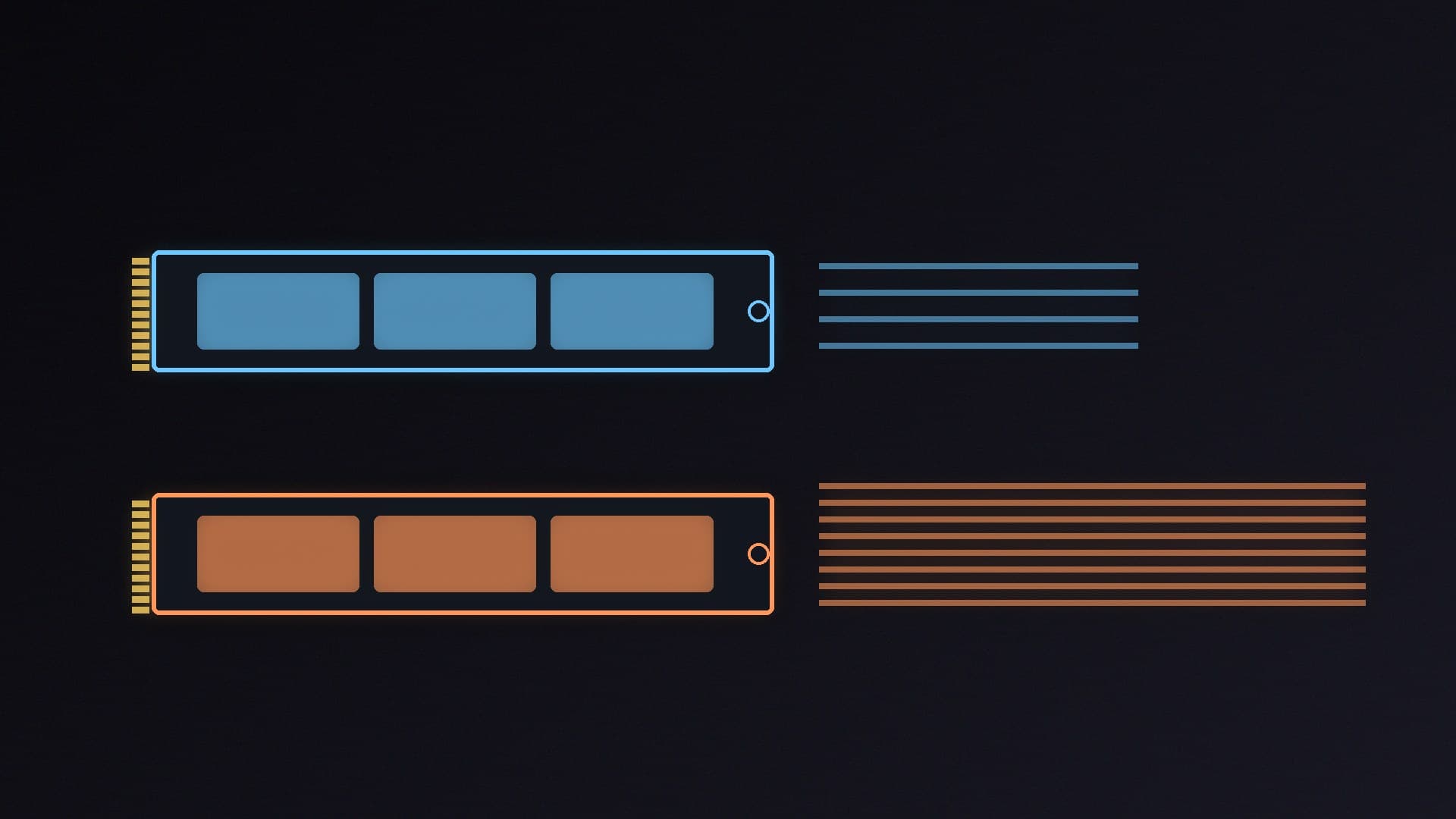
On paper, the SN8100 is about twice as fast for large sequential transfers and much faster for random operations. That matters most when you regularly copy huge files, edit high-bitrate video or move large AI model files.
For gaming, the gap is smaller. In Club386's testing, 3DMark's storage benchmark put the SN8100 just ahead of Samsung's 9100 PRO, with the SN850X "hot on the heels of both". Our PCIe 4.0 vs PCIe 5.0 SSD guide explains why load times don't scale with headline speeds.
You also need a PCIe 5.0 M.2 slot to get the SN8100's full speed. Check your motherboard's manual: in a PCIe 4.0 slot the drive still works, because it's backwards compatible, but it's limited to PCIe 4.0 bandwidth.
Heat and power
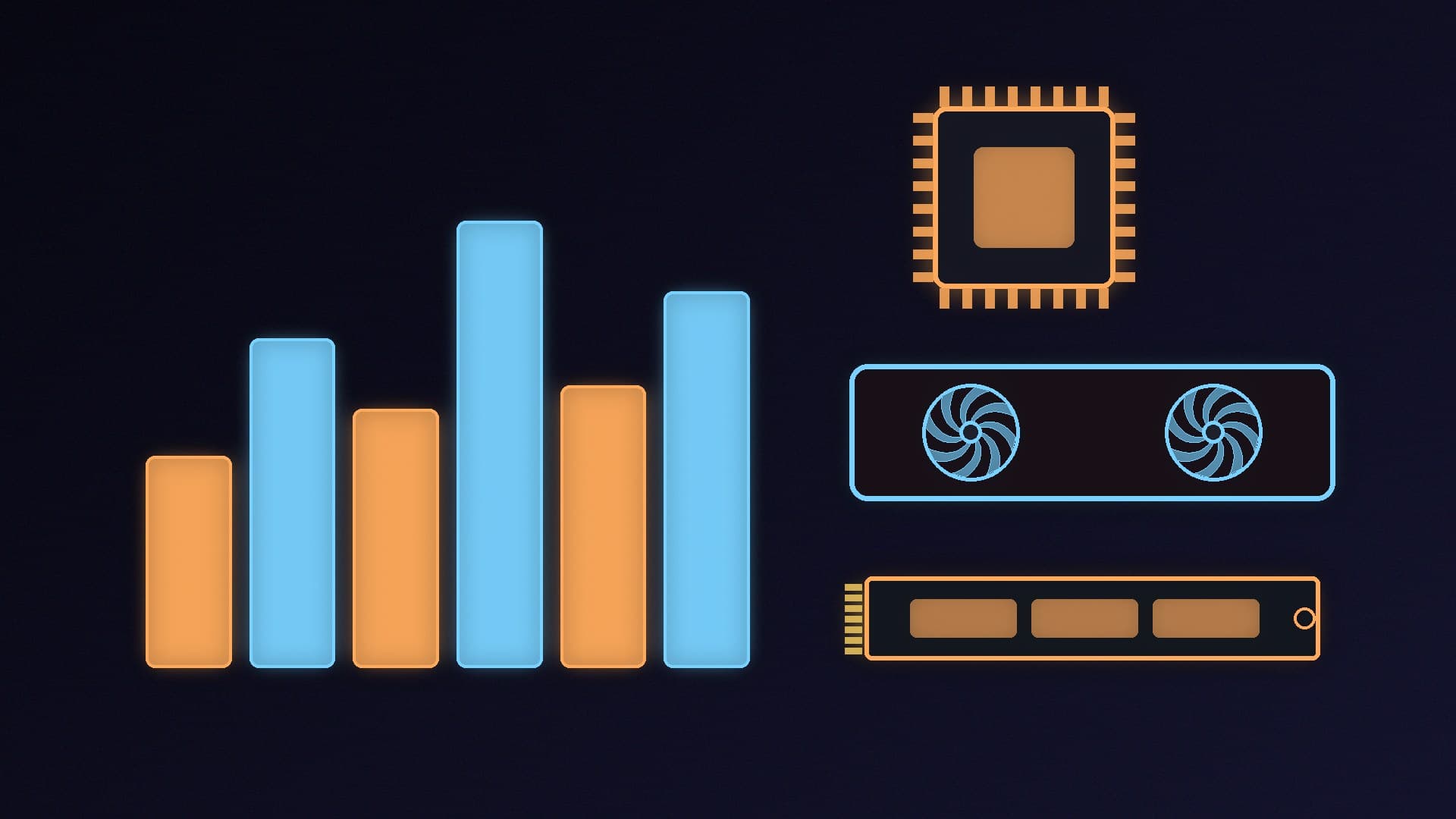
PCIe 5.0 drives have a reputation for running hot, but the SN8100 is different. Sandisk rates the 2TB at 6.4W average active read and 7.0W write. KitGuru notes it uses a Sandisk controller based on Silicon Motion's SM2508 with BiCS8 218-layer TLC flash. Club386 found it ran at 55°C under load beneath a motherboard heatsink and thermal pads, sharing the top spot with the Samsung 9100 PRO, and concluded that paying extra for built-in cooling "may not be necessary". TechPowerUp's review includes detailed drive-only power and efficiency measurements.
For the SN850X, Sandisk sells every capacity with an optional heatsink, which is the version it lists for PS5 use. Whichever you buy, use your motherboard's M.2 heatsink; see SSD heatsink vs no heatsink.
Which should you buy?
Choose the SN8100 if your motherboard has a PCIe 5.0 M.2 slot, you move large files or AI models regularly, and the price gap at your capacity is small. It's one of the fastest consumer SSDs and, according to independent reviews, unusually cool and efficient for PCIe 5.0. It's also our fastest alternative pick in the best PCIe 5.0 SSD guide.
Choose the SN850X if you have a PCIe 4.0 board, mainly game, want a heatsink version or a PS5 upgrade, or simply want to save money. It's still very fast for gaming, and Club386's 3DMark results show it close behind the newer drives.
Prices move a lot, especially around Black Friday on 27 November, so compare the two at the capacity you want; see our UK SSD prices before Black Friday round-up. In our database you'll find the WD_BLACK SN8100 2TB, the WD_BLACK SN850X 2TB and the 4TB versions under their newer SANDISK Optimus GX PRO 8100 and Optimus GX PRO 850X names.
Our verdict
The WD_BLACK SN8100 is the faster drive, with up to 14,900MB/s reads against the SN850X's 7,300MB/s, and independent reviewers found it runs cool without a big heatsink. But you need a PCIe 5.0 slot to benefit, and for gaming the SN850X stays close in Club386's tests. Buy the SN8100 for heavy file work on a modern board; buy the SN850X for PCIe 4.0 systems, PS5 upgrades or if it's noticeably cheaper. Forge PC hasn't tested either drive.