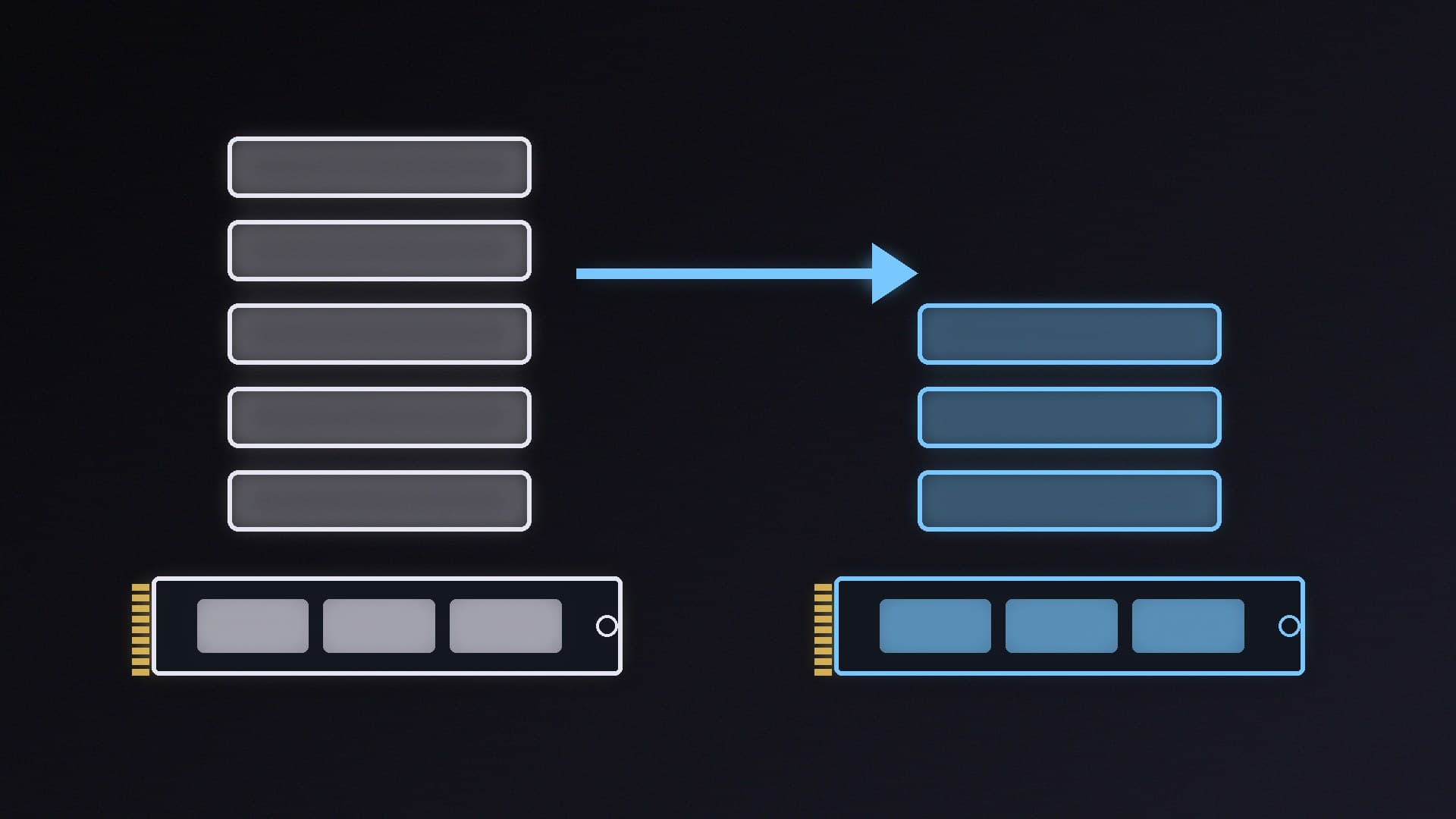
The first PCIe 5.0 SSDs were fast but hot, and many needed chunky heatsinks or even fans. The second wave is different. Drives built on newer controllers now reach almost 15,000MB/s while drawing less power, and some no longer need active cooling at all.
This guide picks the best Gen 5 drives for a gaming or creator PC in 2026. Forge PC hasn't tested these drives itself. Our picks lean on Tom's Hardware's SSD testing (its best SSDs list was last updated on 23 October 2026), and every speed and endurance figure comes from the manufacturer or that review. We avoid retail prices because Gen 5 pricing is moving quickly ahead of Black Friday on 27 November.
Do you actually need a PCIe 5.0 SSD?
Probably not for gaming alone. Tom's Hardware still names the PCIe 4.0 Samsung 990 Pro as its best SSD overall and best for gaming, and says that in everyday desktop tasks you may not notice the difference between a PCIe 3.0 and 4.0 drive, "let alone" a Gen 5 one. We explain why in PCIe 4.0 vs PCIe 5.0 SSDs.
A Gen 5 drive makes more sense if you:
Move very large files, such as video projects, game captures or AI models.
Are building a new high-end AM5 or LGA 1851 PC with a PCIe 5.0 M.2 slot anyway.
Want the most headroom for future DirectStorage games.
Check your motherboard manual first to see which M.2 slots run at PCIe 5.0 and whether any share lanes with other slots. Kingston says its Gen 5 drive is backward compatible with Gen 3 and Gen 4 systems, and Corsair notes reduced performance on Gen 4 platforms, so a Gen 5 drive in a Gen 4 slot works, just more slowly.
The picks at a glance
Pick | Drive | Rated sequential read/write | Endurance (warranty) |
|---|
Fastest overall | Corsair MP700 Pro XT | Up to 14,900 / 14,500MB/s (Corsair) | 5 years |
Fastest alternative | WD Black SN8100 (now sold as SanDisk) | Up to 14,900 / 14,000MB/s (Tom's Hardware) | 5 years, up to 2,400TBW at 4TB |
Best value high-end | Lexar NM1090 Pro | Up to 14,000 / 13,000MB/s | 5 years, up to 2,800TBW |
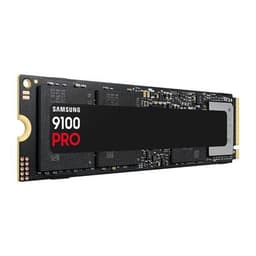
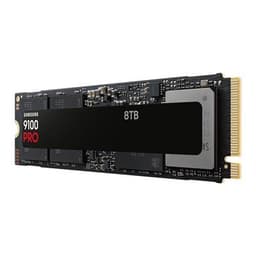
Best for 8TB | Samsung 9100 Pro | Up to 14,700 / 13,300MB/s (8TB, Tom's Hardware) | 5 years, up to 4,800TBW |
Highest endurance per TB | Kingston FURY Renegade G5 | Up to 14,800 / 14,000MB/s | 5 years, 1.0PB per TB |
Fastest overall: Corsair MP700 Pro XT
Tom's Hardware calls the MP700 Pro XT "the fastest drive, period, we've ever reviewed", and praises its sustained performance and power efficiency. It was the first drive with Phison's E28 controller that Tom's tested.
Corsair rates it at up to 14,900MB/s reads and 14,500MB/s writes, with 3D TLC NAND, DirectStorage support and a five-year warranty. It comes in 1TB, 2TB and 4TB versions. Note that Corsair ships it without a heatsink, so use your motherboard's M.2 cooler. The only weakness Tom's lists is that there's no 8TB model.
Fastest alternative: WD Black SN8100
The WD Black SN8100 (SanDisk now owns the WD Black SSD range, and our database lists the 4TB under its SanDisk Optimus GX Pro 8100 name) was Tom's Hardware's previous pick for fastest SSD. Tom's Hardware says it uses a newer, more efficient Silicon Motion controller with BiCS8 flash, and that it is "highly power-efficient for an SSD of this caliber". It comes in 1TB to 8TB versions.
It's worth choosing over the Corsair if it's cheaper at the capacity you want, or if you need 8TB. You can find the 1TB WD Black SN8100, 2TB WD Black SN8100 and 4TB SanDisk Optimus GX Pro 8100 in our database.
Best value high-end: Lexar NM1090 Pro
Tom's Hardware names the Lexar NM1090 Pro its best budget high-end PCIe 5.0 SSD. It uses older-generation flash to cut costs, but Tom's says it still "will max out your PCIe 5.0 slot" and never needs active cooling.
Lexar lists 232-layer 3D TLC NAND, a DRAM cache and a five-year warranty, with endurance of 700TBW at 1TB, 1,400TBW at 2TB and 2,800TBW at 4TB. Write speeds vary by capacity: up to 10,000MB/s on the 1TB and 13,000MB/s on the 2TB and 4TB. See the 1TB, 2TB and 4TB specs.
Best for 8TB: Samsung 9100 Pro
Samsung's 9100 Pro isn't the record holder any more, but Tom's Hardware says it was "the first high-end drive to offer an 8TB SKU", and recommends it for anyone who wants that much fast storage in one drive. The 8TB version is double-sided, so it suits desktops better than laptops. Samsung also sells versions with a heatsink.
Our database has the 9100 Pro 2TB, 4TB, 8TB and the 8TB with heatsink.
Highest endurance per TB: Kingston FURY Renegade G5
We haven't found the Renegade G5 in Tom's Hardware's current shortlist, so this pick is based on Kingston's specifications alone. It uses a 6nm Silicon Motion SM2508 controller, 3D TLC NAND and a DDR4 DRAM cache, rated at up to 14,800MB/s reads and 14,000MB/s writes (the 1TB is slower, at 14,200/11,000MB/s).
The stand-out figure is endurance: Kingston rates every capacity at 1.0PB written per terabyte, so 2.0PB for the 2TB and 4.0PB for the 4TB, with a five-year warranty. It now comes in an 8TB version too. Specs: 1TB, 2TB, 4TB.
What to check before you buy
Your M.2 slot. Make sure it's PCIe 5.0 and check the manual for any lane sharing. Our M.2 SSD install guide covers finding the right slot.
Cooling. Corsair ships the MP700 Pro XT without a heatsink and says separate cooling is required, so make sure your board has an M.2 heatsink or buy a drive version with one.
Capacity. Tom's Hardware sees 2TB as the sweet spot now. For more detail, see our best 2TB SSD and best 4TB SSD guides.
DRAM cache and NAND type. All five picks use TLC flash; see DRAM vs DRAM-less SSDs for why a cache matters.
Our verdict
For most gamers a good PCIe 4.0 drive is still enough, but if you want Gen 5, the Corsair MP700 Pro XT is the fastest drive Tom's Hardware has tested, with the WD Black SN8100 a close alternative. The Lexar NM1090 Pro is the value choice, the Samsung 9100 Pro is the pick for 8TB, and the Kingston FURY Renegade G5 has the highest rated endurance per terabyte. Check your motherboard's M.2 slot before you buy. Forge PC hasn't tested these drives itself.