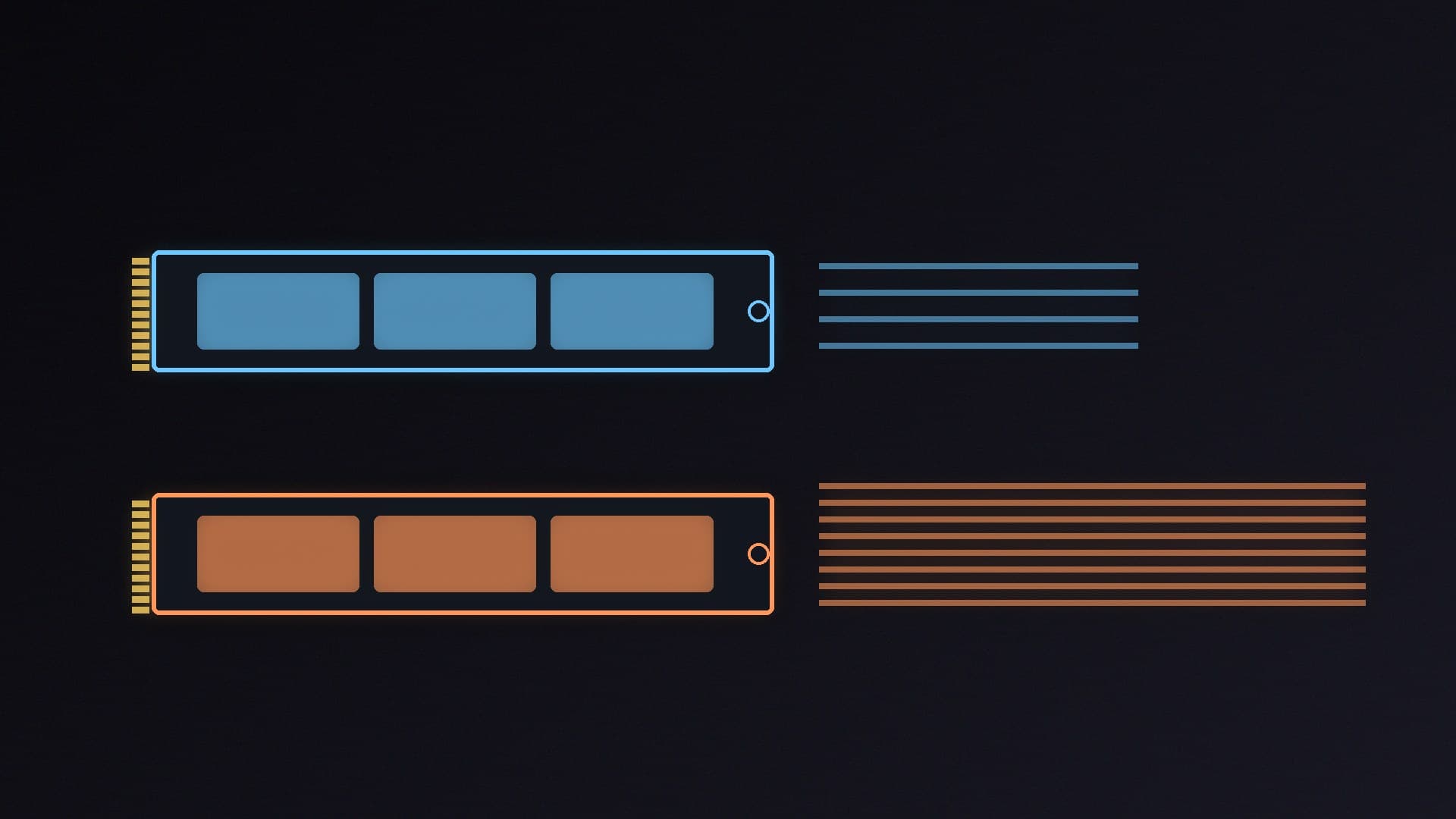
Look through SSD listings and you'll see some drives described as "DRAM-less" or "HMB". Popular models such as the Kingston NV3, Crucial P310 and Samsung 990 EVO Plus have no DRAM chip, while the Samsung 990 PRO and Crucial T710 do. So should you pay extra for DRAM?
Forge PC has not tested these drives. This guide uses Phison's technical explanation of the Host Memory Buffer, Samsung's and Crucial's specifications, a DRAM vs DRAM-less guide from ratioDB, and UK prices from SpecPrice checked on 15 November 2026.
What DRAM does on an SSD
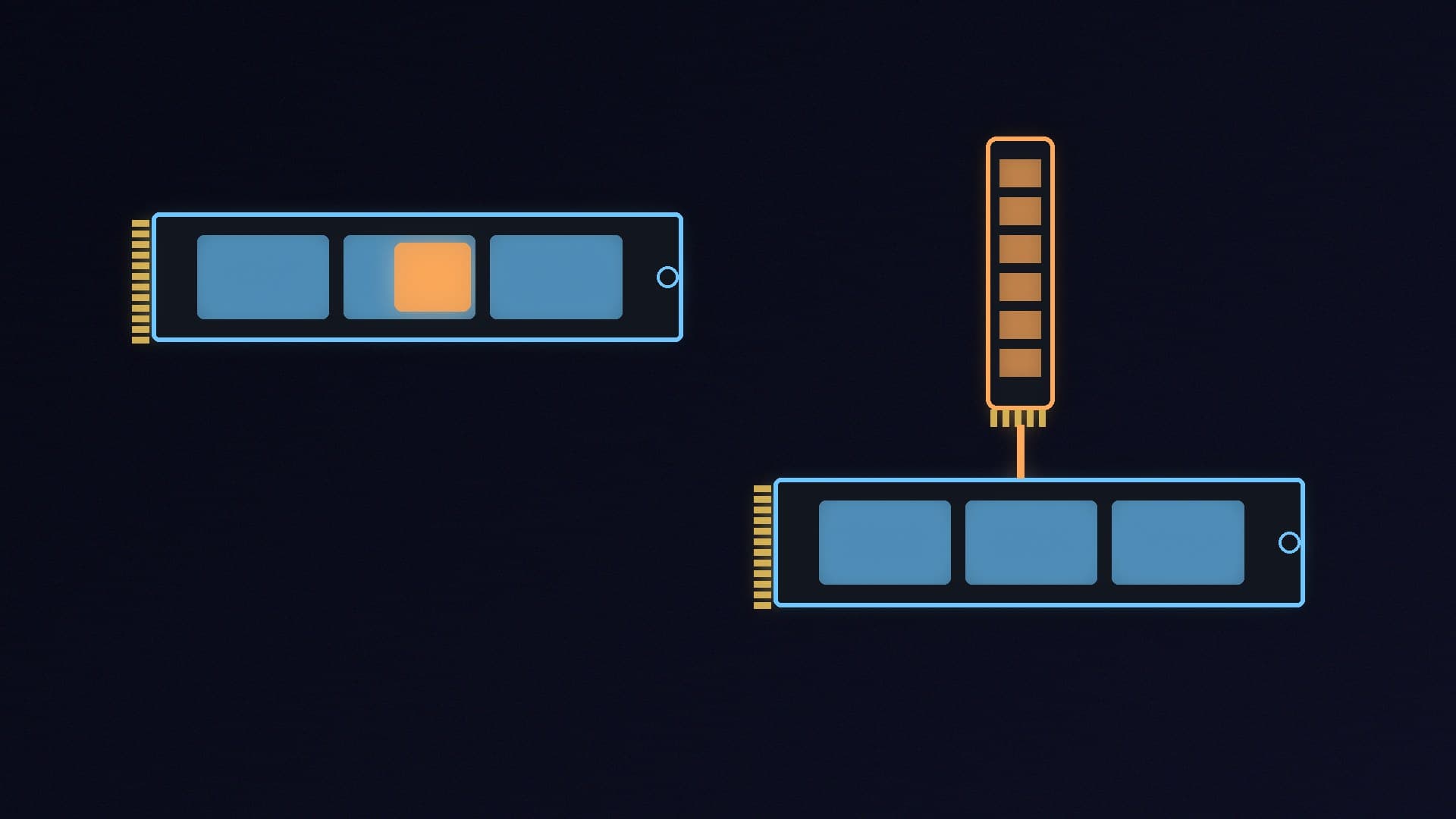
An SSD has to keep track of where every piece of data physically sits in its flash memory. Phison, which makes SSD controllers, explains that this mapping information is stored in logical-to-physical (L2P) tables. On a drive with DRAM, those tables are loaded into the DRAM while the drive is powered on, so the controller can look them up and update them quickly.
Phison says random reads benefit most from plenty of DRAM. That is the kind of small, scattered access a Windows drive does all the time when loading apps and system files.
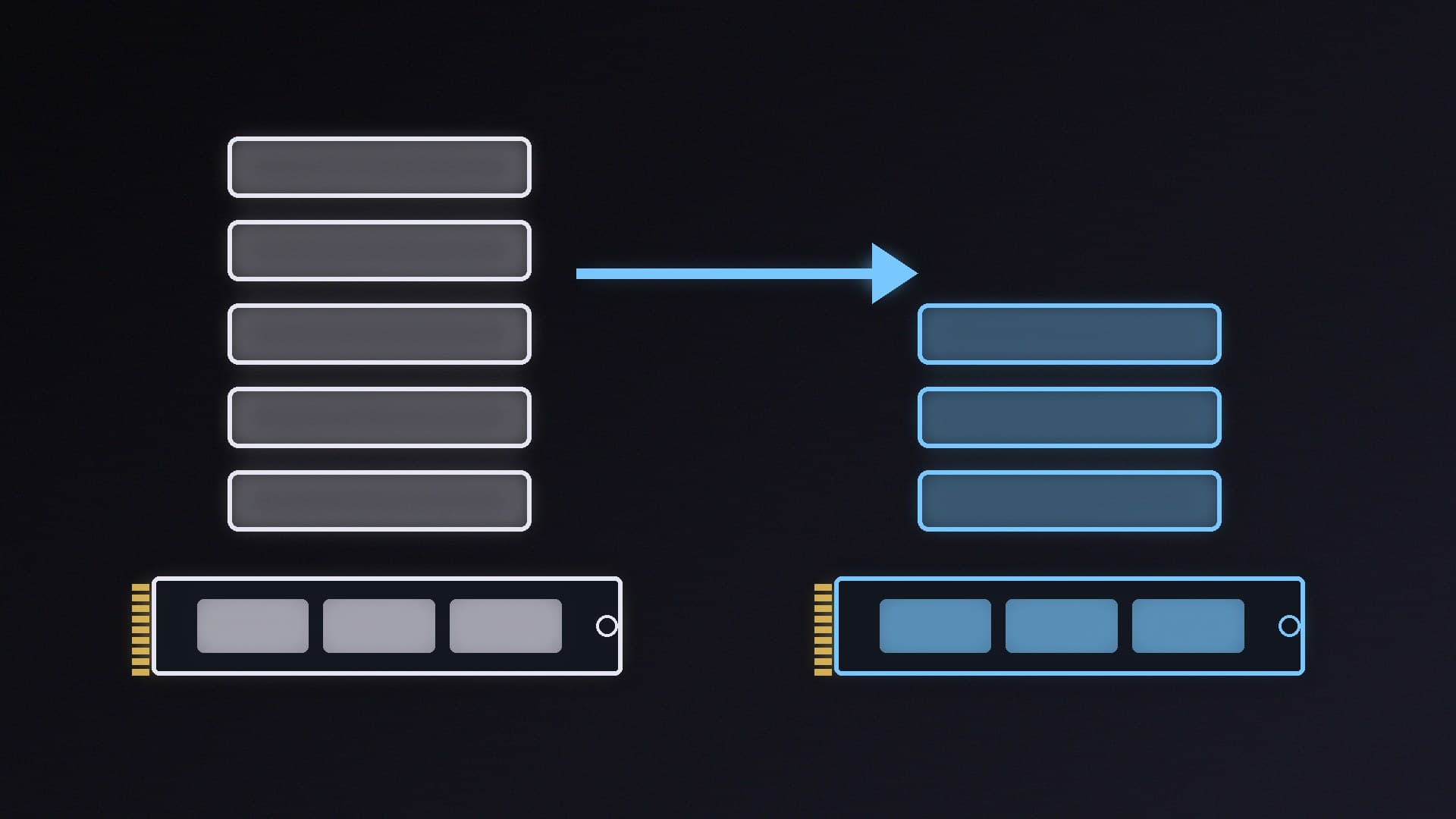
DRAM is expensive, though. Phison says DRAM costs more than 10 times as much as NAND flash for the same capacity, which is why many drives now leave it out.
How DRAM-less drives cope: HMB
Without DRAM, a drive keeps its mapping tables in flash and caches part of them in the controller's own SRAM. Phison notes that a typical controller has only a few megabytes of SRAM, which isn't much.
The Host Memory Buffer (HMB) fixes most of that. It lets an NVMe SSD borrow a small slice of your PC's system RAM to hold mapping tables. Phison says:
HMB was introduced in the NVMe 1.2 specification
both the drive and the operating system must support it, and Windows has supported it since Windows 10 version 1703 (the Creators Update)
drives with HMB enabled generally see "significantly less to possibly no degradation" in random workloads compared with DRAM drives
the benefit has limits, and shrinks as the amount of data being accessed grows
ratioDB, citing the TechPowerUp SSD database, says the Kingston NV3, Crucial P310 and WD_BLACK SN7100 each use 64MB of HMB. That's a tiny amount of a modern PC's 16GB or 32GB. ratioDB also notes that HMB is an NVMe feature, so DRAM-less SATA SSDs can't use it.
DRAM isn't the same as the SLC cache
It's easy to confuse DRAM with the SLC cache, but they do different jobs. ratioDB explains that the SLC cache is part of the flash itself, written at one bit per cell so it can accept data quickly. When the SLC cache fills up, write speeds drop to the flash's normal speed.
So the slowdown you might see when copying a 100GB game folder has more to do with the SLC cache and the type of flash than with DRAM. If you often copy huge files, look for reviews that measure write speed after the cache fills.
Same family, two approaches: Samsung 990 PRO vs 990 EVO Plus
Samsung's own drives show the difference neatly:
| Samsung 990 PRO 2TB | Samsung 990 EVO Plus 2TB |
|---|
Cache | 2GB LPDDR4 DRAM | HMB (no DRAM) |
Interface | PCIe 4.0 x4, NVMe 2.0 | PCIe 4.0 x4 / 5.0 x2, NVMe 2.0 |
Sequential read | up to 7,450MB/s | up to 7,250MB/s |
Sequential write | up to 6,900MB/s | up to 6,300MB/s |
Warranty | 5 years or 1,200TBW | 5 years or 1,200TBW |
UK price (15 November 2026) | about £400 (Scan) | about £389 (AWD-IT) |
On paper, the two drives are close, and on 15 November 2026 they were only about £11 apart in the UK, according to SpecPrice. When prices are that close, we would take the 990 PRO with its DRAM. But the gap is usually bigger, and that changes the maths.
What you save by going DRAM-less
Here's how selected 2TB drives compared on SpecPrice on 15 November 2026. The cheapest ones are DRAM-less:
Drive (2TB) | Cache | UK price (15 November 2026) |
|---|
WD Green SN3000 (OEM) | HMB | about £190 (Scan) |
Kingston NV3 | HMB | about £235 (Scan) |
Crucial P310 | HMB | about £299 (Box) |
Crucial P510 (PCIe 5.0) | HMB | about £310 (AWD-IT) |
Crucial T710 (PCIe 5.0) | DRAM | about £330 (Scan) |
Samsung 990 PRO | DRAM | about £400 (Scan) |
SpecPrice's own scoring gives DRAM-less PCIe 4.0 drives a speed tier of 70/100, against 80/100 for PCIe 4.0 drives with DRAM and 100/100 for PCIe 5.0 drives with DRAM. That's a rough guide, not a test result, but it reflects the general view that DRAM-less drives give up a little performance.
Which should you buy?
A DRAM-less NVMe drive with HMB is fine if: - it's a second drive for your game library - you're on a tight budget and capacity matters more than speed - you're building a small or low-power system where efficiency matters
Pay for DRAM if: - it's the main Windows drive in a workstation that does lots of small random reads and writes - the price gap is small, as it was for Samsung's two 2TB drives on 15 November 2026 - you want the fastest PCIe 5.0 drive, where the Crucial T710 currently costs little more than DRAM-less PCIe 5.0 alternatives
Whichever you choose, keep the firmware up to date. Our SSD firmware guide shows how. For our current recommendations, see our best SSD guide and NVMe vs SATA SSD.
Our verdict
DRAM still helps an SSD with random reads, but the Host Memory Buffer means a modern DRAM-less NVMe drive loses much less than older DRAM-less designs did. For most gaming PCs, and especially for a second games drive, a DRAM-less drive such as the Kingston NV3 or Crucial P310 is good value. Pay for DRAM when the price gap is small or the drive will handle heavy work in a workstation. Forge PC has not tested these drives; prices are from SpecPrice on 15 November 2026 and change often.