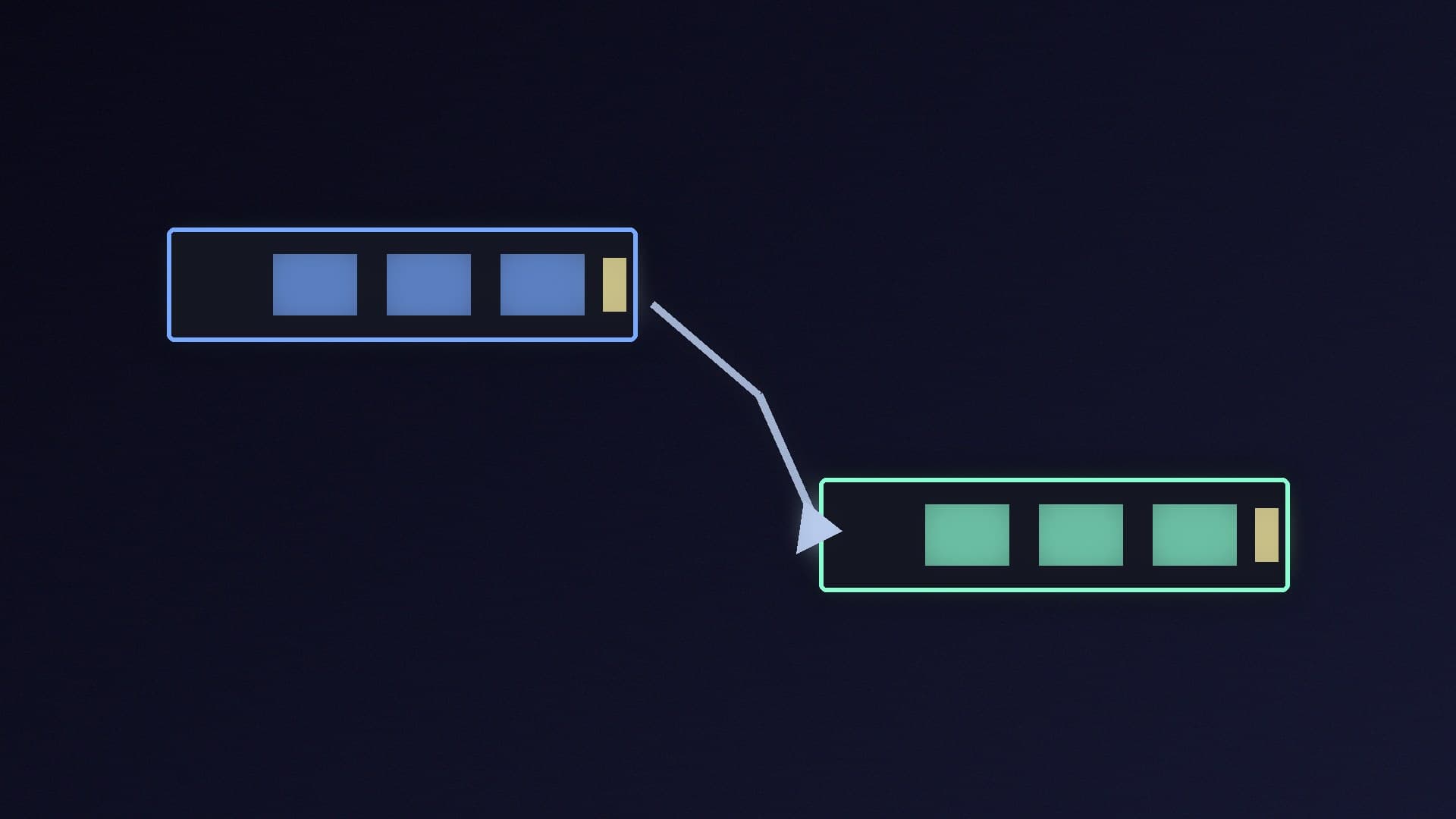
There are two main kinds of SSD for a desktop PC. SATA SSDs use the same connection as hard drives and usually come in a 2.5-inch case. NVMe SSDs plug into an M.2 slot on the motherboard and use PCI Express lanes, which gives them far more bandwidth. On paper, the gap is huge. In games, it is smaller than the specification sheets suggest, but it is growing.
Forge PC has not tested these drives. The performance findings come from TechSpot's game load-time testing, published in August 2025, and the specifications come from Kingston, Western Digital and Samsung. We have not included prices, because SSD prices are changing quickly; check UK retailers before you buy.
The specifications gap
SATA SSDs are limited by the SATA 6Gb/s interface. Current SATA drives are rated at up to around 550 to 560MB/s for sequential reads, whatever the brand:
Drive | Interface | Rated sequential read/write | Rated endurance |
|---|
Kingston KC600 1TB | SATA 6Gb/s | 550/520MB/s | 600TBW |
WD Blue SA510 1TB | SATA 6Gb/s | 560/520MB/s | 400TBW |
Samsung 870 EVO (1TB to 4TB) | SATA 6Gb/s | 560/530MB/s | 600TBW (1TB) to 2,400TBW (4TB) |
Kingston NV3 1TB | PCIe 4.0 x4 NVMe | 6,000/4,000MB/s | 320TBW |
Even a budget PCIe 4.0 NVMe drive like Kingston's NV3 is rated at more than ten times the sequential read speed of a SATA drive. These are manufacturer ratings, and real-world performance depends on the workload.
What TechSpot found in games
TechSpot's Tim Schiesser tested load times across PCIe 5.0, 4.0 and 3.0 NVMe drives, two SATA SSDs (TeamGroup's Vulcan Z and Vulcan Z QLC), a USB SSD and hard drives, on a Ryzen 7 9800X3D and RTX 5090 test system. The results varied a lot by game:
Ratchet & Clank: Rift Apart: NVMe drives loaded in about 1.3 seconds, and SATA drives were nearly five times slower. In the game's portal sequence, the SATA drive lagged noticeably.
Assassin's Creed Shadows, which uses DirectStorage: the Vulcan Z SATA drive was more than twice as slow as an entry-level PCIe 3.0 drive at loading in, although TechSpot said it was still fine for gameplay.
Kingdom Come: Deliverance II: the SATA drives were significantly slower, with the QLC model taking 46 per cent longer than the QLC-based PCIe drive.
Cyberpunk 2077: there was no noticeable difference between any SSDs, including SATA.
Cities: Skylines: a large map actually loaded slightly faster on SATA.
TechSpot's summary was that SATA SSDs can still handle today's games but "they're showing their age". Some titles took two to four times longer to load on SATA. It also found that moving a game from a SATA drive could take at least five times longer than an NVMe-to-NVMe transfer.
Just as important, TechSpot found that PCIe 3.0, 4.0 and 5.0 drives made little difference to each other in games. Its advice for gaming was simply to buy a PCIe NVMe SSD. You do not need an expensive PCIe 5.0 drive.
Price: SATA's advantage is fading
SATA drives used to be the cheap option. TechSpot found that advantage is "evaporating": in its US price comparisons, a 2TB PCIe 3.0 drive cost only about $15 more than the equivalent SATA drive. It said the Samsung 990 Evo 2TB had almost the same MSRP as the 870 EVO SATA drive and was cheaper at the time. UK prices differ and change quickly, but the lesson holds: compare like-for-like capacities before assuming SATA is cheaper.
When SATA still makes sense
A SATA SSD is still the right choice in some situations:
Your PC or laptop has no M.2 slot, or all of its M.2 slots are full.
You are upgrading an older PC or laptop from a hard drive, and it only has a 2.5-inch bay.
You want extra storage for games you rarely play, or for files, and you already have an NVMe system drive.
For a 2.5-inch upgrade, the Samsung 870 EVO 1TB is in our database, and our free SSD cloning guide explains how to move Windows from a hard drive. Before you buy a drive for an older PC, check your motherboard or laptop manual for M.2 support. M.2 is a physical format, and some drives, such as WD's M.2 version of the SA510, still use the SATA interface, so make sure the slot supports NVMe if that is what you are buying.
Hard drives are no longer good enough for games
TechSpot strongly recommends against running games from a hard drive. Most games technically ran, but with very long load times and frequent asset-streaming problems, and it notes that most new PC releases now list an SSD as a minimum requirement.
Our verdict
For a gaming PC in 2026, buy an NVMe SSD. TechSpot found SATA drives can be two to five times slower to load some games, and the price advantage that used to justify SATA has largely gone. You do not need PCIe 5.0, though; a good PCIe 3.0 or 4.0 drive gives the same in-game experience. SATA still makes sense for older PCs and laptops without an NVMe-capable M.2 slot, and as extra storage. Our best SSD guide has current picks. We have not tested these drives; this comparison is based on TechSpot's testing and the manufacturers' official specifications.