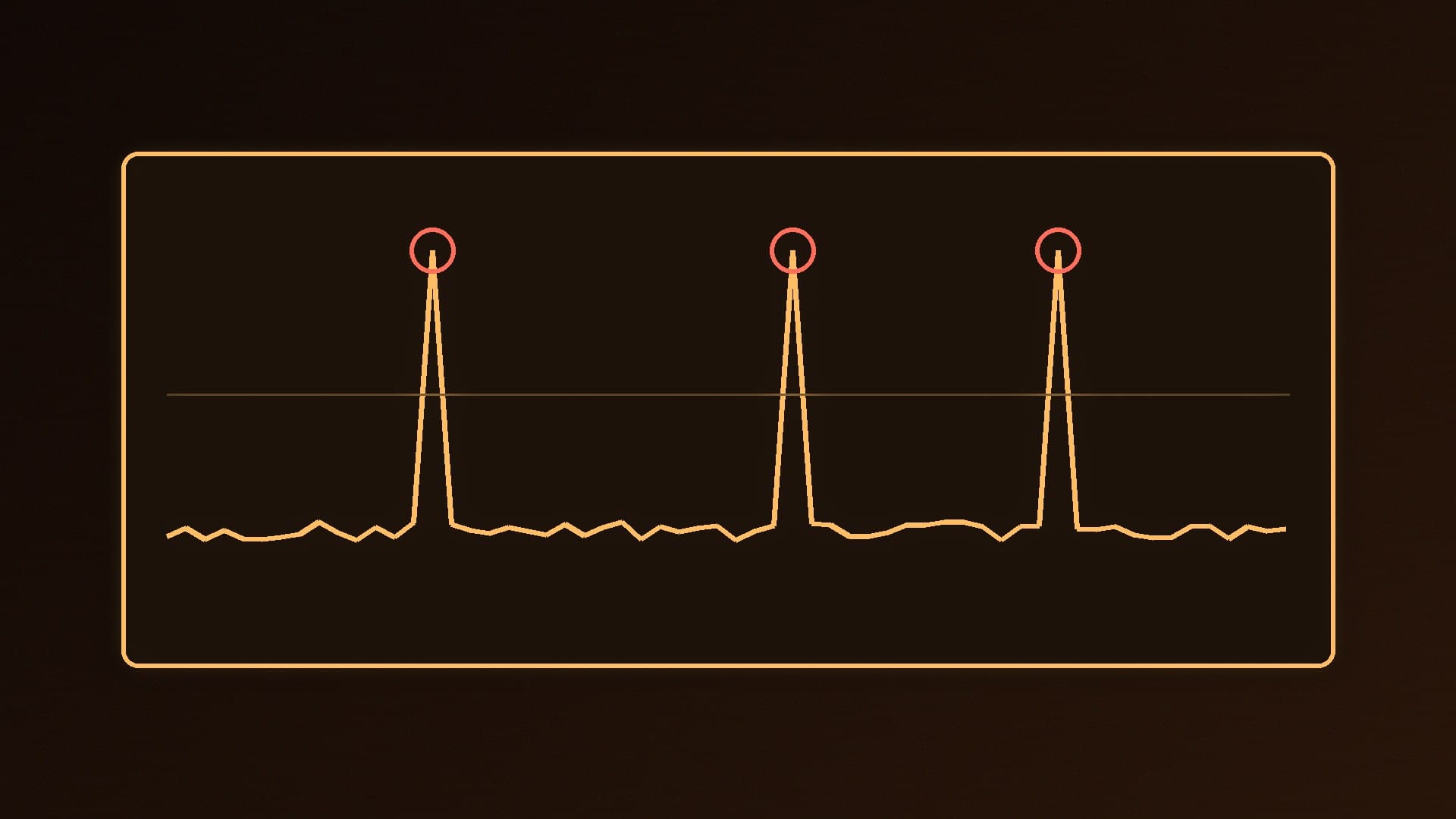
Stutter is not the same as a low frame rate. A PC can average well over 100 fps and still feel awful if some frames take much longer than others. Those sudden hitches are what most people mean by stuttering, and in modern PC games they usually come from one of two places: shader compilation or traversal (streaming the game world from storage).
Forge PC has not benchmarked your games. The explanations below are based on Digital Foundry's reporting and testing, Microsoft's DirectX developer blog on Advanced Shader Delivery, and the settings guides already on Forge PC. We do not quote frame-time numbers we have not measured.
First, confirm it is stutter
Turn on a frame-time graph rather than just an FPS counter. Our HWiNFO and MSI Afterburner monitoring guide shows how. Smooth play shows a fairly flat line; stutter appears as tall spikes. Then note when the spikes happen. That tells you which kind you have.
Shader compilation stutter
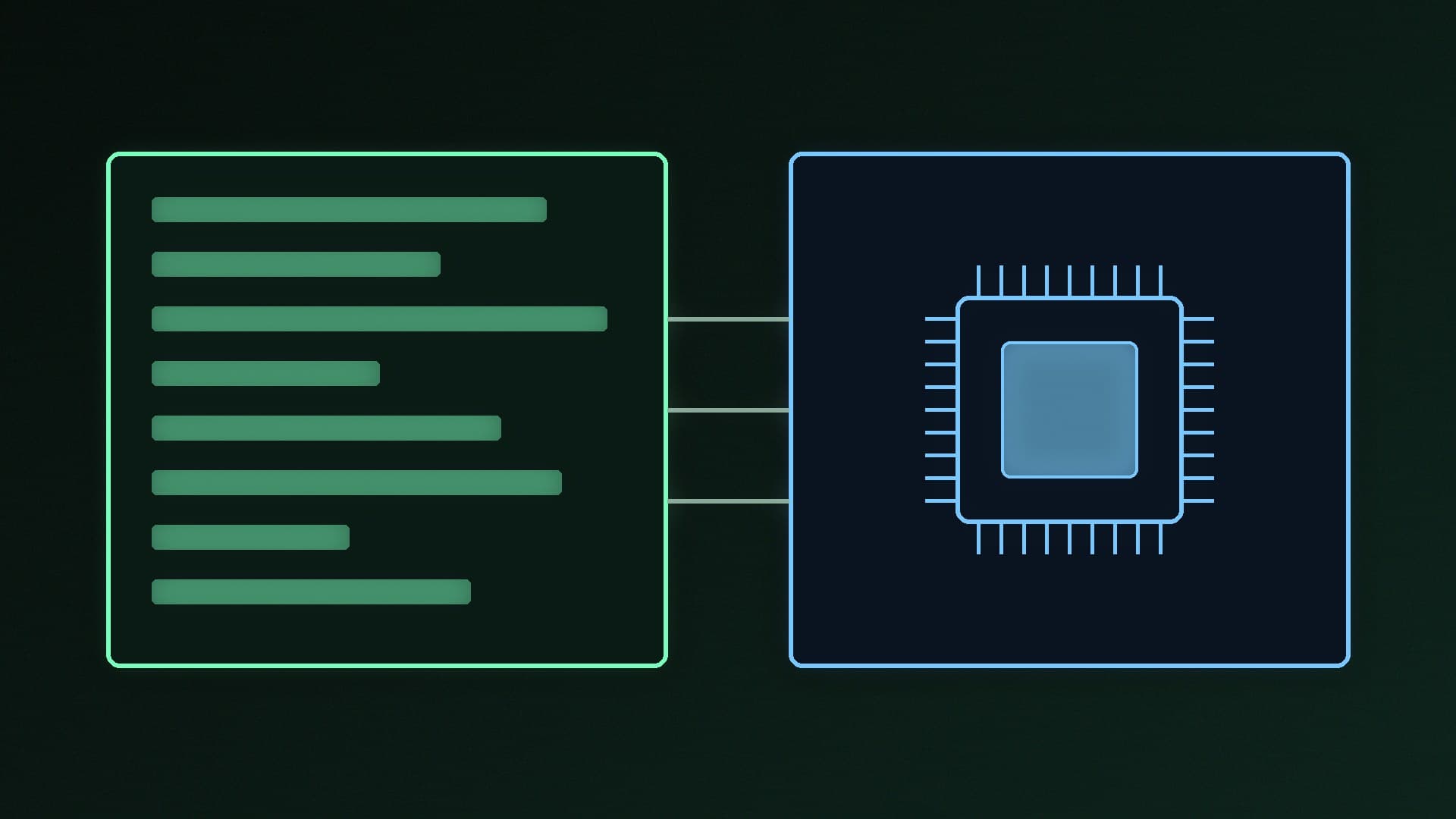
What it is: before your graphics card can draw a new effect, its shader has to be compiled for your specific GPU and driver. Many games do this in a "compiling shaders" step at launch, but Digital Foundry notes "it's still common for some shaders to be missed by this step". When the game meets a missing shader mid-play, the frame waits while it compiles.
How it looks: a hitch the first time you see a new effect, enemy or area, often worst in the first hour of a game or right after a graphics driver update. Repeat the same moment and it is usually smooth.
What helps:
Let the shader step finish. If a game shows a shader compilation bar, wait for it rather than skipping into play.
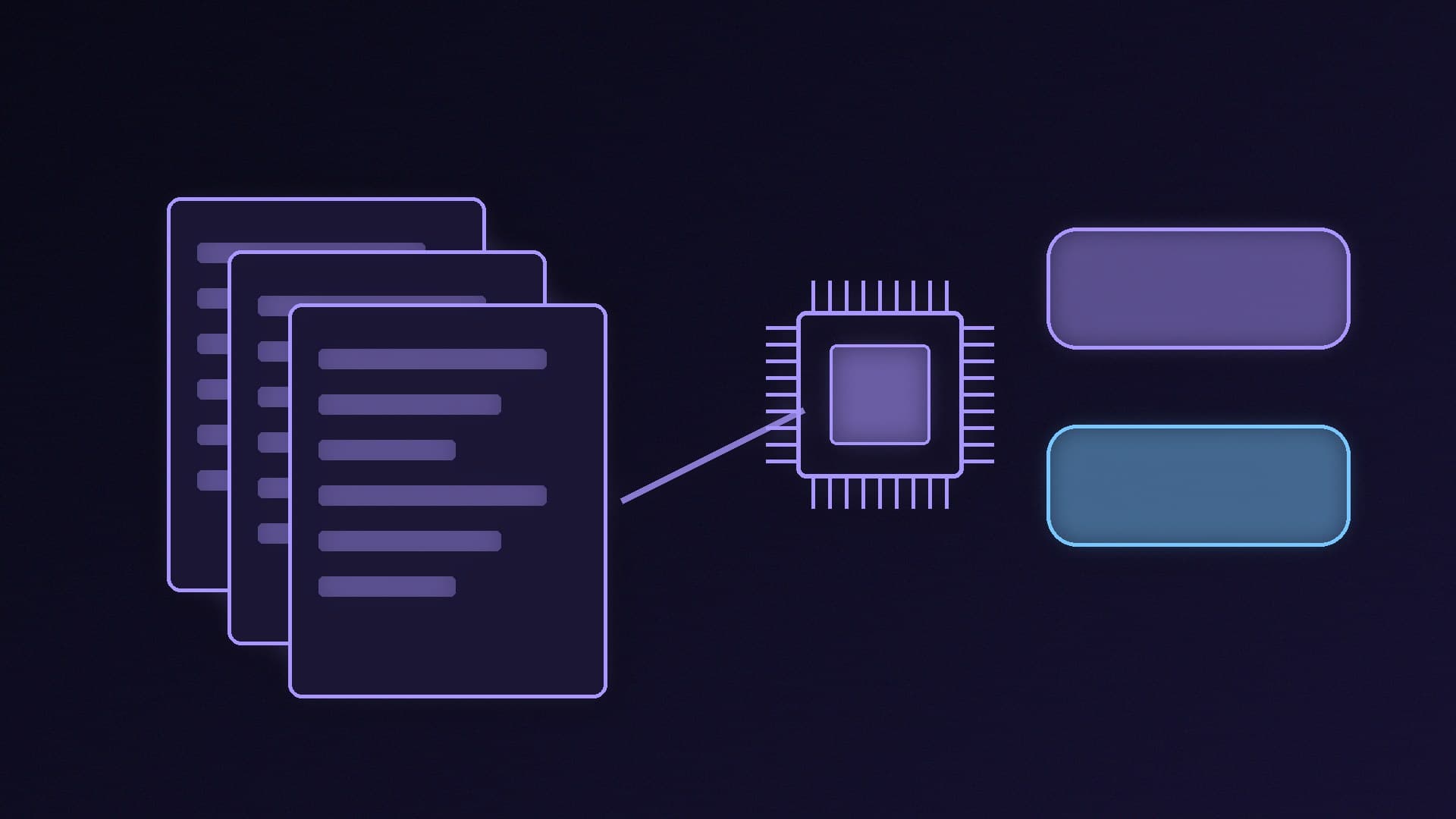
Advanced Shader Delivery (ASD), where supported. Microsoft's DirectX team says ASD delivers precompiled shaders when you download a game, reducing loading time and "shader stutter in game". Microsoft says it is now available on AMD, Intel, NVIDIA and Qualcomm graphics. Digital Foundry reports NVIDIA added support with driver 621.01 and that you need Windows 11 24H2 or later. The catch: games must support it, and Microsoft says it currently works through the Microsoft Store and Xbox PC app, with Steam and the Epic Games Store support announced as coming soon.
NVIDIA Automatic Shader Compilation. Digital Foundry reports that this NVIDIA App feature rebuilds your existing shader cache in the background after a driver update. It does not fix first-time stutters, but it stops a driver update from bringing old ones back.
Do not update drivers mid-playthrough without a reason. A driver update can invalidate a game's shader cache. Update for a new game or a fix you need, then leave it. Our graphics driver guide covers both NVIDIA App and AMD Software.
Traversal stutter
What it is: open-world games constantly load new textures and geometry as you move. Digital Foundry describes traversal stutter as hitches "related to data being loaded into and out of memory when passing an invisible boundary in the game world".
How it looks: hitches tied to places, not effects. Crossing the same bridge or entering the same district stutters every time, even on repeat visits.
What helps:
Install the game on an SSD. If a game is on a hard drive, move it to an NVMe SSD. Our best SSD guide covers what to buy, and you can clone your old drive for free.
Do not run out of VRAM or RAM. If memory is full, the game has to keep swapping assets. Drop texture quality one notch and see if the hitches ease. See how much VRAM you need and how much RAM you need.
Accept that some of it is the engine. Digital Foundry's testing of pre-compiling tools found traversal hitches in some games stayed at "the exact same geographic trigger points regardless of whether shaders were pre-compiled". Settings cannot fully fix a game that streams poorly; a patch may.
Checks that fix stutter on any PC
Turn on XMP or EXPO. RAM running at its default speed is a common cause of uneven performance. Follow our XMP and EXPO guide.
Check Windows' gaming settings. Our Windows 11 gaming settings guide covers Game Mode and the other display and graphics options worth checking, and our DLSS, FSR and frame generation explainer explains why generated frames do not fix an uneven base frame rate.
Close background downloads and overlays. A launcher patching another game, a browser with dozens of tabs or several overlays at once can all steal CPU time.
Check temperatures. A CPU or GPU that hits its temperature limit will throttle, which shows up as uneven frame times. See how to stop a PC overheating.
Check for a bottleneck. If GPU usage is low while one CPU thread is maxed out, you are CPU-limited and upscaling or lower graphics settings will not help much. Our performance checklist walks through it.
Our verdict
Work out which stutter you have before changing anything. First-time hitches that disappear on repeat are shader compilation: let shader steps finish, avoid needless driver updates, and use Advanced Shader Delivery where the game and store support it. Hitches that always happen in the same places are traversal: use an SSD, leave VRAM and RAM headroom, and wait for game patches. Then check XMP/EXPO, VRR, background apps and temperatures. We have not tested your games; the explanations come from Digital Foundry and Microsoft's DirectX team.