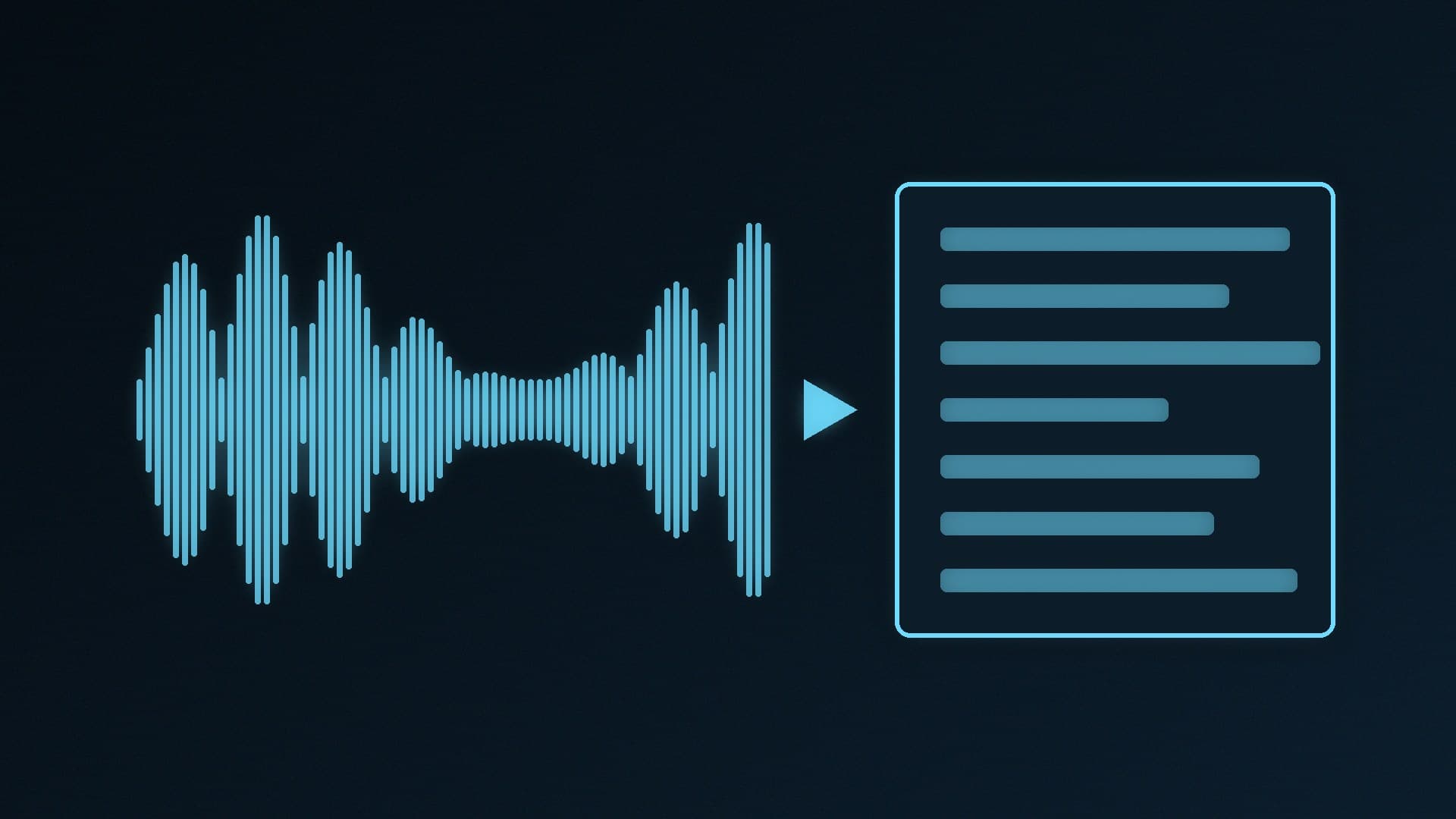
Whisper is OpenAI's open-source speech recognition model. Unlike a cloud transcription service, you can download it and run it on your own PC, so recordings of meetings, lectures, interviews or your own videos never leave your machine. It handles many languages and can also translate speech into English.
Forge PC has not benchmarked Whisper on our own hardware. The model sizes, memory figures and commands below come from OpenAI's official Whisper repository and the official whisper.cpp project on GitHub, as read on 13 November 2026. Speeds in those tables were measured by the developers, not by us.
Which model should you use?
Whisper comes in several sizes. Bigger models are generally more accurate but need more memory and run more slowly. OpenAI's README gives these approximate requirements:
Model | Parameters | Approx. VRAM (OpenAI) | Relative speed vs large (OpenAI, on an A100) |
|---|
tiny | 39M | about 1GB | about 10x |
base | 74M | about 1GB | about 7x |
small | 244M | about 2GB | about 4x |
medium | 769M | about 5GB | about 2x |
large | 1,550M | about 10GB | 1x |
turbo | 809M | about 6GB | about 8x |
OpenAI notes that real-world speed "may vary significantly" by language, speaking speed and hardware. A few practical rules from the README:
turbo is the default. OpenAI calls it an optimised version of large-v3 with "minimal degradation in accuracy", and its 6GB figure fits most 8GB graphics cards.
English-only models (tiny.en, base.en and so on) "tend to perform better" for English, especially at the smallest sizes.
turbo cannot translate. If you want non-English speech translated into English, use medium or large instead.
If you are not sure what your card can handle, our VRAM guide explains how to check.
Option 1: The official Whisper (Python)
This is the reference version and the easiest to follow if you already use Python.
Install Python. OpenAI says the code is expected to work with Python 3.8 to 3.11 and recent PyTorch versions.
Install FFmpeg. Whisper needs the FFmpeg command-line tool. On Windows, OpenAI's README lists choco install ffmpeg (Chocolatey) or scoop install ffmpeg (Scoop).
Install Whisper from a terminal:
pip install -U openai-whisper
Transcribe a file:
whisper interview.mp3 --model turbo
For a non-English recording, set the language, for example --language French. For translation into English, use --model medium --task translate.
To use an NVIDIA graphics card rather than the CPU, you need a CUDA-enabled build of PyTorch installed before Whisper; follow PyTorch's own installation selector for that. If installation fails on a missing Rust or setuptools_rust package, OpenAI's README covers both errors.
Option 2: whisper.cpp (lighter, more GPUs)
whisper.cpp is a C/C++ port of Whisper from the same ggml-org team behind llama.cpp. It runs Whisper without Python, supports Windows, and can use CUDA on NVIDIA cards and Vulkan on other GPUs, which makes it a good option for AMD and Intel graphics owners. It also supports quantised models that use less memory.
The project lists these approximate memory figures for its own model files:
Model | Disk | Memory |
|---|
tiny | 75MiB | about 273MB |
base | 142MiB | about 388MB |
small | 466MiB | about 852MB |
medium | 1.5GiB | about 2.1GB |
large | 2.9GiB | about 3.9GB |
Two things to know before you start: you download a ggml-format model separately, and the whisper-cli tool currently needs 16-bit WAV files, so convert MP3s with FFmpeg first. The project also includes whisper-stream for live microphone transcription and whisper-server, an HTTP transcription server.
Which should you pick?
NVIDIA card, comfortable with Python: the official Whisper with turbo is the simplest route.
AMD or Intel graphics, or a low-memory PC: whisper.cpp, with Vulkan or on the CPU.
No interest in the command line: several free desktop apps wrap Whisper in a graphical interface. Check that any app you use runs the model locally rather than uploading audio.
Tips for better transcripts
Use the cleanest recording you can. A decent microphone placed close to the speaker helps more than any setting.
Set the language rather than relying on detection when you know it.
Always proofread names, numbers and technical terms. Whisper is good, but it is not perfect.
Whisper sits alongside the other local AI tools we cover. If you also want a local chatbot, see how to run AI models locally with Ollama and LM Studio and our best PC for local AI guide.
Our verdict
For most people with a recent NVIDIA graphics card, the official Whisper and its default turbo model are the easiest way to get accurate local transcripts; OpenAI puts turbo at about 6GB of VRAM. Use medium or large when you need translation, and English-only models for small, English-only jobs. If you have AMD or Intel graphics or limited memory, whisper.cpp is the lighter option. We have not benchmarked Whisper ourselves; the figures come from OpenAI's and whisper.cpp's official repositories.