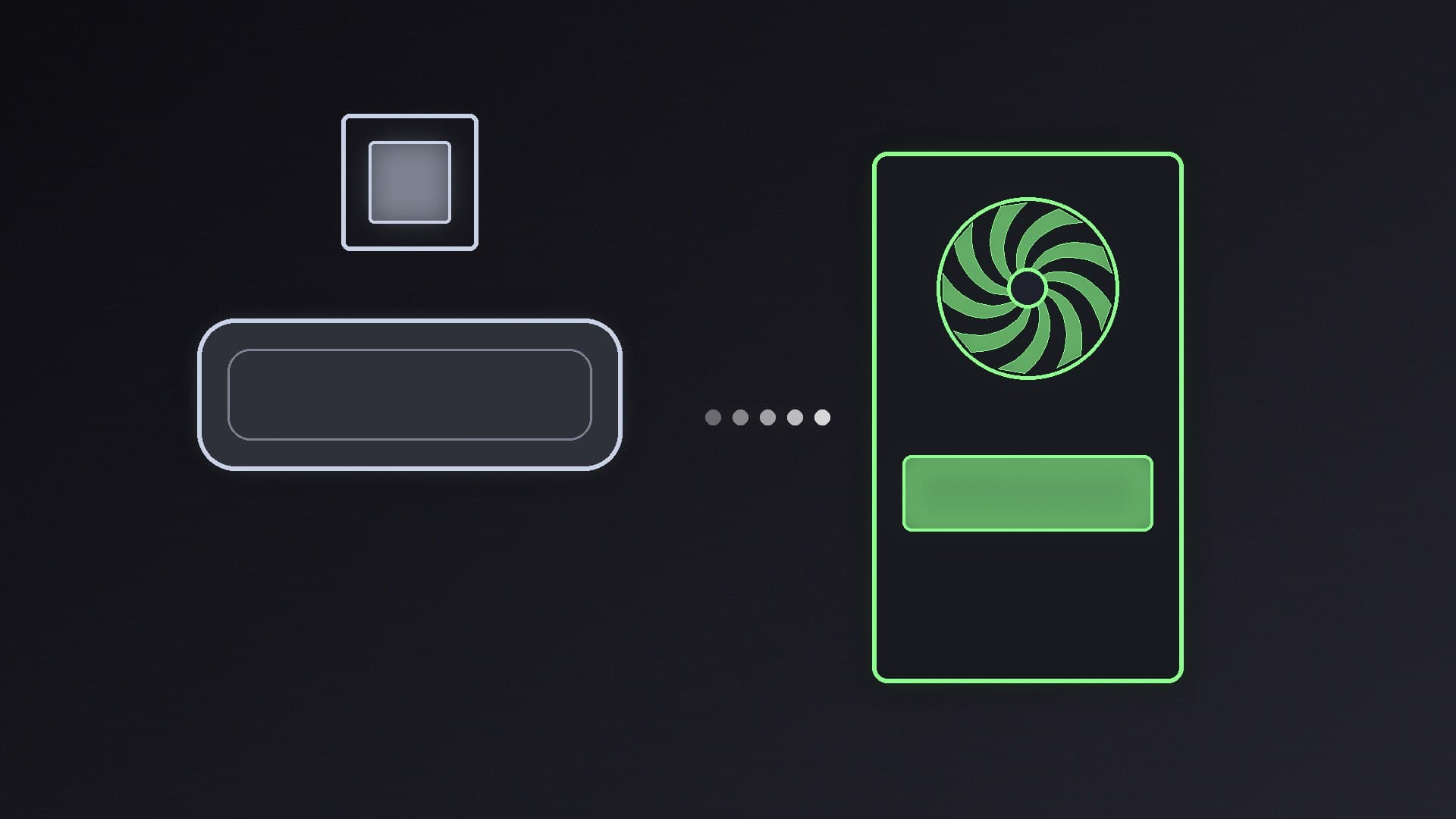
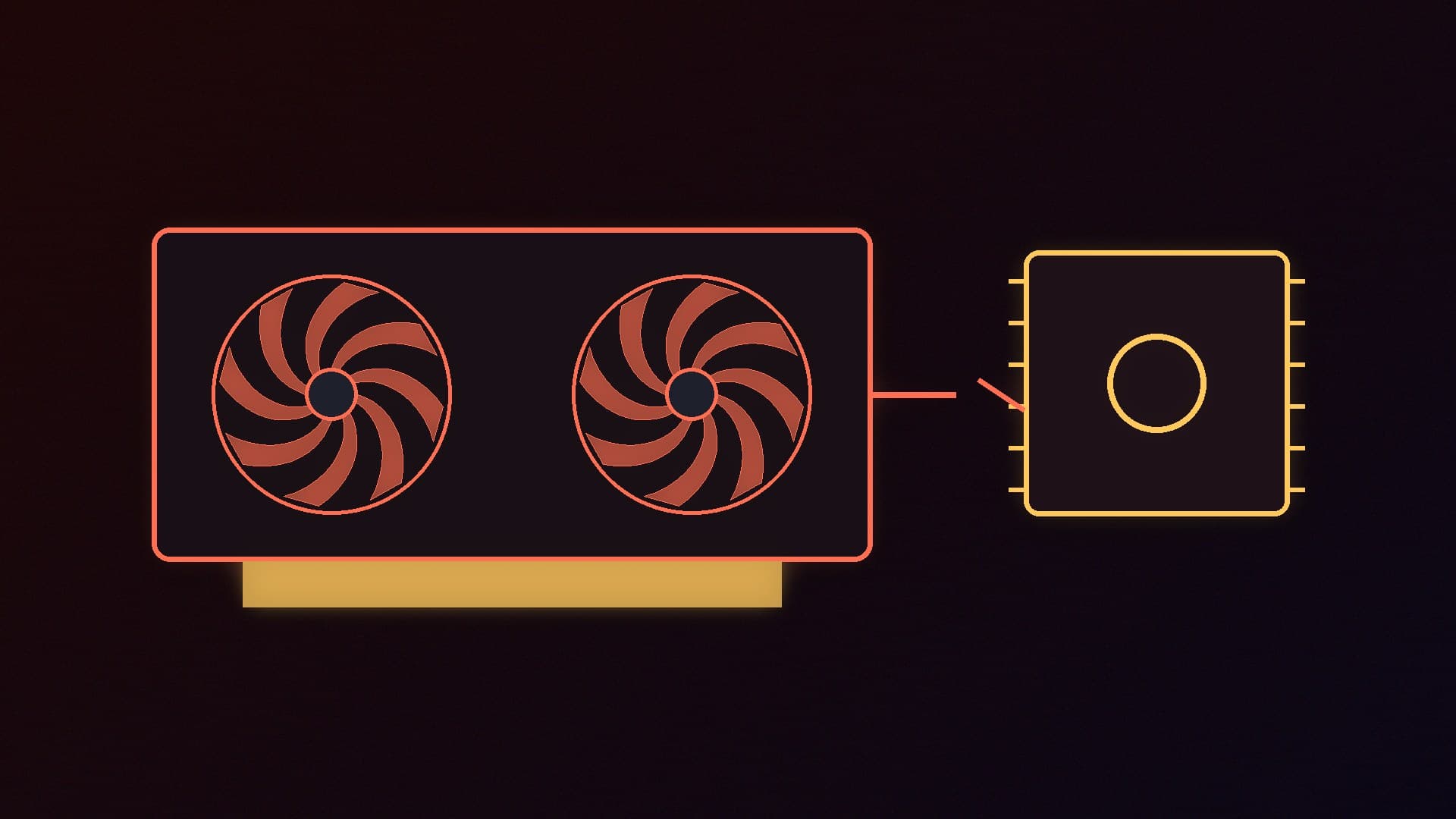
If you want to run large language models on your own desk, the biggest question is memory. A model has to fit in fast memory to run well, and Macs and PCs approach that in completely different ways. A Windows PC uses the dedicated video memory (VRAM) on its graphics card. An Apple silicon Mac uses unified memory, a single pool shared by the CPU and GPU.
Forge PC has not benchmarked Macs or PCs running AI models for this comparison, so we make no speed claims. The specifications below come from Apple's, NVIDIA's and AMD's official pages, the software requirements from Ollama and LM Studio, and the PC graphics card prices from SpecPrice's UK tracker on 13 November 2026. All prices are approximate.
The short version
| Apple silicon Mac | Windows PC with a graphics card |
|---|
Where the model lives | Unified memory shared by CPU and GPU | Graphics card VRAM (spill-over to system RAM is slower) |
Most memory for the money | Strong at the high end: Mac Studio up to 128GB (M5 Max) or 512GB (M5 Ultra) | 16GB cards are affordable; 32GB cards are expensive |
Upgrades later | Memory and storage are chosen when you order | Swap the graphics card, add RAM and SSDs |
Software | Ollama and LM Studio support Apple M-series Macs | The widest support, especially for NVIDIA CUDA |
Gaming | Limited compared with Windows | Full Windows game library |
Memory: where the Mac shines
Apple's UK specification pages list these current configurations:
Mac | Unified memory | Memory bandwidth | UK starting price (Apple) |
|---|
Mac mini, M6 | 16GB, configurable to 24GB or 32GB | 153GB/s (170GB/s with 24GB or 32GB) | from £899 |
Mac mini, M5 Pro | 24GB, configurable to 48GB or 64GB | 307GB/s | from £1,699 |
Mac Studio, M5 Max (32-core GPU) | 36GB | 460GB/s | from £2,499 |
Mac Studio, M5 Max (40-core GPU) | 48GB, 64GB or 128GB | 614GB/s | from £3,099 |
Mac Studio, M5 Ultra | 96GB, or 256GB/512GB with the top chip | 1.2TB/s | from £5,499 |
The key point is capacity. On 13 November 2026 the cheapest new graphics cards with 32GB of VRAM on SpecPrice's UK tracker were the Radeon AI PRO R9700 at about £1,610 and the GeForce RTX 5090 at about £7,000. No consumer graphics card offers anything like the 128GB of a high-end Mac Studio M5 Max or the 512GB of the top M5 Ultra configuration. If your goal is to run very large models on a single quiet box, that is the Mac's strongest argument.
Two caveats. Unified memory is shared, so macOS and your other apps use some of it too. And because the memory is chosen when you order, you need to buy enough up front: Apple's pages list memory as a configure-to-order option, not an upgrade.
Bandwidth: where the PC can win
Capacity decides whether a model fits; memory bandwidth is a large part of how quickly it can generate text once it does. Here the best PC graphics cards are very strong:
Graphics card | VRAM | Bandwidth (manufacturer spec) | Approx. UK price, 13 Nov 2026 |
|---|
GeForce RTX 5060 Ti 16GB | 16GB GDDR7 | 448GB/s | £660 |
Radeon RX 9070 | 16GB GDDR6 | 640GB/s | £732 |
GeForce RTX 5080 | 16GB GDDR7 | 960GB/s | £1,500 |
Radeon AI PRO R9700 | 32GB GDDR6 | 640GB/s | £1,610 |
GeForce RTX 5090 | 32GB GDDR7 | 1,792GB/s | £7,000 |
An RTX 5090 has more bandwidth on paper than even the M5 Ultra's 1.2TB/s, while a mid-range 16GB card like the RX 9070 has more than the M5 Pro Mac mini. The catch is capacity: once a model is bigger than the card's VRAM, part of it has to run from slower system memory. Our guide to the best GPU for local LLMs explains how to match model sizes to VRAM.
Bandwidth is not the only factor. Software optimisation matters on both platforms, so treat these figures as a guide, not a benchmark.
Software support
Both popular beginner-friendly tools run on both platforms. Ollama's macOS documentation lists macOS Sonoma (14) or newer and Apple M-series chips, with CPU and GPU support. LM Studio's system requirements list Apple silicon Macs (the page names the M1 to M4 generations) on macOS 14 or newer, with 16GB or more of memory recommended, and on Windows a CPU with AVX2 support and at least 4GB of dedicated VRAM recommended. Our Ollama vs LM Studio comparison covers the differences between them.
Beyond chatbots, the picture is less even. NVIDIA's CUDA platform, which a lot of AI software is built around, is not available on Apple silicon Macs, so a PC with an NVIDIA card has the broadest compatibility for experimenting with image generation, training and newer tools. If that matters to you, see our guide to PC hardware for Stable Diffusion and Flux.
Price: what you get for your money
At the entry level, a PC is usually the cheaper way in. A Mac mini M6 starts at £899 with 16GB of unified memory shared with the whole system, while our best PC for local AI guide recommends a desktop built around a 16GB graphics card plus 32GB of system RAM, with the card alone costing about £660 to £730 at today's prices.
In the middle, the Mac Studio M5 Max at £2,499 gives you 36GB of unified memory in one compact box. A PC with a 32GB R9700 costs about £1,610 for the card alone, before the rest of the system, but you can upgrade it later and use it for gaming.
At the very top, the comparison flips. A single RTX 5090 costs about £7,000 on its own, more than a Mac Studio M5 Ultra with 96GB of unified memory at £5,499. If you need huge amounts of fast memory, the Mac is the more practical route.
If you are weighing other compact options, NVIDIA's RTX Spark mini PCs also use a large pool of shared memory, and our laptop vs desktop guide covers portable machines. For system RAM sizing on a PC, read how much RAM you need for local AI.
Our verdict
Choose a Mac Studio if you want to run very large models in one quiet, compact machine: 128GB or more of unified memory is something no consumer graphics card offers, and at the top end it costs less than an RTX 5090 alone. Choose a PC if you also game, want the widest AI software support through NVIDIA's CUDA, or want to start cheaply with a 16GB graphics card and upgrade later. Buy enough memory for the models you plan to run, because a Mac cannot be upgraded after purchase. We have not benchmarked either platform; this comparison is based on manufacturer specifications and UK prices on 13 November 2026.