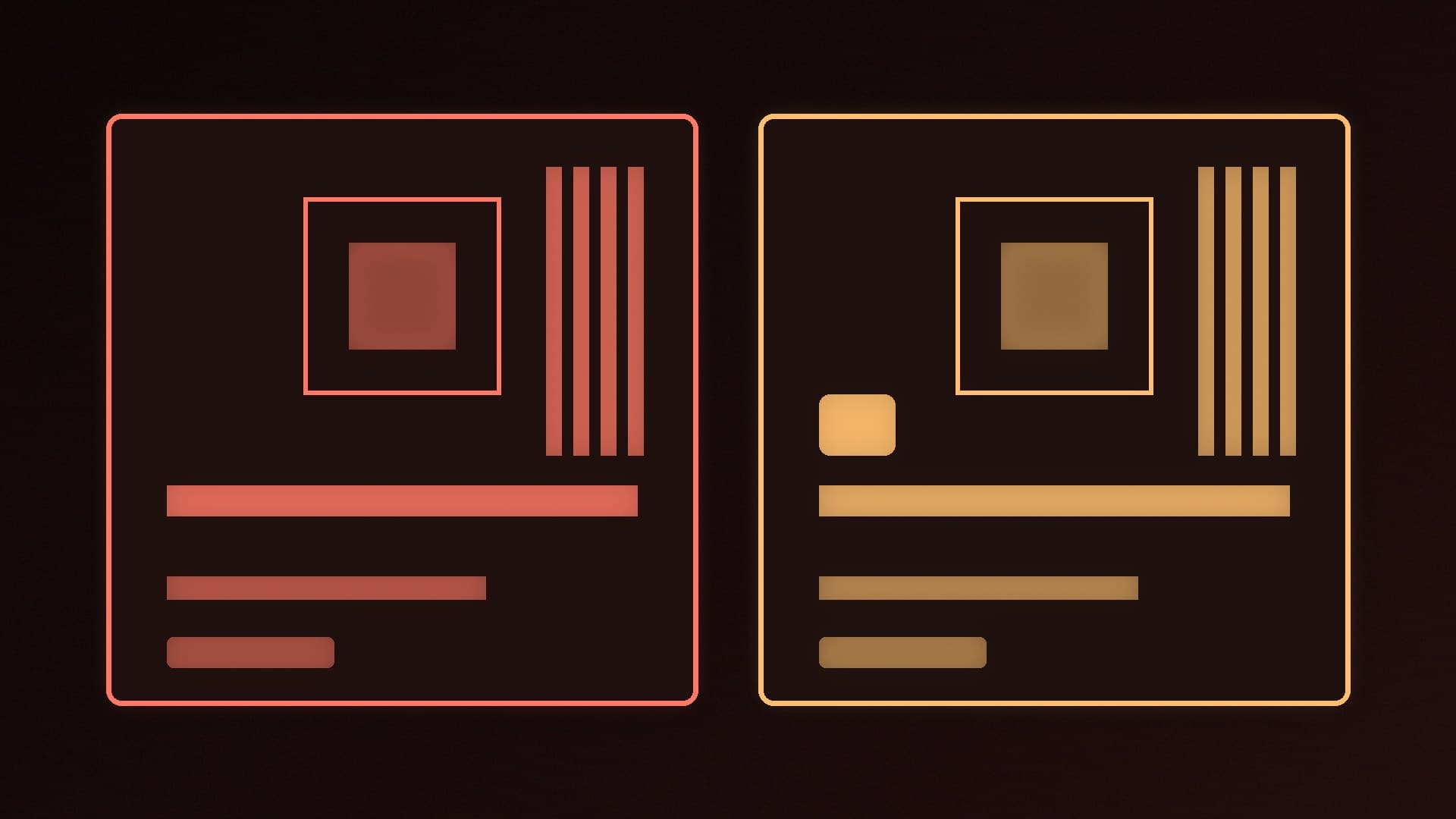
If you are building a Ryzen 7000, 8000 or 9000 PC, most of the motherboards you will be choosing between are B850 or X870. The names suggest a big gap, a mid-range board against a high-end one, but the real difference is smaller than that, and for many gaming builds it does not matter.
Forge PC has not tested these boards. The comparison below is based on AMD's official AM5 chipset specifications, TechPowerUp's report on AMD's 800-series feature sets and its RTX 5090 PCIe scaling tests, and TechSpot's AM5 chipset guide. Individual boards vary a lot, so always check the specification page for the exact model you are considering.
The short version
Feature | B850 | X870 |
|---|
CPU support | Ryzen 7000, 8000 and 9000 (AM5) | Ryzen 7000, 8000 and 9000 (AM5) |
CPU overclocking | Yes | Yes |
DDR5 with AMD EXPO | Yes | Yes |
PCIe 5.0 M.2 SSD slot (from CPU) | Yes, at least one | Yes, at least one |
Graphics slot | PCIe 4.0 per AMD's spec; PCIe 5.0 optional on some boards | PCIe 5.0 |
USB4 | Optional, board-dependent | Required |
Chipset design | Single chip | Single chip |
According to TechPowerUp's summary of AMD's feature sets, B850 "doesn't mandate USB4 connectivity", while X870 does, and X870 always gives you a PCIe 5.0 x16 graphics slot. AMD's own chipset table lists PCIe 5.0 graphics for X870 and PCIe 4.0 for B850, although motherboard makers are free to add PCIe 5.0 graphics to a B850 board.
What is the same
More than you might expect. Both chipsets:
take every current AM5 processor, from Ryzen 7000 to Ryzen 9000 (see our AM5 longevity news piece for what AMD has said about future chips);
support CPU overclocking, plus DDR5 memory overclocking through AMD EXPO profiles, which our XMP and EXPO guide explains;
are required to provide at least one PCIe 5.0 x4 M.2 slot connected to the CPU, so fast Gen 5 storage is not an X870 exclusive;
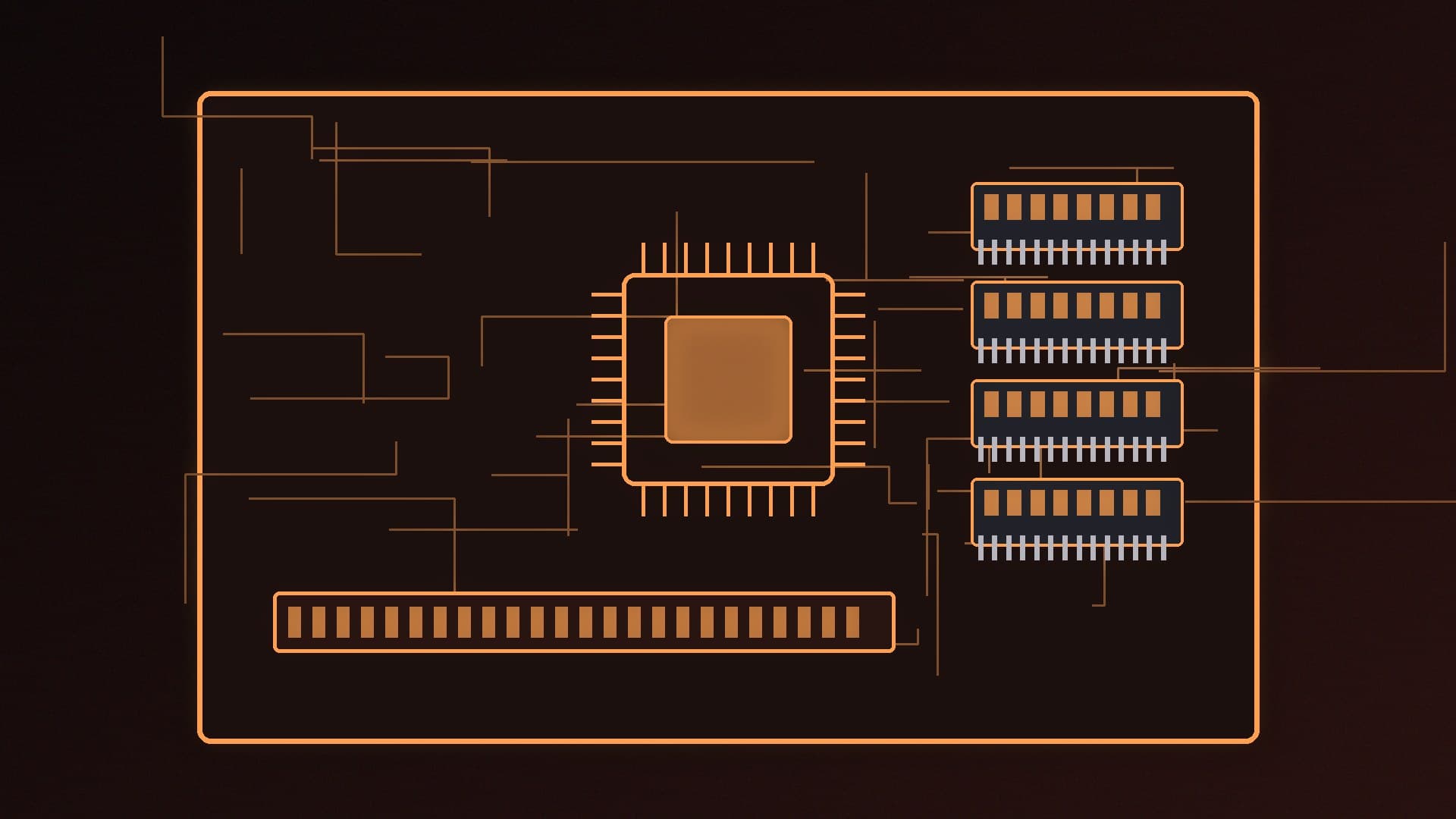
use one Promontory 21 chipset chip. TechSpot notes the B650, B650E, B850 and X870 all use a single, fully enabled Promontory 21.
That last point matters: on paper, a B850 board and an X870 board have the same chipset I/O budget for extra SATA ports, USB and PCIe 4.0 lanes. X870E is the one with two chipset chips, which is why X870E boards typically have more M.2 slots and USB ports.
What X870 adds
Guaranteed USB4
Every X870 board has USB4, the 40Gbps standard that can carry fast external SSDs, docks and DisplayPort over USB-C. TechSpot notes the USB4 controller uses four of the CPU's PCIe lanes. On some boards that means the USB4 port shares bandwidth with one of the M.2 slots, so check the manual for lane sharing before you assume you can use everything at full speed.
Who needs it: people with USB4 or Thunderbolt-class external drives, docks or capture devices. If you have never owned a USB4 device, you probably do not need it.
A PCIe 5.0 graphics slot
X870 guarantees a PCIe 5.0 x16 slot for the graphics card. That is mainly future-proofing. When TechPowerUp tested the RTX 5090, one of the fastest gaming cards available, it found the card lost only about 1% of gaming performance on average when run at PCIe 4.0 x16 instead of PCIe 5.0 x16. A B850 board with a PCIe 4.0 graphics slot is therefore not a meaningful bottleneck for a single gaming card today. If you plan to keep the board for many years and upgrade the GPU twice, the X870 guarantee is a small insurance policy.
Wi-Fi 7 is common, but not a chipset feature
TechSpot notes that X870 boards tend to come with Wi-Fi 7 cards because they are newer. Plenty of B850 boards also have Wi-Fi 7. Wireless is a board feature, not something the chipset decides, so compare the specific models. Our Wi-Fi 7 vs Wi-Fi 6E guide explains whether it matters for you.
you want USB4 without having to check each board's spec sheet;
you want a PCIe 5.0 graphics slot for future upgrades;
the X870 board you like happens to be on offer at close to B850 money.
Look at X870E instead if you need lots of M.2 slots and USB ports, which the second chipset chip enables.
Do not compare chipsets alone. Power delivery, M.2 slot count, rear USB ports, networking and BIOS features vary more between two B850 boards than between a typical B850 and X870. Our best AM5 motherboard guide has specific picks, and AM5 vs LGA 1851 covers the platform choice. You can compare examples such as the MSI MAG B850 TOMAHAWK MAX WIFI II and the ASUS ROG STRIX X870-A GAMING WIFI in our product database.
Our verdict
For most UK gaming builds, B850 is the better buy: it runs the same Ryzen CPUs, overclocks the same way and already guarantees a PCIe 5.0 SSD slot. Pay for X870 only if you want guaranteed USB4 or a PCIe 5.0 graphics slot for future upgrades, or if a board you like is priced close to B850 options. Judge the specific board's features, not the chipset name. We have not tested these boards; the comparison is based on AMD's chipset specifications, TechPowerUp's reporting and testing, and TechSpot.