If you're building with an Intel Core Ultra 200S ("Arrow Lake") processor on the LGA 1851 socket, you'll mostly be choosing between two chipsets: the high-end Z890 and the mainstream B860. Z890 boards cost a lot more, so it's worth knowing exactly what the extra money buys.
Forge PC has not tested motherboards for this comparison. Chipset specifications are from Intel's official specification pages, with additional context from Puget Systems' chipset comparison. Prices are approximate UK prices from SpecPrice's listings as viewed on 16 November 2026.
The short version
Both support the same processors, a PCIe 5.0 x16 graphics slot and a PCIe 5.0 x4 M.2 slot from the CPU, two memory modules per channel and memory overclocking (XMP).
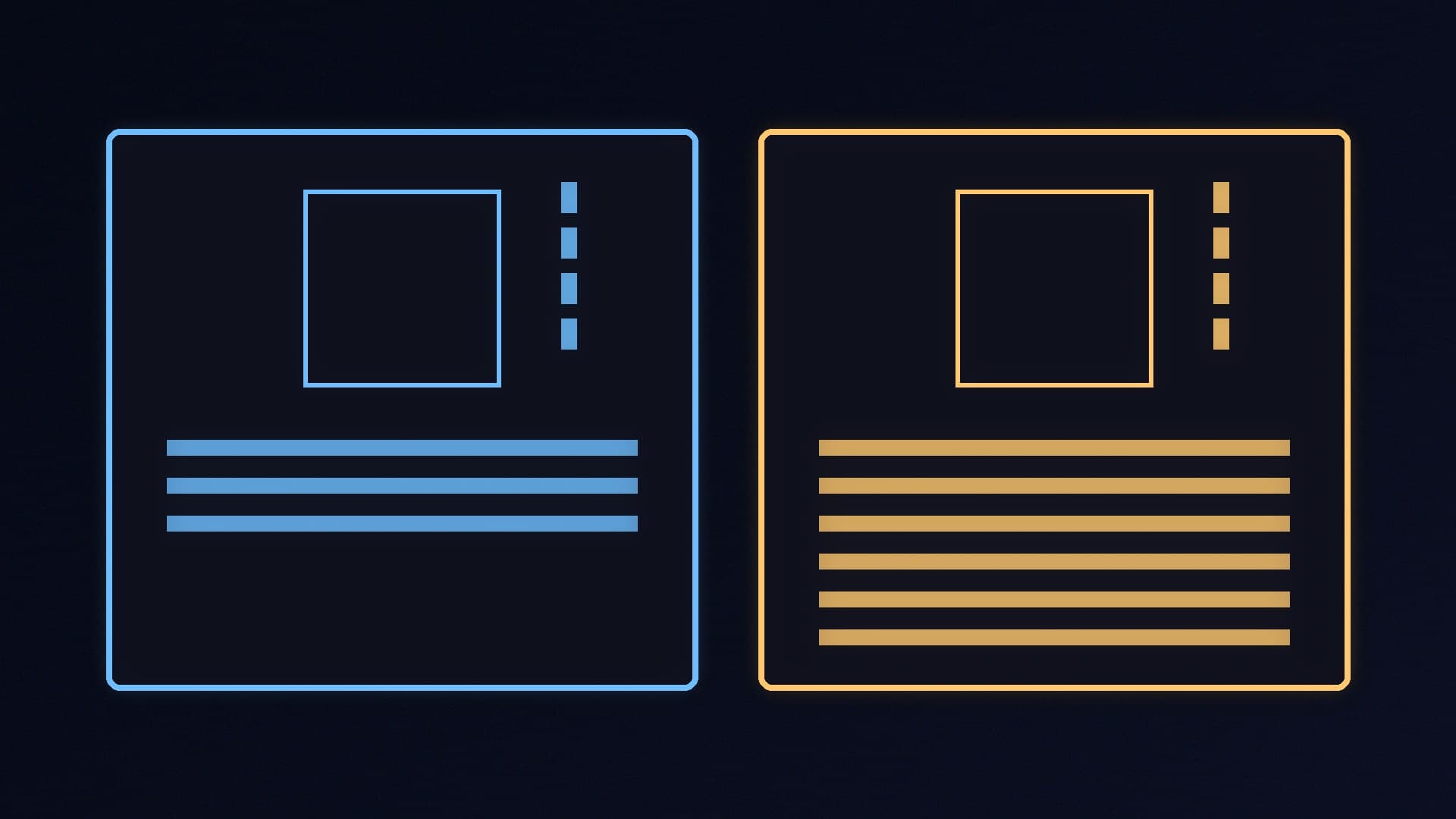
Z890 adds CPU core and base clock overclocking, more chipset PCIe lanes, more USB and SATA ports, a wider link to the CPU and more flexible use of the CPU's PCIe lanes.
B860 is much cheaper, from about £92 against about £182 for the cheapest Z890 boards on 16 November 2026.
Specifications compared
Feature | B860 | Z890 |
|---|
Overclocking | Memory only | CPU cores (IA), base clock (BCLK) and memory |
CPU PCIe 5.0 configurations | 1x16 + 1x4 | 1x16 + 1x4, 2x8 + 1x4 or 1x8 + 3x4 |
Extra CPU PCIe 4.0 x4 | No | Yes |
Chipset PCIe 4.0 lanes | Up to 14 | Up to 24 |
DMI 4.0 link to CPU | x4 | x8 |
USB 3.2 ports | Up to 6 (up to two 20Gbps) | Up to 10 (up to five 20Gbps) |
USB 2.0 ports | 12 | 14 |
SATA ports | Up to 4 | Up to 8 |
Chipset RAID | Not listed by Intel | PCIe and SATA 0, 1, 5, 10 |
DIMMs per channel | 2 | 2 |
Intel recommended price (chipset only) | $31 | $57 |
These are what Intel allows. Each motherboard maker decides how many of the lanes and ports to actually wire up, so always check the specification of the board you're buying.
Overclocking: the main reason to buy Z890
The biggest difference is processor overclocking. Intel lists Z890 as supporting IA (CPU core), BCLK and memory overclocking, while B860 supports memory overclocking only. That matters only if you have an unlocked "K" processor such as the Core Ultra 7 265K and want to push it beyond stock settings. If you're buying a locked chip such as the Core Ultra 5 225, or you never overclock, Z890's biggest feature is wasted.
Both chipsets support memory overclocking, so you can run a DDR5 XMP kit at its rated speed on either. Our XMP and EXPO guide explains how.
Expansion: drives, USB and add-in cards
Z890 has up to 24 chipset PCIe lanes against B860's 14, and Intel says it supports up to eight SATA ports and up to ten USB 3.2 ports compared with four and six. In practice, that means Z890 boards tend to have more M.2 slots, more rear USB ports and more room for extras like faster networking.
As Puget Systems points out, Z890 also exposes more of the processor's own PCIe lanes: an extra PCIe 4.0 x4 link, plus the option to split the graphics lanes into two x8 slots, which B860 doesn't allow. That's useful for workstations with several add-in cards, but irrelevant for most gaming PCs with one graphics card.
Z890 also has a wider x8 DMI link to the processor, against x4 on B860. Puget Systems says it doesn't think this is a particularly relevant distinction for most systems, as the chipset link is rarely a bottleneck.
What you don't give up with B860
For a typical gaming PC, B860 keeps what matters:
a PCIe 5.0 x16 slot for your graphics card;
a PCIe 5.0 x4 M.2 slot from the processor for a fast SSD (see our PCIe 4.0 vs 5.0 SSD comparison);
four memory slots (two per channel) and XMP support;
Thunderbolt 4 support where the board maker includes it, according to Puget Systems.
Prices in the UK
On 16 November 2026, SpecPrice listed B860 boards from about £92 (ASRock B860M-H2), with the Gigabyte B860M D3HP at about £103. The cheapest Z890 boards started at about £182, with the ASUS PRIME Z890-P at about £190. That difference of roughly £90 could pay for a better graphics card or more storage. For specific recommendations, see our best LGA 1851 motherboard guide.
Which should you buy?
Buy B860 if: you're building a gaming PC with one graphics card, a locked or unlocked Core Ultra processor you won't overclock, and up to a few drives. It's also the sensible choice for micro-ATX and mini-ITX builds, which have little room for extra slots anyway.
Buy Z890 if: you want to overclock a K-series processor, need lots of M.2 and SATA drives or USB ports, or plan to run several add-in cards.
Before you commit to LGA 1851 at all, compare it with AMD in our AM5 vs LGA 1851 guide. If you're on AMD, our B850 vs X870 comparison covers the equivalent choice.
Our verdict
For most gamers, B860 is the better buy: it keeps the PCIe 5.0 graphics and M.2 slots and XMP memory support, and saves roughly £90 that's better spent on your graphics card. Z890 is worth paying for only if you'll overclock a K-series chip or need its extra lanes, drives and USB ports. Forge PC has not tested these motherboards; specifications are from Intel.