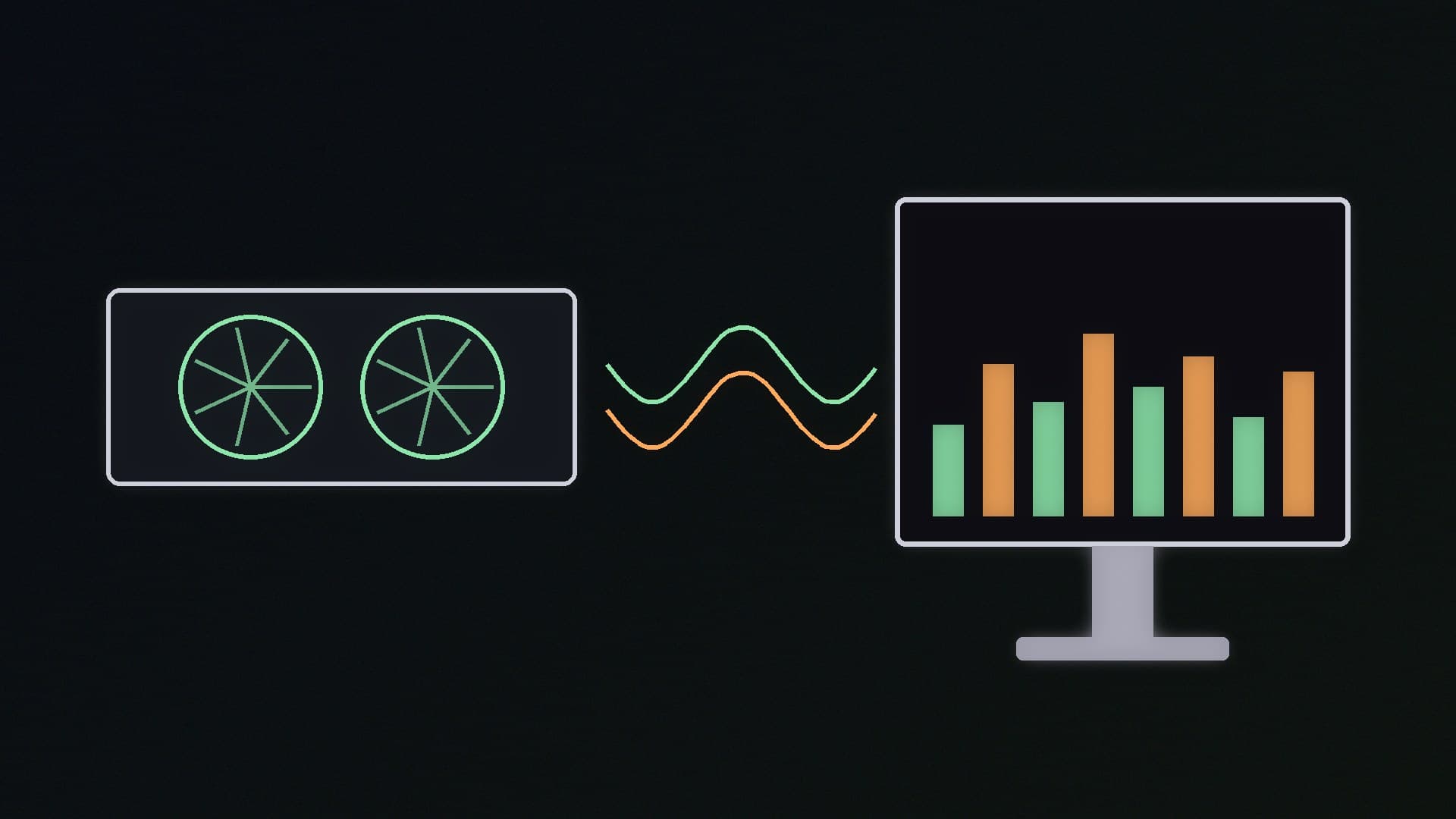
When you compare hardware for running large language models (LLMs) at home, it's tempting to look at AI TOPS, CUDA core counts or clock speeds. For the part you notice most, though, the speed the reply appears on screen, another spec usually matters more: memory bandwidth. This explainer covers why, how to do a rough sum yourself, and how to use the figure when you're shopping.
It's based on NVIDIA's technical article "Mastering LLM Techniques: Inference Optimization" and on official specification pages from AMD and NVIDIA, checked on 23 November 2026. The sums below are theoretical ceilings to explain the idea, not measured speeds.
Two phases: reading your prompt, then writing the answer
NVIDIA's article splits LLM inference into two phases.
Prefill is when the model processes your prompt. Because the whole input is known up front, NVIDIA describes this as a highly parallel matrix-matrix operation that "effectively saturates GPU utilization". This phase is compute-heavy, and it's why long prompts take a moment before the first word appears.
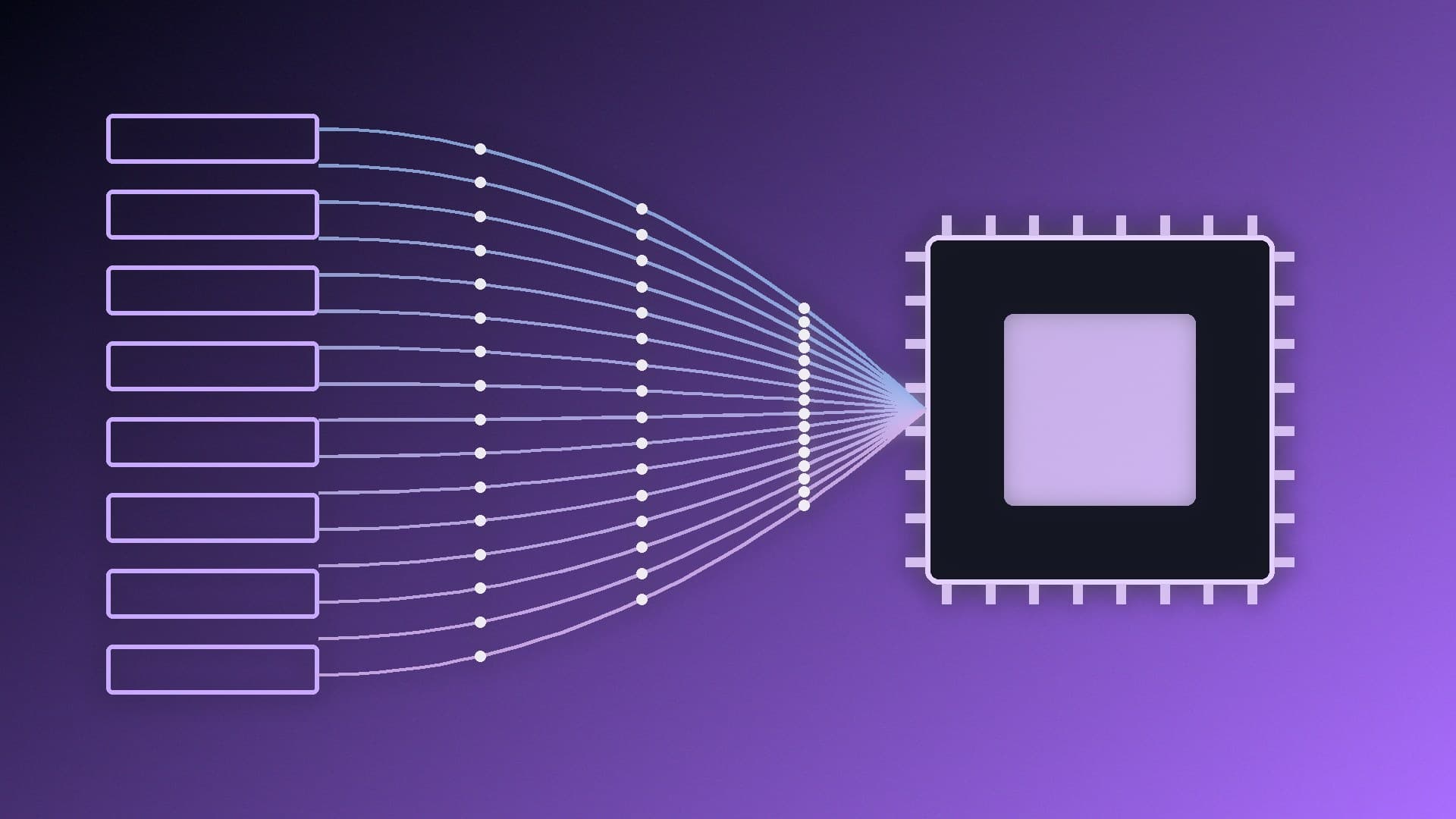
Decode is when the model generates its answer, one token at a time. Each new token depends on all the tokens before it. NVIDIA says the speed at which data (weights, keys, values and activations) is transferred to the GPU from memory "dominates the latency, not how fast the computation actually happens". In other words, it's a memory-bound operation.
NVIDIA also notes that a token is roughly four English characters, so a 300-word reply runs to a few hundred tokens. Each token needs another pass through the model.
Why bandwidth is the bottleneck
To produce each new token, the hardware has to read the model's weights from memory. A large model's weights take up gigabytes, and they have to stream through the processor again for every token. If your memory can deliver, say, 640GB per second and the model's weights take up 14GB, the memory can't feed the whole model to the processor more than about 46 times a second, however many cores are waiting.
That gives a simple rule of thumb for a single conversation:
Theoretical maximum tokens per second ≈ memory bandwidth ÷ size of the model in memory
Real-world speeds come in lower. Software overheads, the KV cache (which also has to be read) and imperfect use of the memory bus all eat into the ceiling. The sum is still useful because it shows which hardware has the most headroom, and why.
How big is the model in memory?
NVIDIA's article gives a worked example. A 7-billion-parameter model such as Llama 2 7B, loaded in 16-bit precision (FP16 or BF16), takes roughly 7 billion × 2 bytes, or about 14GB. Each parameter at 16-bit precision uses 2 bytes.
Quantisation changes that. Storing weights at lower precision shrinks the model. At about 4 bits (half a byte) per weight, the same 7B model's weights come to roughly 3.5GB before overheads. NVIDIA points out that quantisation means "you can transfer more parameters over the same amount of bandwidth", which can help speed up bandwidth-limited models. Our quantisation and GGUF explainer explains the formats you'll see in tools such as Ollama and LM Studio.
The KV cache matters too. NVIDIA calculates that Llama 2 7B at 16-bit precision with a 4,096-token sequence and a batch size of one needs about 2GB of KV cache, which grows with sequence length. Longer conversations therefore add to the data read per token. See our context length and VRAM explainer for more.
Putting numbers on real hardware
Here are official bandwidth figures for three current devices, and the theoretical ceiling for a 7B model at 16-bit (about 14GB) and at about 4-bit (about 3.5GB). These are back-of-envelope upper limits from the formula above, not test results.
Device | Memory (official spec) | Memory bandwidth (official spec) | Ceiling, 7B at 16-bit (~14GB) | Ceiling, 7B at ~4-bit (~3.5GB) |
|---|
AMD Radeon RX 9070 XT | 16GB GDDR6, 256-bit | Up to 640GB/s | ~46 tokens/s | ~183 tokens/s |
AMD Radeon RX 9060 XT (16GB) | 16GB GDDR6, 128-bit | Up to 320GB/s | ~23 tokens/s | ~91 tokens/s |
NVIDIA DGX Spark | Up to 128GB unified memory (64GB or 128GB options), 256-bit | 273GB/s | ~20 tokens/s | ~78 tokens/s |
Some patterns stand out:
Bus width matters. The RX 9070 XT and RX 9060 XT have the same 16GB of GDDR6, but AMD lists a 256-bit bus and up to 640GB/s for the 9070 XT against a 128-bit bus and up to 320GB/s for the 9060 XT. With the same capacity and twice the bandwidth, the 9070 XT has twice the theoretical decode ceiling.
Capacity and bandwidth are different things. The DGX Spark's up to 128GB of unified memory lets it load far bigger models than a 16GB graphics card can. NVIDIA lists 273GB/s of bandwidth, though, so on a model that fits both, a high-bandwidth graphics card has more headroom. Our unified memory vs VRAM comparison covers this trade-off.
Bigger models are slower on the same hardware. Double the model size and you halve the ceiling, so by the same sum a 70B model has about a tenth of the ceiling of a 7B model at the same precision.
What about when the model doesn't fit?
The sums above assume the whole model sits in fast memory, such as the graphics card's VRAM. If a model is too big and some layers spill into system RAM, those layers are read at the bandwidth of your system memory, which is typically lower than a graphics card's dedicated memory, and the slowest part sets the pace. That's why fitting the model (and its KV cache) fully into VRAM is usually the single biggest speed-up for a local LLM.
How to use this when you're buying
Decide which models you want to run, and at which quantisation, then work out roughly how many gigabytes they need.
Make sure the model fits in VRAM or unified memory with room left for the KV cache. Capacity is a hard limit.
Then compare bandwidth. Among devices that fit your models, higher memory bandwidth generally means faster replies. Look for the "memory bandwidth" line on the official spec sheet, and use the maker's own figure where it's given.
Don't judge on AI TOPS alone. NVIDIA's article describes prefill as the compute-heavy phase, while writing the answer is memory-bound.
To see how your own PC measures up, our local LLM speed benchmarking guide shows how to measure tokens per second.
Our verdict
When a local LLM writes its answer, every token means streaming the model's weights out of memory, so memory bandwidth, rather than raw compute, sets the speed limit. Dividing bandwidth by the model's size in memory gives a rough ceiling. Real speeds come in lower, but the sum shows why a 256-bit graphics card outpaces a 128-bit one with the same 16GB, and why quantised models run faster. Make sure your models fit in memory first, then pick the highest bandwidth you can afford.