Skip to content

Author / Systems & Technical Editor / 247 articles

Marcus Thorne

Marcus writes Forge PC's step-by-step build, troubleshooting and system optimisation guides. His background spans Windows kernel and power-state diagnostics, UEFI/BIOS configuration, NVMe storage arrays, ATX 3.1 power delivery and running local AI and LLM workloads on consumer graphics cards.

  • How to Use Ollama With Obsidian for Private, Local AI Notes

    How-To

    How to Use Ollama With Obsidian for Private, Local AI Notes

    Use the Copilot for Obsidian plugin with Ollama to chat with and search your notes locally. Pull a chat and embedding model, set OLLAMA_ORIGINS to app://obsidian.md*, add the model with the ollama provider and raise the context window.

    Marcus Thorne3 min

  • How to Run a Local LLM on an AMD Ryzen AI NPU With FastFlowLM

    How-To

    How to Run a Local LLM on an AMD Ryzen AI NPU With FastFlowLM

    FastFlowLM runs language models on the XDNA 2 NPU in Ryzen AI chips. Update the NPU driver to 32.0.203.311 or later, install flm-setup.msi, test with flm run llama3.2:1b and use flm serve for an OpenAI-compatible local API.

    Marcus Thorne3 min

  • How to Connect a PS5 DualSense Controller to Your PC

    How-To

    How to Connect a PS5 DualSense Controller to Your PC

    A PS5 DualSense connects to a Windows PC by USB-C or Bluetooth. PlayStation says haptics and the headset jack need a cable on PC; to pair wirelessly, hold Create and PS until the light bar blinks, then add it in Windows.

    Marcus Thorne3 min

  • How to Use Ollama With n8n for Local AI Workflows

    How-To

    How to Use Ollama With n8n for Local AI Workflows

    Run n8n in Docker, make Ollama listen on 0.0.0.0, and set the n8n Ollama credential's Base URL to http://host.docker.internal:11434. A Chat Trigger, Basic LLM Chain and Ollama Chat Model then make a first local AI workflow.

    Marcus Thorne4 min

  • How to Stop Your PC Waking Up From Sleep on Its Own

    How-To

    How to Stop Your PC Waking Up From Sleep on Its Own

    If Windows wakes itself up, run powercfg /lastwake to see why. Then use powercfg to list and disarm wake-capable devices, check wake timers and requests, turn off Allow wake timers, and look at your BIOS power settings.

    Marcus Thorne3 min

  • How to Check Which M.2 Slot Is Fastest on Your Motherboard

    How-To

    How to Check Which M.2 Slot Is Fastest on Your Motherboard

    Your motherboard's spec sheet shows which M.2 slot is fastest: look for the slot connected to the CPU at the highest PCIe generation, then check the footnotes for CPU limits, single-sided-only slots and lane sharing before installing a fast SSD.

    Marcus Thorne3 min

  • How to Check a CPU Cooler Fits Your Case (and Your RAM)

    How-To

    How to Check a CPU Cooler Fits Your Case (and Your RAM)

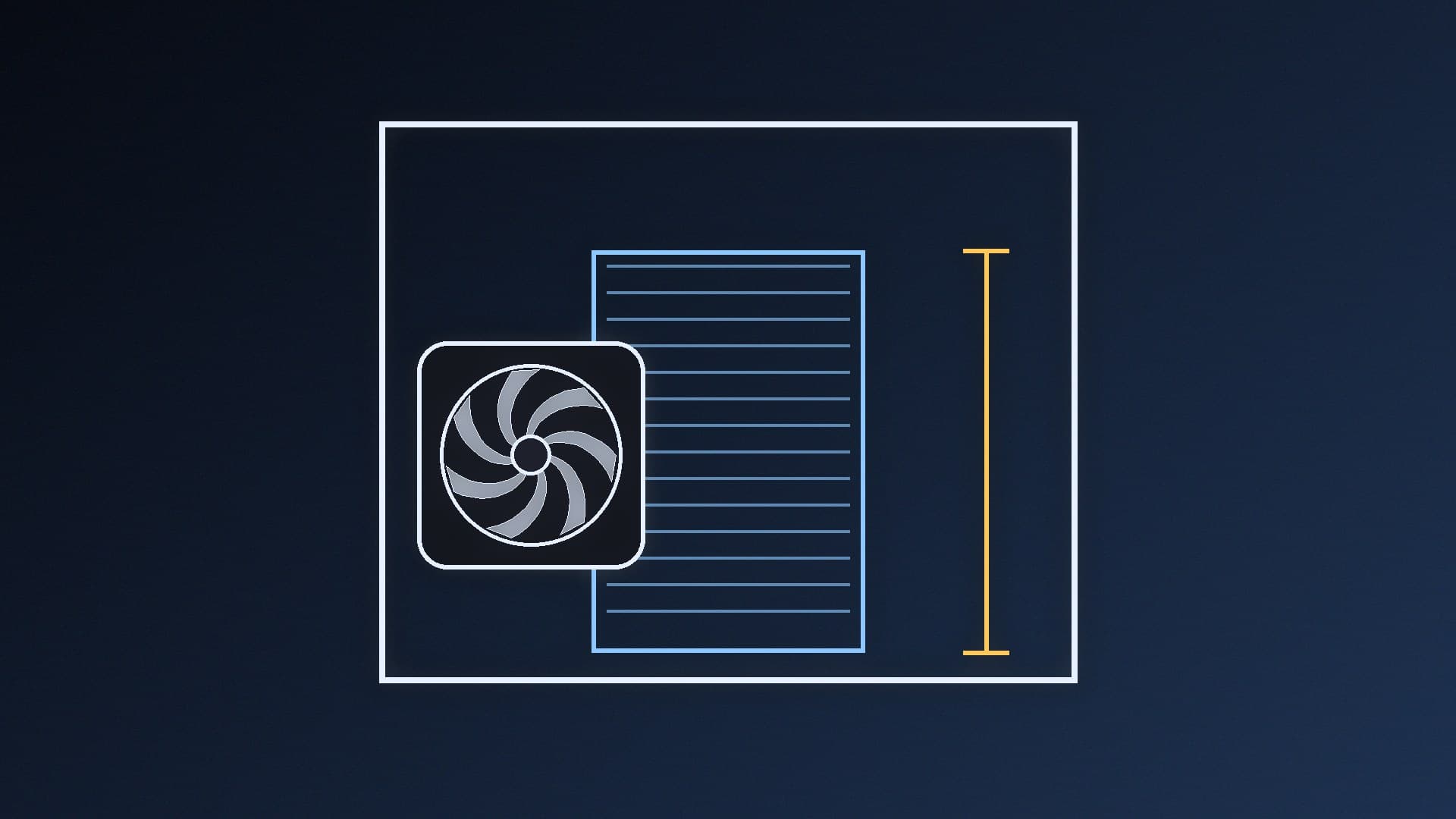
    Compare your case's maximum CPU cooler height with the cooler's height, leaving a few millimetres spare, then check RAM clearance and socket support. A 155mm Thermalright Peerless Assassin 120 SE, for example, won't fit a Fractal North with a 145mm limit.

    Marcus Thorne3 min

  • How to Set Up OBS Microphone Filters for Clearer Streams

    How-To

    How to Set Up OBS Microphone Filters for Clearer Streams

    OBS Studio's built-in audio filters can clean up your mic: Noise Suppression for fan hiss, a Noise Gate for silence between sentences, a Compressor near the start of the chain for loud moments and a Limiter last to stop clipping. Start from OBS's defaults.

    Marcus Thorne3 min

  • How to Use Ollama With Home Assistant for a Local AI Voice Assistant

    How-To

    How to Use Ollama With Home Assistant for a Local AI Voice Assistant

    Home Assistant's Ollama integration lets a model on your own PC power Assist. Expose Ollama on your network with OLLAMA_HOST, add the integration with your server's URL, pick a tool-capable model and expose only the entities you want it to control.

    Marcus Thorne3 min

  • How to Keep Ollama Models Loaded (or Unload Them to Free VRAM)

    How-To

    How to Keep Ollama Models Loaded (or Unload Them to Free VRAM)

    Ollama unloads models five minutes after your last request. Use ollama ps to see what's loaded, ollama stop to free VRAM straight away, the keep_alive API parameter per request, and OLLAMA_KEEP_ALIVE or OLLAMA_MAX_LOADED_MODELS to change the defaults.

    Marcus Thorne3 min

  • How to Work Out What Running Local AI Costs in Electricity (UK, 2026)

    How-To

    How to Work Out What Running Local AI Costs in Electricity (UK, 2026)

    Multiply watts by hours, divide by 1,000 and multiply by your unit rate. At Ofgem's average cap rate of 26.32p per kWh (1 October to 31 December 2026), an RTX 5090 at its full 575W rating costs about 15p an hour. Measure your own PC with nvidia-smi or a plug-in energy monitor.

    Marcus Thorne4 min

  • How to Check if Modular PSU Cables Are Compatible Before You Reuse Them

    How-To

    How to Check if Modular PSU Cables Are Compatible Before You Reuse Them

    Modular PSU cables aren't standardised at the power supply end, and Corsair and Seasonic both warn that mixing them can damage components. Check the cable type or compatibility list for your exact model, replace every modular cable when you change PSU, and buy replacements made for your model.

    Marcus Thorne3 min

  • How to Test Your Home Network Speed With iperf3

    How-To

    How to Test Your Home Network Speed With iperf3

    iperf3 measures the speed of your own network rather than your internet connection. Install it on two devices, run iperf3 -s on one and iperf3 -c with its IP address on the other, then use -R for the reverse direction and -P for parallel streams to find Wi-Fi, cable or port bottlenecks.

    Marcus Thorne3 min

  • How to Run MiniMax H3 Image Locally in ComfyUI

    How-To

    How to Run MiniMax H3 Image Locally in ComfyUI

    ComfyUI natively supports MiniMax H3 Image, an open-weights model for text-to-image and reference-image editing in six fixed steps at up to 4096x4096. Update ComfyUI, download the diffusion model, VAE and Qwen3-VL text encoder, load the template, and connect images and the VAE to edit.

    Marcus Thorne3 min

  • How to Speed Up LLM Text Generation in ComfyUI With MTP

    How-To

    How to Speed Up LLM Text Generation in ComfyUI With MTP

    ComfyUI v0.45.0 rebuilt local LLM text generation for Qwen3.x models with multi-token prediction and adaptive tree drafting, which Comfy says can roughly double token rates on the same GPU. Update ComfyUI, leave mtp on auto in the Text Generate node and measure your own gains.

    Marcus Thorne3 min