When you replace a modular power supply, it's tempting to leave the old cables neatly routed and plug them into the new unit. Don't, unless you've confirmed they're compatible. Corsair and Seasonic both warn that modular cables aren't interchangeable between brands, and sometimes not even between models from the same brand. Forge PC hasn't tested cable combinations; this guide is based on Corsair's and Seasonic's own guidance.
Why cables that fit can still be wrong
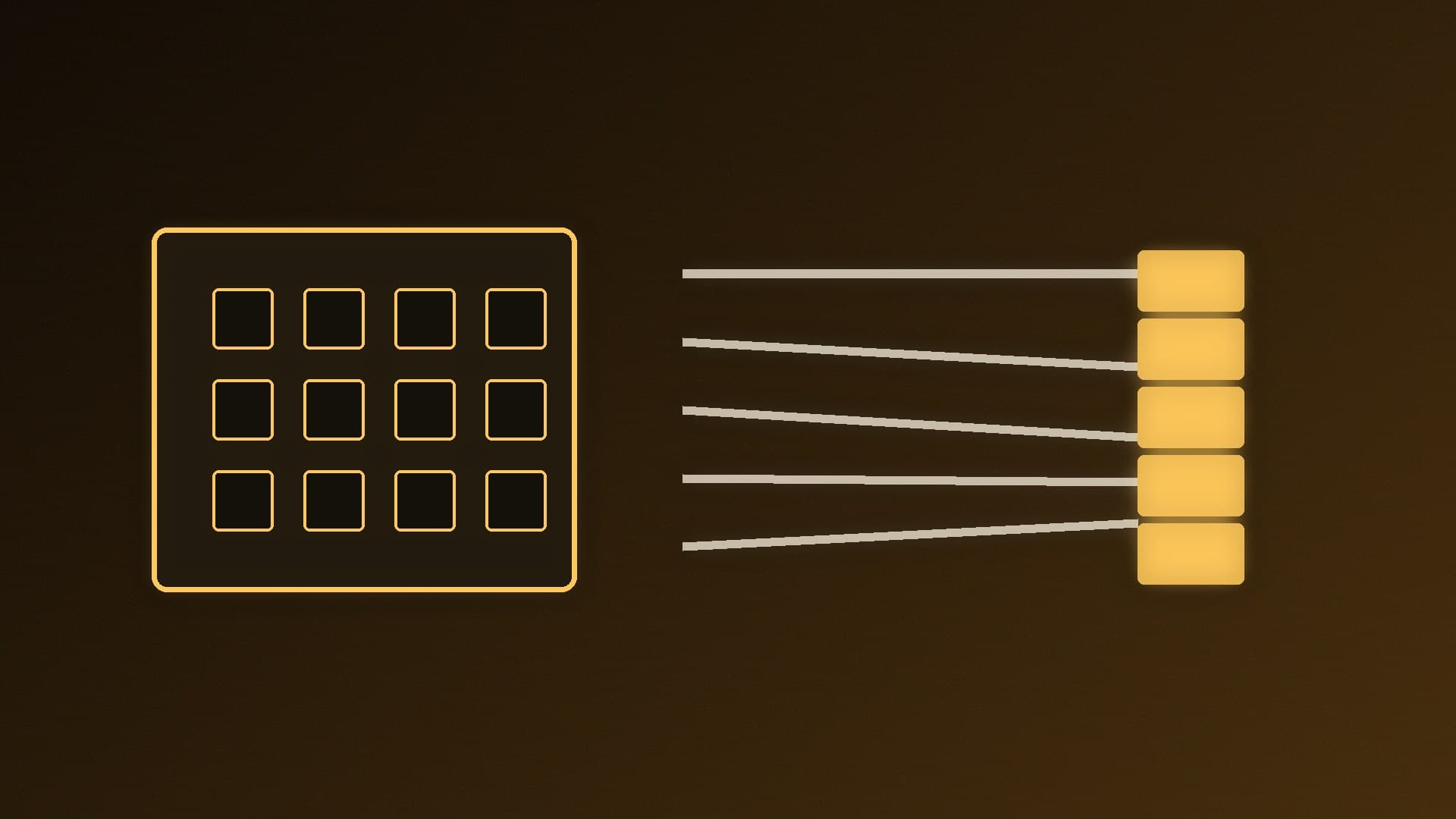
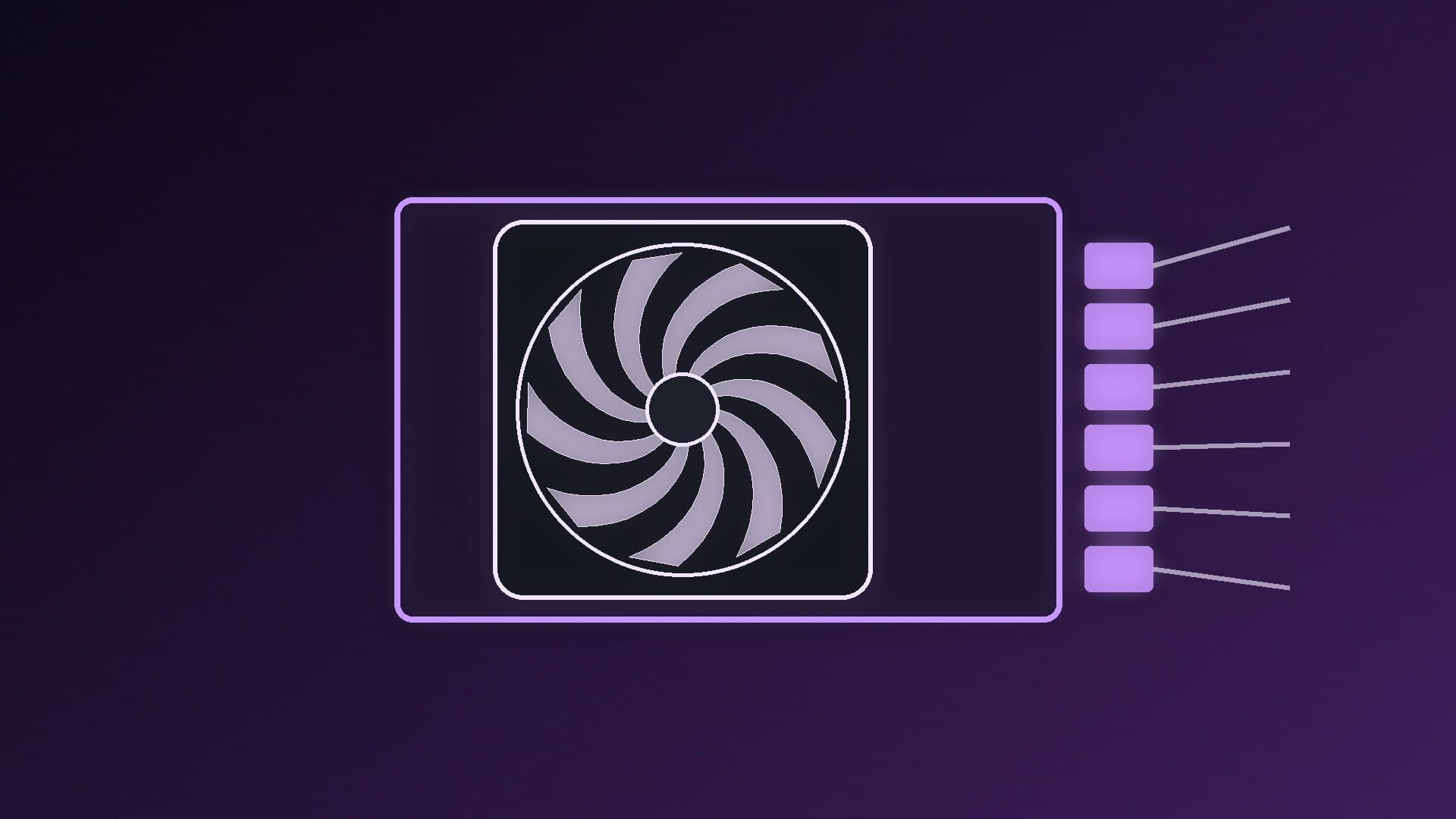
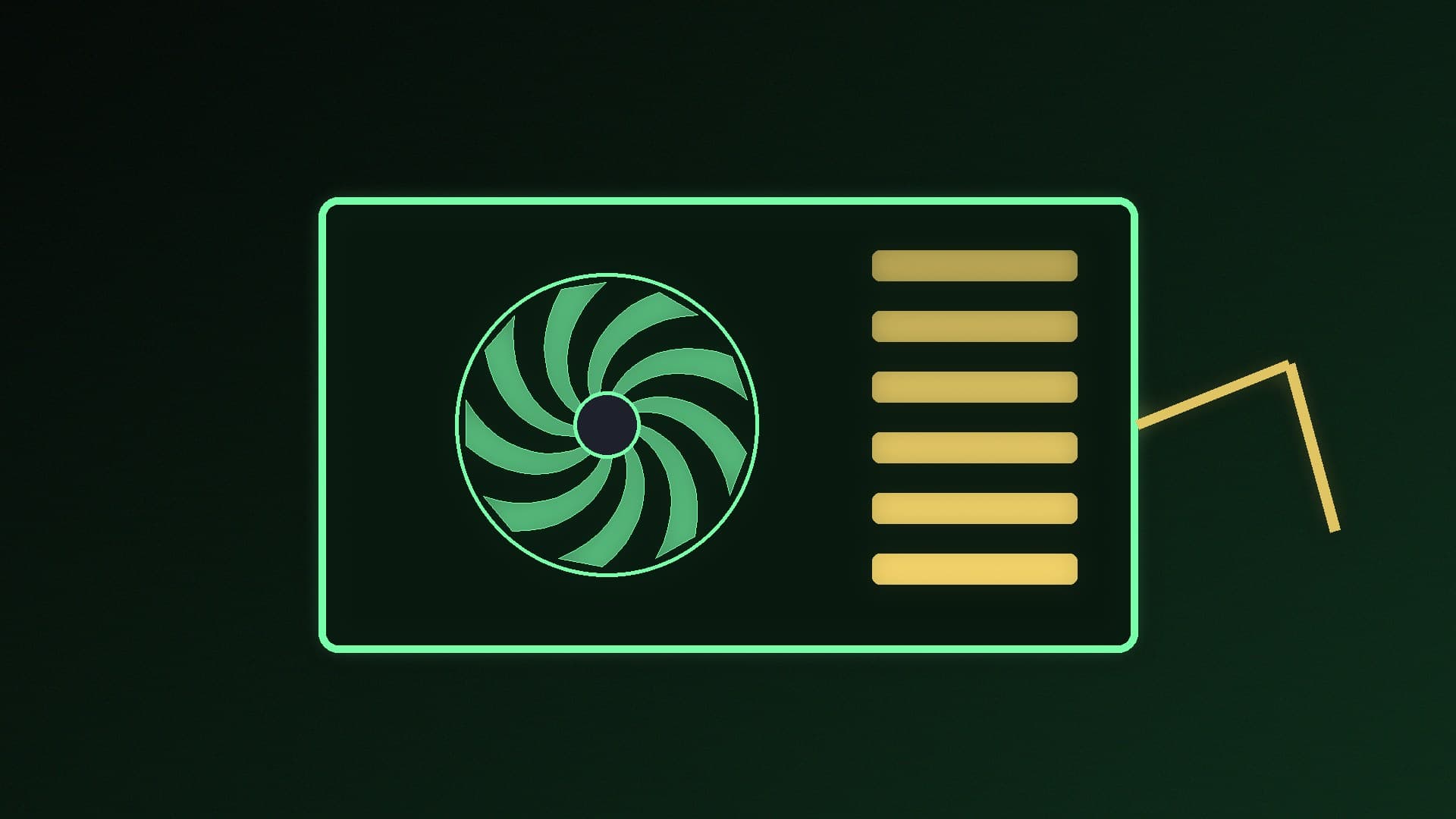
Corsair explains it simply: connectors on the component side (the 24-pin motherboard plug, the CPU EPS plug, the graphics card plug) are standardised, so every pin has the same wiring. On the power supply side, each manufacturer chooses its own layout. A cable from another PSU can plug in physically and still put the wrong voltage on the wrong pin.
Seasonic's compatibility guide says the same: modular cables are not cross-brand compatible, cables from different manufacturers and even different series of the same brand often use different pinouts, and using incompatible cables can result in component damage, fire hazards or a voided warranty.
Step 1: Never mix brands
If your old and new power supplies are from different brands, use the cables that came with the new PSU. Corsair's advice is blunt: "Don't even try."
Step 2: Same brand? Check the cable type or series
Even within one brand, check the compatibility information before reusing anything.
Corsair: Corsair cables are labelled by type. Corsair says that between Type 3 and Type 4, only the 24-pin ATX cable is different and the other cables are compatible. Type 5 uses smaller PSU-side connectors, first on its SHIFT series and later on SF-L and updated SF units; Corsair says those connectors carry the same power rating as Type 4. When you change PSU, Corsair says the old and new units need the same cable type, or you'll need new cables. Cable "generations" (such as Gen 4 and Gen 5) only change the sleeving and look, not compatibility.
Seasonic: Seasonic says its current CORE, FOCUS, VERTEX and PRIME series share the same pinout, so cables can be swapped between those series, while older models may use different layouts. It publishes compatibility tables, and says to contact its support if your model isn't listed. Seasonic's knowledge base also says that using non-compliant cables may void the warranty.
Other brands: look for the maker's own compatibility list or ask its support. If you can't confirm it, don't reuse the cables.
Step 3: Swap every modular cable, not just the main ones
When you fit a new PSU, replace the 24-pin, CPU, PCIe or 12V-2x6, SATA and peripheral cables together. It's easy to forget a SATA cable to a drive bay or a fan hub. Our guide to replacing a power supply walks through the whole job, and how to cable manage a PC helps you route the new set.
Step 4: Buying replacement or custom cables
Buy a cable kit made for your exact PSU model or cable type. Corsair says the same type rule applies to extra cables and premium cable kits.
What you can reuse
The mains cable from the wall to the PSU is the exception. Corsair says these follow industry standards such as IEC C13 (or IEC C19 on very high-capacity units), so you can reuse one as long as it meets the new PSU's requirements; it notes 10A is the most common rating for PCs, so make sure yours at least matches what the PSU needs.
For the graphics card cable, also read our guide to connecting a 12V-2x6 cable safely. Still choosing a PSU? See how to choose a PSU and modular vs non-modular PSUs.
Our verdict
Treat modular cables as part of the power supply they came with. Never mix brands; within one brand, only reuse cables after checking the maker's compatibility information, such as Corsair's cable types or Seasonic's series tables. The mains lead is the only cable you can safely reuse without that check, provided its rating is right.