Black Friday listings for SSDs tend to lead with one number: the top sequential read speed. The spec sheet tells you much more, including how speed changes with capacity, how much data the drive is rated to write and what the warranty really covers. This guide walks through each line using real manufacturer spec sheets from Kingston, SanDisk, Samsung, Crucial and Patriot.
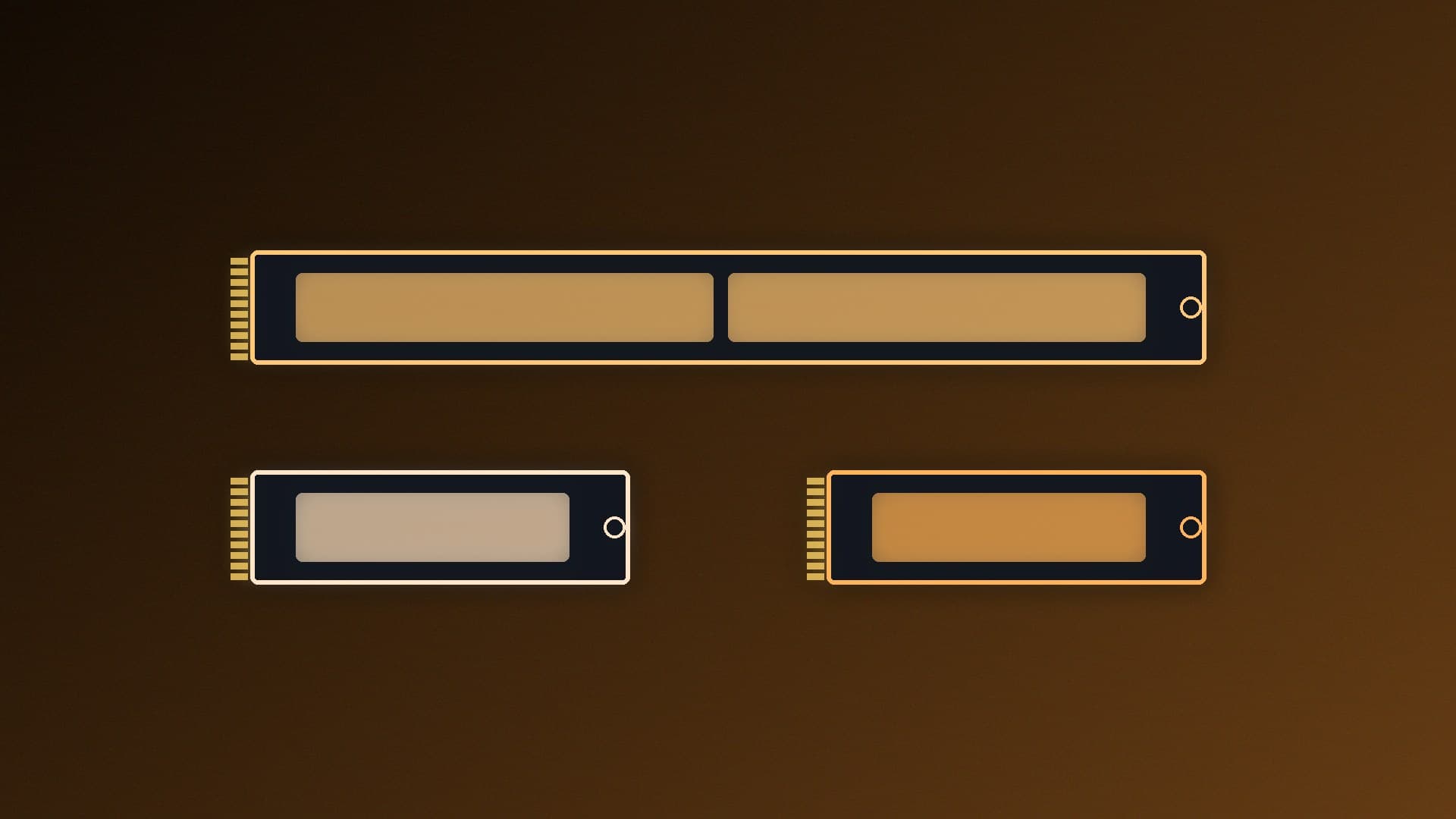
The interface tells you which slot the drive needs. Many budget and mainstream drives, such as Kingston's NV3 and Crucial's P310, are PCIe 4.0 x4 NVMe; flagship drives such as WD's SN8100 are PCIe Gen 5.0 x4. Some are flexible: Samsung lists the 990 EVO Plus as PCIe 4.0 x4 or PCIe 5.0 x2. Form factor is the physical size: M.2 2280 (22mm wide, 80mm long) fits most desktops, while 2230 drives are for handhelds and small laptops. Kingston sells its NV3 in both. Use our guide to checking M.2 slot speed to see what your board supports.
Sequential read and write
These are the big "up to" numbers, measured with large files. Two things to check:
Speed depends on capacity. Patriot rates its MS560 at 14,000MB/s reads for every capacity, but writes range from 7,500MB/s (1TB) to 11,000MB/s (4TB). Kingston's NV3 is rated at 5,000/3,000MB/s at 500GB but 6,000/5,000MB/s at 2TB and 4TB.
The unit is decimal. SanDisk's SN8100 data sheet footnotes say 1MB/s means one million bytes per second, that figures are based on internal testing, and that performance varies with the host device, usage conditions, capacity and other factors.
Random read and write (IOPS)
IOPS (input/output operations per second) measures small, scattered reads and writes, which is closer to what Windows and many apps do. For example, SanDisk lists the WD Blue SN5100 at up to 1,000K IOPS random read and 1,300K IOPS random write at 1TB and 2TB. Check the queue depth if it's listed; Samsung lists 4KB, QD32 figures for the 990 EVO Plus. High-queue-depth ratings are best-case numbers.
Endurance (TBW)
TBW (terabytes written) is how much data the drive is rated to write over its life. Kingston's data sheet notes that its TBW figures are derived from the JEDEC client workload (JESD219A). Endurance usually rises with capacity: Kingston lists 320TBW for the 1TB NV3 and 640TBW for 2TB. For most gaming PCs, a few hundred TBW is a lot of headroom; heavy video work or frequent large AI model downloads use more. Our guide to checking SSD health shows how much you've written so far.
Warranty: years or TBW
Read the warranty line carefully. Crucial says its warranty is valid for five years or until the drive reaches the TBW published in its data sheet, as measured by its SMART data, whichever comes first. Samsung lists the 990 EVO Plus as "5-year Limited Warranty or 1200 TBW Limited Warranty" at 2TB. Warranty lengths also differ: Patriot's new AI Matrix SSDs have two years, where many mainstream drives have five.
Cache: DRAM or HMB
Some drives have their own DRAM cache. Samsung lists a 2GB LPDDR4X cache for the 9100 Pro 2TB with heatsink. Others, such as the 990 EVO Plus, use Host Memory Buffer (HMB), borrowing a little system RAM instead. Our DRAM vs DRAM-less SSD explainer covers when that matters. NAND type matters too; see TLC vs QLC SSD.
Power
Power ratings are mainly a concern for laptops and for heat. SanDisk lists average active power for the SN8100 2TB at 6.4W read and 7.0W write, but makers present power differently, so compare like with like.
A quick checklist
Does the interface and form factor match your slot?
Are the speeds quoted for the capacity you're buying?
Is the TBW enough for how you use your PC?
Is the warranty five years, and is it limited by TBW?
Do you need a heatsink? See SSD heatsink vs no heatsink.
Our verdict
Don't buy on the headline read speed alone. Check that the speeds are for your capacity, compare TBW and warranty length, and note whether the drive has DRAM or uses HMB. For most gaming PCs, a PCIe 4.0 drive with a five-year warranty and a few hundred TBW is all you need.