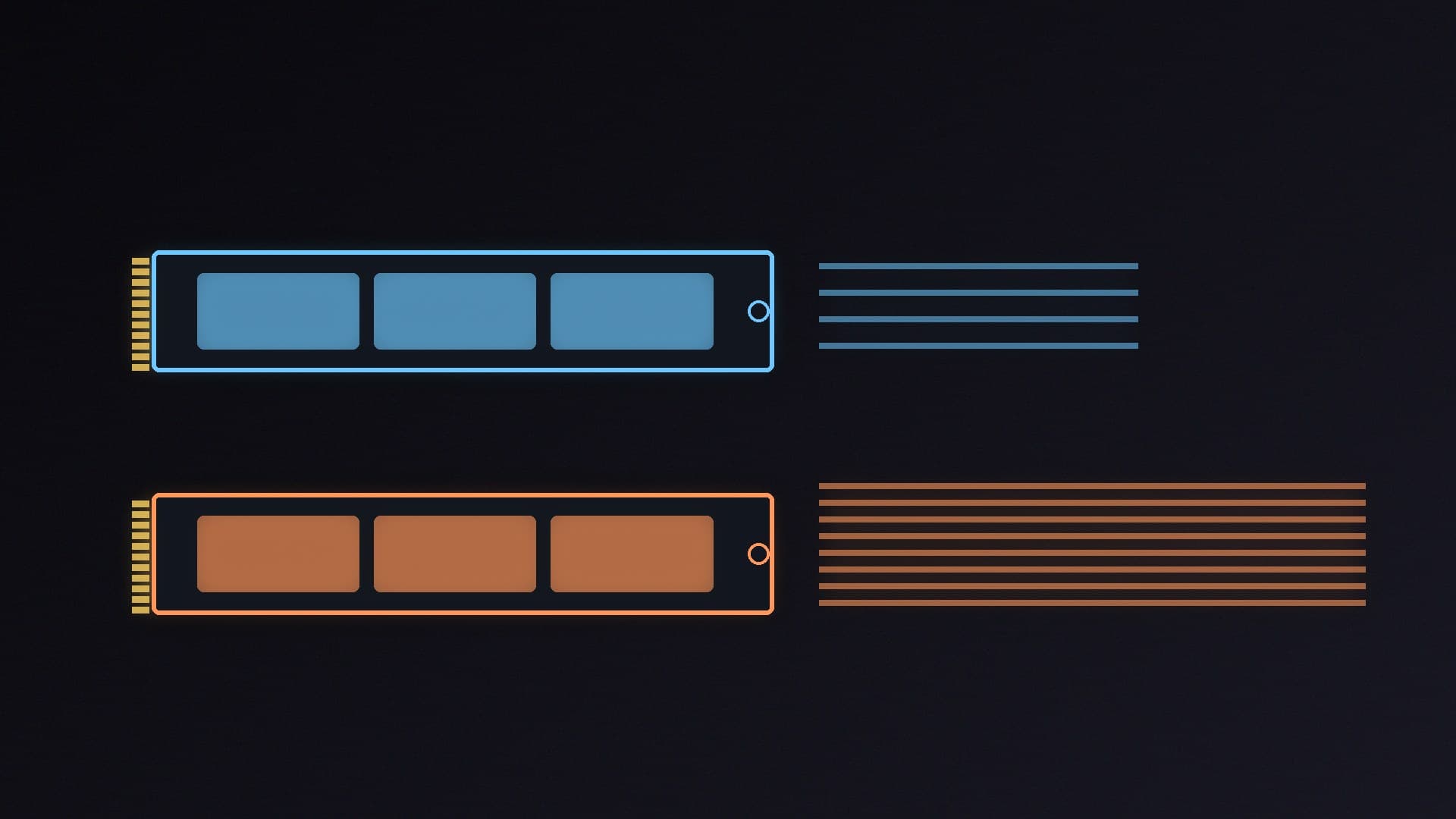
Two SSDs can have the same capacity, the same interface and the same "up to" read speed, yet one might be rated to last twice as long as the other. Very often the difference is the type of NAND flash inside: TLC (triple-level cell) or QLC (quad-level cell).
This guide explains what the two types are, how they differ for endurance and write speed, and when a QLC drive makes sense. Forge PC hasn't tested these drives itself; the figures come from Kingston's guide to NAND types and from Samsung's and Lexar's official specifications and warranty terms.
The short answer
| TLC | QLC |
|---|
Bits stored per cell | 3 | 4 |
Voltage states per cell | 8 | 16 |
Typical P/E cycles (Kingston) | 3,000 to 5,000 | About 1,000 |
Write speed | Faster, especially sustained | Slowest writes once the cache is full |
Price per TB | Higher | Lower, especially at 4TB and 8TB |
Best for | Boot drive, games, editing, heavy writes | Game libraries, media, archives |
For most people, a TLC drive is the safer choice for a main drive. A QLC drive is a sensible way to add a lot of cheap space for files you mostly read.
What TLC and QLC mean
NAND flash stores data as electrical charges in cells. The more bits each cell holds, the more data fits on the same chip, which lowers the cost per terabyte. The trade-off is that the drive has to tell apart more charge levels in each cell.
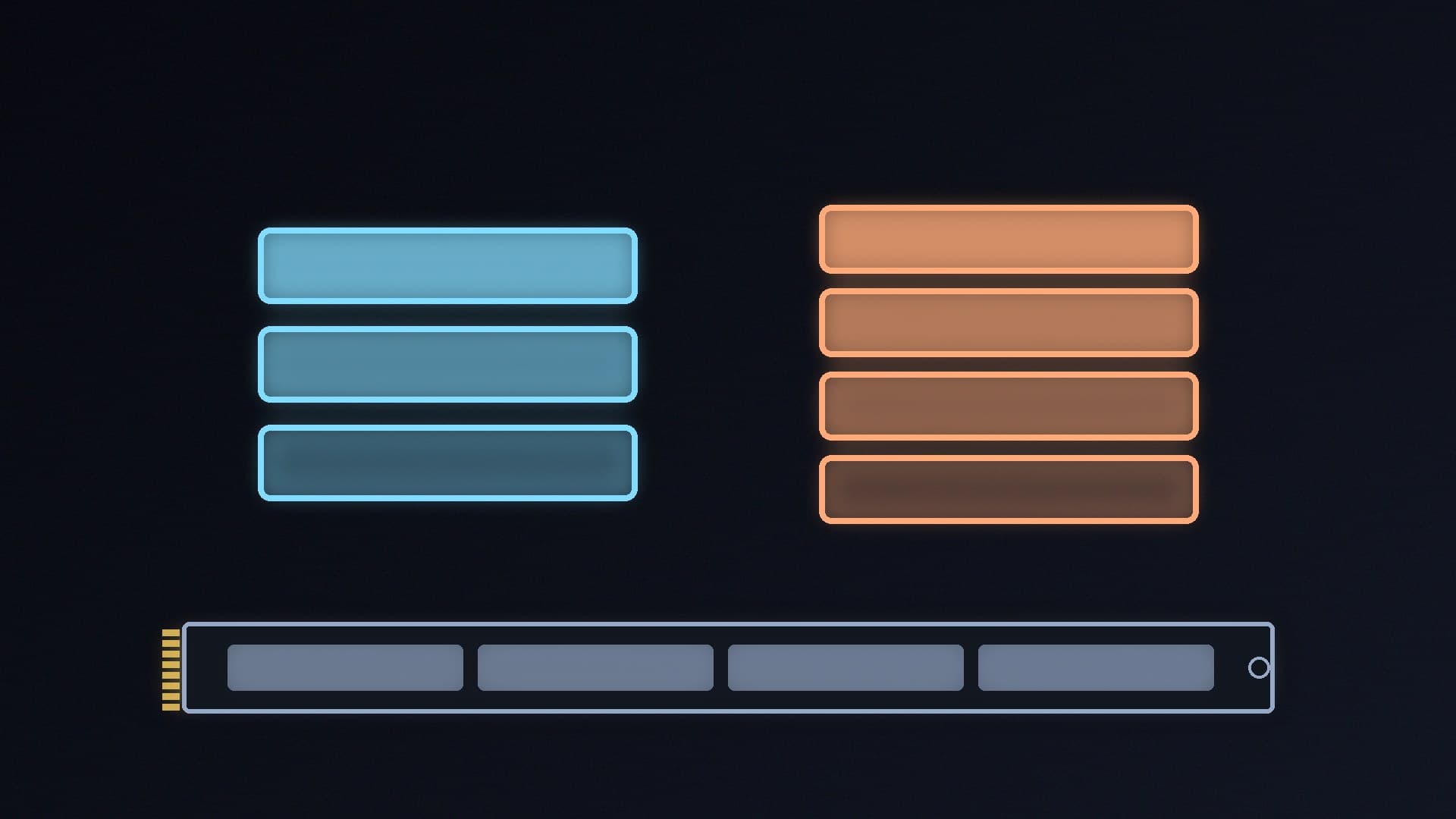
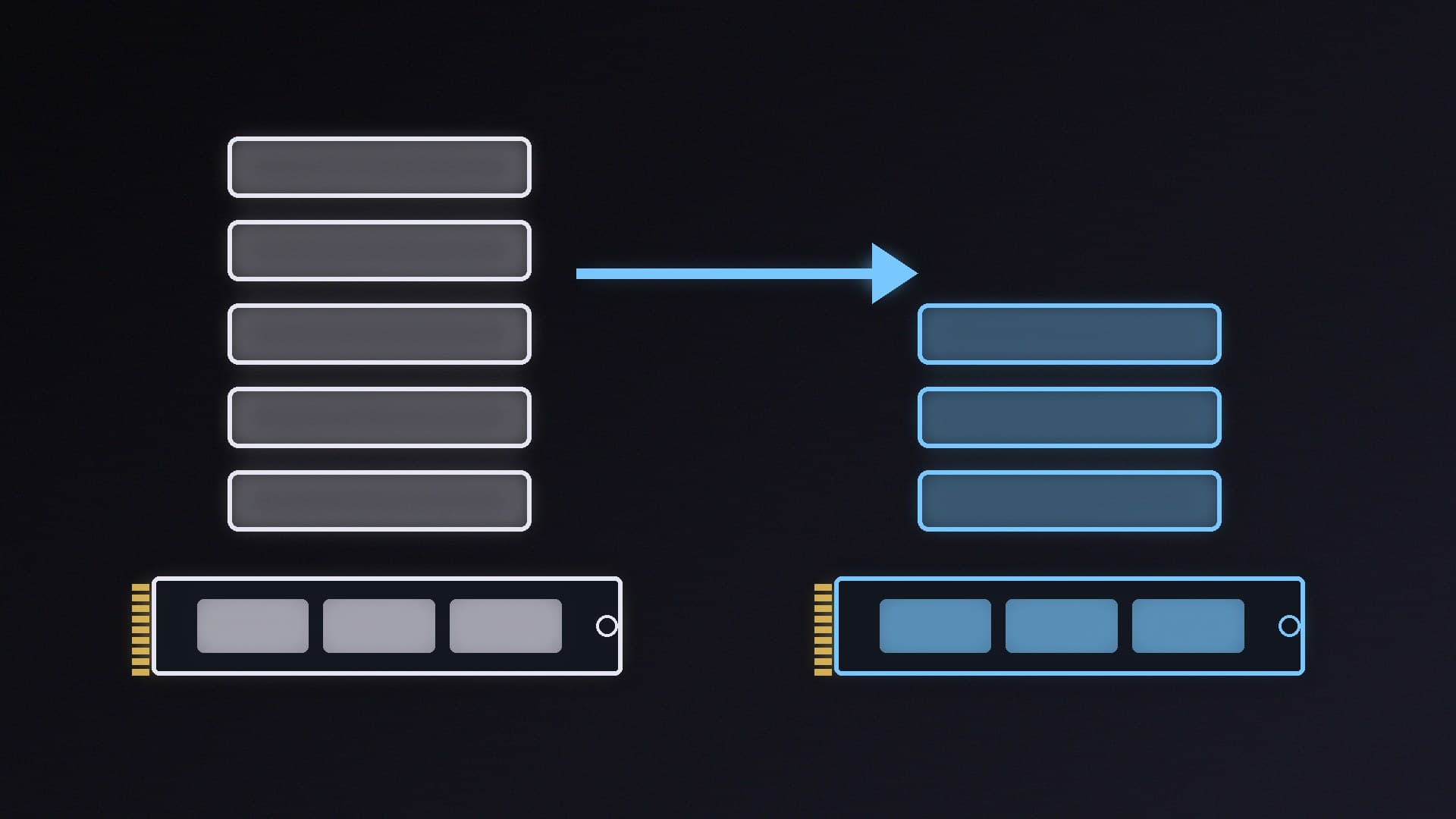
According to Kingston, TLC stores three bits per cell by managing eight voltage states, and it "remains the industry standard for mainstream PCs, laptops, and gaming consoles". QLC stores four bits per cell using 16 voltage levels, which Kingston says gives it the highest data density of any mainstream NAND type and makes 4TB and 8TB SSDs much more affordable. However, it adds that managing those 16 levels "significantly slows down write speeds and increases the wear on the drive".
Manufacturers don't always use the terms TLC and QLC. Samsung, for example, describes the 870 EVO's NAND as "Samsung V-NAND 3bit MLC" and the 870 QVO's as "Samsung V-NAND 4bit MLC". Those are TLC and QLC.
Endurance: how long will it last?
Endurance depends on how many program/erase (P/E) cycles a cell can survive before it wears out. Kingston puts TLC at typically 3,000 to 5,000 P/E cycles and QLC at around 1,000.
You'll more often see endurance expressed as TBW (terabytes written), the amount of data the manufacturer covers under warranty. Samsung's two SATA drives make a good like-for-like comparison, because they share the same interface and rated speeds. Samsung's UK warranty terms list:
Capacity | 870 EVO (TLC) | 870 QVO (QLC) |
|---|
1TB | 5 years or 600TBW | 3 years or 360TBW |
2TB | 5 years or 1,200TBW | 3 years or 720TBW |
4TB | 5 years or 2,400TBW | 3 years or 1,440TBW |
8TB | No 8TB model listed | 3 years or 2,880TBW |
The warranty runs for whichever comes first, the period or the TBW. So at the same capacity, the QLC drive is covered for 60% of the data and a shorter period.
That still covers a lot of writing. A 1TB 870 QVO is rated for 360TB, which is more than most gamers will write in three years. The gap matters more if you edit video, record lots of gameplay or regularly copy large files.
Speed: the cache hides the difference until it doesn't
Headline speeds rarely reveal the NAND type. Samsung rates both the 870 EVO and the 870 QVO at up to 560MB/s sequential reads and 530MB/s writes, the limit of the SATA interface, with writes measured using its Intelligent TurboWrite cache.
That cache is the key. Kingston explains that most modern consumer SSDs use a pseudo-SLC (pSLC) cache: a portion of the TLC or QLC flash is set to store only one bit per cell, so it can take incoming data quickly before the drive moves it to the slower, denser storage. For everyday use, game installs and short file copies, that cache makes TLC and QLC drives feel similar.
The difference shows up during long, sustained writes that fill the cache. At that point the drive writes directly to its native NAND, and QLC is the slowest type to write to. Kingston's advice is that QLC is ideal for "read-heavy tasks like storing game libraries, media collections, or long-term archives where data isn't being constantly overwritten".
The interface (SATA or NVMe, PCIe 4.0 or 5.0) is a separate choice from the NAND type. Our NVMe vs SATA SSD guide and PCIe 4.0 vs PCIe 5.0 SSD comparison cover those differences.
How to tell which type a drive uses
Check the spec sheet. Look for "NAND type", "flash type" or "memory type". Some makers write TLC or QLC; others use terms like "3bit MLC" or "4bit MLC".
Compare TBW and warranty. A noticeably lower TBW than rival drives of the same capacity, or a shorter warranty, can be a sign of QLC.
Read independent reviews. Sustained write tests show how far a drive slows once its cache is full.
Check the DRAM too. NAND type is separate from whether a drive has a DRAM cache, which we explain in DRAM vs DRAM-less SSDs.
For example, Lexar lists its NM1090 PRO PCIe 5.0 drive as using 232-layer 3D TLC NAND with a DRAM cache and SLC caching, rated for 700TBW at 1TB, 1,400TBW at 2TB and 2,800TBW at 4TB, with a five-year warranty.
When QLC makes sense
A second drive for your game library. Games are written once and read many times, which suits QLC.
Big capacities on a budget. QLC is how makers offer 4TB and 8TB SSDs at lower prices; Samsung's 870 QVO goes up to 8TB.
Media storage and backups. Photos, video archives and backup images are rarely rewritten.
Stick with TLC for your boot drive if you can, and for any drive that handles video editing, capture, large downloads or virtual machines. Whichever you buy, tools like CrystalDiskInfo will show how much of its rated life a drive has used; see how to check SSD health.
For specific picks, see our guides to the best SATA SSDs, best 4TB SSDs and best SSDs overall.
Our verdict
TLC stores three bits per cell and QLC four, so QLC gives you more capacity for less money at the cost of endurance and sustained write speed. Kingston puts QLC at around 1,000 P/E cycles against 3,000 to 5,000 for TLC, and Samsung's warranty covers its QLC 870 QVO for 60% of the 870 EVO's TBW over three years rather than five. Thanks to SLC caching, both feel similar for gaming and everyday use. Choose TLC for your main drive and anything write-heavy, and QLC for large, read-mostly game and media libraries. Forge PC hasn't tested these drives itself.