Most modern motherboards have two or more M.2 slots, but they're rarely identical. One might connect to the CPU at PCIe 5.0, another to the chipset at PCIe 4.0, and some only reach full speed with certain processors. Put a fast SSD in the wrong slot and it will work, just slower. This guide shows how to read a spec sheet using manufacturers' published specifications as examples; Forge PC hasn't benchmarked any of these boards.
Step 1: Find your exact motherboard model
In Windows, press Win + R, type msinfo32 and look for BaseBoard Product. Our guide to checking your motherboard model in Windows 11 covers other methods. Then open the specifications page on the manufacturer's website, or the manual's storage section.
Step 2: Read the storage section slot by slot
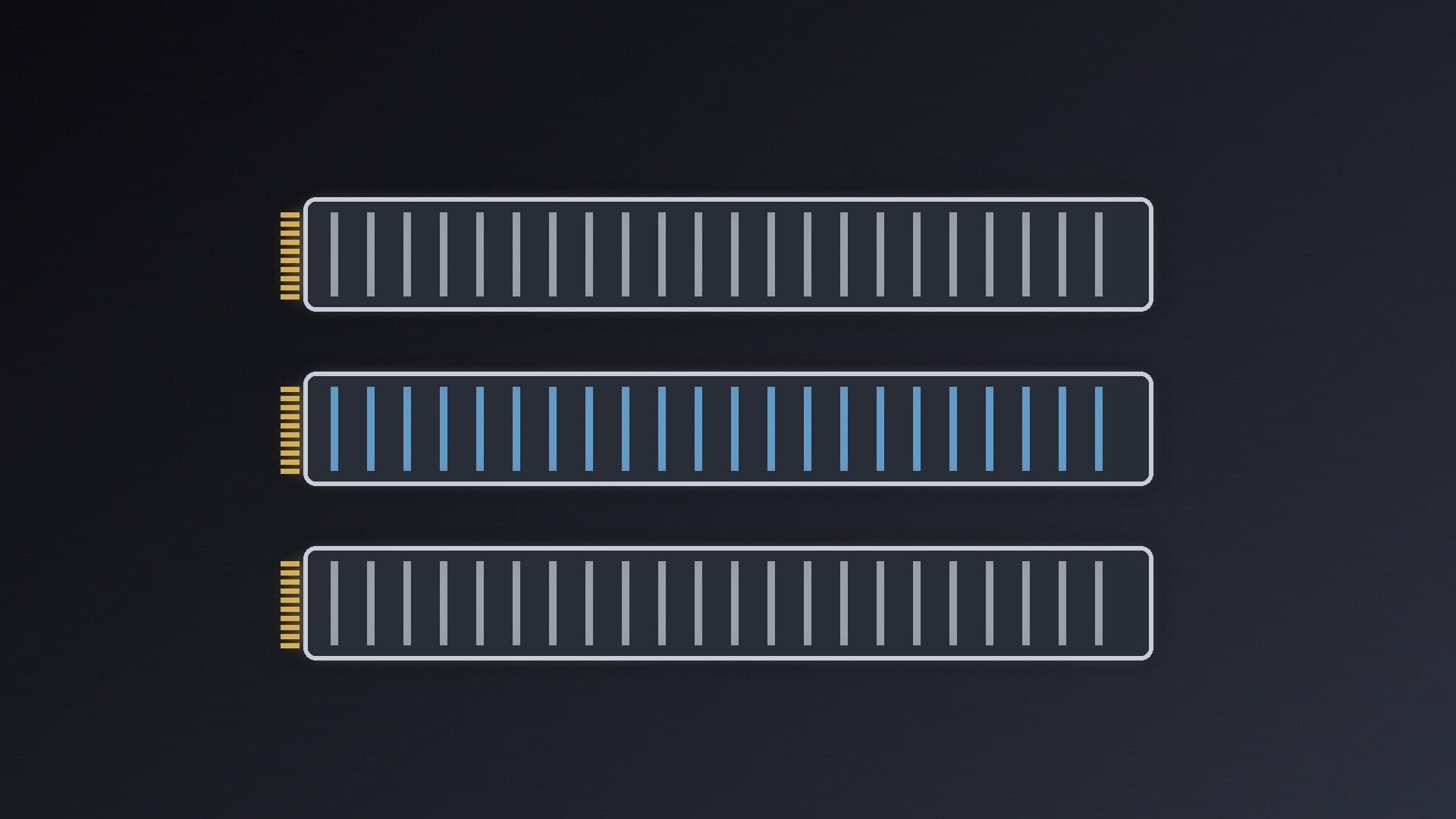
Look for three things for each M.2 slot: its source (CPU or chipset), its PCIe generation and lane count (for example PCIe 5.0 x4), and the drive lengths it accepts (2242, 2280 and so on).
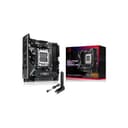
Here's how MSI describes the two slots on its MPG B850I Edge Ti WiFi:
Slot | Source | Speed | Lengths |
|---|
M.2_1 | CPU | Up to PCIe 5.0 x4 (Ryzen 9000/7000); PCIe 4.0 x4 (Ryzen 8000) | 2280 |
M.2_2 | Chipset | Up to PCIe 4.0 x4 | 2280 |
So on this board, a PCIe 5.0 SSD belongs in M.2_1. By contrast, ASUS lists both M.2 slots on the ROG Strix B850-I Gaming WiFi as PCIe 5.0 x4 with Ryzen 9000 or 7000, and both at PCIe 4.0 x4 with Ryzen 8000. Gigabyte lists its B850I Aorus Pro with one PCIe 5.0 M.2 slot on the front and one PCIe 4.0 slot on the back.
The examples above show why your processor matters. On these AM5 boards, Ryzen 8000-series chips run the CPU-connected M.2 slot at PCIe 4.0 rather than 5.0, and MSI also lists the graphics slot dropping to PCIe 4.0 x8 or x4 with some Ryzen 8000 models. Intel boards have similar footnotes. If your CPU isn't on the right line, the fastest slot may not be as fast as the headline says. See how to check CPU and motherboard compatibility.
Step 4: Look for lane sharing and restrictions
Spec sheets also list conditions such as:
Shared bandwidth: some boards share lanes between slots and ports; when they do, it's listed as a footnote in the storage or expansion section, so read them all.
Single-sided drives only: MSI notes that two of the M.2 slots on its MPG X870I Edge Ti Evo WiFi, which sit on an expansion card, support single-sided SSDs only.
Location: back-mounted slots, like the Gigabyte's rear PCIe 4.0 slot, are awkward to reach once the board is installed.
Step 5: Confirm the speed your SSD is running at
Once installed, check the drive is linked at the speed you expect. If the drive seems slower than its rating, check which slot it's in, your CPU's footnotes and your BIOS settings. To check actual performance, see how to test SSD speed with CrystalDiskMark and how to check SSD health.
Does it matter?
Whether a PCIe 5.0 drive is worth it for you is covered in PCIe 4.0 vs PCIe 5.0 SSDs. But putting your main drive in a CPU-connected slot is still good practice, and it matters if you've paid for a PCIe 5.0 drive. If you're buying, see the best PCIe 4.0 SSDs and our M.2 SSD install guide.
Our verdict
Open your motherboard's spec sheet and read the storage section: the fastest slot is the one connected to the CPU at the highest PCIe generation your processor supports. Check the footnotes for CPU limits and lane sharing, then test the drive once it's installed.