Air coolers are one of the easiest parts to get wrong in a build. A tower cooler a few millimetres taller than your case allows means the side panel won't close, and a wide heatsink can clash with tall RAM. The fix is a two-minute check of two spec sheets before you buy. This guide uses manufacturers' published specs as examples; Forge PC hasn't physically test-fitted these parts.
Step 1: Find your case's CPU cooler clearance
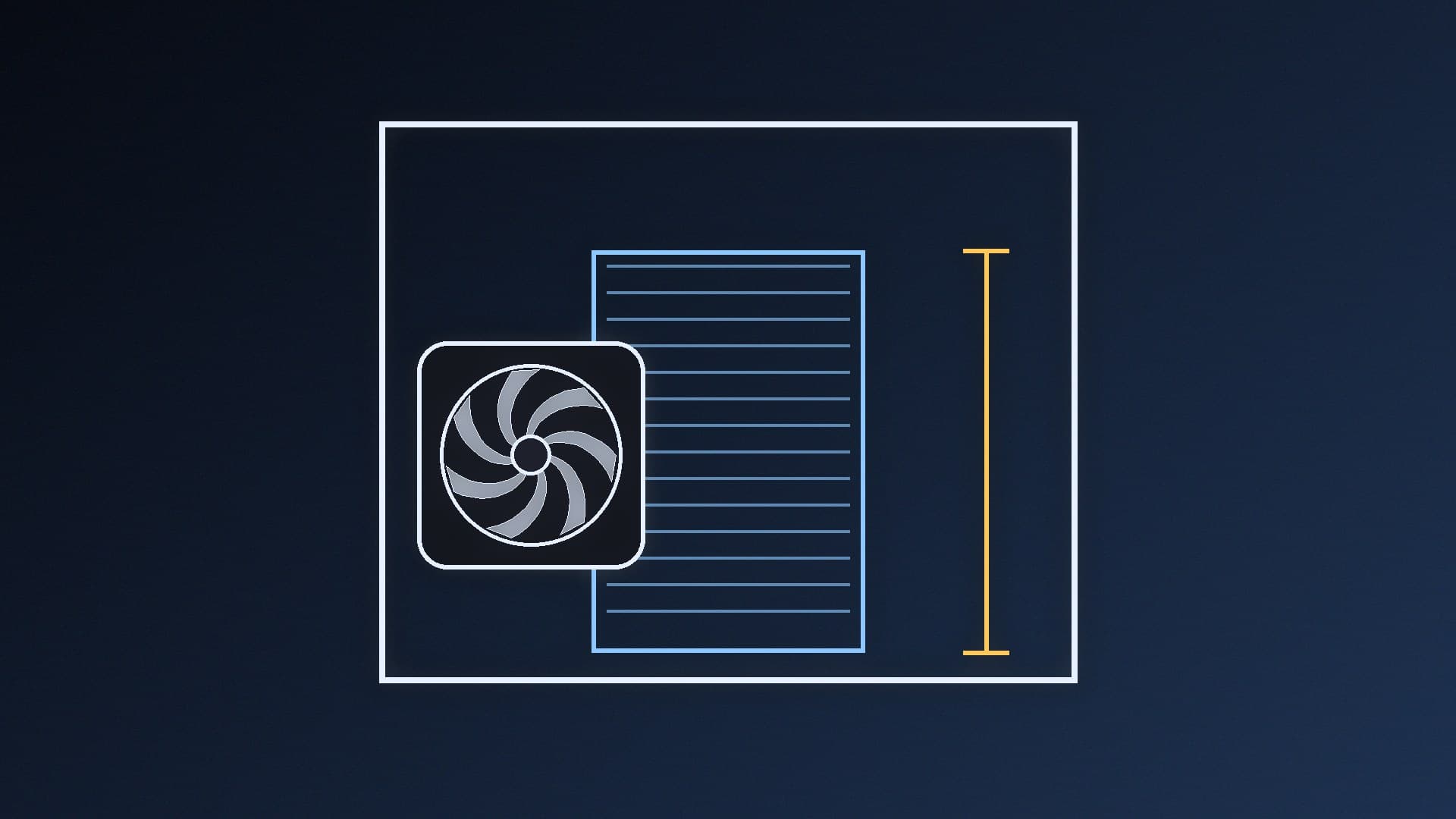
Every case maker lists a maximum CPU cooler height, usually in the specifications tab. For example, Fractal Design lists the North (the standard model) with:
Spec | Fractal Design North |
|---|
CPU cooler max height | 145mm |
GPU max length | 355mm (300mm with a 360mm front radiator) |
PSU max length | 255mm |
If you don't know your case model, check the box, the manual or the label on the back panel. Some cases come in several versions, so make sure you're reading the spec page for your exact model.
Step 2: Find the cooler's height
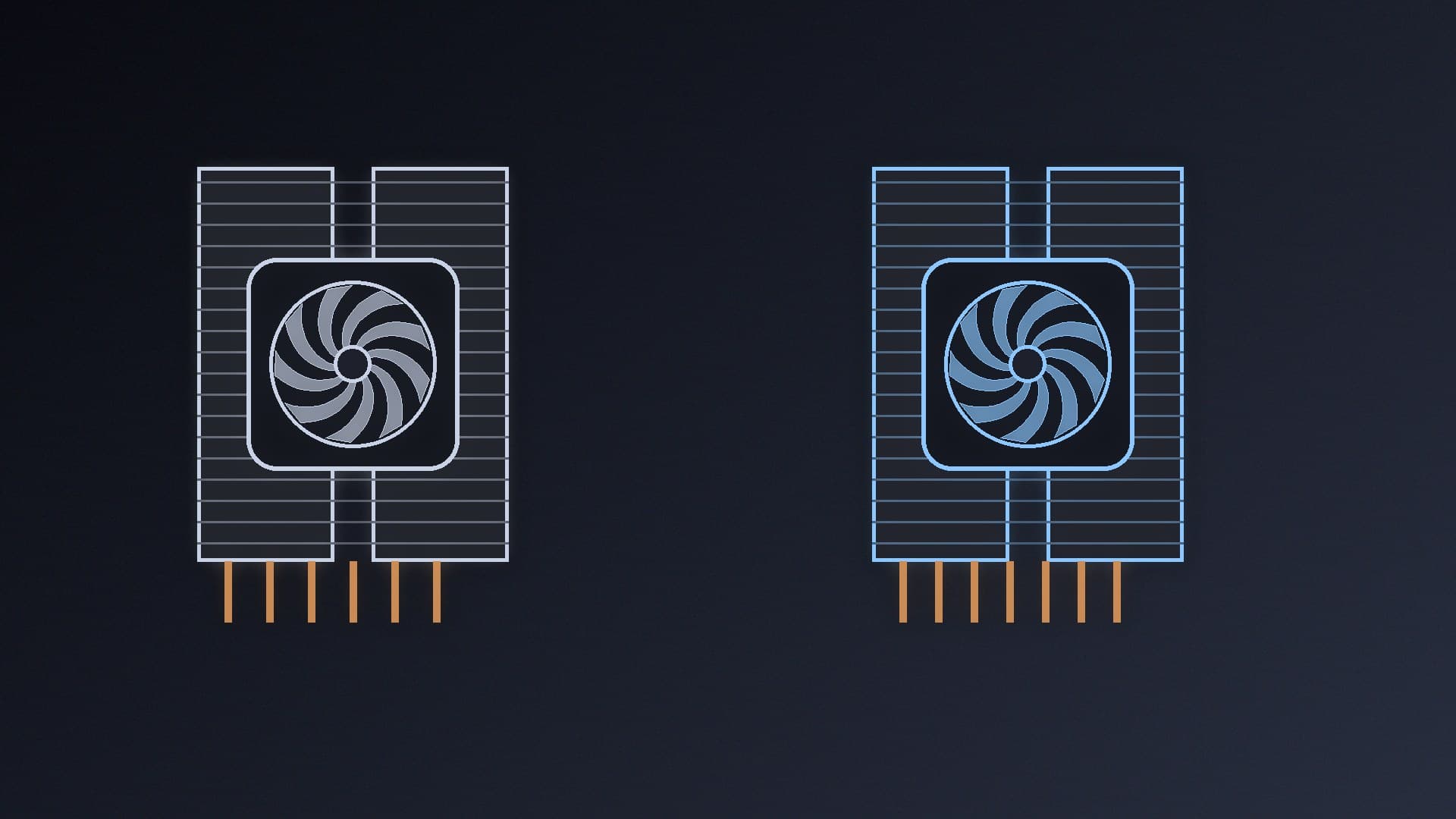
Cooler makers list height including the fans. Thermalright, for example, lists the Peerless Assassin 120 SE as L125 x W110 x H155mm, with 6mm heat pipes x 6, and supports Intel LGA 115X/1200/1700/1851 and AMD AM4/AM5.
Step 3: Compare, and leave a margin
The cooler height must be less than the case's maximum. In our example, the Peerless Assassin 120 SE at 155mm is 10mm taller than the Fractal North's 145mm limit, so it would not fit. Thermalright's own advice is to "ensure the chassis clearance exceeds the cooler installation height, and leave clearance for tall memory modules."
We'd suggest leaving a few millimetres of margin rather than buying a cooler that matches the limit exactly, because case and cooler measurements are nominal and side panel thickness varies.
Step 4: Check RAM clearance
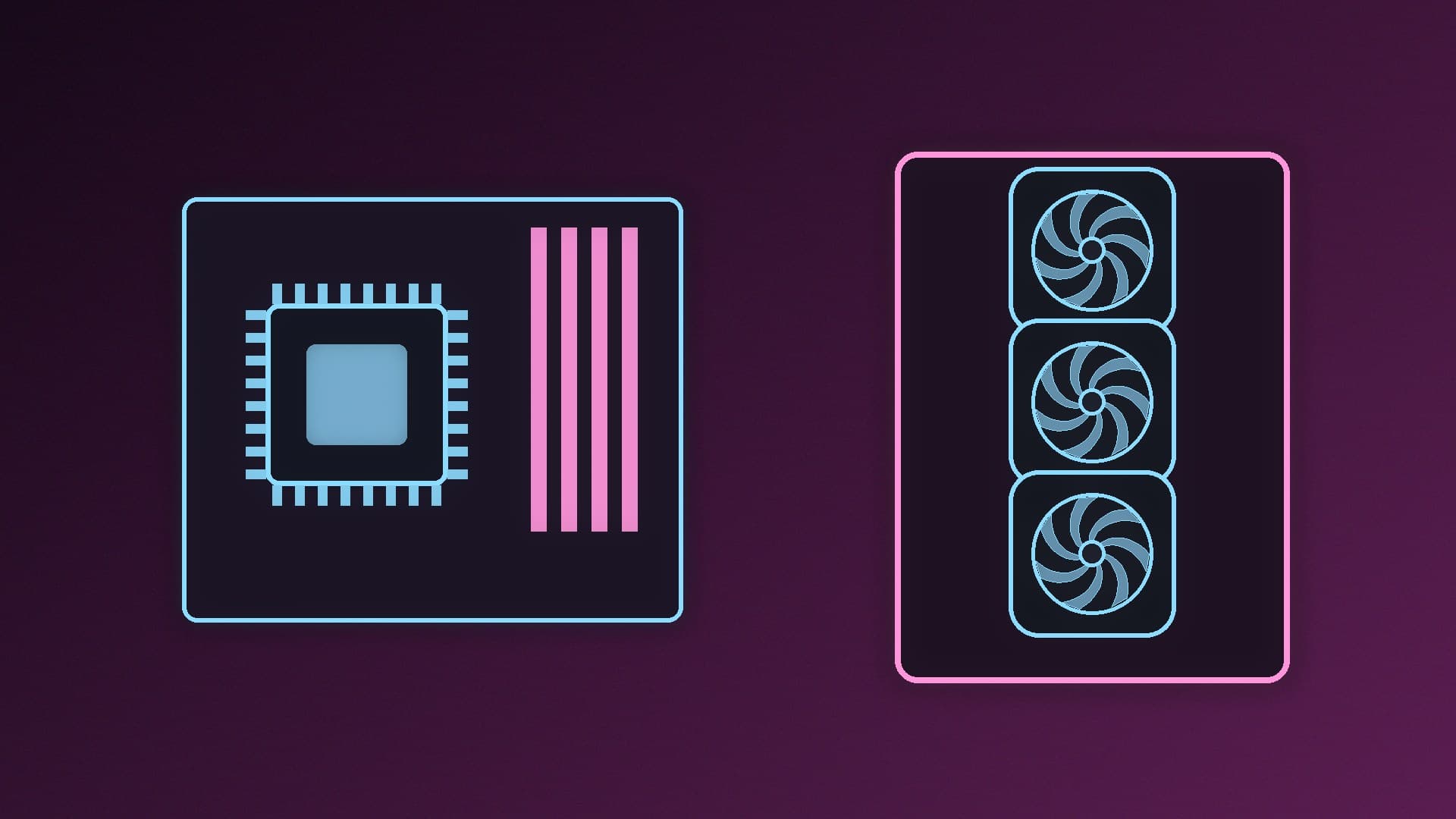
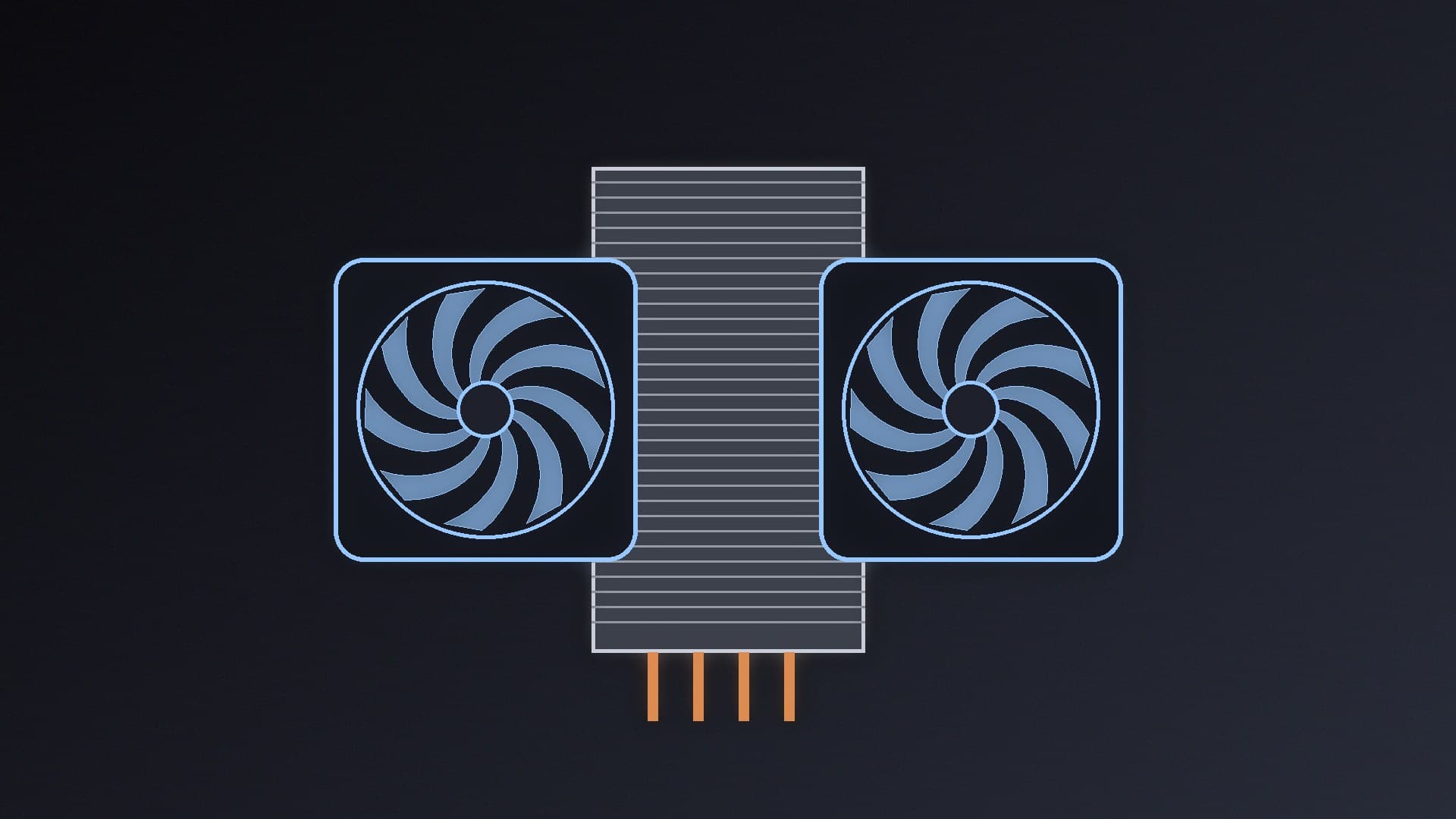
Dual-tower and offset coolers can overhang the RAM slots nearest the CPU. If you use tall RGB memory, check the cooler maker's RAM clearance figure (often listed separately, or as a note that a fan can be raised). Raising the front fan to clear RAM increases the total height, which brings you back to Step 3. For the trade-offs between cooler types, see single-tower vs dual-tower coolers.
Step 5: Check socket support and mounting
Make sure your socket is on the cooler's compatibility list. AM5 and AM4 share cooler mounting, but Intel's LGA 1851 and LGA 1700 need the right bracket. Our CPU and motherboard compatibility guide covers sockets.
If you're using an AIO
For liquid coolers the height limit doesn't apply, but radiator support does. Check:
Radiator sizes and positions the case supports (front, top, side), and whether it lists a reduced GPU length with a front radiator, as the North does (300mm with a 360mm front radiator).
Radiator thickness plus fans, especially for top mounting, where it can clash with tall RAM or motherboard heatsinks.
Our guides to mounting an AIO radiator and 240mm vs 360mm AIOs help here.
Low-profile builds
For small cases with low cooler clearances, look specifically at low-profile coolers. Our best low-profile CPU coolers guide covers options, and our best Mini-ITX cases guide covers small cases.
Our verdict
Check two numbers before you buy: your case's maximum CPU cooler height and the cooler's height. The cooler must be shorter, ideally with a few millimetres to spare, and then check RAM clearance and socket support. For example, a 155mm Peerless Assassin 120 SE won't fit a Fractal North with its 145mm limit.