Skip to content

VersusCPU

Single-Tower vs Dual-Tower CPU Cooler: Which Air Cooler Do You Need?

Dual-tower air coolers have more heatpipes, fin area and usually two fans, so they suit hot, high-core-count CPUs. Single towers are lighter, narrower and avoid RAM clashes. DeepCool rates its single-tower AK400 at 220W (661g, 97mm wide) and dual-tower AK620 at 260W (1,456g, 138mm wide, 43mm RAM clearance).

By , Editorial team

3 min read

Single-Tower vs Dual-Tower CPU Cooler: Which Air Cooler Do You Need?
Thermalright Peerless Assassin 120 SE compared with Noctua NH-U12S
Thermalright Peerless Assassin 120 SENoctua NH-U12S
Cooler TypeAirAir
Compatible SocketsIntel LGA 115X, 1200, 1700, 1851; AMD AM4, AM5AM5, AM4, LGA1851, LGA1700, LGA1954, LGA1200, LGA1156, LGA1155, LGA1151, LGA1150
Heatsink Height (mm)—158
Fan Size (mm)120mm120mm
Fan Count—1
Heatpipe Count65
Max Noise Level (dBA)25.622.4
PWM SupportYesYes

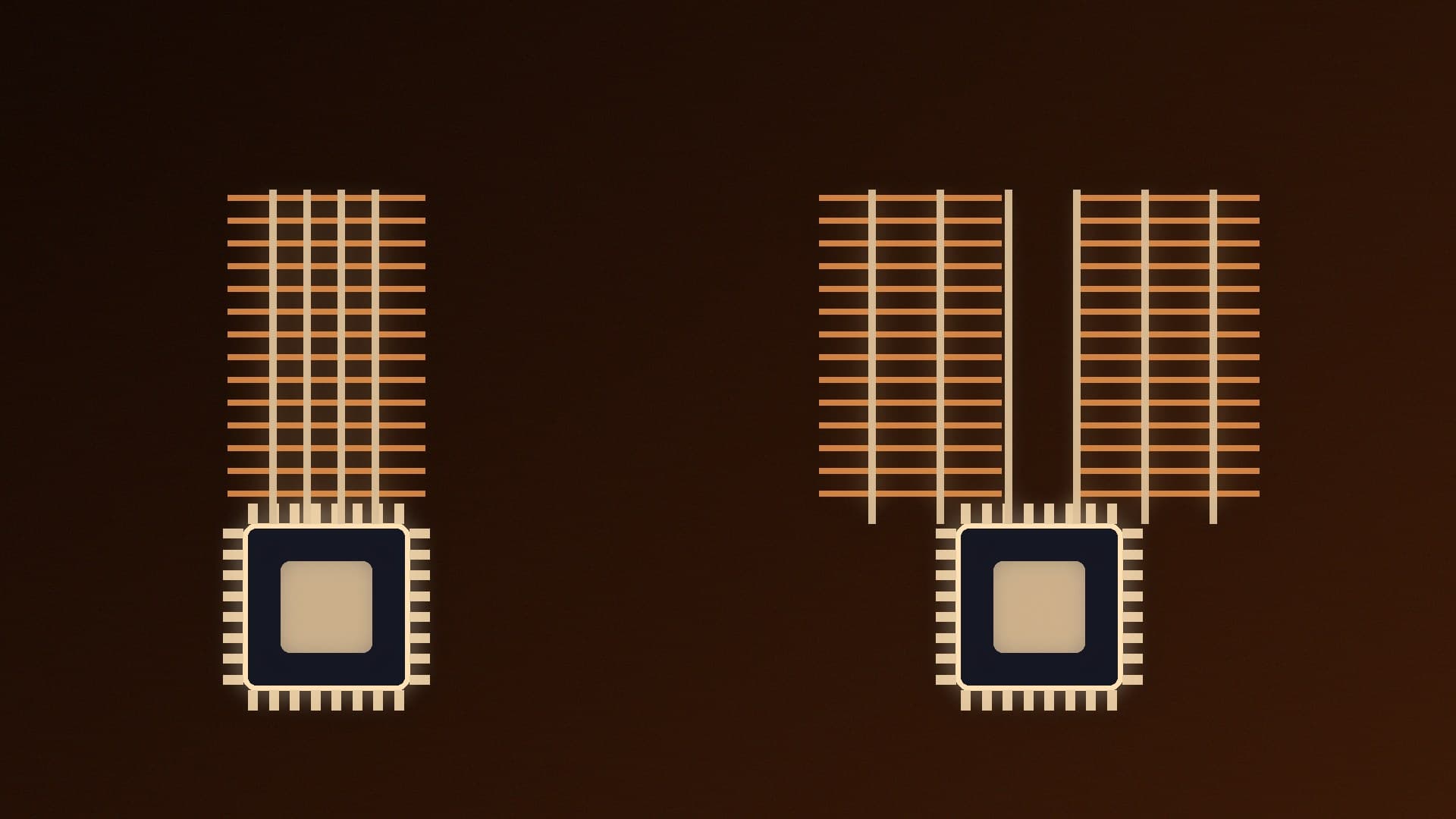
Tower air coolers come in two main shapes. A single-tower cooler has one fin stack and usually one fan. A dual-tower cooler splits the heatpipes into two fin stacks, usually with a fan in the middle and one at the front. The bigger design can handle more heat, but it costs more and is harder to fit. This comparison uses manufacturers' published specifications. Forge PC hasn't run its own thermal tests, and we don't quote temperature results.

The short version

  • Single tower is enough for most gaming CPUs and mid-range chips, and it's easier to fit around RAM and in smaller cases.

  • Dual tower makes sense for hot, high-core-count CPUs, long all-core workloads or a quieter fan speed under heavy load.

  • Check clearances first: cooler height against your case, and RAM height against the cooler's overhang.

A like-for-like example: DeepCool AK400 vs AK620

DeepCool's AK400 (single tower) and AK620 (dual tower) use similar 120mm fluid-dynamic-bearing fans and the same 6mm heatpipe size, which makes them a useful comparison. These are DeepCool's published figures:

DeepCool AK400 (single tower)

DeepCool AK620 (dual tower)

Heatpipes

4 x 6mm

6 x 6mm

Fans

1 x 120mm

2 x 120mm

Fan speed

500-1,850rpm ±10%

500-1,850rpm ±10%

Fan airflow (each)

66.47 CFM

68.99 CFM

Rated noise (fan)

≤29 dB(A)

≤28 dB(A)

Overall dimensions (L x W x H)

127 x 97 x 155mm

129 x 138 x 160mm

Weight

661g

1,456g

DeepCool's heat dissipation rating

Up to 220W

Up to 260W (maximum)

RAM height clearance

Not listed on the product page

43mm (59mm with one fan)

Socket support

LGA1851/1700/1200/1151/1150/1155, AM5/AM4

Adds LGA2066/2011

The trade-off is clear even on paper: the dual tower has 50% more heatpipes and twice the fans, and DeepCool rates it for more heat, but it weighs more than twice as much and is 41mm wider (138mm vs 97mm). Manufacturer heat ratings aren't standardised, so use them to compare coolers from the same brand rather than across brands.

Where single towers win

  • RAM clearance. Single towers are usually narrow enough to sit clear of the memory slots. With a dual tower, the front fan often overhangs the RAM, which is why DeepCool gives the AK620 a 43mm RAM height limit (59mm if you remove one fan). Tall RGB kits can be a problem.

  • Weight and transport. At 661g, the AK400 puts far less load on the motherboard than the 1,456g AK620, which matters if you move your PC around.

  • Smaller cases and access. A narrower cooler leaves more room to reach the CPU power connector and RAM.

  • Cost. One fin stack and one fan usually cost less.

Where dual towers win

  • More heat capacity. Extra heatpipes and fin area give hot, high-core-count CPUs more headroom under long all-core loads such as rendering and compiling.

  • Lower fan speeds. More fin area means the fans can often run slower for the same heat load, which can make a heavily loaded PC quieter.

  • Two fans. A push-pull layout pushes air through both stacks.

How to choose

  1. Check your CPU's power and how you use it. Gaming loads are usually lighter than long all-core workloads. Our best CPU cooler guide groups coolers by the kind of CPU they suit.

  2. Measure your case. Compare the cooler's height (155mm for the AK400, 160mm for the AK620) with your case's listed CPU cooler clearance.

  3. Check your RAM height. Compare your kit's height with the cooler's RAM clearance, and remember you may be able to raise the front fan.

  4. Consider an AIO only if you need it. Our air cooler vs AIO guide covers when liquid cooling is worth it.

Whichever you choose, good mounting matters: see how to replace CPU thermal paste and how to set fan curves to keep noise down.

Our verdict

Buy a single-tower cooler for most gaming builds and mid-range CPUs: it's lighter, easier to fit and avoids RAM clashes. Choose a dual tower if you run a hot, high-core-count CPU, do long all-core work, or want lower fan speeds under load, and make sure your case height and RAM height fit. DeepCool's AK400 and AK620 show the trade-off neatly: 220W vs 260W ratings, but 661g vs 1,456g and 97mm vs 138mm wide.
The bottom line

Buy a single-tower cooler for most gaming builds and mid-range CPUs: it's lighter, easier to fit and avoids RAM clashes. Choose a dual tower if you run a hot, high-core-count CPU, do long all-core work, or want lower fan speeds under load, and make sure your case height and RAM height fit. DeepCool's AK400 and AK620 show the trade-off neatly: 220W vs 260W ratings, but 661g vs 1,456g and 97mm vs 138mm wide.

Sources

  1. 01DeepCool, AK400
  2. 02DeepCool, AK620

About the author

Forge PC Staff

Editorial team

The shared byline for articles researched, written and edited by the Forge PC editorial team. How we source, check and correct our work is set out in our editorial policy.

More from Forge PC Staff

Read next

AMD Completes Taalas Deal: What Hardwired AI Chips Mean for PC Builders

News

AMD Completes Taalas Deal: What Hardwired AI Chips Mean for PC Builders

AMD completed its acquisition of Taalas on 17 November 2026. Taalas builds chips that hardwire a single AI model into silicon: its HC1 demonstrator runs Llama 3.1 8B, and Taalas claims 17,000 tokens per second per user. AMD plans to use the technology in its data-centre accelerator roadmap; no consumer products have been announced.

Forge PC Staff3 min

AMD Sets Its CES 2027 Keynote for 5 January: What's Confirmed and What's Just Rumour

News

AMD Sets Its CES 2027 Keynote for 5 January: What's Confirmed and What's Just Rumour

AMD's Jack Huynh has announced a CES 2027 presentation at Mandalay Bay, Las Vegas, on 5 January 2027 at 10am PT (6pm UK), promising a glimpse of 'the next era of computing'. AMD hasn't named products, specs, an agenda or dates. Zen 6 Ryzen chips are widely expected and an RDNA 5 preview is possible, but both are speculation.

Forge PC Staff3 min

Intel Razor Lake Shows Up in Linux Patches: What the New CPU IDs Do and Don't Tell Us

News

Intel Razor Lake Shows Up in Linux Patches: What the New CPU IDs Do and Don't Tell Us

Intel engineer Tony Luck has posted the first Linux kernel patch for Razor Lake, Nova Lake's successor, adding CPU IDs for Razor Lake, Razor Lake-L, -U and -S (family 18) plus Coral Rapids servers. Phoronix expects hardware in 2028. The patch reveals no specs, socket, names or date; a 12-core bLLC desktop chip is an unconfirmed leak.

Forge PC Staff3 min

How to Enable Virtualization (SVM or VT-x) in Your BIOS for WSL 2 and Docker

How-To

How to Enable Virtualization (SVM or VT-x) in Your BIOS for WSL 2 and Docker

Check Task Manager's Performance tab or systeminfo first, as virtualization is often already on. If not, restart into the UEFI from Settings > System > Recovery, enable SVM Mode (AMD) or Intel (VMX) Virtualization Technology (Intel) under CPU Configuration, save with F10, and make sure the Virtual Machine Platform feature is enabled for WSL 2.

Forge PC Staff4 min