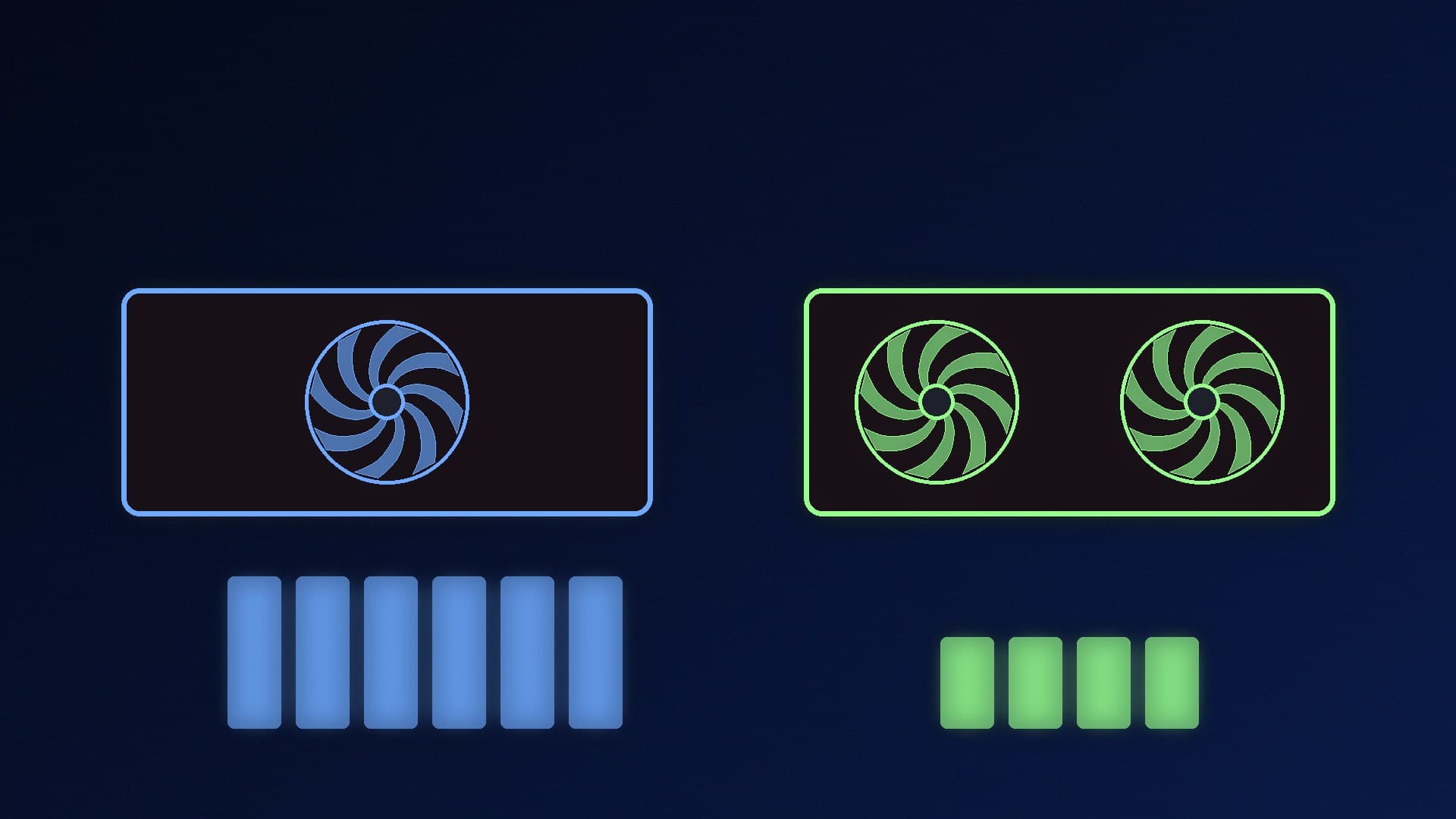
If you're building a PC to run local language models, two very different cards keep coming up. Intel's Arc Pro B60 is a workstation card with 24GB of memory. NVIDIA's GeForce RTX 5060 Ti 16GB is a mainstream gaming card with 16GB and access to NVIDIA's CUDA software. This comparison uses Intel's and NVIDIA's official specifications. Forge PC hasn't tested either card, and we don't quote token-speed results.
Specs side by side
| Intel Arc Pro B60 | NVIDIA RTX 5060 Ti 16GB |
|---|
Memory | 24GB GDDR6 | 16GB GDDR7 (8GB version also sold) |
Memory interface | 192-bit | 128-bit |
Memory bandwidth | Up to 456GB/s | Not listed on NVIDIA's family page |
GPU cores | 20 Xe2-HPG Xe-cores, 160 XMX AI engines | 4,608 CUDA cores |
AI throughput (maker's figure) | 197 TOPS (INT8) | 759 AI TOPS |
Power | 120-200W total board power | 180W total graphics power |
PCIe | Gen 5.0 x16 slot (x8 electrical) | (see card maker) |
OS support (per maker) | Windows 11 and 10, Ubuntu Linux | (not listed on the family page) |
Who sells it | Board partners only; Intel says its own version isn't for sale | Many board partners |
The two AI throughput figures aren't comparable. Intel quotes INT8 TOPS, while NVIDIA's "AI TOPS" for RTX 50 cards is a separate marketing measure, so don't read the numbers as a speed ranking.
Why the 24GB matters
For local LLMs, memory capacity usually matters more than raw compute. The whole model, plus its context cache, needs to fit in VRAM to run at full speed. When it doesn't fit, part of the work spills into much slower system RAM. Our VRAM guide and context length explainer cover this in detail.
With 24GB, the B60 can hold models and quantisations that won't fit in 16GB, or the same model with a longer context window. Intel also pitches it at multi-GPU setups: its data sheet highlights "scalable multi-GPU support" and Linux multi-GPU LLM support.
Why the RTX 5060 Ti 16GB is still the easier choice
Software support. NVIDIA's CUDA is the most widely supported platform among local AI apps, as our NVIDIA vs AMD for local AI comparison explains. Intel cards can run local AI too, but usually through different back-ends. Read how to run local AI on an Intel Arc GPU before you buy so you know which apps you'll use.
It's a gaming card. NVIDIA markets the 5060 Ti family for gaming with DLSS. The Arc Pro B60 is a workstation card, and Intel's data sheet positions it for AI inference workstations and professional software.
Easy to find. The RTX 5060 Ti is sold by many partners and retailers. The B60 comes only from partner cards, and connectors, cooler design and warranty all vary by partner.
Which should you buy?
Choose the Arc Pro B60 if your priority is fitting bigger models or longer contexts on one card, you're comfortable with Intel's AI software stack (especially on Linux), or you plan a multi-GPU inference box.
Choose the RTX 5060 Ti 16GB if you want the widest app support with the least setup, you also game on the same PC, or you mostly run models that fit in 16GB. Our comparison of the RTX 5060 Ti 16GB vs RTX 5070 for local AI and our best GPU for local LLMs guide cover other NVIDIA options.
Our verdict
The Arc Pro B60's 24GB of GDDR6 (up to 456GB/s on a 192-bit bus) gives it more room for local models than the RTX 5060 Ti 16GB's 16GB of GDDR7 on a 128-bit bus, and Intel builds it for multi-GPU inference. The RTX 5060 Ti 16GB is the simpler buy for most people, because CUDA support is broader and it doubles as a gaming card. Buy the B60 for capacity if you're happy with Intel's software; buy the 5060 Ti for compatibility.