Skip to content

How-ToGPU

GPU Fans Not Spinning? How to Tell If It's Normal and What to Do If It Isn't

GPU fans that don't spin at idle are usually normal: MSI says its Zero Frozr cards keep fans still below 60°C, and ASUS says its new Dual cards stop their fans below 50°C. Check the GPU temperature and fan speed, then run a game. If the card gets hot and the fans stay at 0rpm, check power, fan settings and drivers.

By , Editorial team

3 min read

GPU Fans Not Spinning? How to Tell If It's Normal and What to Do If It Isn't

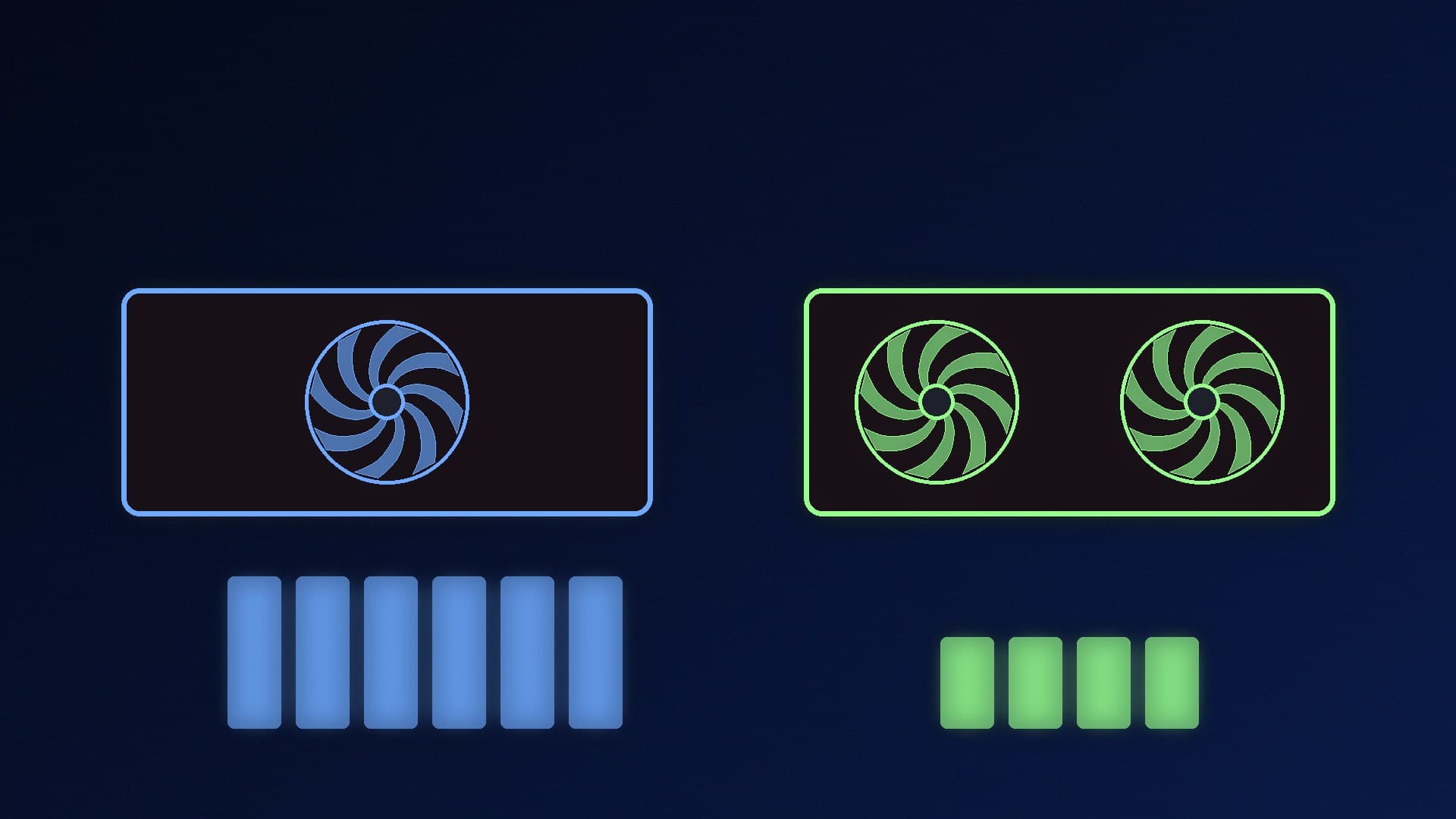
You've built or upgraded your PC, opened the side panel and noticed the graphics card fans aren't moving. Before you start a return, check whether the card is simply in its fan-stop mode. Most current cards switch their fans off at low temperatures to cut noise. This guide explains how to tell the difference between normal behaviour and a real fault. It's based on graphics card makers' documentation. Forge PC hasn't tested every model, and fan-stop thresholds vary between cards.

Why GPU fans stop on purpose

Card makers give this feature different names, but the idea is the same:

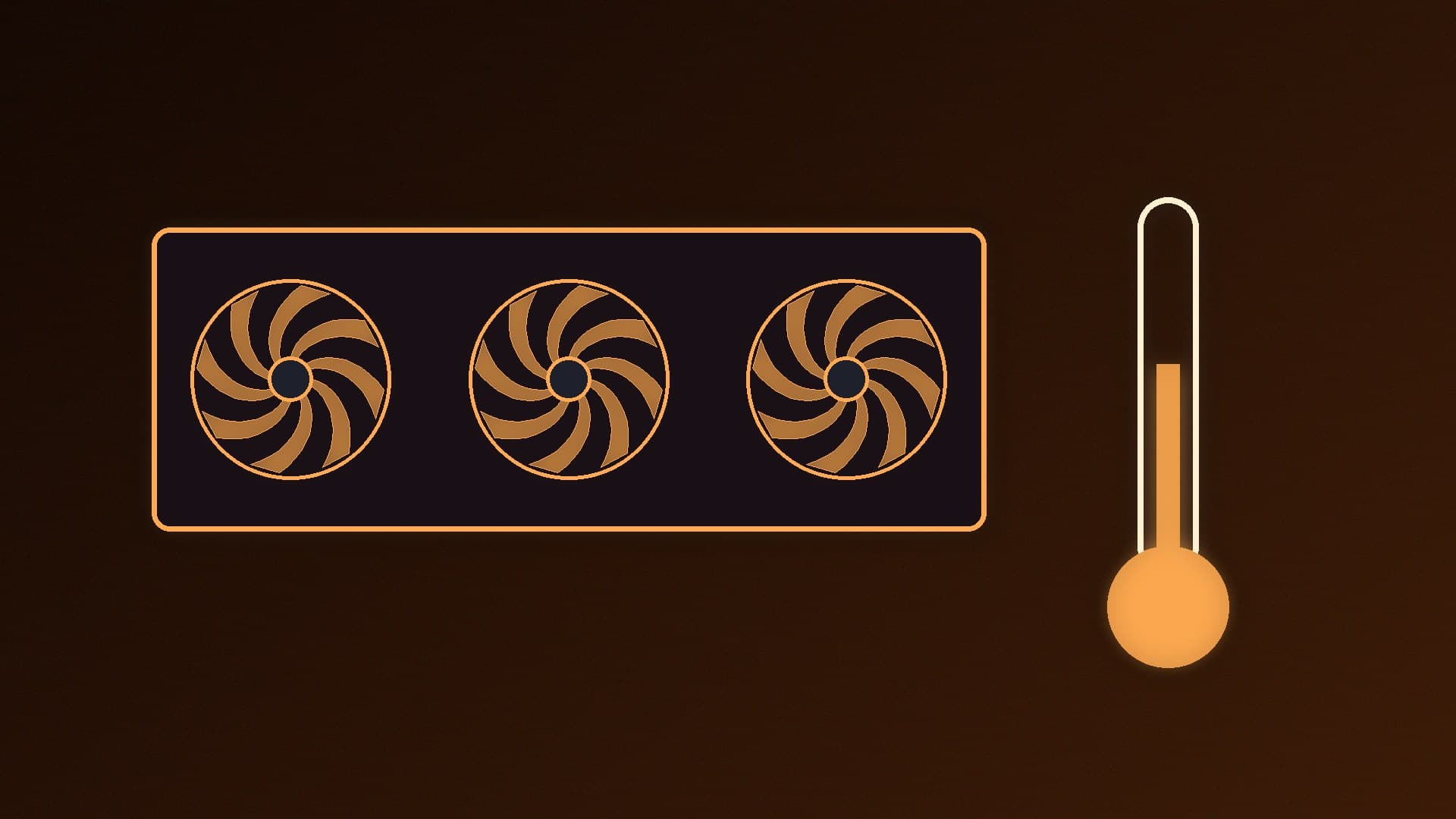
  • MSI (Zero Frozr): MSI's support FAQ says that when the GPU temperature is below 60°C, the fans don't spin, to reduce noise. MSI answers the question "the fan does not automatically start upon booting" by pointing to this feature, so it isn't treated as a fault.

  • ASUS (0dB technology): in its November 2026 announcement of two Dual-series RTX 5070 and RTX 5060 cards, ASUS Japan says both fans stop completely when the GPU is below 50°C, keeping the card silent during web browsing and light work.

Other brands may use similar systems with different temperature thresholds, so check your card's product page or manual to see whether it has fan stop.

Step 1: Check the temperature, not just the fans

Open a monitoring tool such as HWiNFO or MSI Afterburner (see our guide to monitoring temps and FPS) and look at:

  • GPU temperature

  • GPU fan speed (rpm or %)

If the GPU is cool and the fan reading is 0rpm on the desktop, that's fan stop doing its job.

Step 2: Put the card under load

Run a game or a GPU benchmark for a few minutes while watching the same readings. As the temperature climbs past the card's threshold, the fan speed should rise above zero and the fans should start turning.

  • Fans start as the card warms up: everything is normal.

  • Temperature keeps rising but the fans stay at 0rpm: stop the test and work through the checks below.

Step 3: Basic checks if the fans never start

  1. Power connectors. Make sure every PCIe or 12V-2x6 power cable is fully seated at both ends. If your card uses a 12V-2x6 connector, see how to connect a 12V-2x6 cable safely.

  2. Remove any manual fan setting. A custom fan curve or a fixed fan speed set in Afterburner or the card maker's app may override the card's default fan behaviour. Reset it to default, or set a sensible curve as shown in how to set fan curves.

  3. Reinstall the graphics driver. A clean install rules out a software problem; see how to clean-install graphics drivers with DDU.

  4. Look for obstructions. A stray cable or dust build-up can physically stop a fan. Power down and unplug the PC before checking, and see how to clean dust out of a PC.

  5. Check the card is detected. If Windows doesn't see the card at all, the fans are the least of your worries. Our graphics card not detected guide covers that.

When to contact the manufacturer

If the GPU gets hot under load (well past the fan-stop threshold your maker lists), the fans still don't spin, and you've ruled out power, software settings and obstructions, the fan or its controller may be faulty. Stop using the card for gaming and contact the retailer or manufacturer. Don't open the card or replace fans yourself while it's under warranty unless the maker says that's allowed.

If the fans spin but the PC still runs hot, the problem is more likely to be case airflow. Our PC overheating guide covers that.

Our verdict

GPU fans that don't spin at idle are usually normal: MSI says its Zero Frozr cards keep their fans still below 60°C, and ASUS says the fans on its new Dual cards stop below 50°C. Check the GPU temperature and fan speed in a monitoring tool, then run a game. If the fans start as the card warms up, there's nothing to fix. If the card gets hot and the fans stay at 0rpm, check power cables, reset any custom fan curve, reinstall the driver and then contact the manufacturer.
The bottom line

GPU fans that don't spin at idle are usually normal: MSI says its Zero Frozr cards keep their fans still below 60°C, and ASUS says the fans on its new Dual cards stop below 50°C. Check the GPU temperature and fan speed in a monitoring tool, then run a game. If the fans start as the card warms up, there's nothing to fix. If the card gets hot and the fans stay at 0rpm, check power cables, reset any custom fan curve, reinstall the driver and then contact the manufacturer.
Sources

  1. 01MSI Support, FAQ: The fan on my graphics card does not automatically start itself upon booting
  2. 02ASUS Japan via PR TIMES, ASUS Dual RTX 5070 / RTX 5060 Amazon-exclusive graphics cards announcement (19 November 2026)

About the author

Forge PC Staff

Editorial team

The shared byline for articles researched, written and edited by the Forge PC editorial team. How we source, check and correct our work is set out in our editorial policy.

More from Forge PC Staff

Read next

Single-PC vs Dual-PC Streaming: Do You Still Need a Second PC to Stream?

Versus

Single-PC vs Dual-PC Streaming: Do You Still Need a Second PC to Stream?

A single PC is enough for most streamers: NVIDIA says the dedicated NVENC encoder on GeForce RTX cards lets you stream without impacting GPU or CPU performance. A dual-PC setup with a capture card and HDMI passthrough keeps the stream separate from the gaming PC and suits heavy productions, but costs more and is more complicated.

Forge PC Staff3 min

Intel Arc Pro B60 vs RTX 5060 Ti 16GB for Local AI: 24GB vs CUDA

Versus

Intel Arc Pro B60 vs RTX 5060 Ti 16GB for Local AI: 24GB vs CUDA

Intel's Arc Pro B60 has 24GB of GDDR6 on a 192-bit bus with up to 456GB/s, aimed at AI inference workstations and multi-GPU setups. NVIDIA's RTX 5060 Ti 16GB has 16GB of GDDR7 on a 128-bit bus, 180W total graphics power and broad CUDA support. The B60 wins on capacity; the 5060 Ti on compatibility and gaming.

Forge PC Staff3 min

How to Use Speculative Decoding in LM Studio to Speed Up Local LLMs

How-To

How to Use Speculative Decoding in LM Studio to Speed Up Local LLMs

Speculative decoding in LM Studio pairs your main model with a much smaller draft model from the same family to speed up generation without changing output quality. Turn on Developer Mode, load the main model and pick a draft model in the chat sidebar. LM Studio says speed-ups vary by prompt and can vanish if the draft model is too big.

Forge PC Staff3 min

AMD Completes Taalas Deal: What Hardwired AI Chips Mean for PC Builders

News

AMD Completes Taalas Deal: What Hardwired AI Chips Mean for PC Builders

AMD completed its acquisition of Taalas on 17 November 2026. Taalas builds chips that hardwire a single AI model into silicon: its HC1 demonstrator runs Llama 3.1 8B, and Taalas claims 17,000 tokens per second per user. AMD plans to use the technology in its data-centre accelerator roadmap; no consumer products have been announced.

Forge PC Staff3 min